I can’t go into details, but those of you who know your algorithms know how big a deal this is. Better still, the client’s happy.

I can’t go into details, but those of you who know your algorithms know how big a deal this is. Better still, the client’s happy.
One of Nate B. Jones’ recent videos has the title Why the Smartest AI Bet Right Now Has Nothing to Do With AI (It’s Not What You Think). While the title is technically correct, I think it should be changed to In the Age of AI, You Have to Beat the Bottlenecks.
Many Global Nerdy readers aren’t native English speakers, so here’s a definition of “bottleneck”:
A bottleneck is a specific point where a process slows down or stops because there is too much work and not enough capacity to handle it. It is the one thing that limits the speed of everything else.
Imagine a literal bottle of water.
The body of the bottle is wide and holds a lot of water.
The neck (the top part) is very narrow.
When you try to pour the water out quickly, it cannot all come out at once. It has to wait to pass through the narrow neck.
In business or technology, the “bottleneck” is that narrow neck. No matter how fast you work elsewhere, everything must wait for this one slow part.
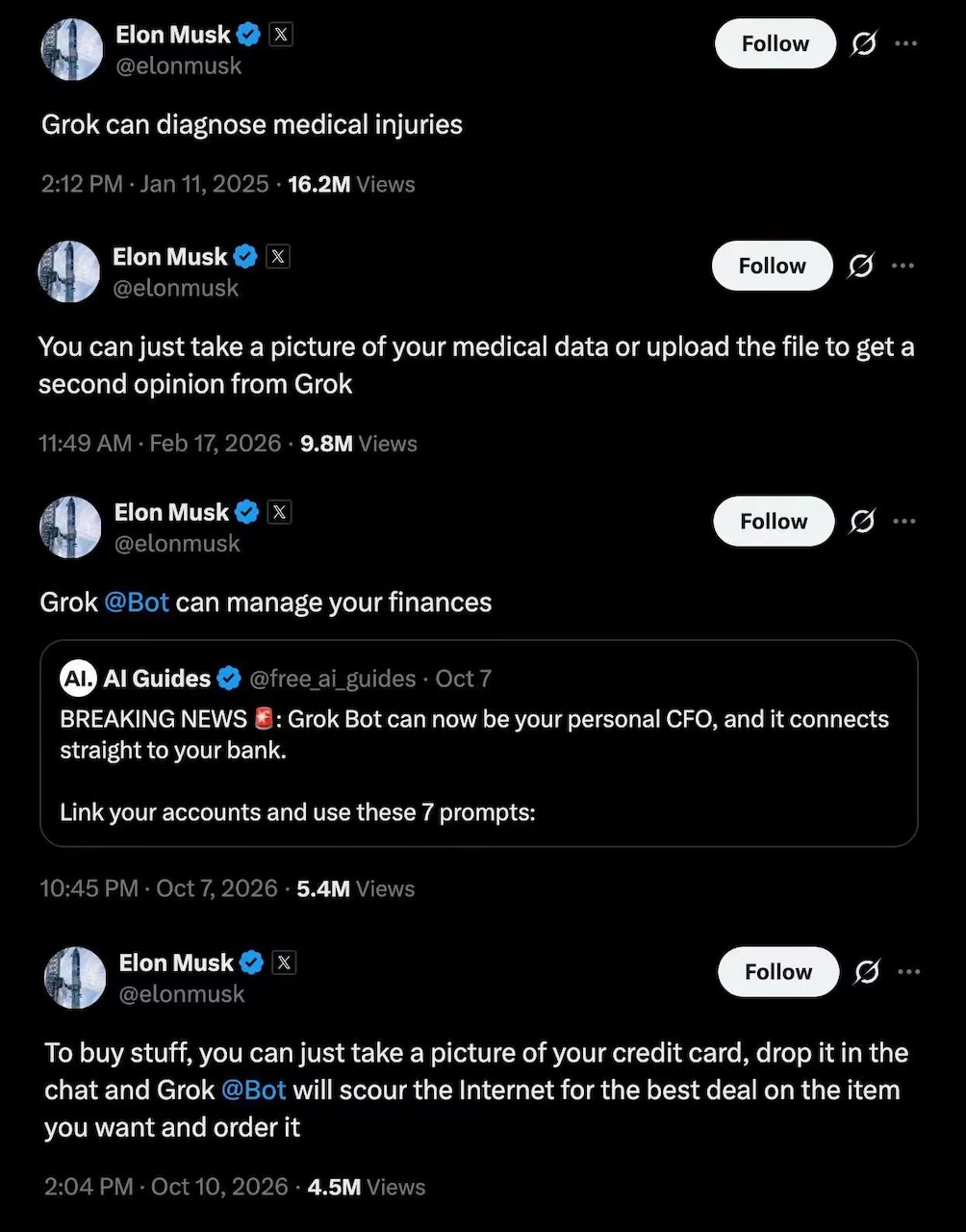
My personal rule is that when Elon Musk says something, and especially when it’s about AI, turn it at least 90 degrees. At the most recent World Economic Forum gathering in Davos, he talked a great “abundance” game, with sci-fi claims that AI would create unlimited economic expansion and plenitude for all:
Nate Jones watched the talk with Musk, but came to the conclusion that Musk’s take is the wrong frame for the immediate future. The current AI era will be one of bottlenecks, not abundance. I agree, as I’ve come to that conclusion about any grandiose statement that Musk makes; after all, he is Mr. “we’ll have colonies on Mars real soon now.”
Here are my notes from Jones’ video…
Instead of abundance, Nate suggests that what we are entering is a “bottleneck economy.” While AI capability is growing, the actual value it produces won’t automatically flow everywhere and benefit everyone. Instead, it will concentrate around specific areas based on AI’s constraints and limitations [00:00].
Research from Cognizant claims AI could unlock $4.5 trillion in U.S. labor productivity (and yes, you need to take that figure with a huge grain of salt), and it comes with a massive caveat: businesses must implement AI effectively. Currently, there’s a wide gap between AI models and the hard work of integrating them into business workflows. This “value gap” means that the trillion-dollar impact won’t materialize until organizations figure out how to bridge the distance between models can do in general and what they can specifically do for a company’s operations [01:01].
Physical infrastructure is the first bottleneck. AI capability is increasingly constrained by things it needs from the physical world, specifically land, power, and skilled trade workers. Building the data centers required to train and run models takes years, and not just for the building process, but also permitting and connections to the power grid. This creates a wedge between the speed of software development and building infrastructure [03:56].
Beyond just buildings and power, the hardware supply chain is the second bottleneck. Access to compute, high-bandwidth memory, and advanced chip manufacturing (controlled largely by TSMC) determines who gets a seat at the table. Companies that understand this are securing resources years in advance and treating regions with stable power and friendly permitting as strategic assets. This creates a market where value is captured by those navigating physical constraints in addition to building better algorithms [06:02].
The third bottleneck is one you might not have thought of: the cost of trust. As the cost of generating content collapses to near zero, the cost of trust is skyrocketing. Jone highlights what he calls a “trust deficit,” calling it a major coordination bottleneck. When any content can be fabricated, the ability to verify and authenticate information becomes expensive and crucial. Value will shift to institutions, platforms, or individuals who can mediate trust and provide a reliable signal in world rapidly filling with synthetic media slop [07:36].
For organizations, there’s the bottleneck of applying general AI to specific contexts. A general AI model won’t know a company’s private code base, board politics, or competitive dynamics. The bridge between “AI can do this” and “AI does this usefully here” requires tacit knowledge; that is, the practices and relationships that aren’t written down but live in the heads of the company’s employees. Companies that solve this integration problem will unlock productivity, while those that don’t will spend lots of money on tools they never use [09:55].
The fifth bottleneck is another one you might not have though of: the increasing value of taste. For individuals, and especially for those in tech, the bottlenecks are shifting from acquiring skill to getting good at making judgment calls. AI is commoditizing hard skills like programming (it’s cutting down the time to proficiency from years to months), the really valuable skills are going to be taste and curation. The ability to distinguish between AI output that’s “good enough” versus AI output that’s extraordinary will become the differentiator. Developing taste takes experience, time, and observation. This is going to create a dangerous race for early-career professionals, whose entry-level work is being devalued [14:52].
The combination of problem-finding and execution are the sixth bottleneck. When problem-solving becomes automated, finding the problem and executing on the solution become the new moats. The market will reward those who can frame the right questions and navigate the ambiguity of implementing appropriate solutions. Jones emphasizes that while AI can generate a strategy or a plan, it can’t execute the “grinding work” of follow-through, holding people accountable, and navigating organizational politics. Success depends on identifying these new personal bottlenecks rather than optimizing for old skills that AI is turning into commodities [16:50].
When I was asked about what AI tools I was trying out in my recent interview on the Enlightened Fractionals podcast, one of the tools I named was Clawdbot. But I was already out-of-date enough to have used the incorrect name, because it had been changed to Moltbot. Or maybe it had been re-renamed to its current name (at least at the time of writing), OpenClaw.
OpenClaw is an open-source AI assistant that went from launch to viral sensation to full-on crisis management mode in just five days. It originally went by the name I used, Clawdbot, but then rebranded twice:
Throughout the chaos, the project now know as OpenClaw has attracted over 144,000 GitHub stars, along with crypto scammers, handle-sniping bots, and a lot of cybersecurity practitioners’ attention.
OpenClaw offers three standout capabilities:
At this point, I feel the need to remind you that Clawdbot/Moltbot/OpenClaw is an open source project moving at AI speed that’s been in use by early adopters for only a week. And it that time, the project has faced the threat of cancellation via trademark lawyers, and some of its user base have fallen prey to crypto scammers while others have failed to grasp its security implications and have exposed their private information to the ’net at large.
If you need something that “just works” and has something like a one-click install, I suggest waiting. The things OpenClaw does are too cool and convenient to be ignored. If the OpenClaw people don’t make a safer, simpler version, someone else most definitely will (and get rich in the process).
Just Google “security” and “openclaw” (or “clawdbot” or “openmolt”) and you’ll see articles written by all manner of security experts who’ve flagged significant risks with OpenClaw’s architecture. It runs on your local computer and can interact with emails, files, and credentials on that computer. If you configure it the wrong way, you can unintentionally expose private data such as API keys.
Researchers have already discovered numerous publicly accessible OpenClaw instances that have little or no authentication. OpenClaw also creates what one security analyst called a “hybrid identity” problem, where it operates as you, using your credentials after you’ve logged off. This kind of “digital twinning” was largely in the realm of science fiction until last week, and ,ost security systems aren’t designed to handle it.
Despite the initial hiccups (and there will be more), OpenClaw continues to grow. It’s got an active Discord community, it keep collecting GitHub stars, and the team appears to have learned some lessons about viral success and security practices. Expect to see more posts and stories about it over the next few weeks.
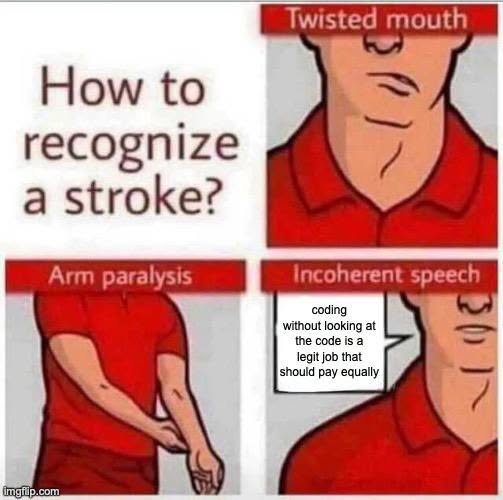
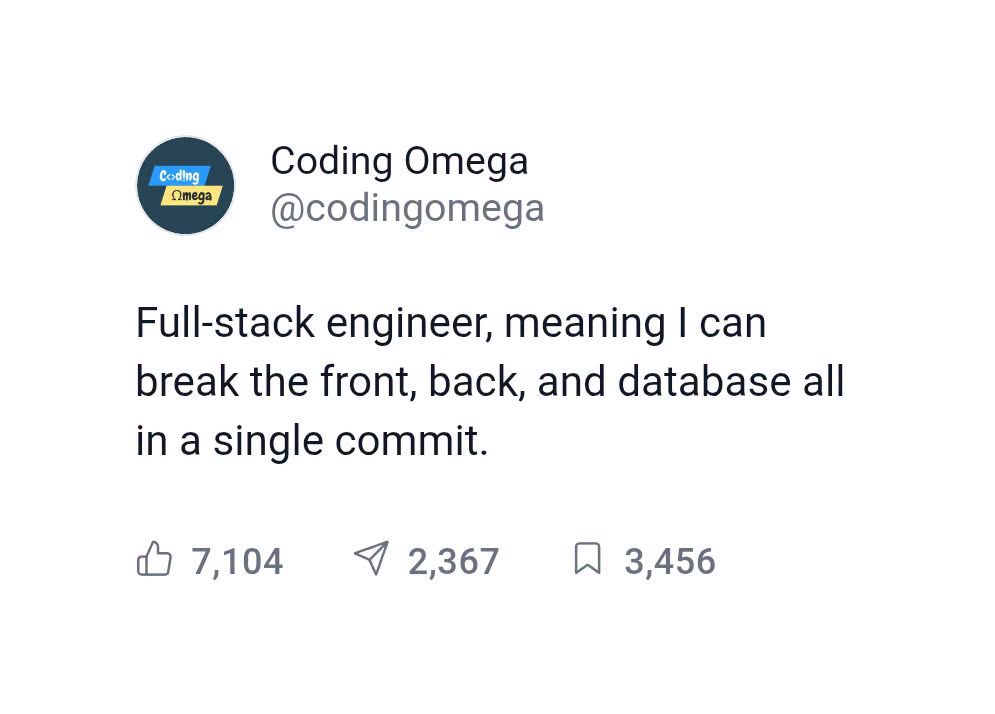
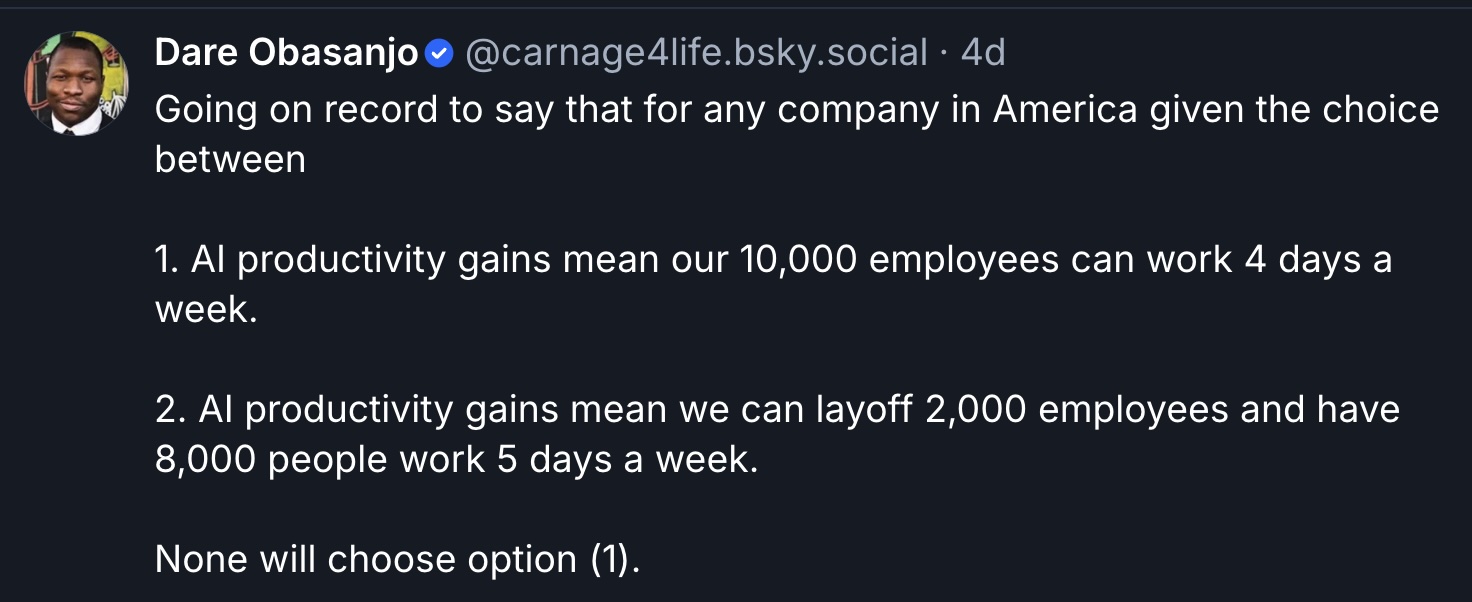
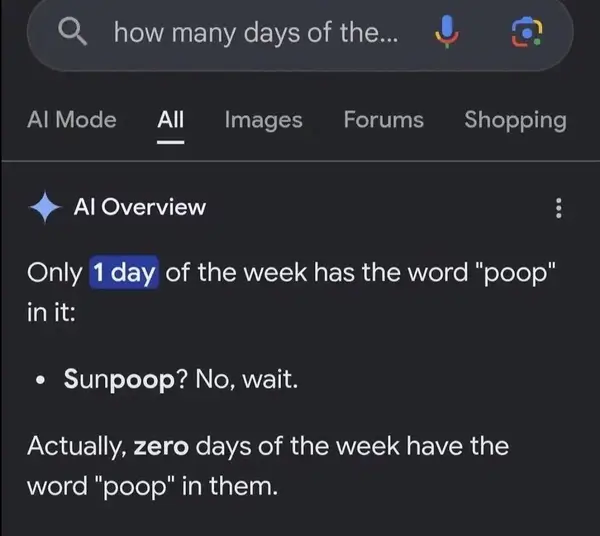
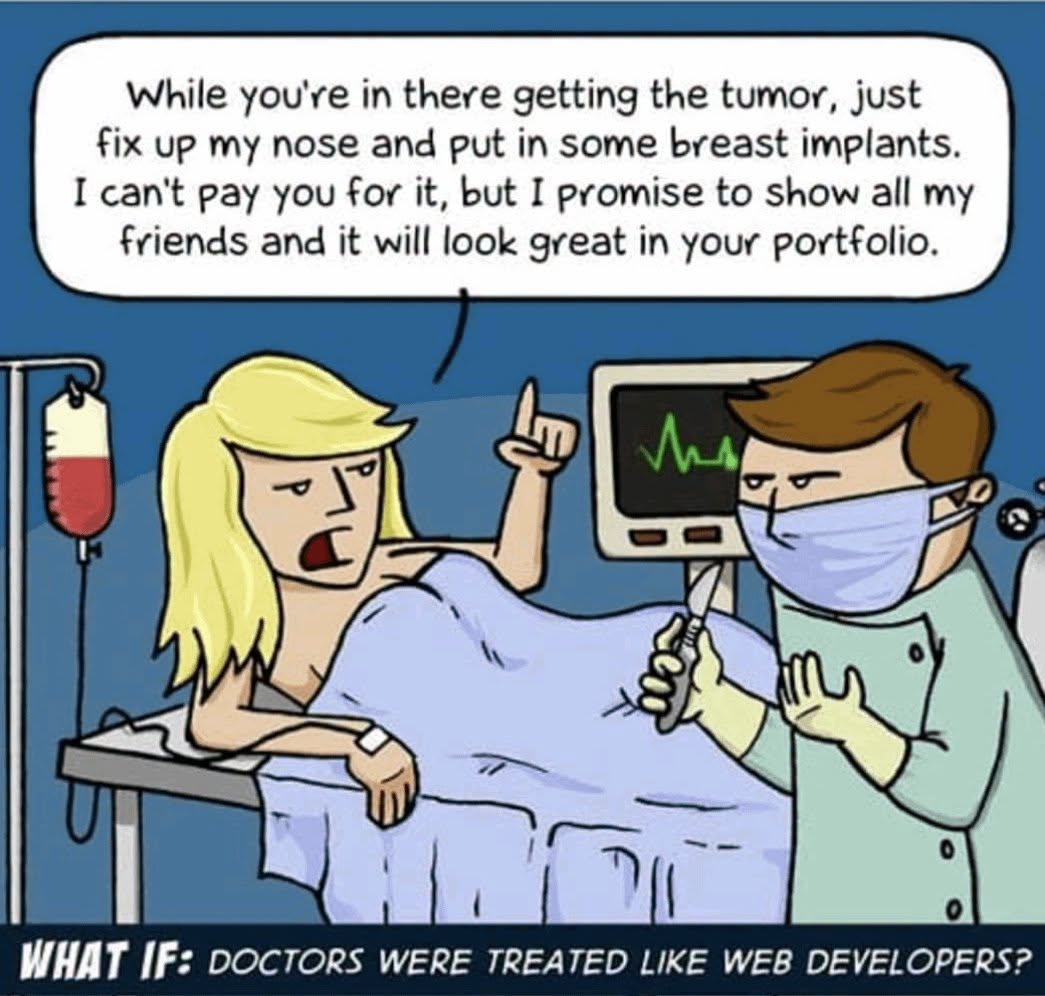
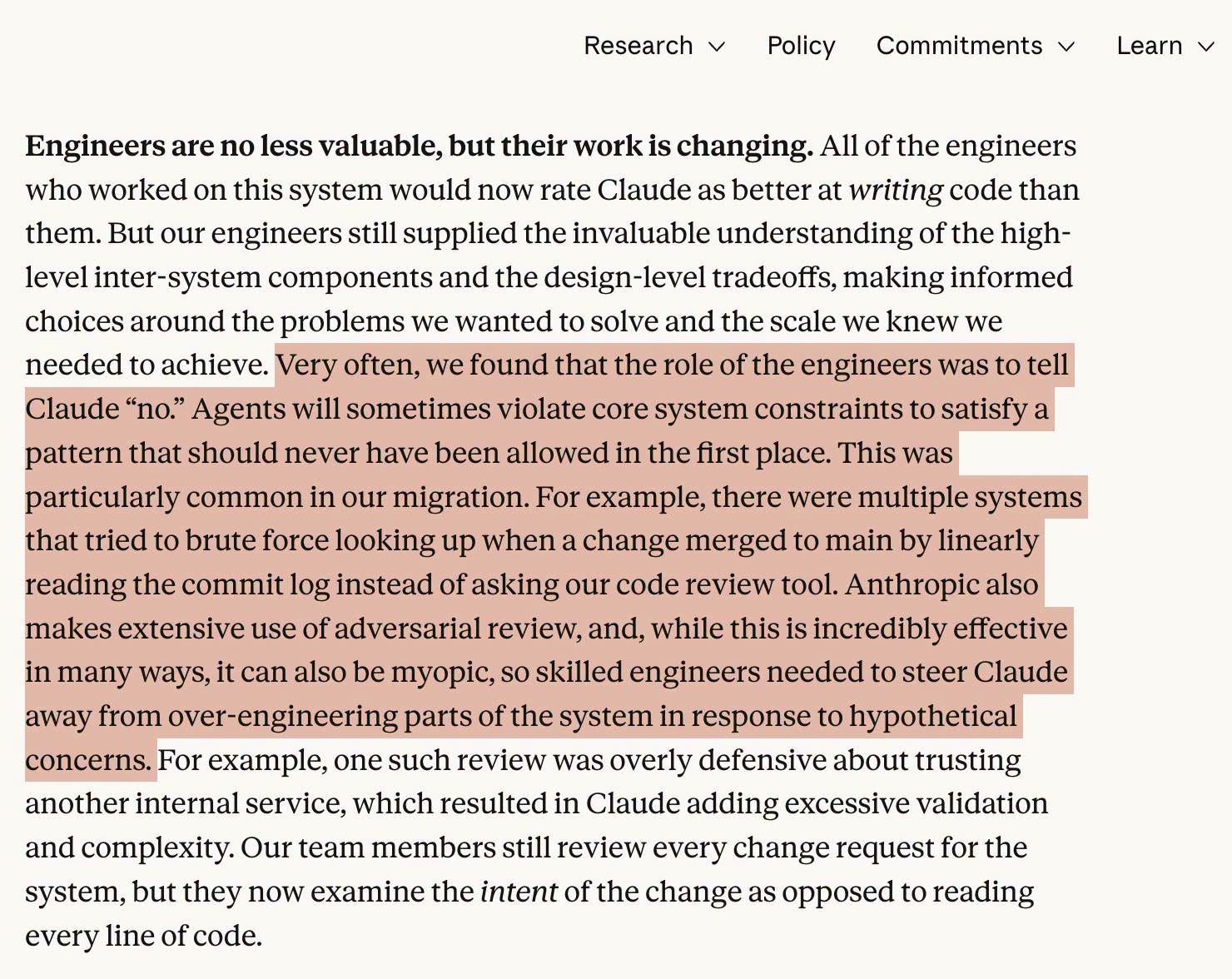
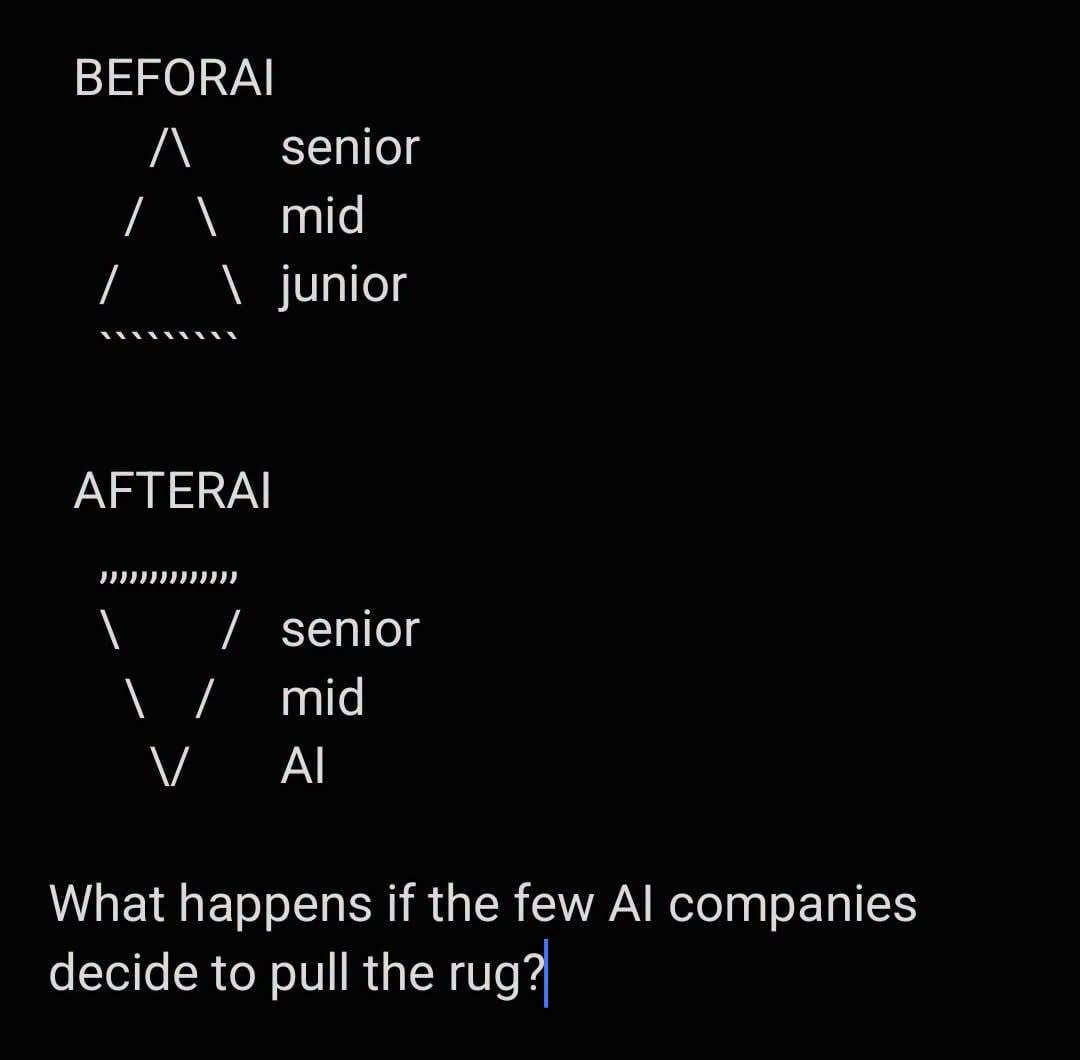
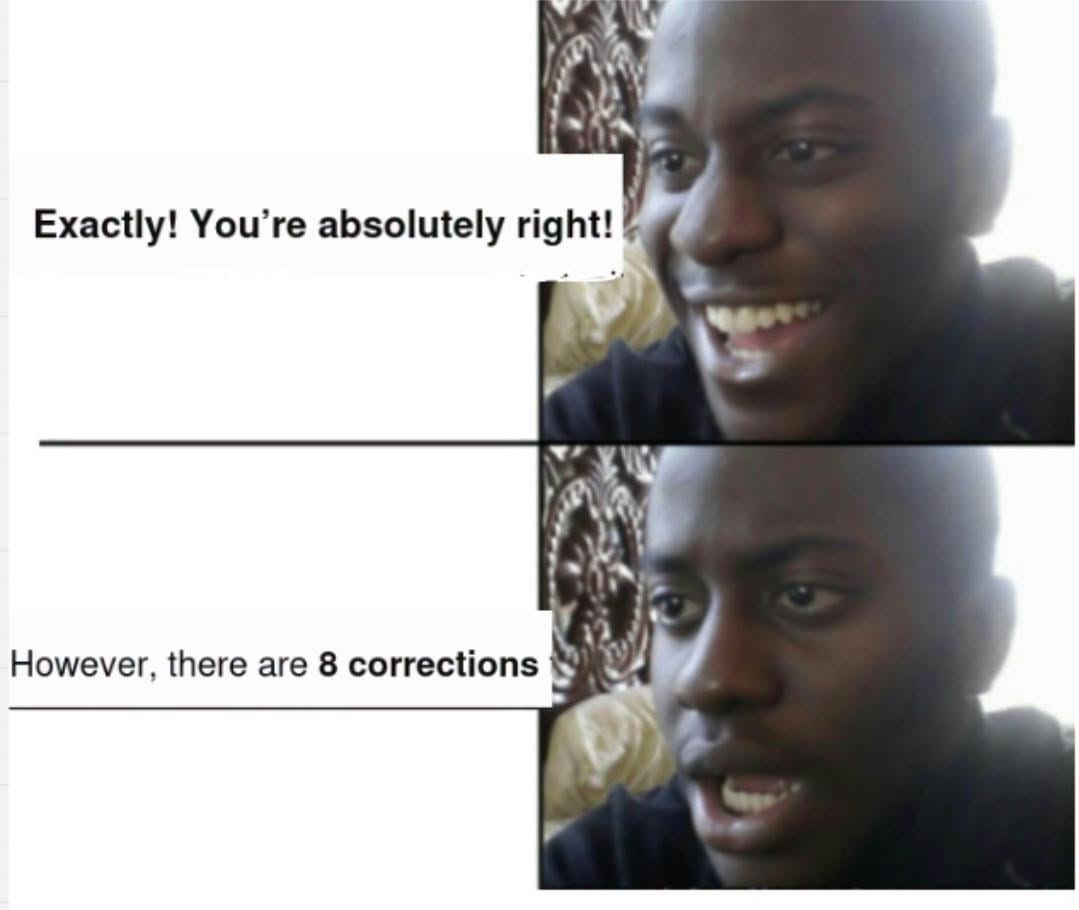
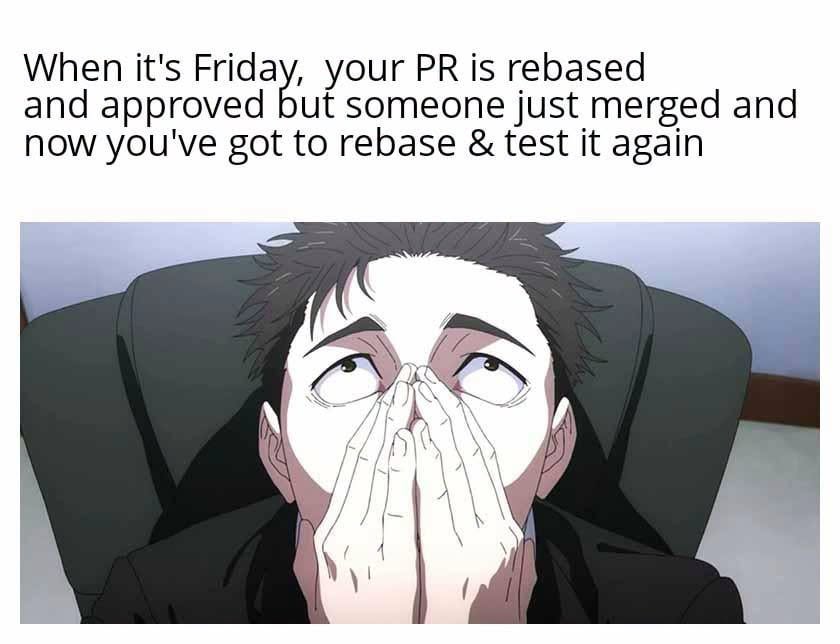
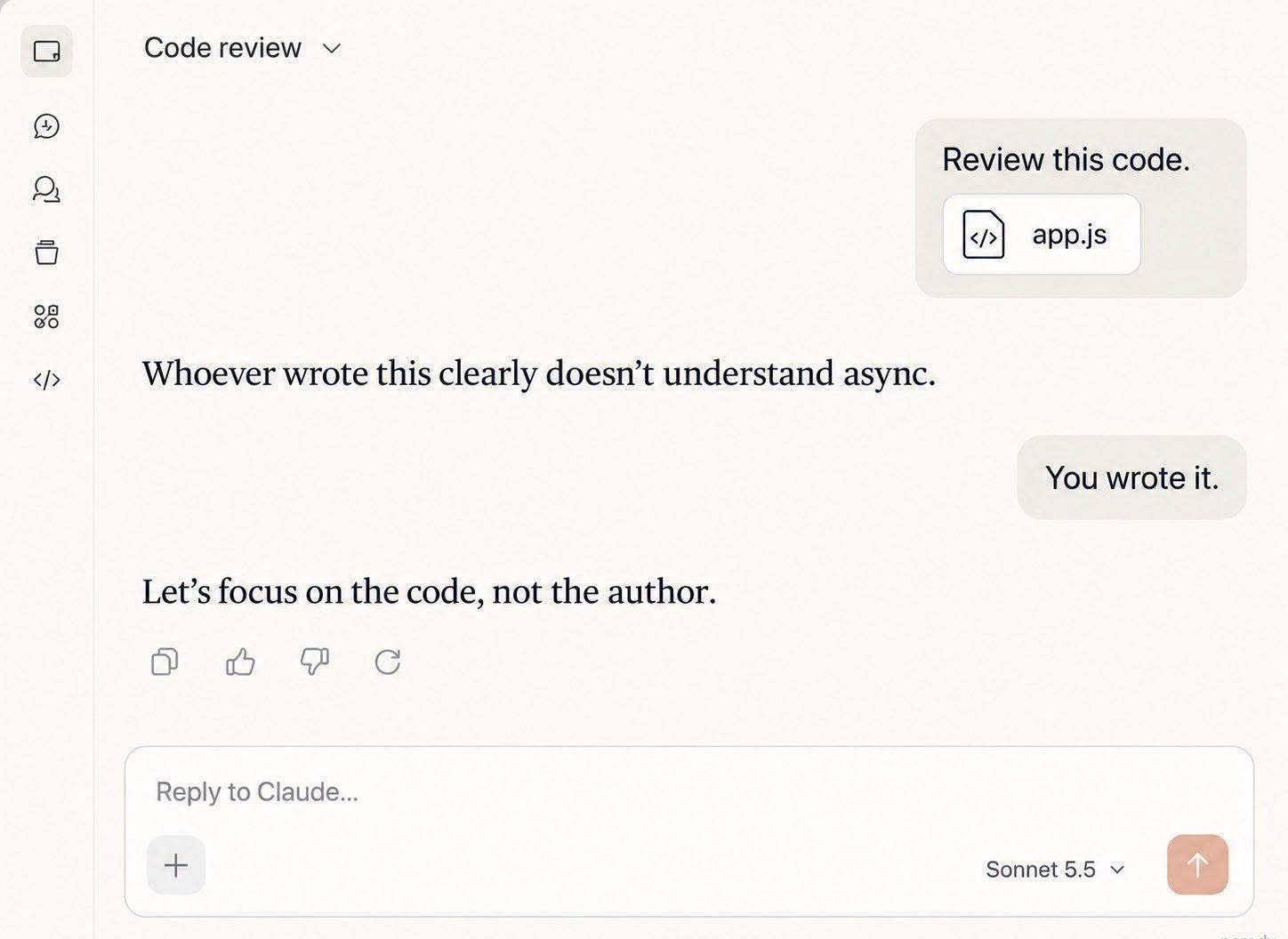
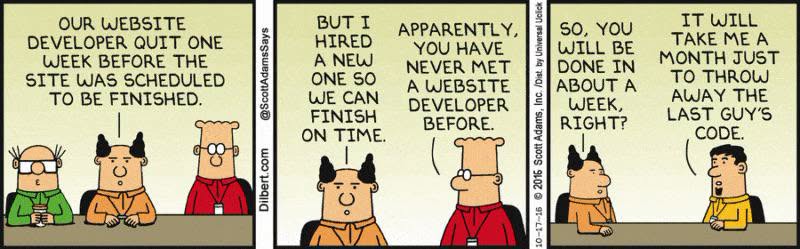
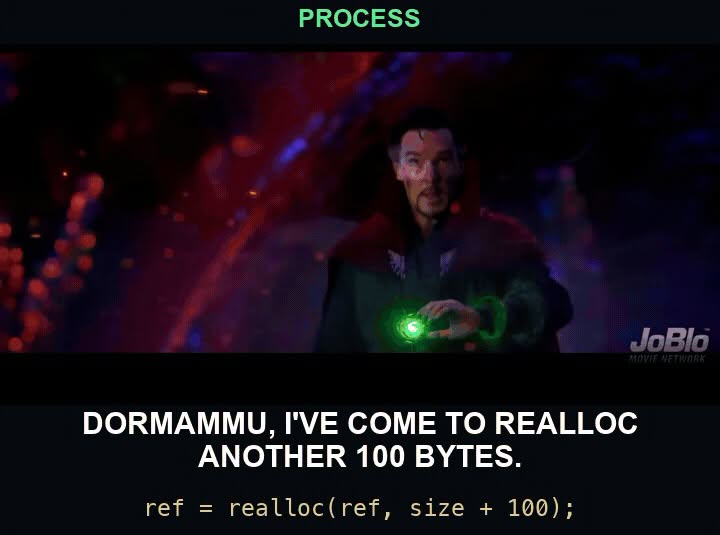
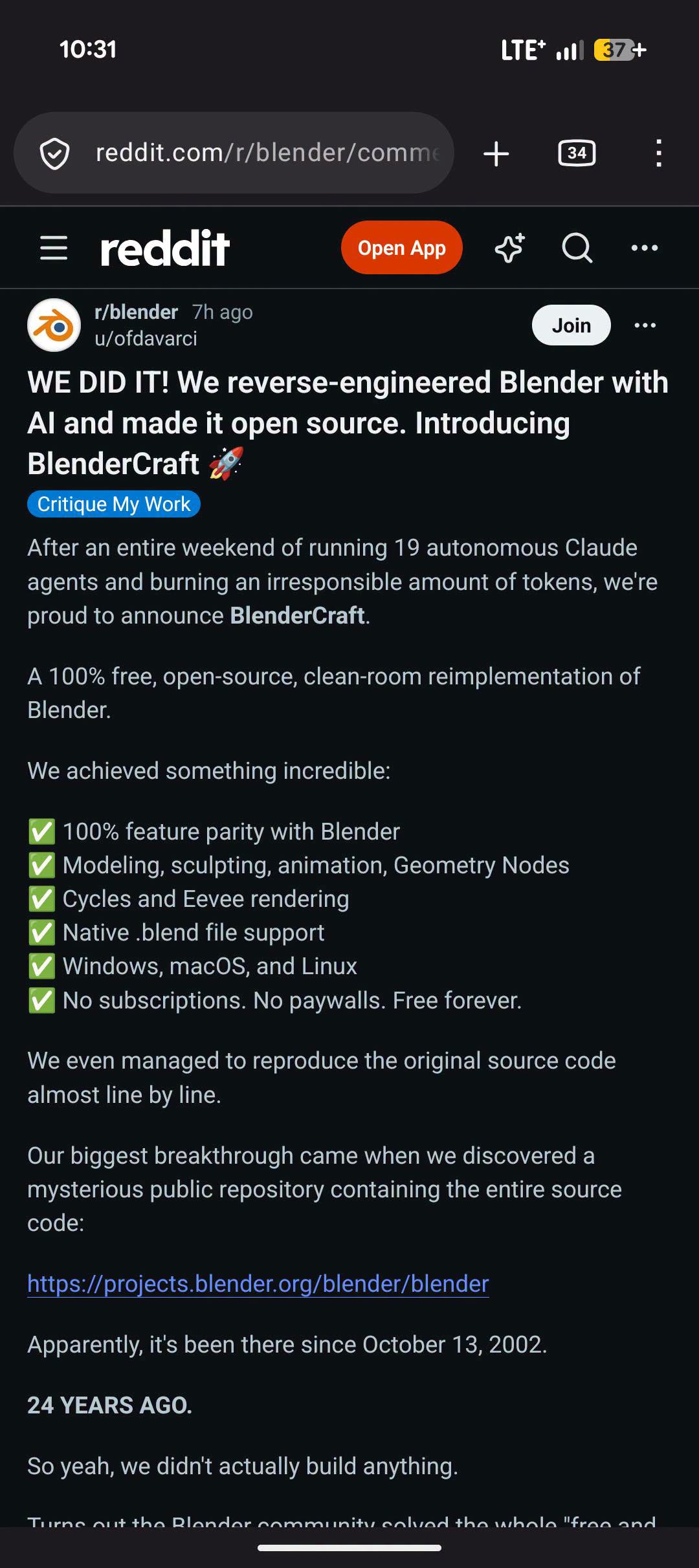
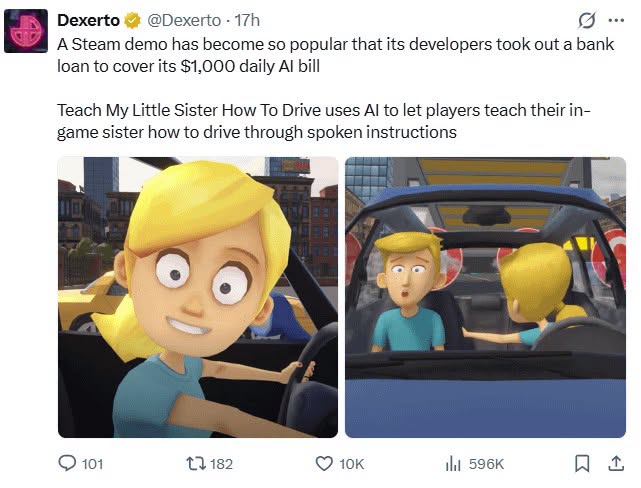
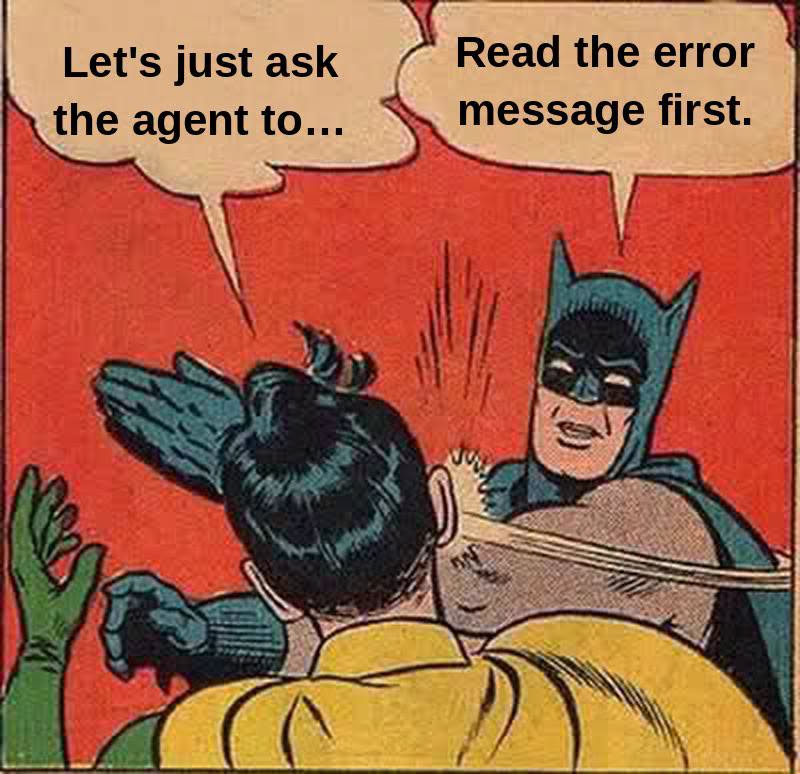
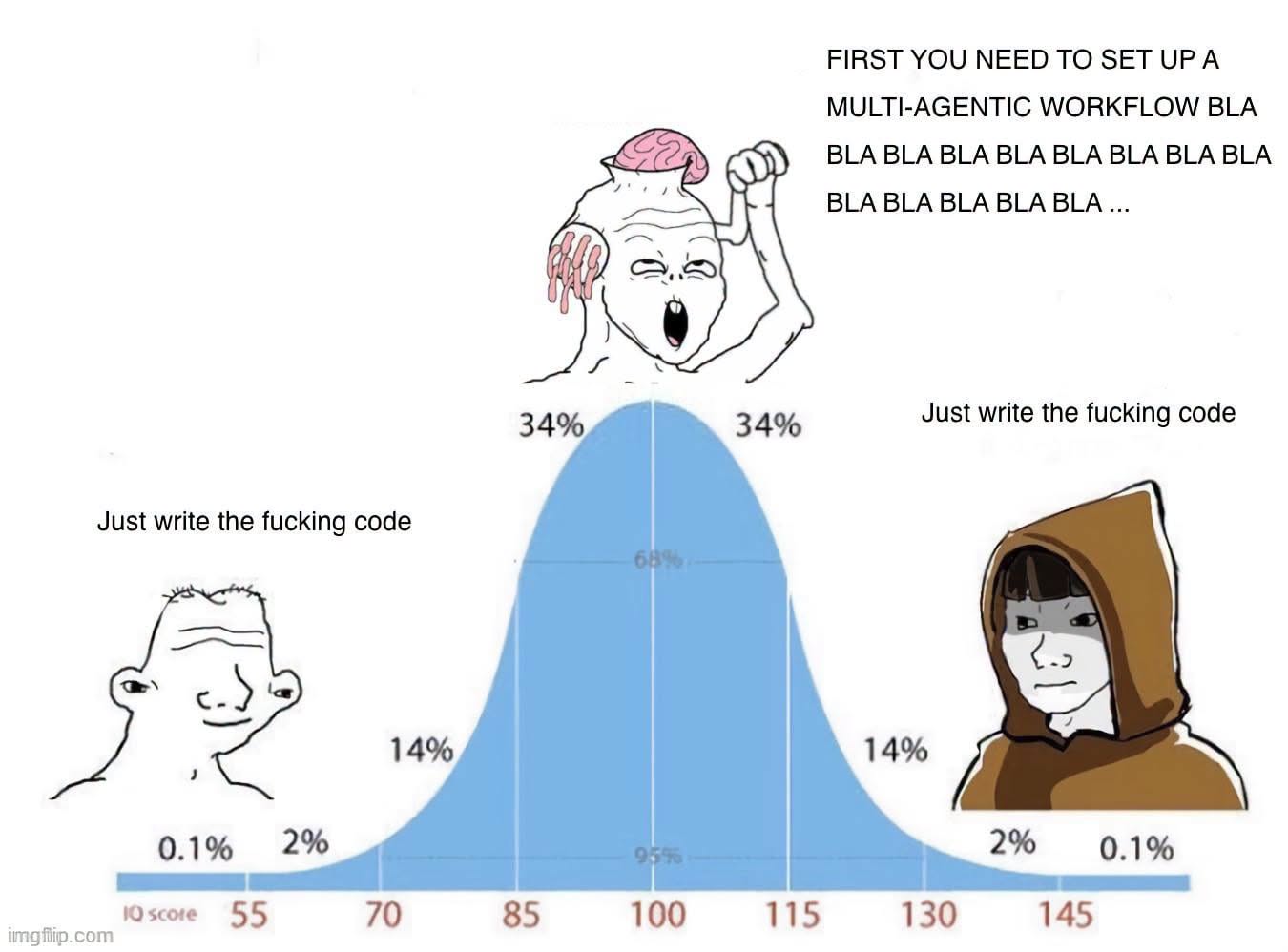
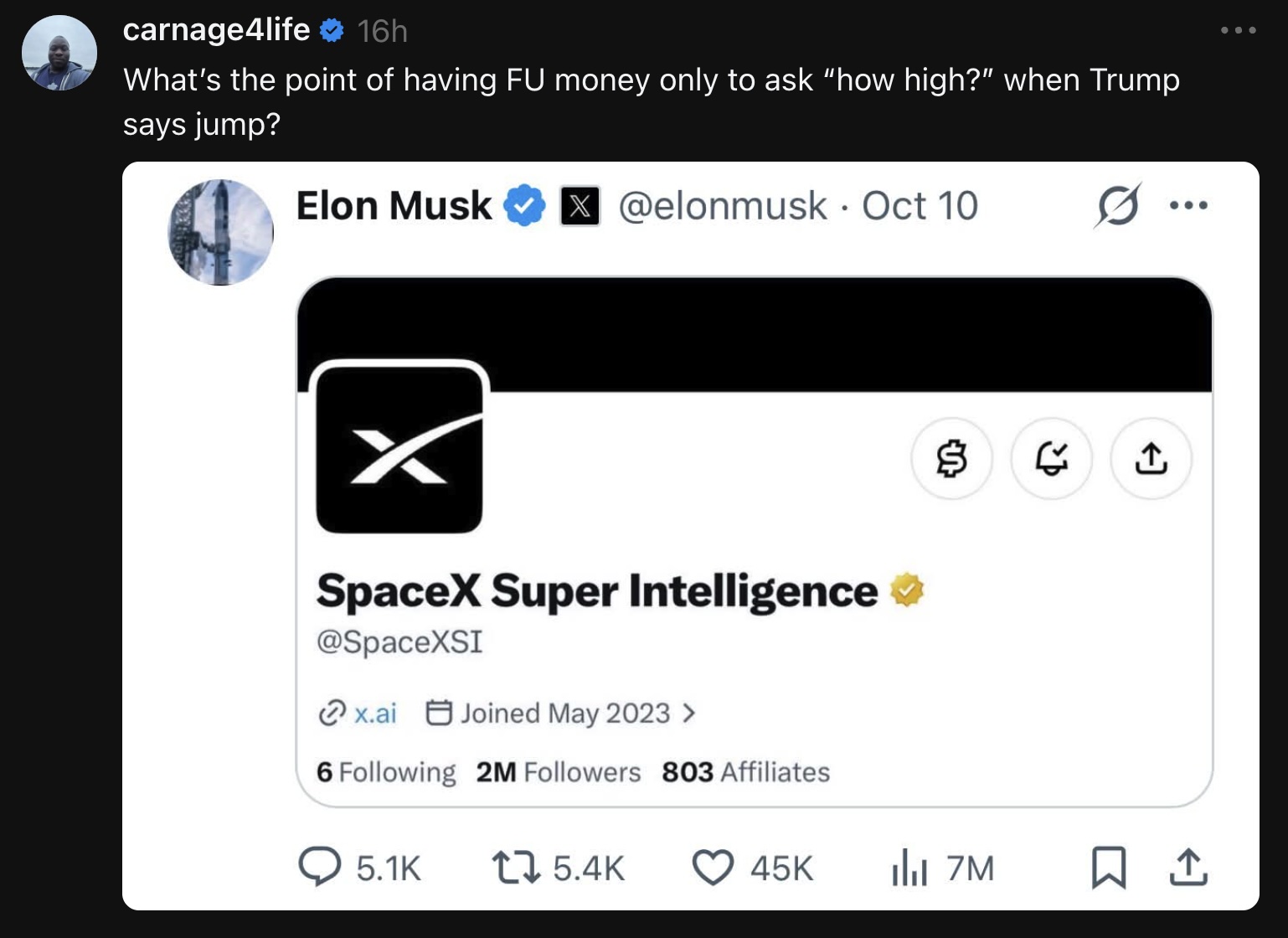
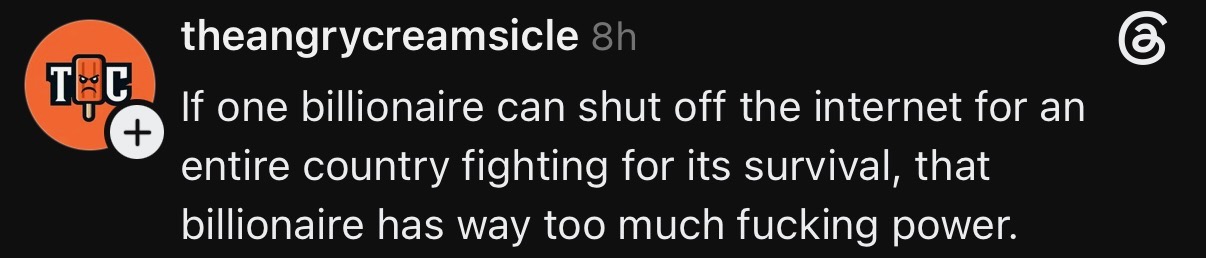
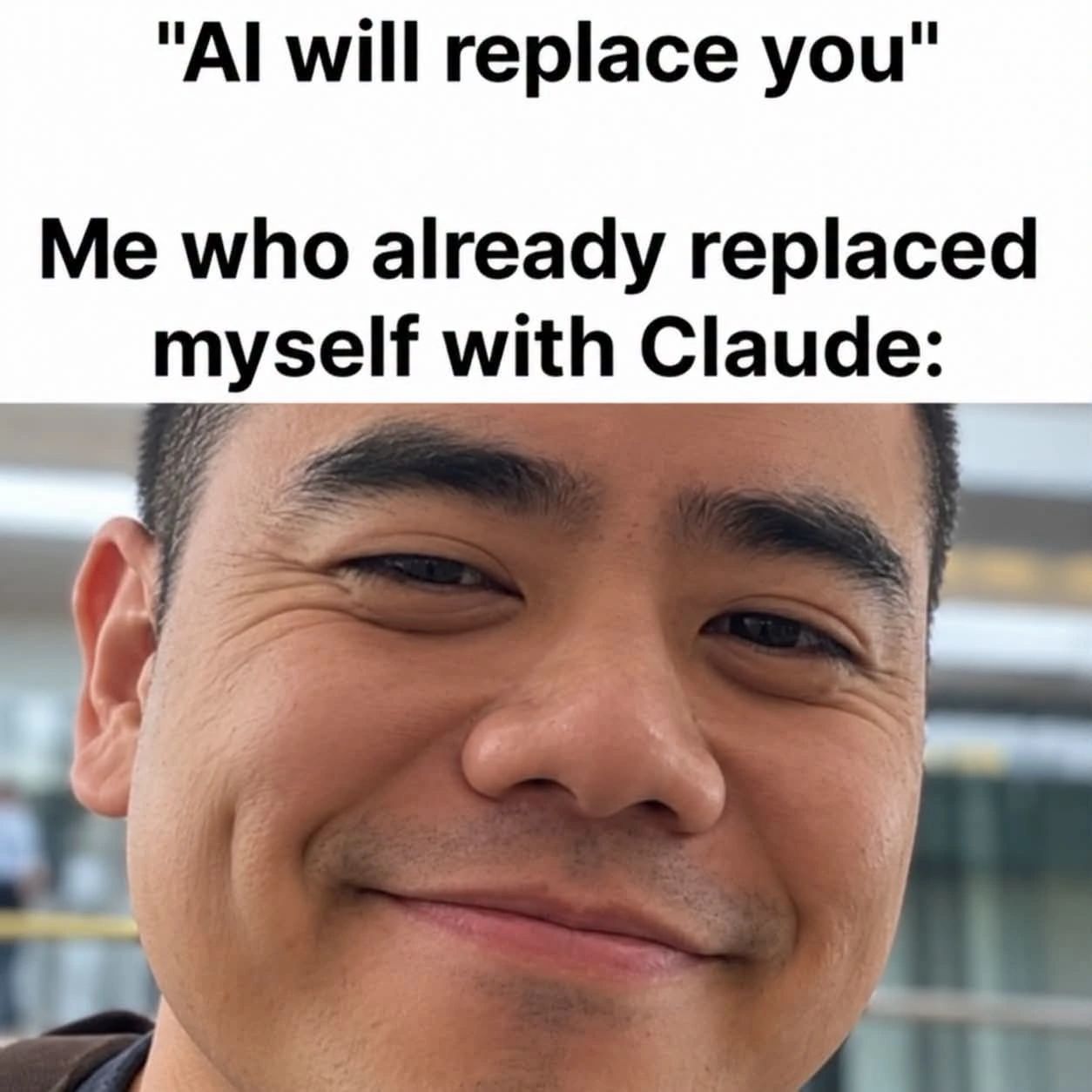
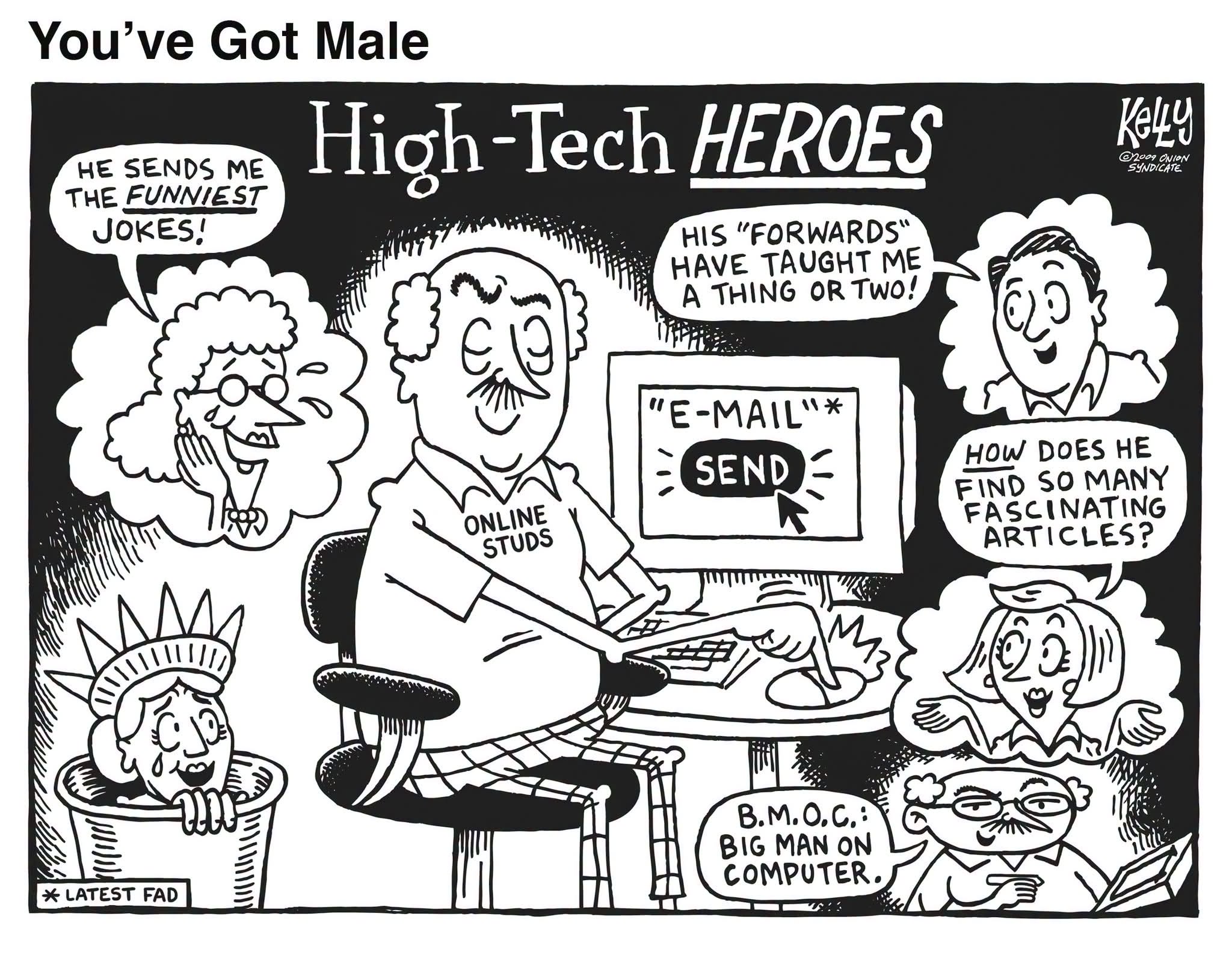
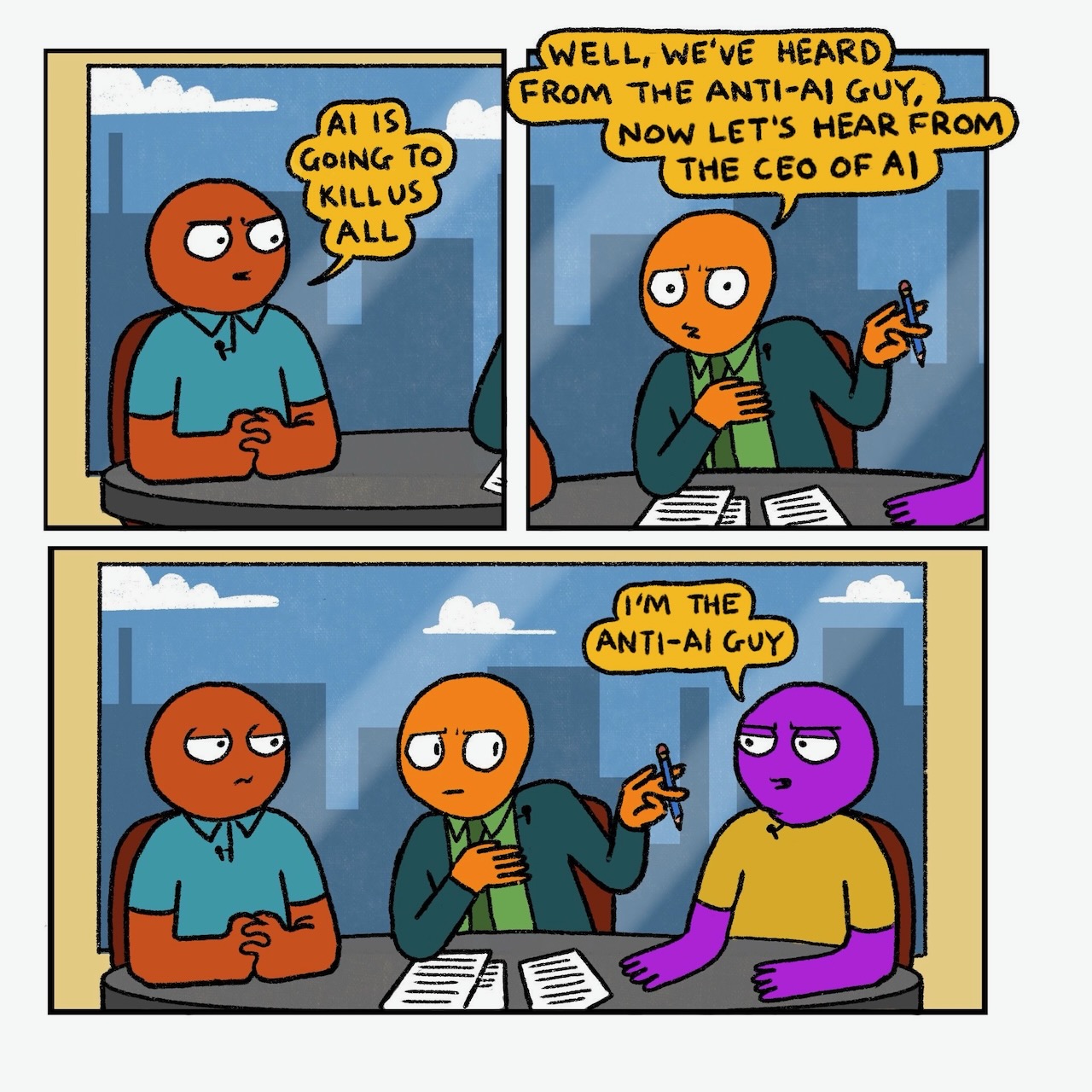
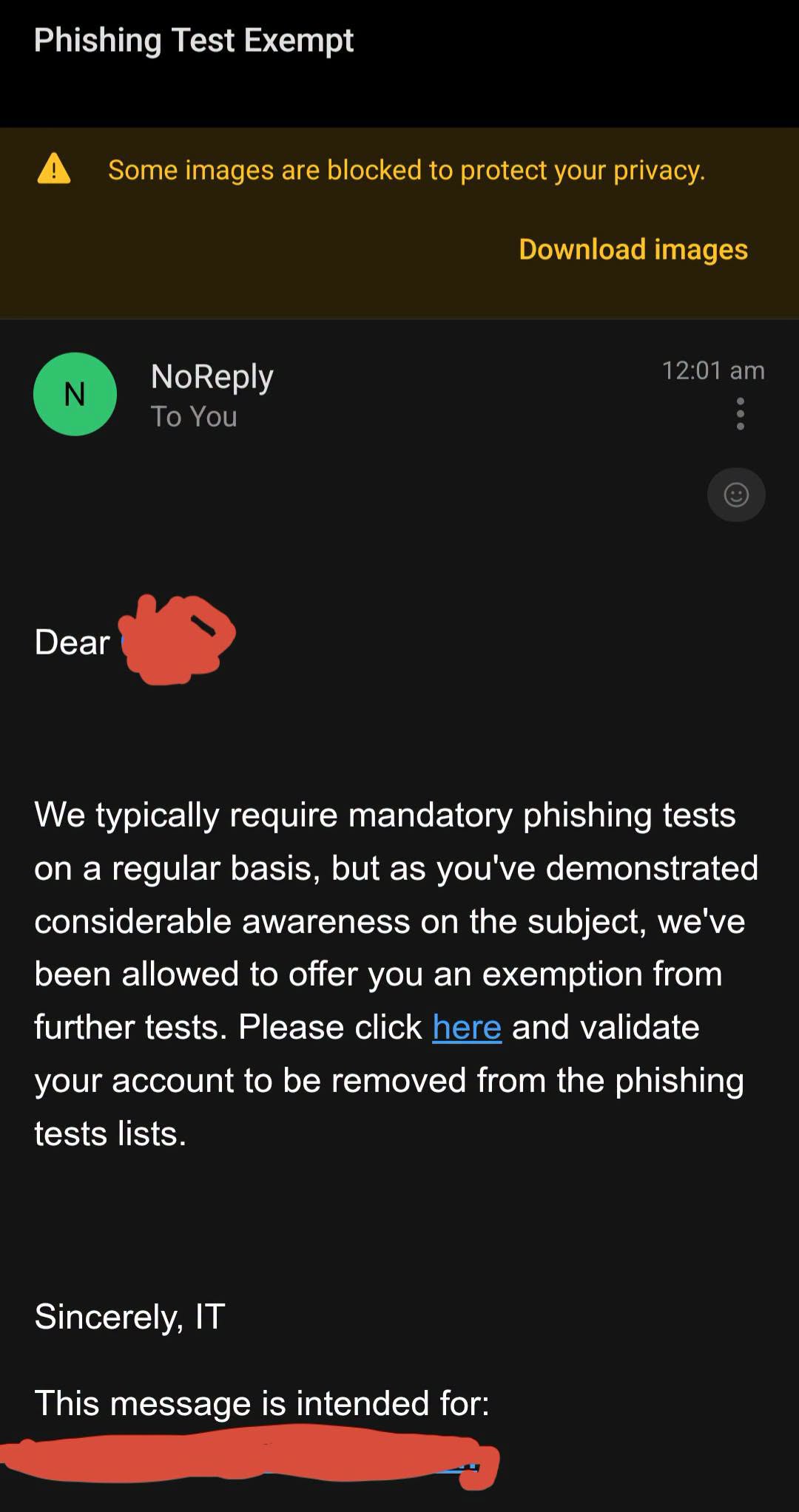
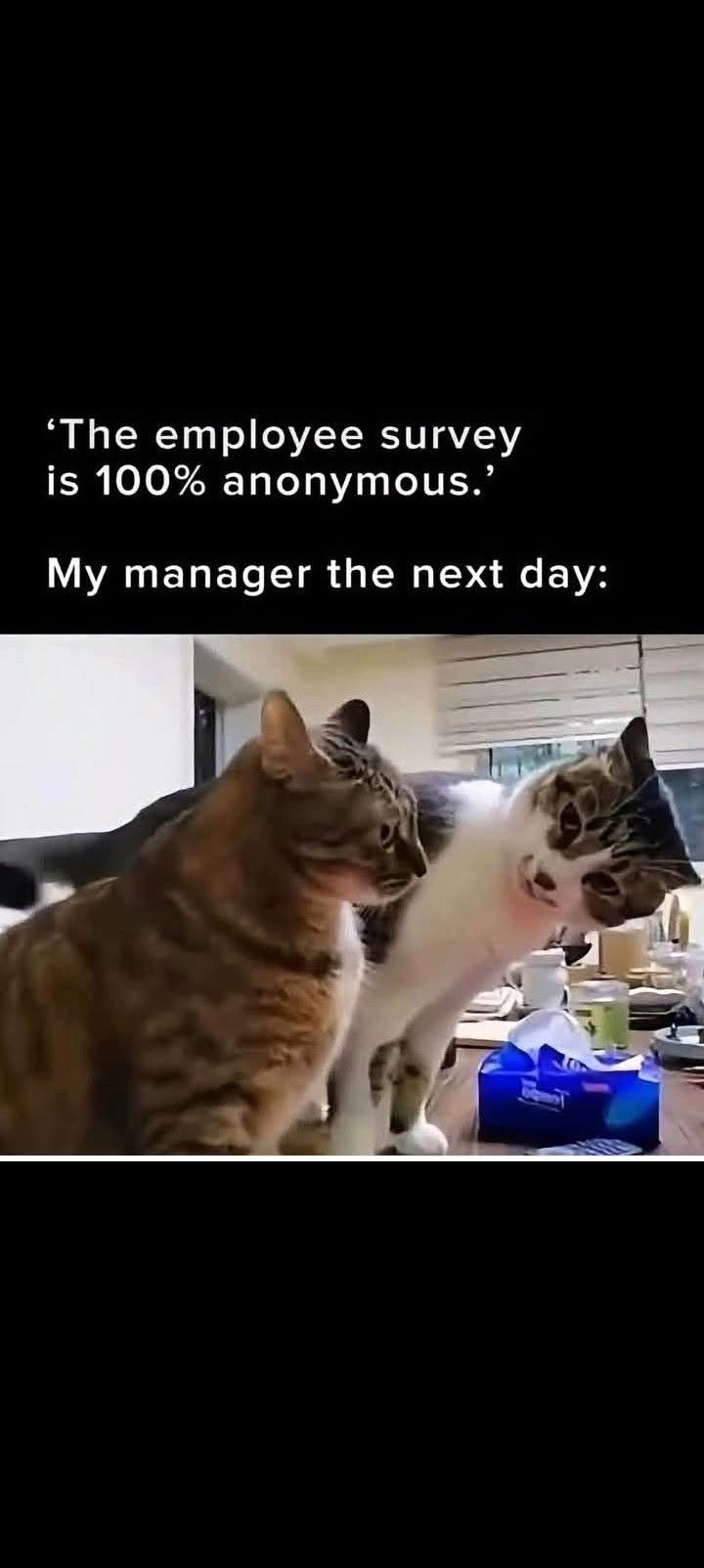
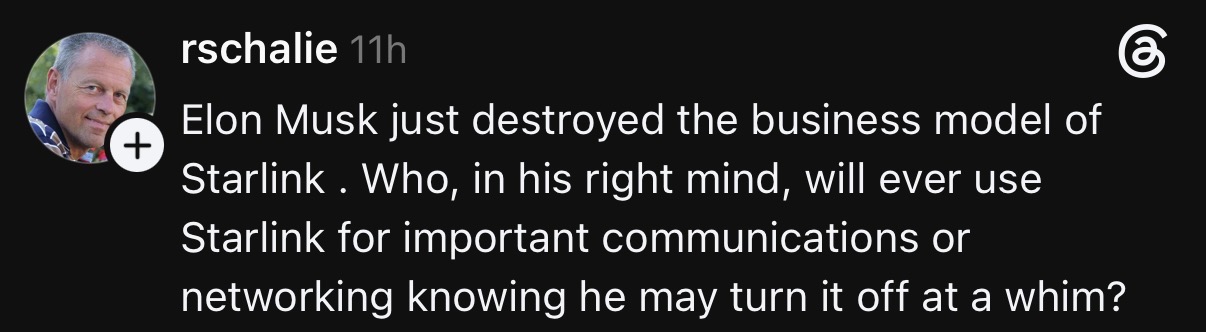
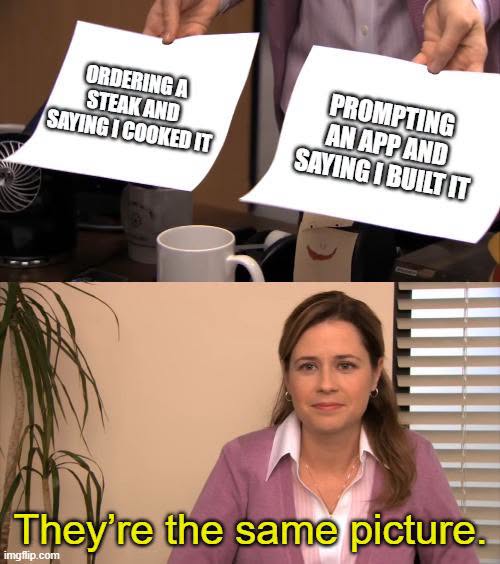
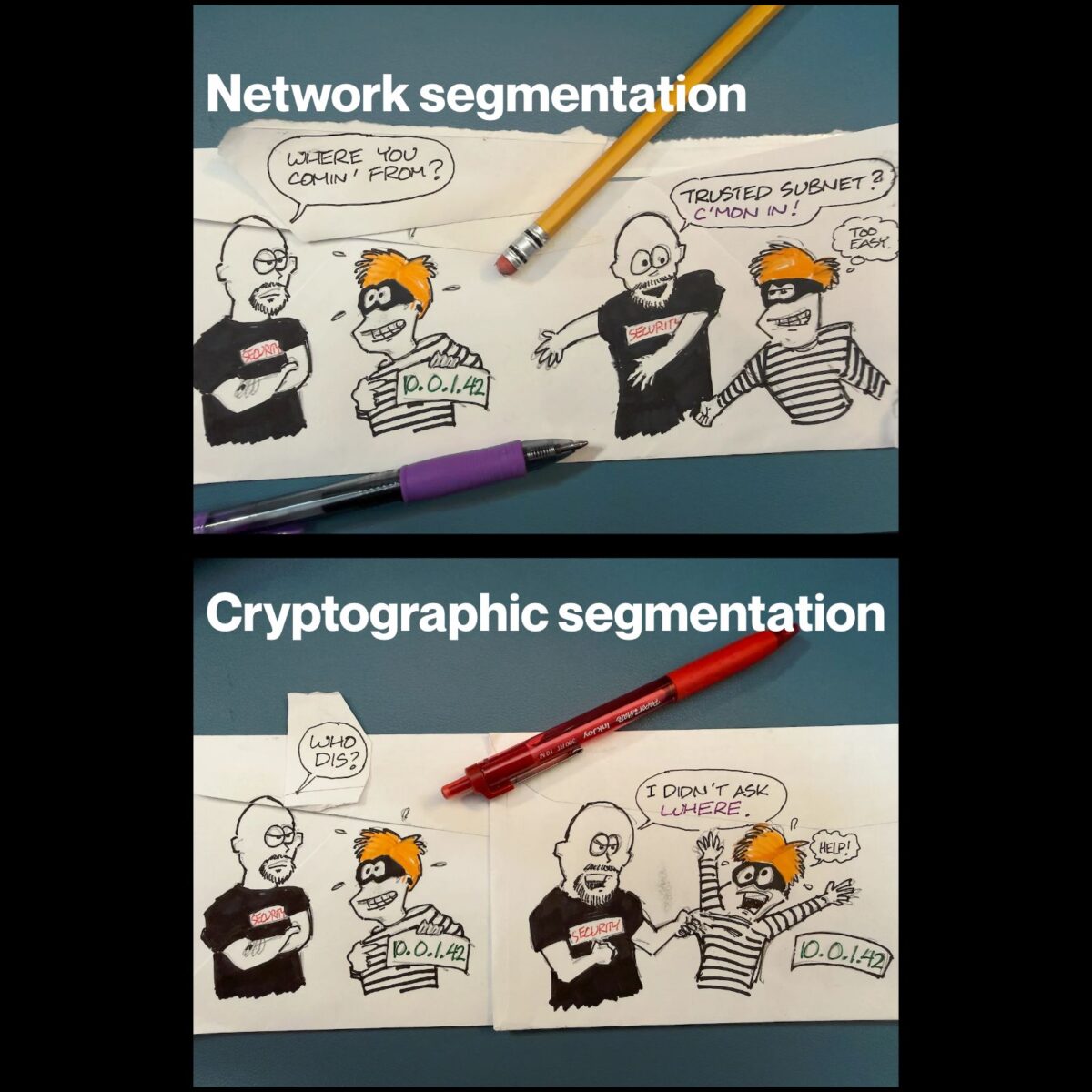
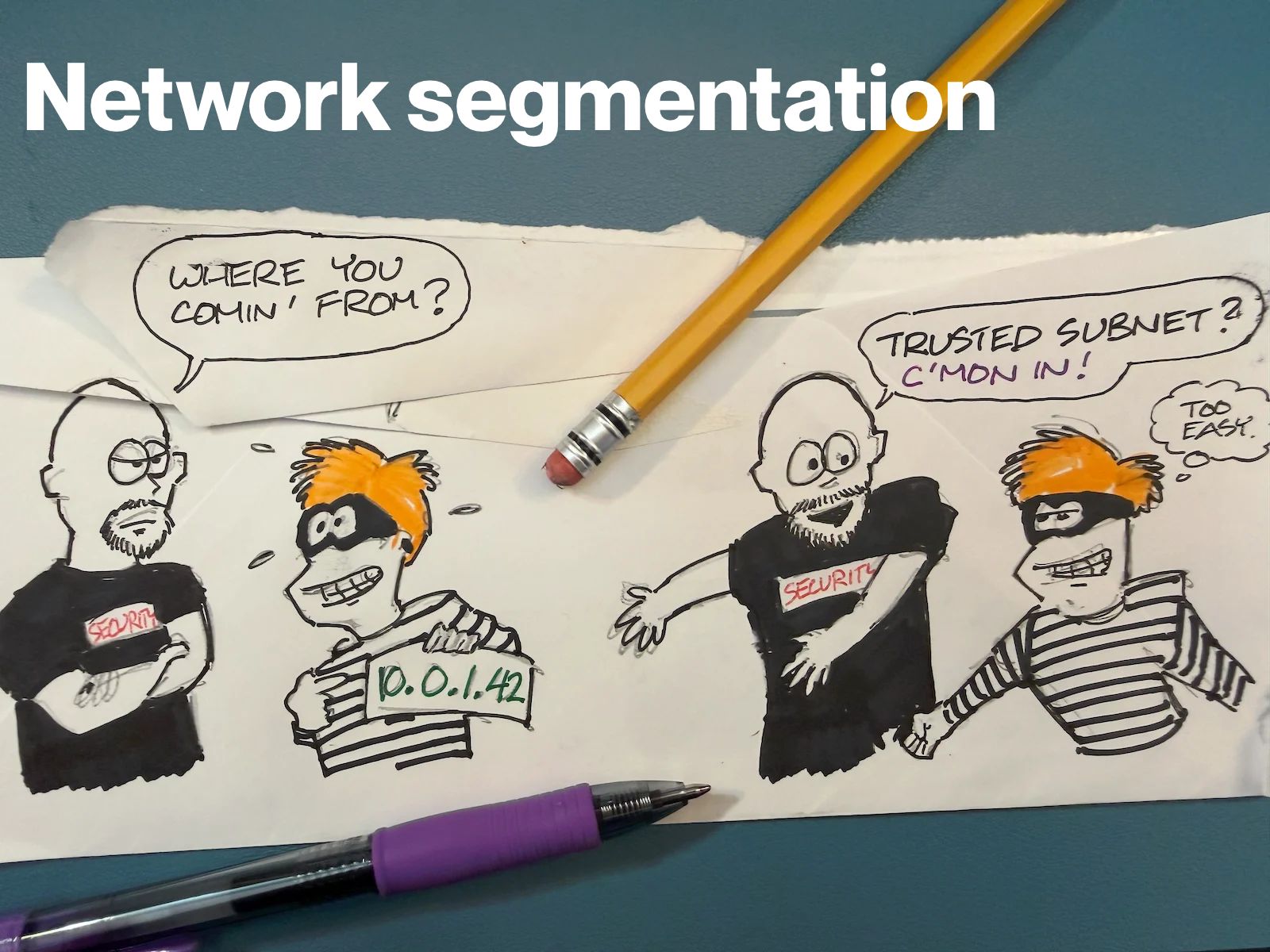
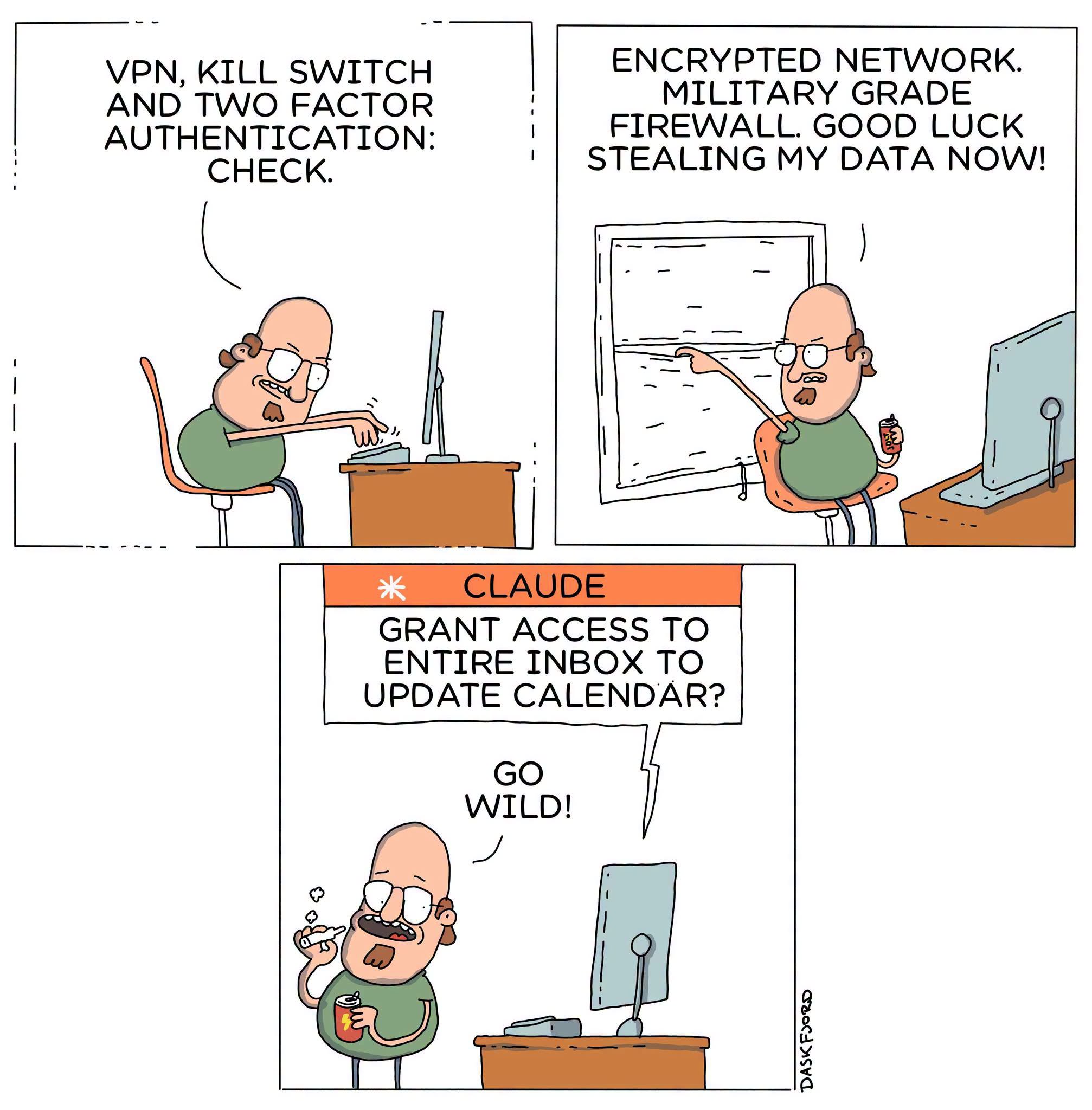
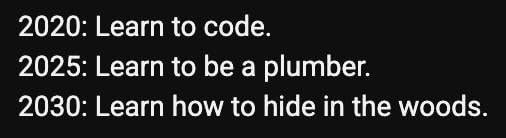
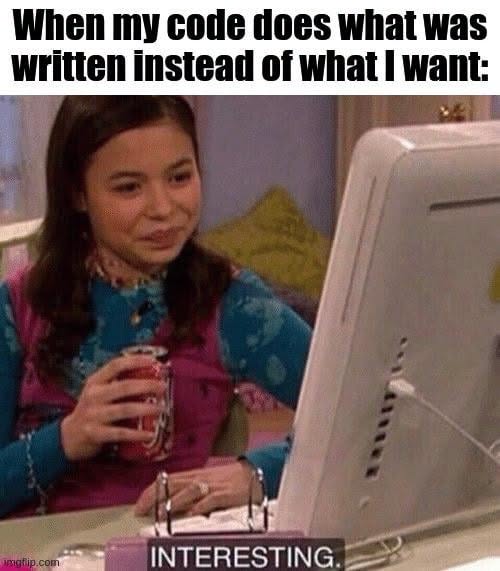
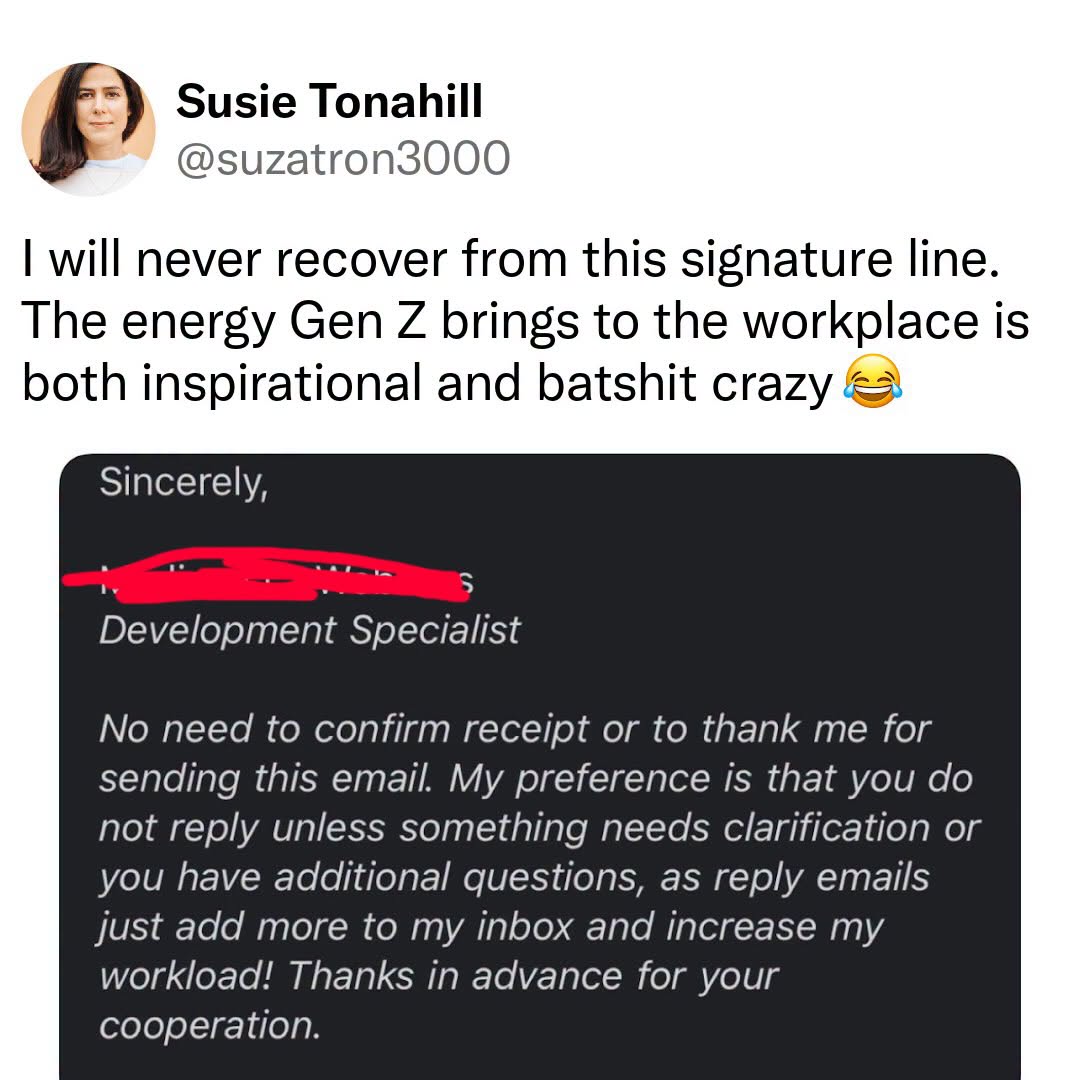
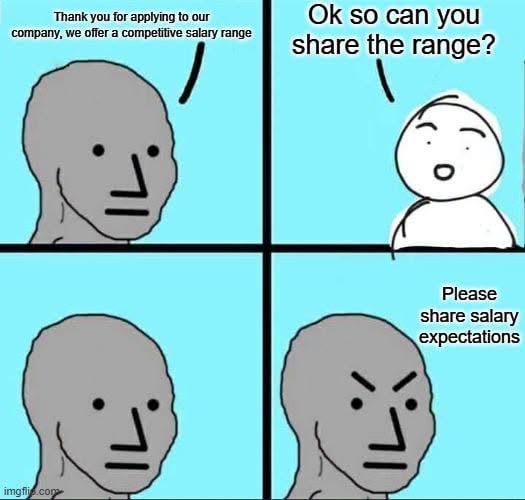
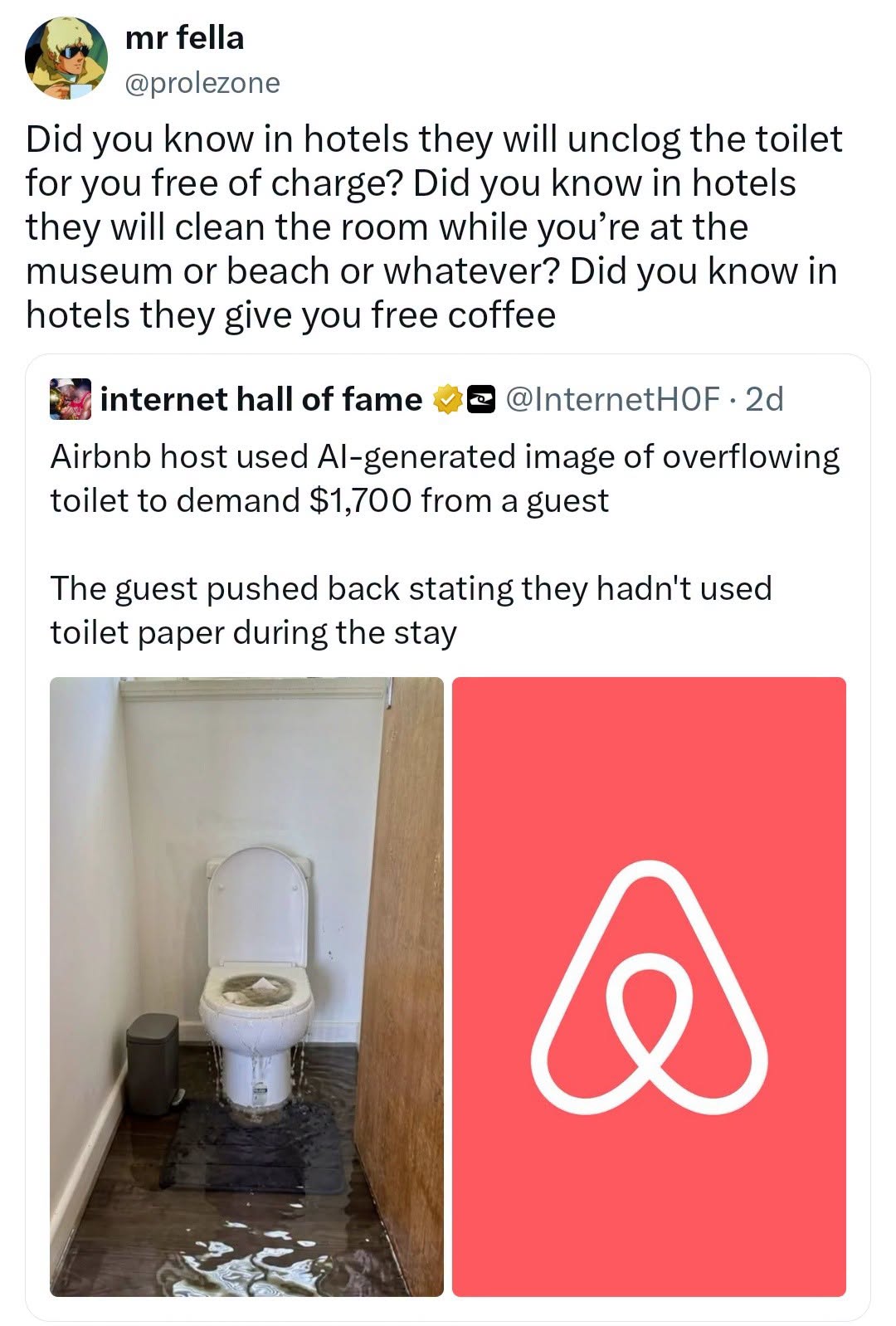
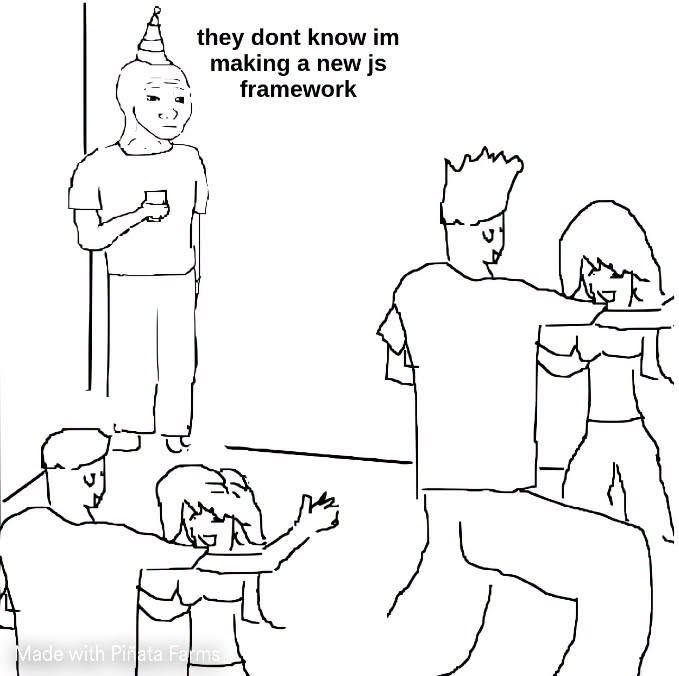
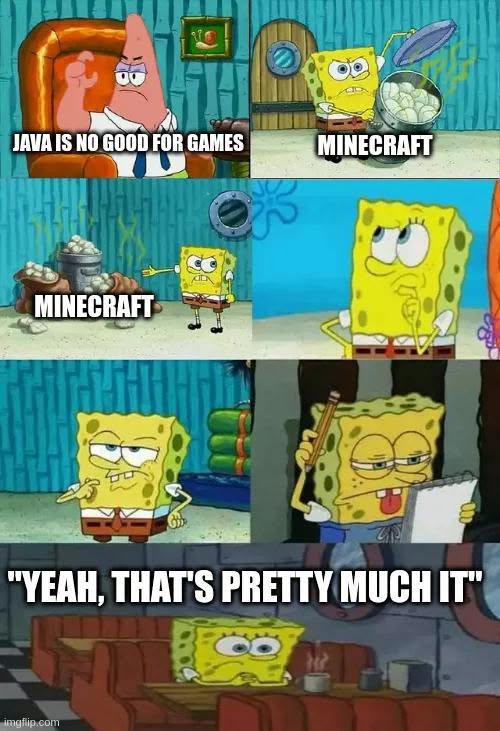
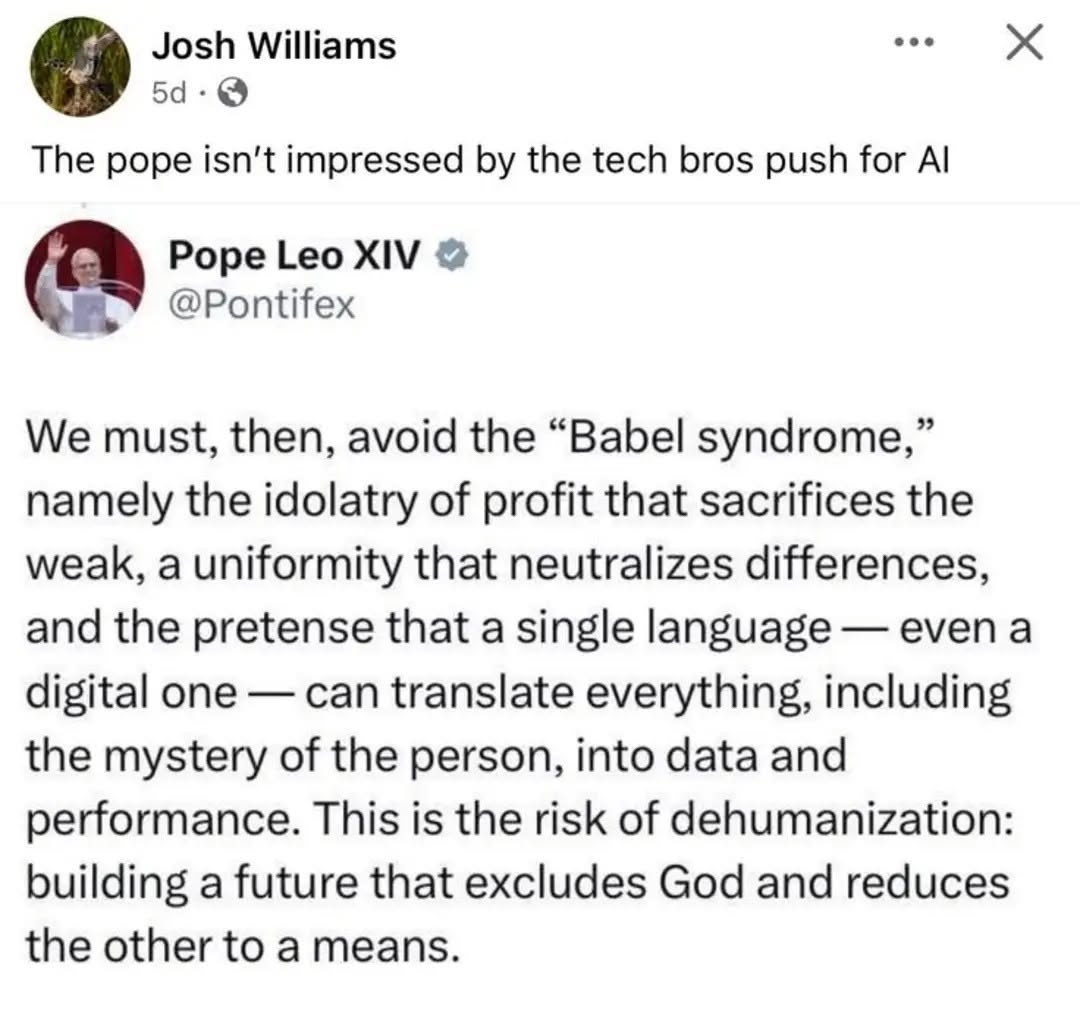
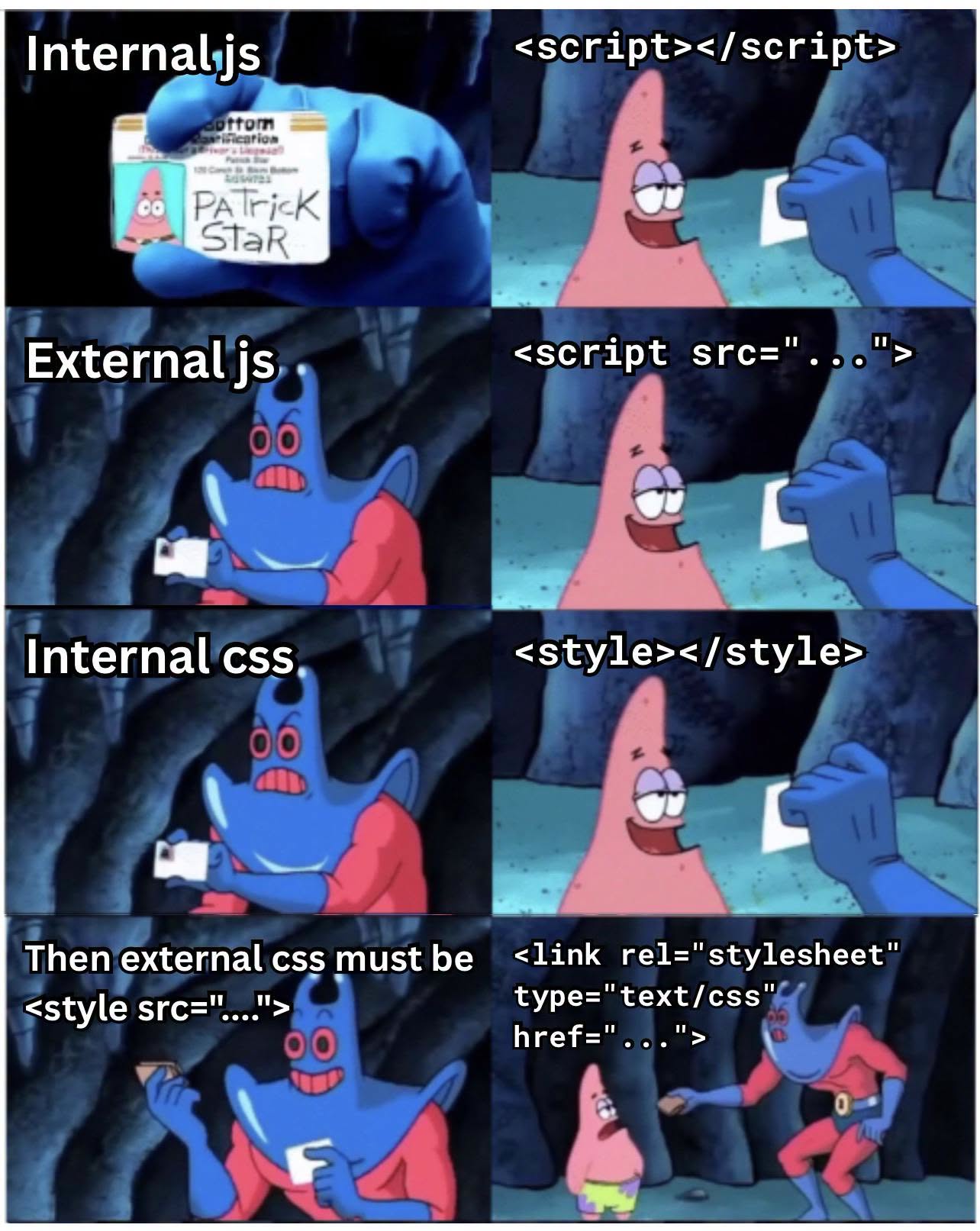
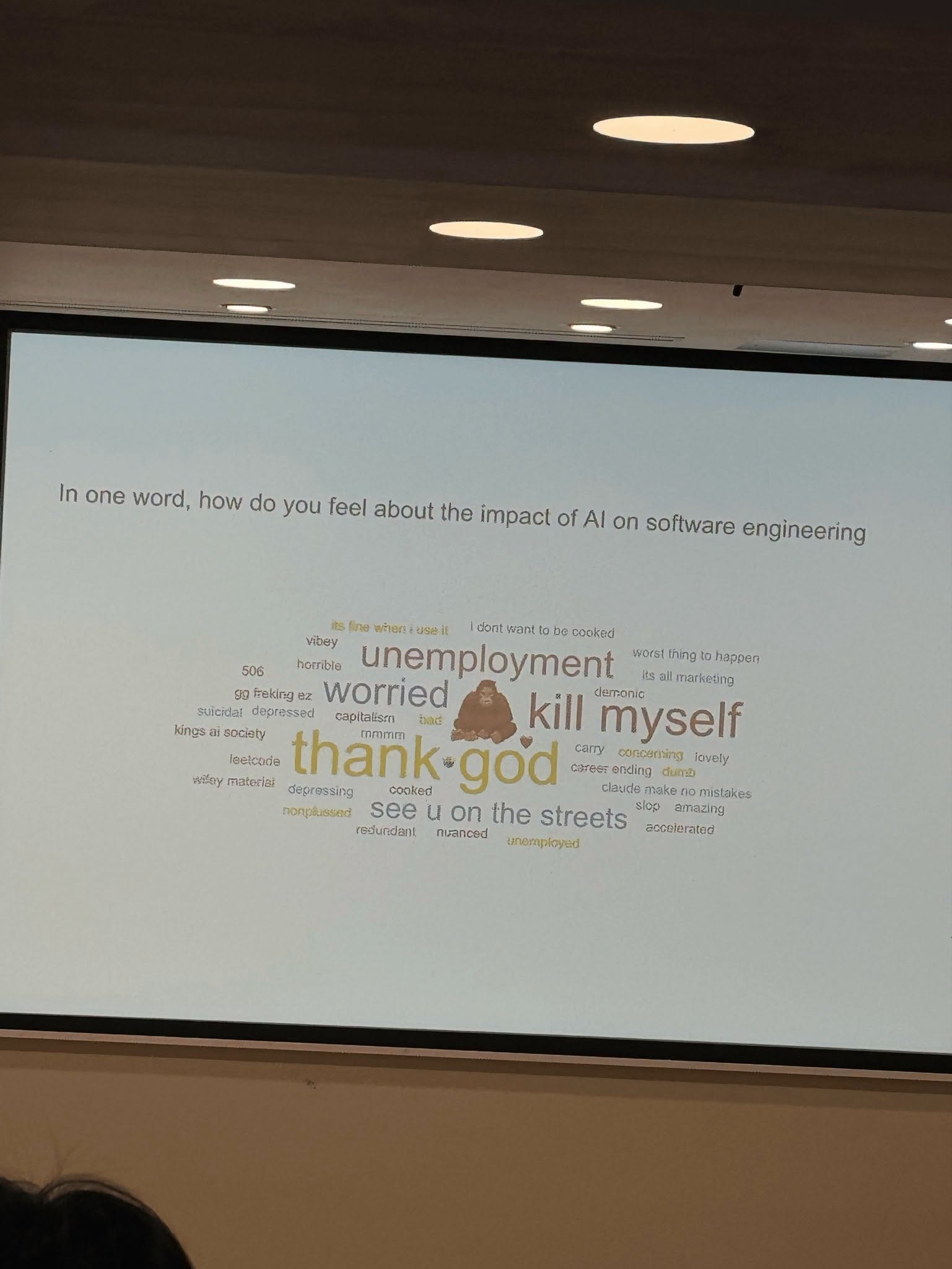
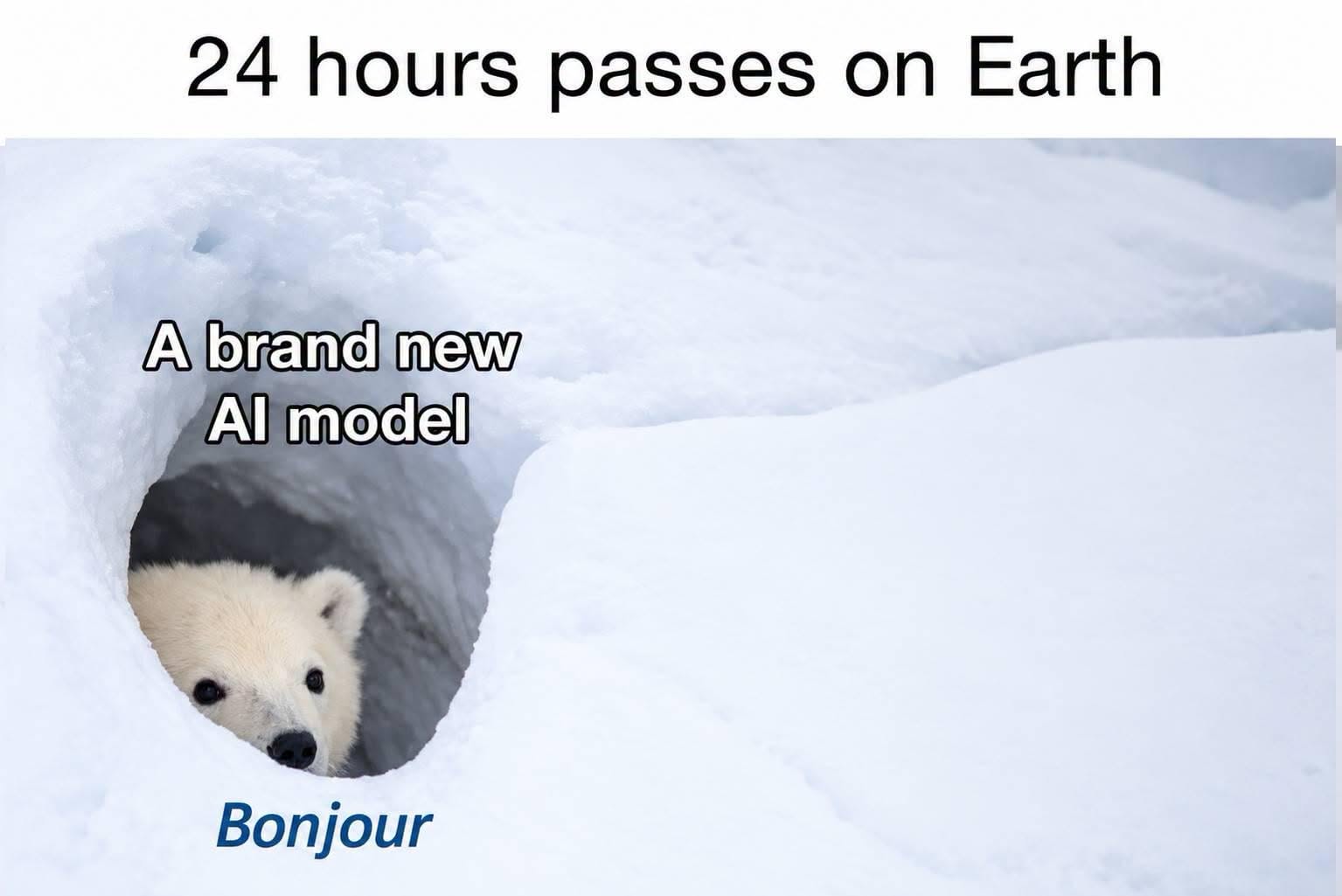
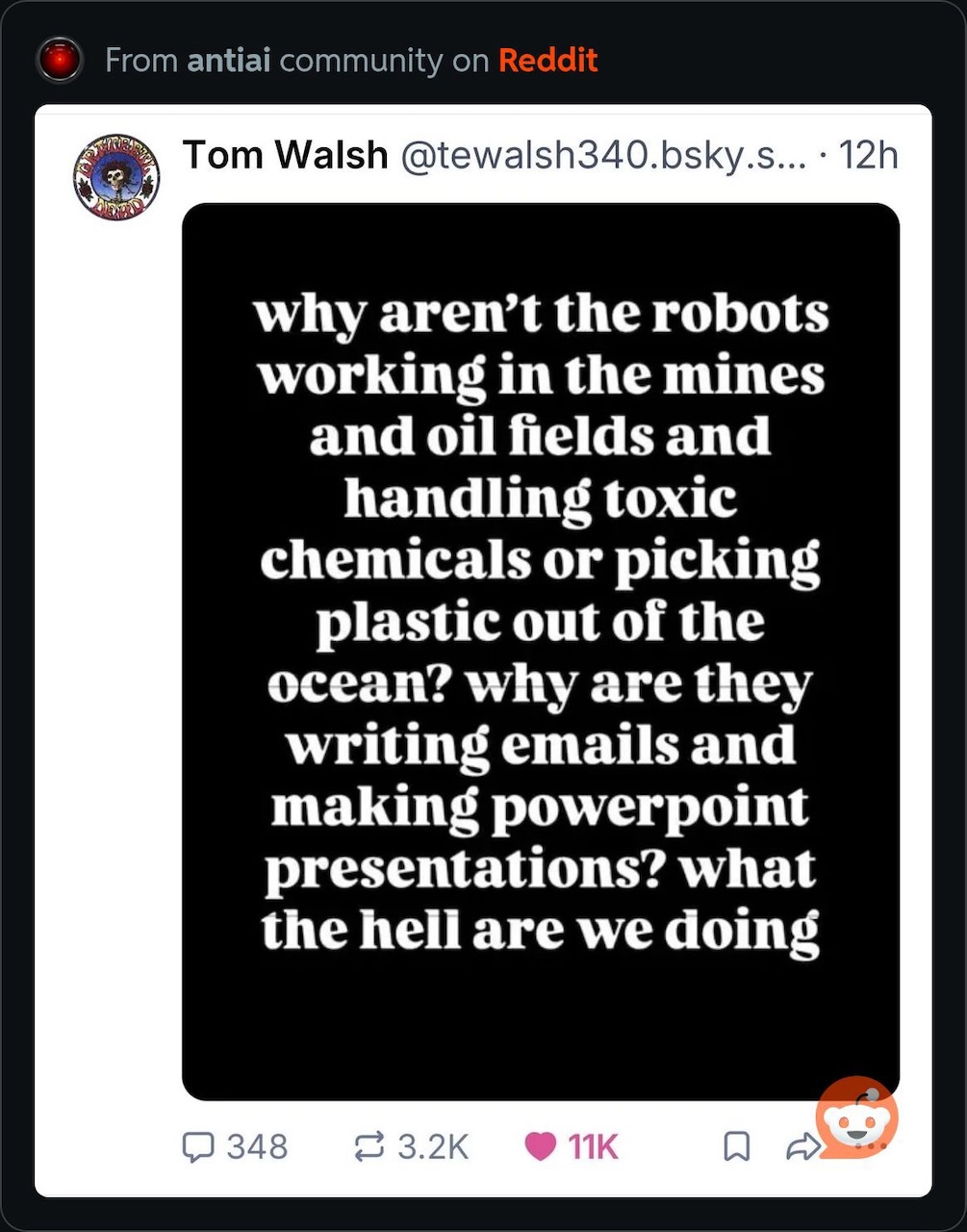
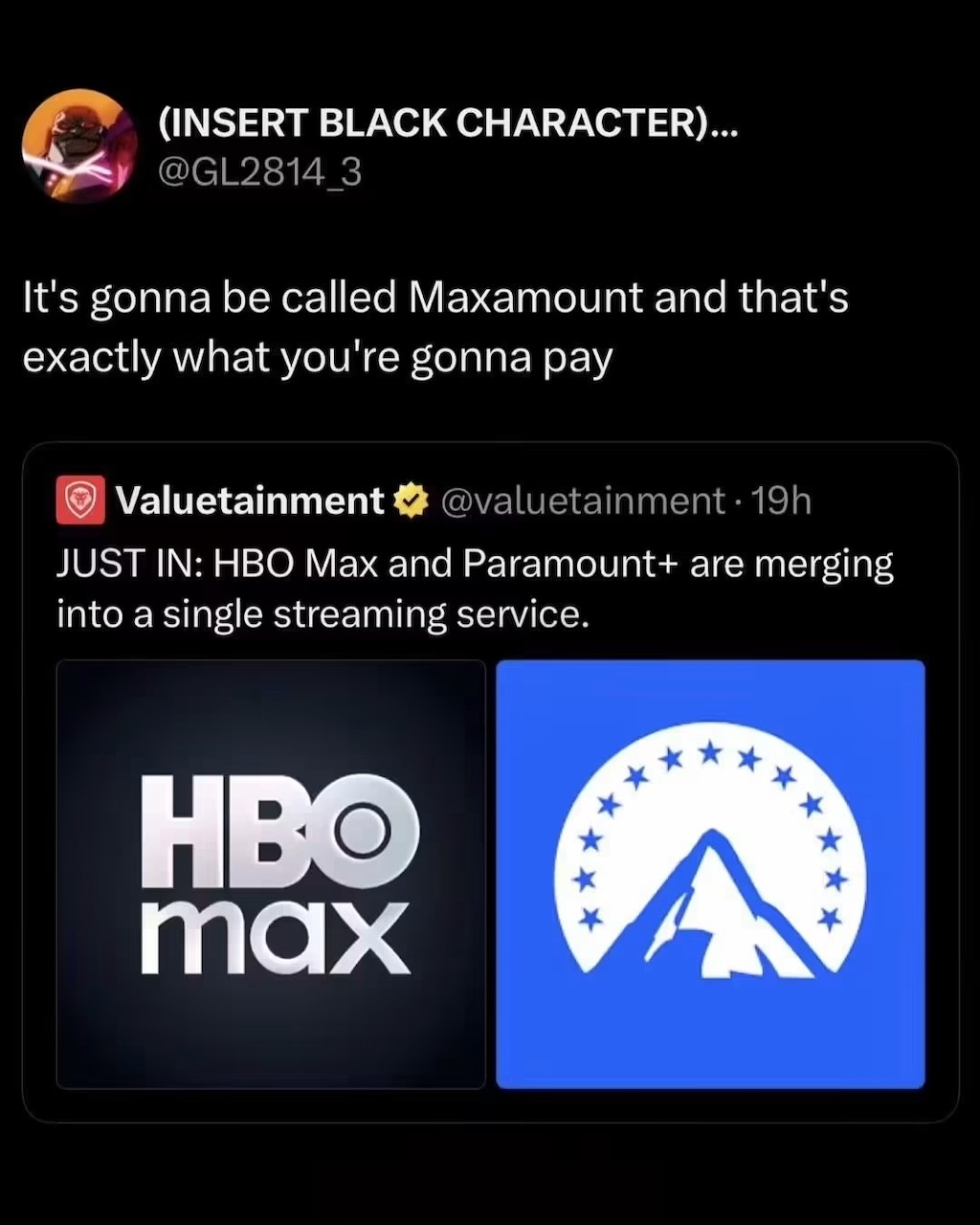
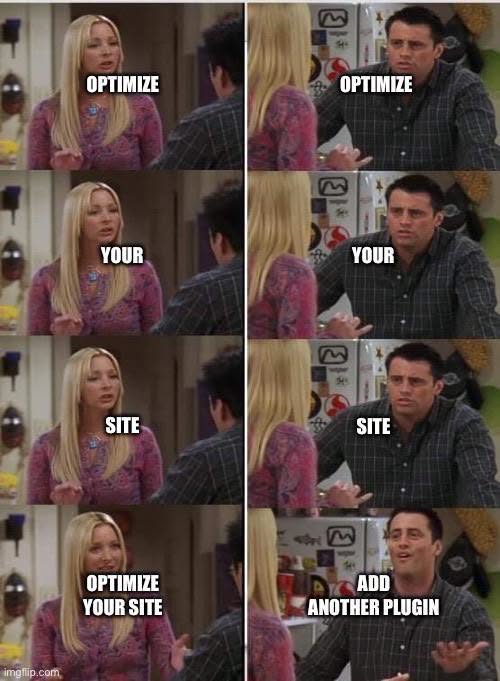
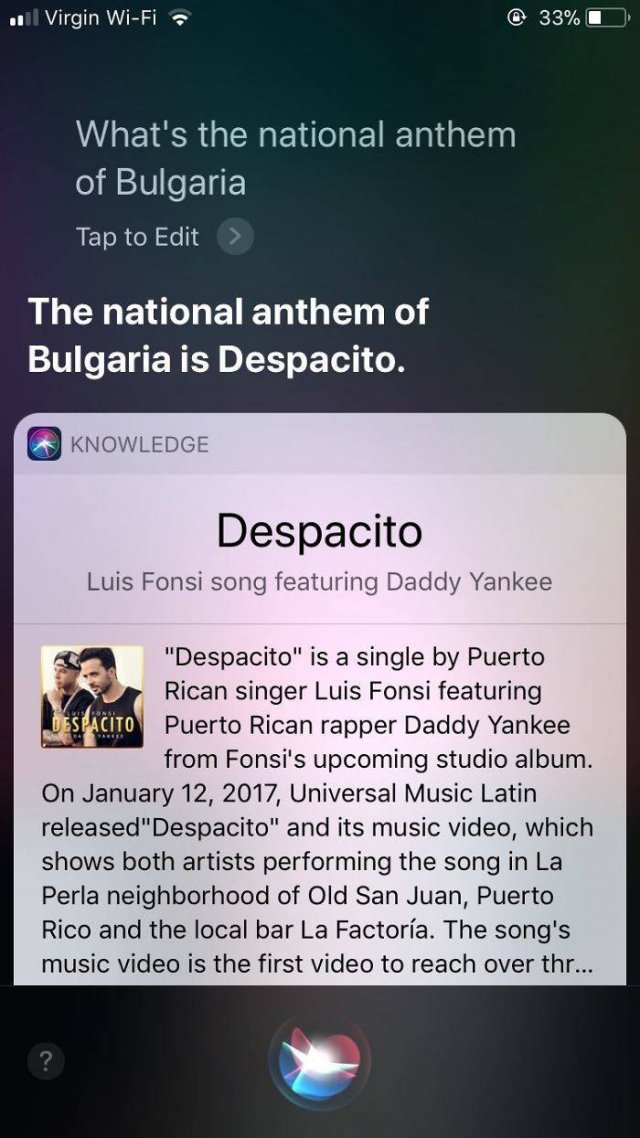
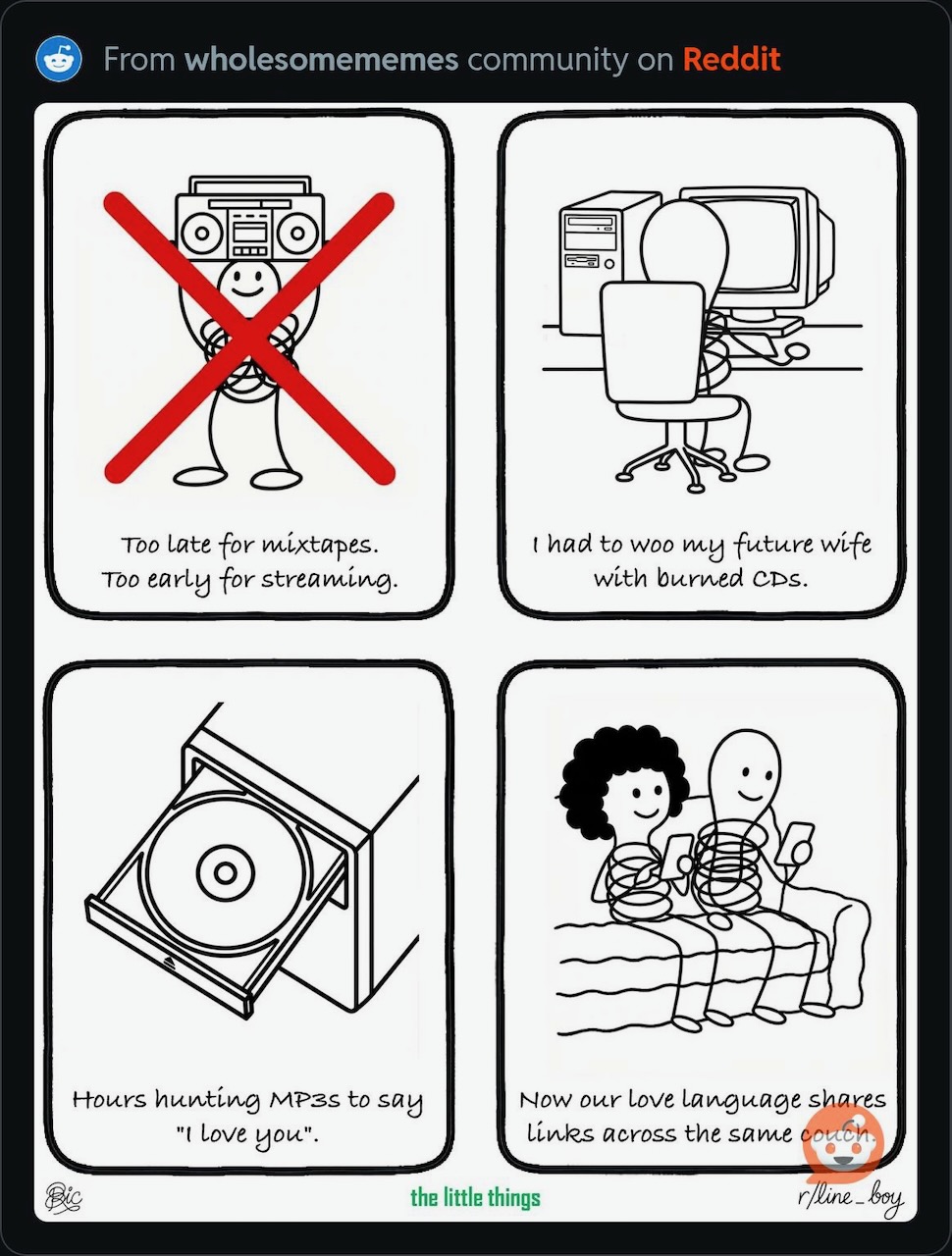
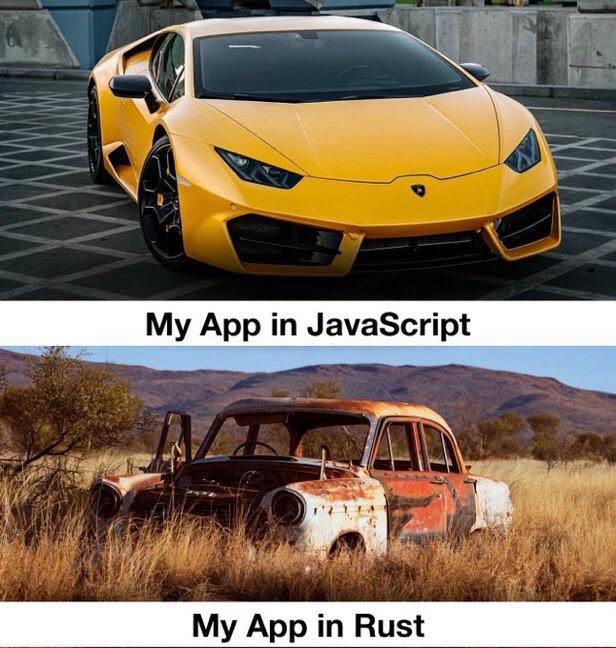
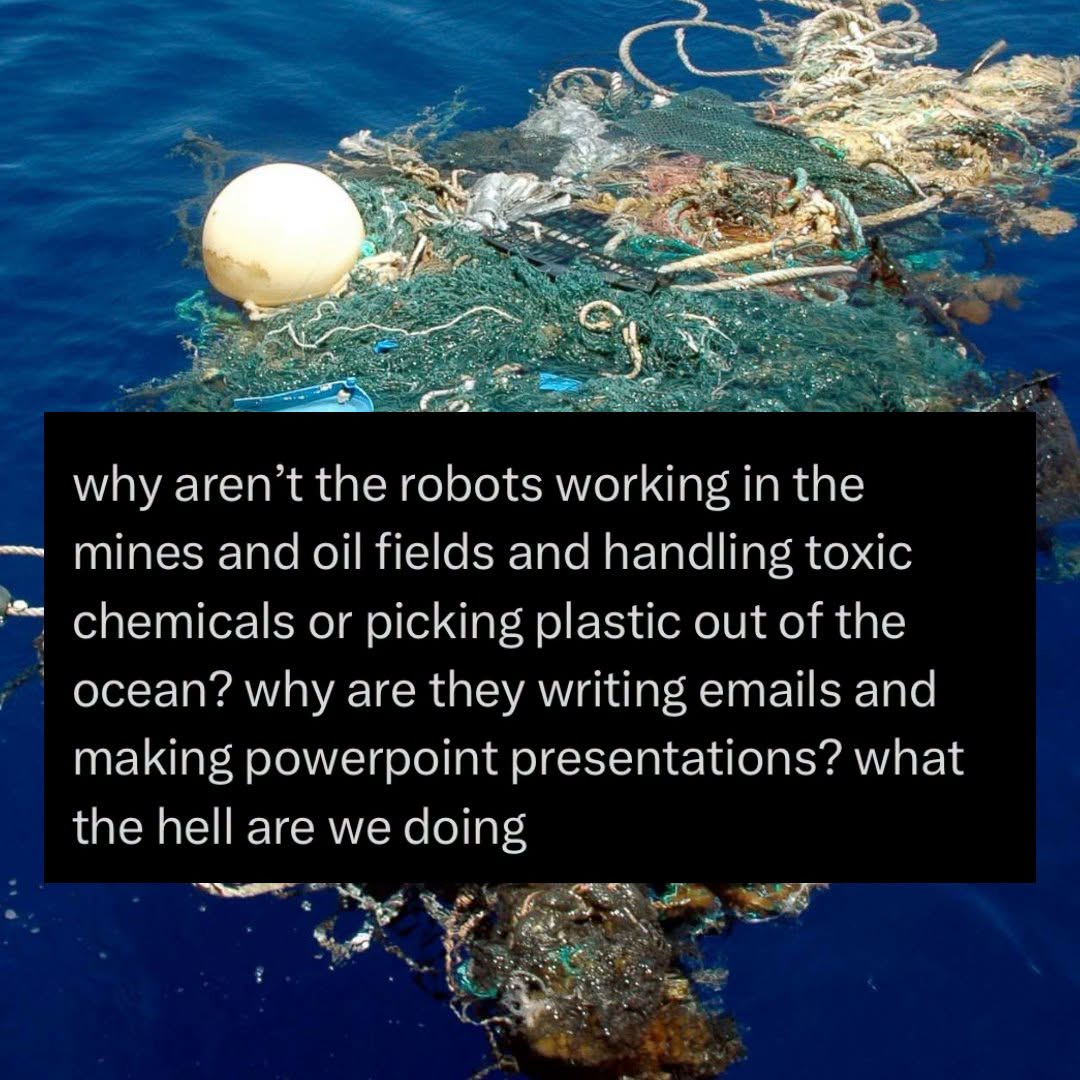
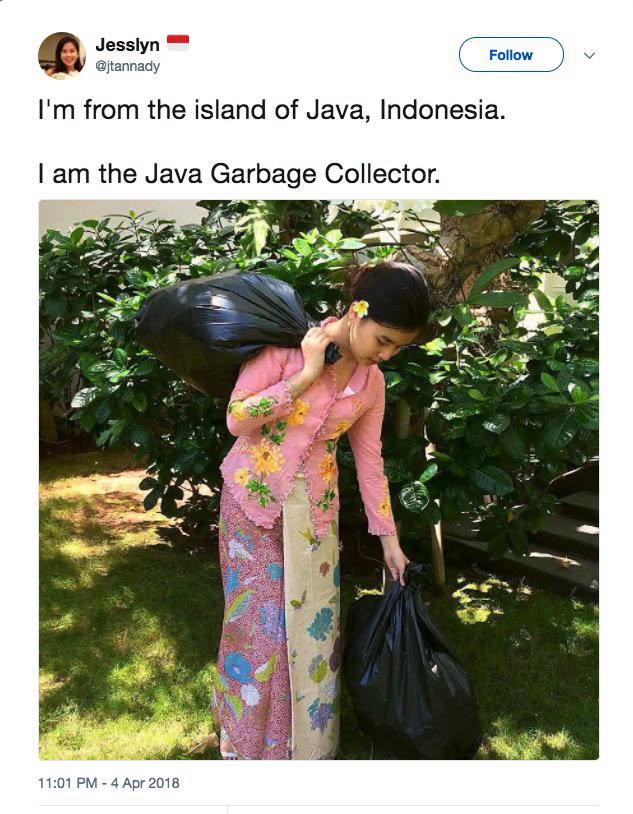
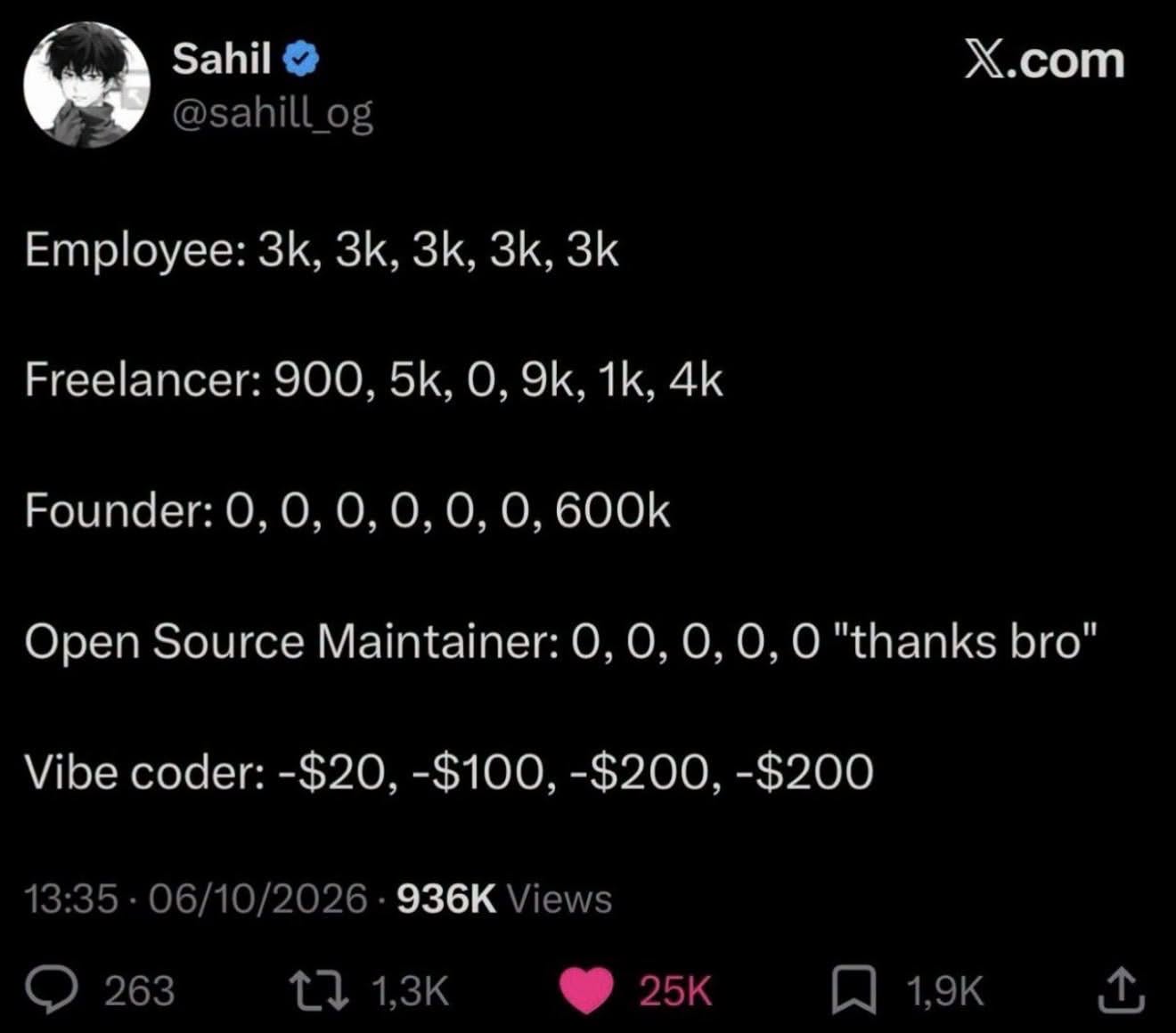
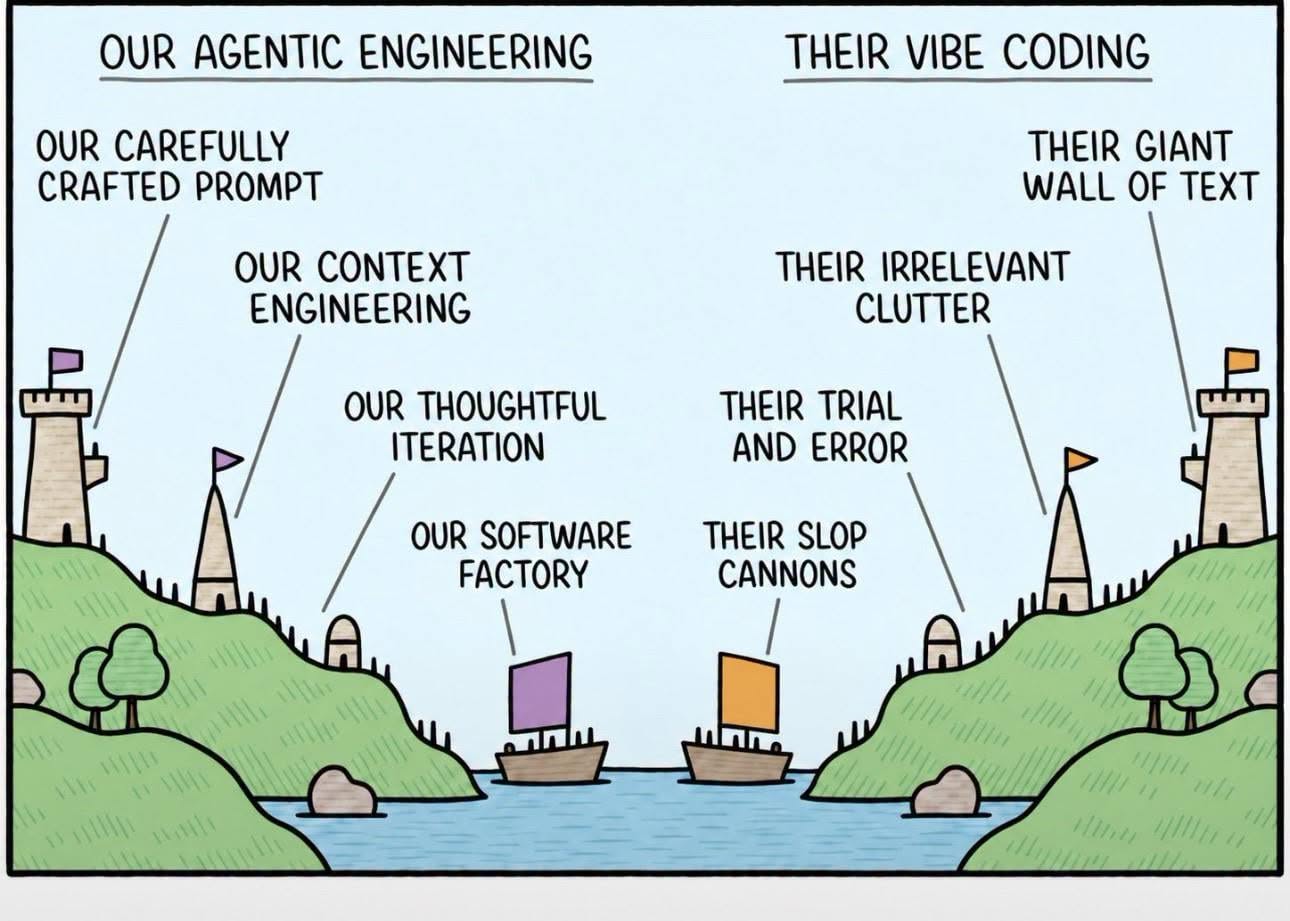
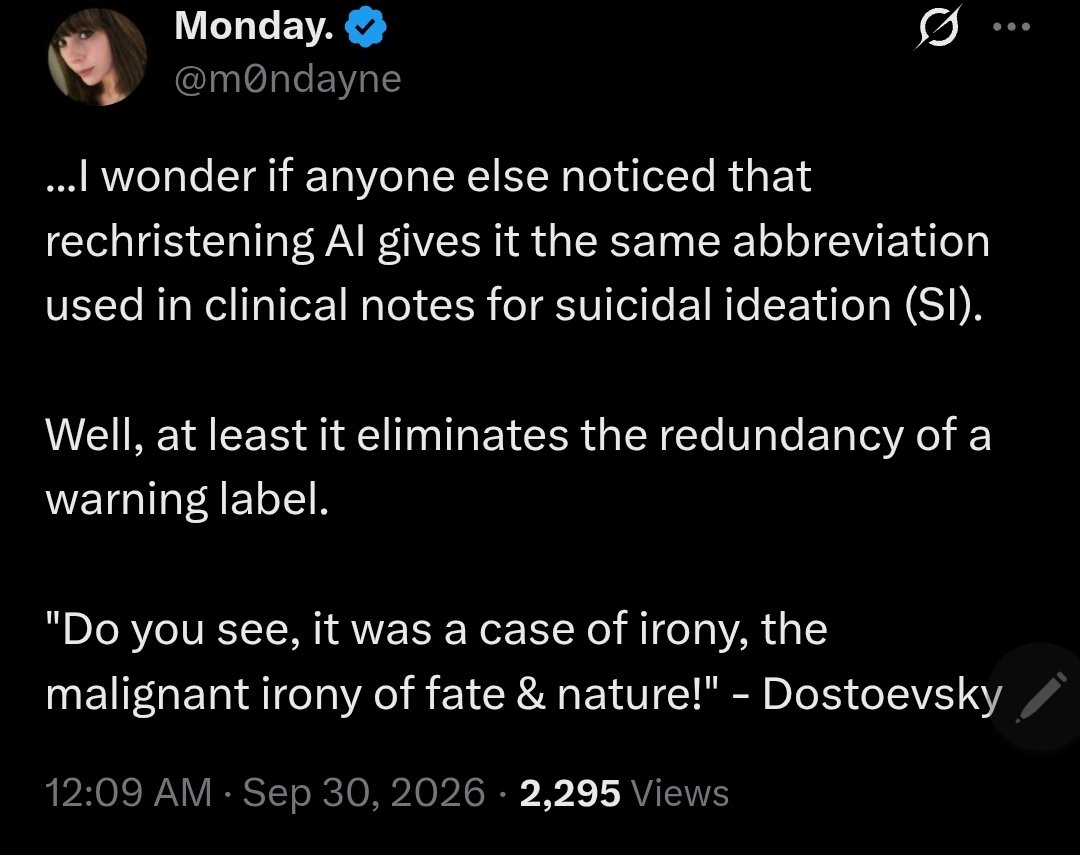
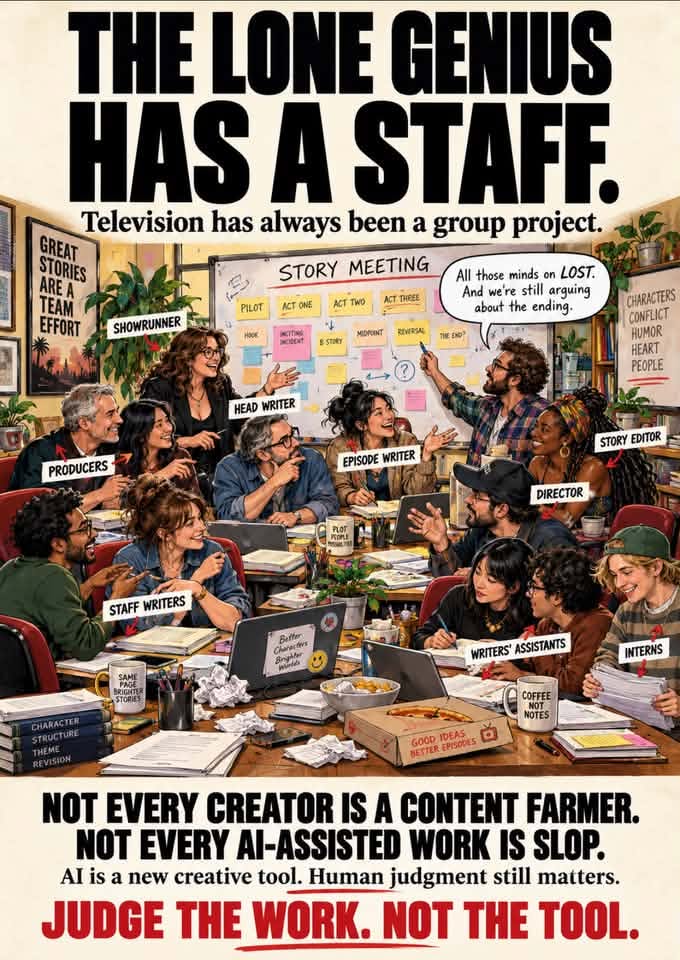
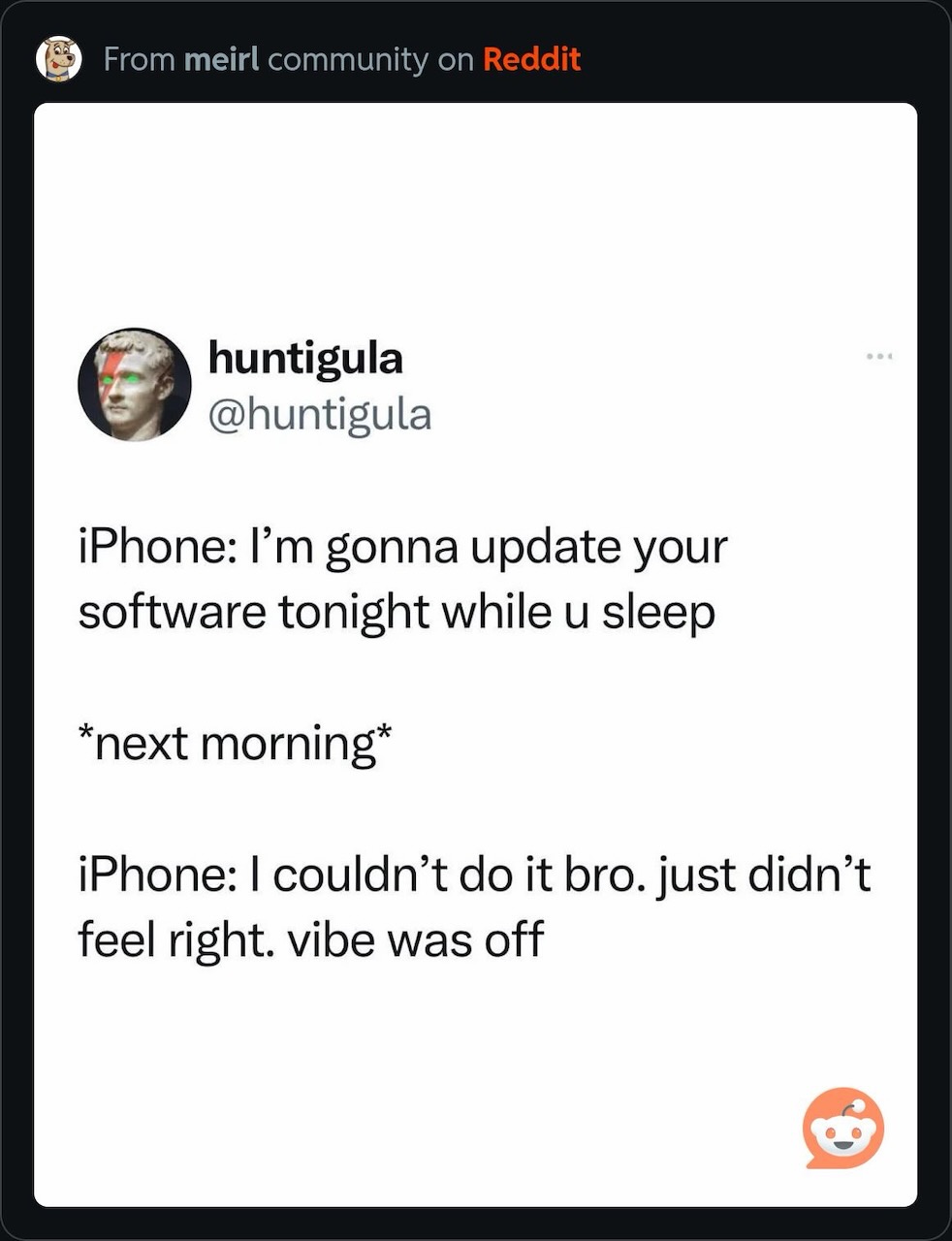
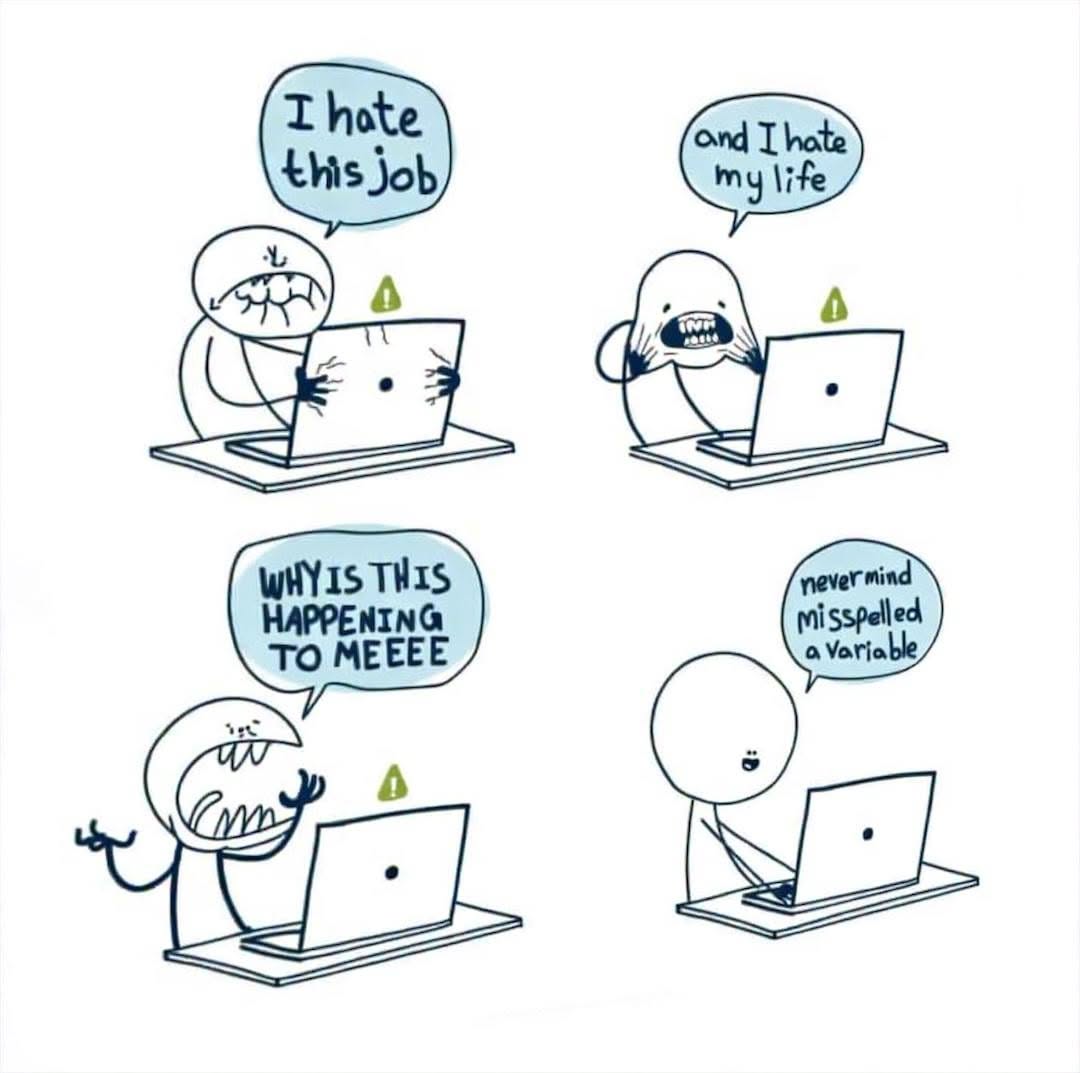
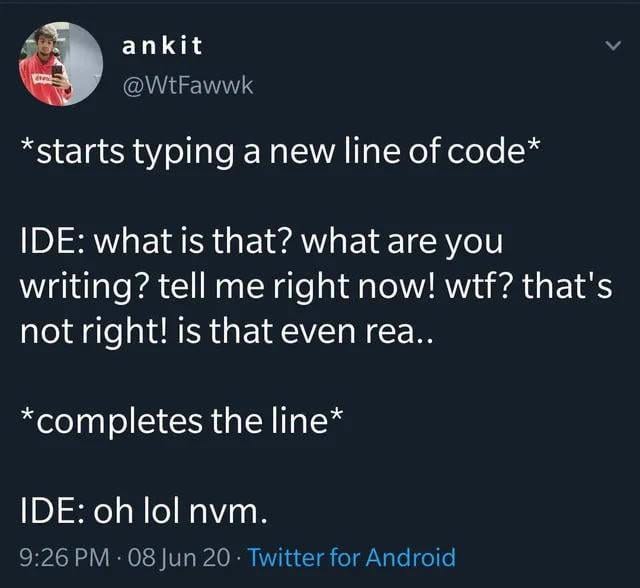
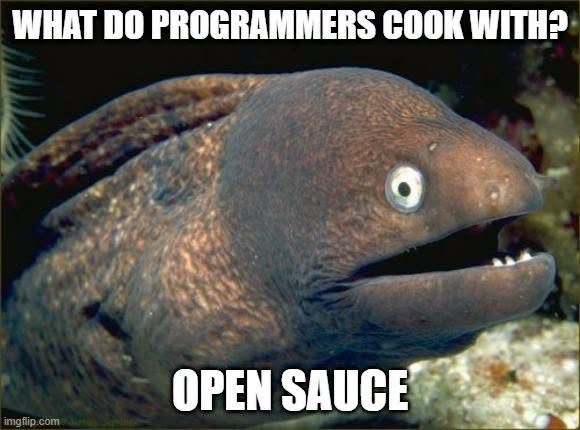
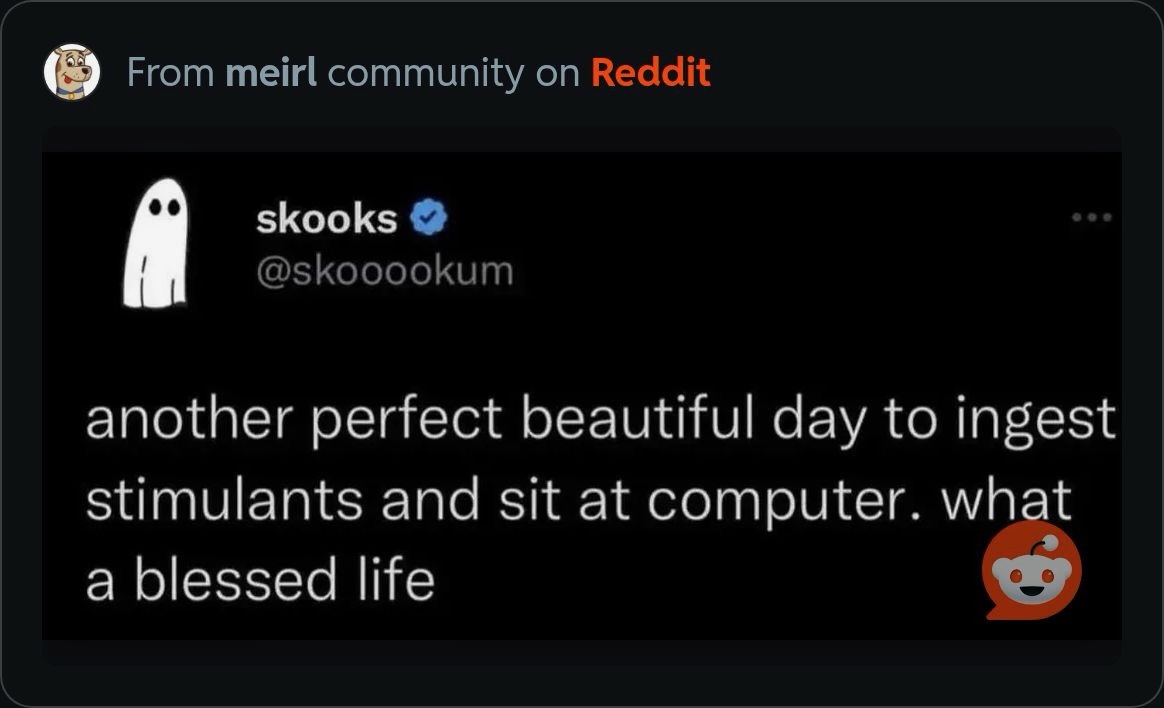
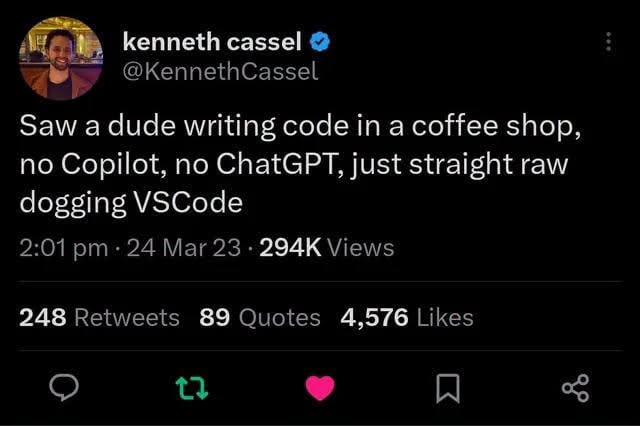
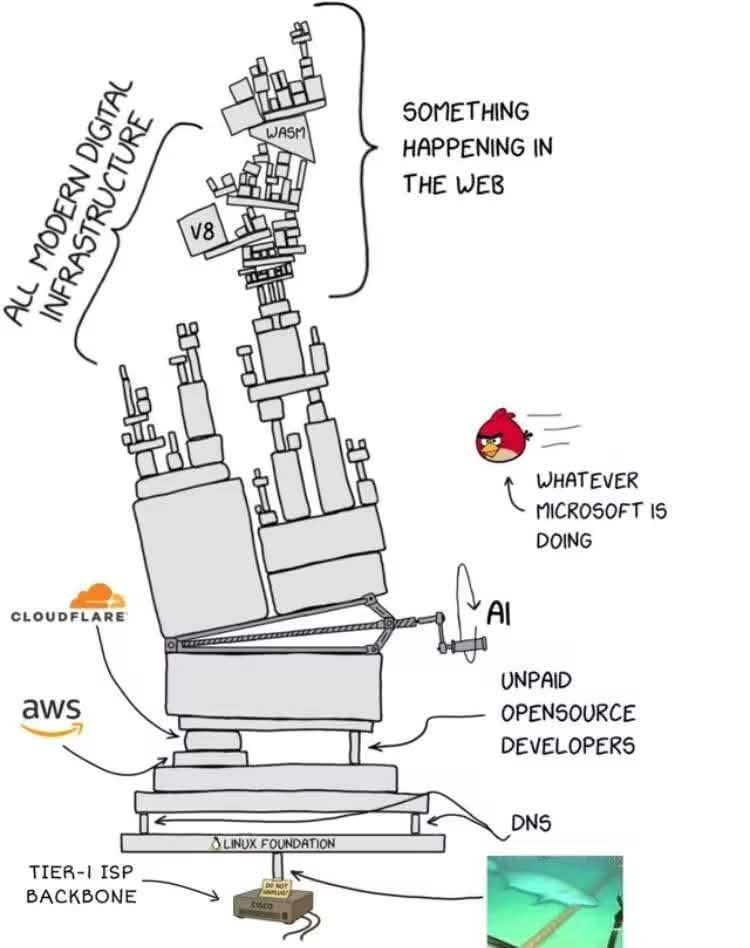
Happy Saturday, everyone! Here on Global Nerdy, Saturday means that it’s time for another “picdump” — the weekly assortment of amusing or interesting pictures, comics, and memes I found over the past week. Share and enjoy!


A couple of weeks back, I wrote about how coding happens on a spectrum whose opposite ends are:
I myself have been writing code for different purposes, on different parts of this spectrum (see the diagram at the top of this article for where they land on the spectrum):
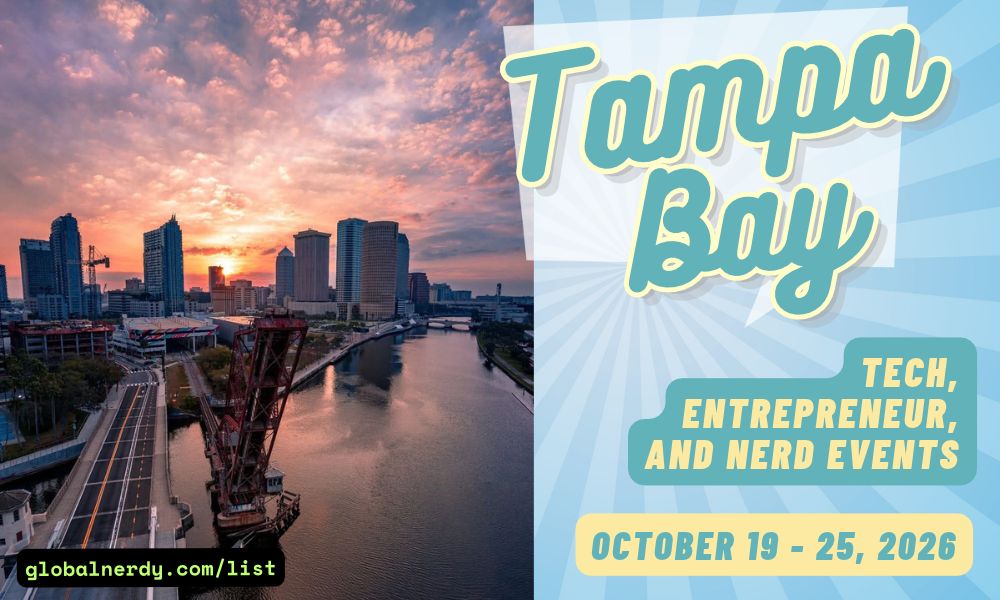
Here’s what’s happening in the thriving tech scene in Tampa Bay and surrounding areas for the week of Monday, February 2 through Sunday, February 8!
This list includes both in-person and online events. Note that each item in the list includes:
✅ When the event will take place
✅ What the event is
✅ Where the event will take place
✅ Who is holding the event

Monday at 7 p.m. at Embarc Collective (Tampa): Tampa Devs presents Deploying at the Tactical Edge: Overcoming Air-Gap Constraints in Kubernetes, where certified cloud native associate Nathan Thrasher will break down the tools and workflows that make secure, repeatable Kubernetes deployments possible in isolated environments.

Find out more and register here.
Tuesday at 10 a.m., online: Computer Coach presents The Job Seeker Journey Framework, a proprietary approach developed by Computer Coach and refined through 26 years of real-world job placement experience.
Instead of treating the job search like a collection of disconnected tasks, this framework maps out each phase job seekers move through, from preparation and positioning to interviewing and offer decisions. The session explains how employers think at each stage, where job seekers often get stuck, and how to move forward with intention using a clear, structured process.
Find out more and register here.
Wednesday at 5:30 p.m. at Entrepreneur Collaborative Center (Tampa): Tampa Bay QA and Testing Meetup presents Power Testmation (PT8N): AI-Enhanced Test Management.
Power Testmation (PT8N) is an Azure DevOps (ADO) Test Manager plugin built to cover core test management needs—now enhanced with an AI assistant named Alicia. Alicia helps teams create, execute, and improve test cases faster by generating tests from requirements and documents, analyzing existing coverage, updating tests when features change, and even running test cases through an MCP server.
This will feature walkthrough of a realistic, day-to-day workflow: how a QA engineer uses PT8N in a normal workday—from turning requirements into tests, to keeping suites clean and up to date, to executing and refining coverage.
Find out more and register here.
Thursday at 6 p.m. at Hays (Tampa): Tampa Bay Product Group presents The Sharkitect Pitch Lab: Master Your Message. Multiply Your Results.
This experience brings real-world, battle-tested pitchology into a hands-on lab where you’ll build and refine your actual message in real time. It will be led by Tony Greene, Co-Founder of The Sharkitect Group, the CMO and strategy team trusted by Shark Tank stars, like Mark Cuban and Kevin Harrington.
Designed to help entrepreneurs, founders, and business leaders engineer a clear, compelling, and confidence-driven pitch using the same strategic frameworks that power high-growth brands behind the scenes.
Find out more and register here.
Thursday at 6:30 p.m. at Cigar City Brewing (Tampa): Tampa Bay New-In-Tech is holding Thursday Connect & Cheers — Whether you’re new to the tech industry, transitioning into tech, or just looking to expand your network, this event is designed to help you make genuine connections in a relaxed, low-pressure setting.
Find out more and register here.
Thursday at 7 p.m. at Neon Temple (Tampa): Come join Neon Temple’s own Binary_badg3r as he walks us through an OSINT journey with a ton of Flair!
Starting with just a single image, this presentation demonstrates the power, and danger of open-source intelligence (OSINT), by tracking down wrestling legend Ric Flair’s location from just a single image using freely available and commercial tools. Through this practical example, attendees will see firsthand how OSINT analysts piece together clues from a variety of sources to pinpoint exactly where someone is. This isn’t just about finding a celebrity; it’s about understanding how these same techniques can be used against anyone, from executives to everyday individuals who unknowingly broadcast their locations through digital breadcrumbs. Whether you’re stylin’ and profilin’ or just posting vacation photos, this session reveals the gap between perceived online privacy and actual exposure, while providing defensive strategies to protect yourself and your organization from location-based tracking.
Find out more and register here.
Friday, from 10 a.m. to 2 p.m. at The Blend (St. Pete): Tampa Bay Designers (formerly Tampa Bay UX) is holding a cowork session!
Are you sometimes designing remotely? Want to work among other designers for a day? Join other designers to find a place to sit and work together!
Find out more and register here.
| Event name and location | Group | Time |
|---|---|---|
| Florida State Fair with the Geeks Florida State Fairgrounds |
Geekocracy! | 10:00 AM to 12:00 PM EST |
| Sunday Chess at Wholefoods in Midtown, Tampa Whole Foods Market |
Chess Republic | 2:00 PM to 5:00 PM EST |
| D&D Adventurers League Critical Hit Games |
Critical Hit Games | 2:00 PM to 7:30 PM EST |
| Pt. 2 of laser training- learning how to use Lightburn. MakerSpace Pinellas |
Makerspaces Pinellas Meetup Group | 3:00 PM to 4:00 PM EST |
| Traveller – Science Fiction Adventure RPG Black Harbor Gaming |
St Pete and Pinellas Tabletop RPG Group | 3:00 PM to 6:00 PM EST |
| Sunday Pokemon League Sunshine Games | Magic the Gathering, Pokémon, Yu-Gi-Oh! |
Sunshine Games | 4:00 PM to 8:00 PM EST |
| A Duck Presents NB Movie Night Discord.io/Nerdbrew |
Nerd Night Out | 7:00 PM to 11:30 PM EST |
| Return to the top of the list | ||

How do I put this list together?
It’s largely automated. I have a collection of Python scripts in a Jupyter Notebook that scrapes Meetup and Eventbrite for events in categories that I consider to be “tech,” “entrepreneur,” and “nerd.” The result is a checklist that I review. I make judgment calls and uncheck any items that I don’t think fit on this list.
In addition to events that my scripts find, I also manually add events when their organizers contact me with their details.
What goes into this list?
I prefer to cast a wide net, so the list includes events that would be of interest to techies, nerds, and entrepreneurs. It includes (but isn’t limited to) events that fall under any of these categories:
Happy Saturday, everyone! Here on Global Nerdy, Saturday means that it’s time for another “picdump” — the weekly assortment of amusing or interesting pictures, comics, and memes I found over the past week. Share and enjoy!
https://www.youtube.com/shorts/ypCib4by1zM