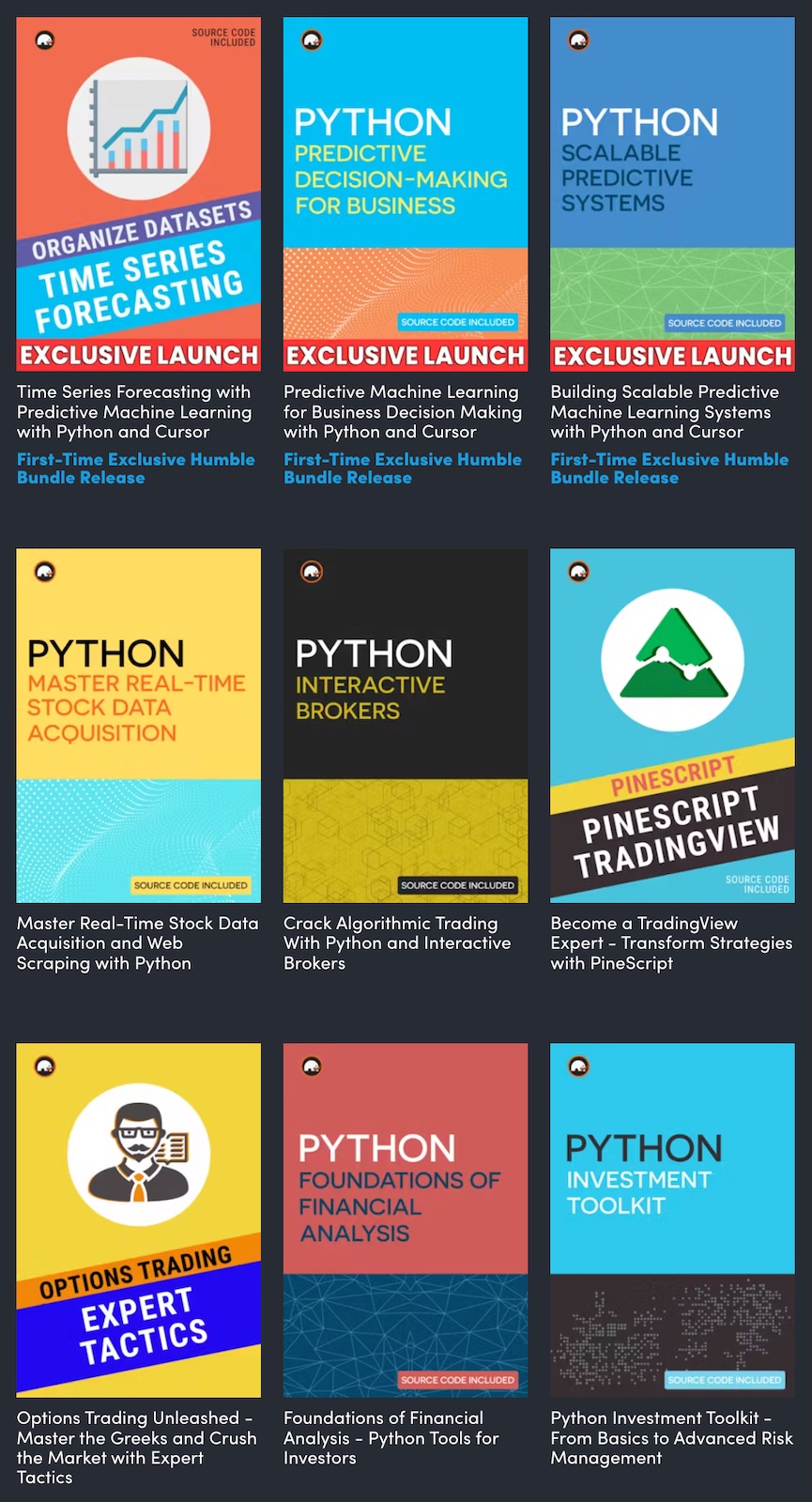
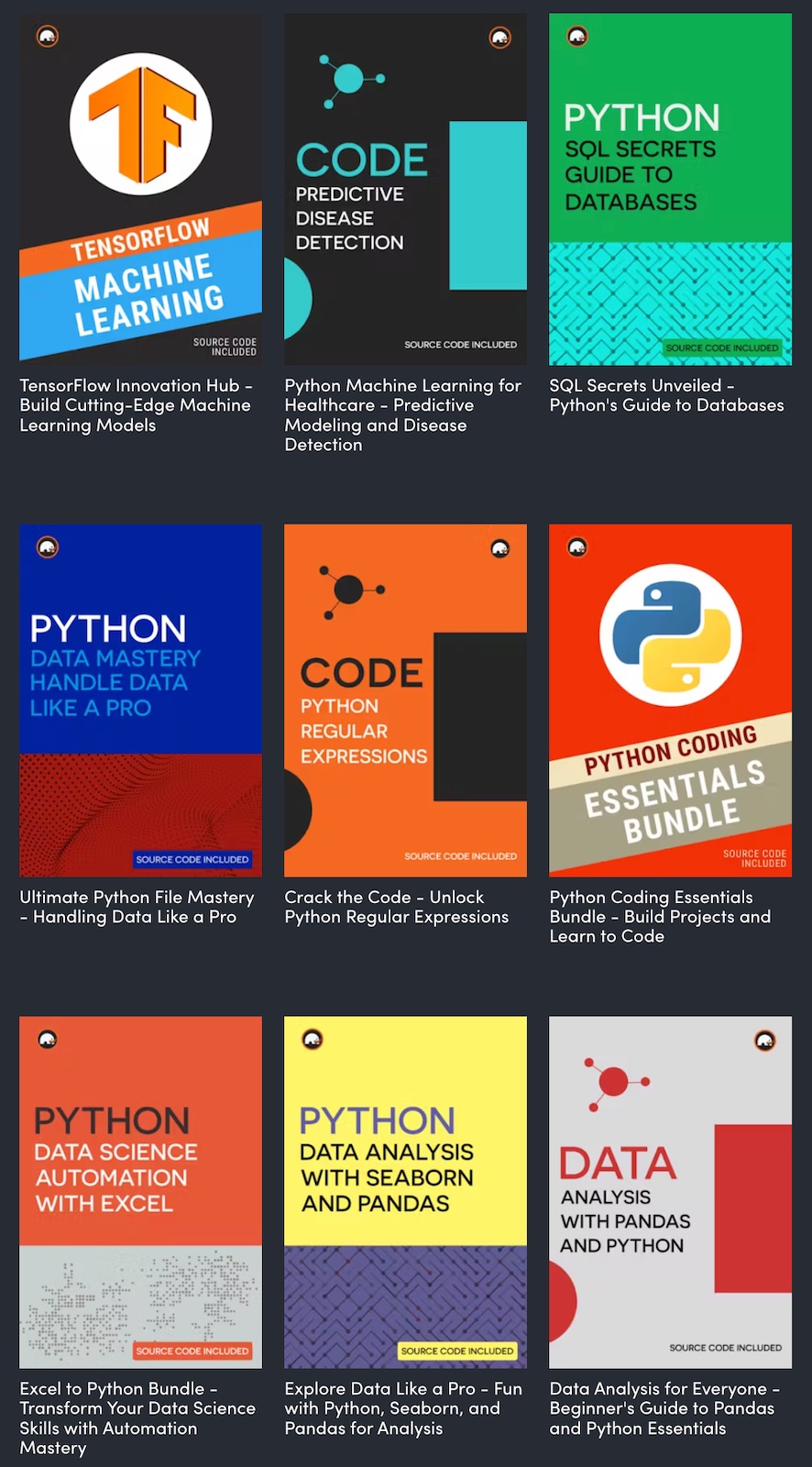
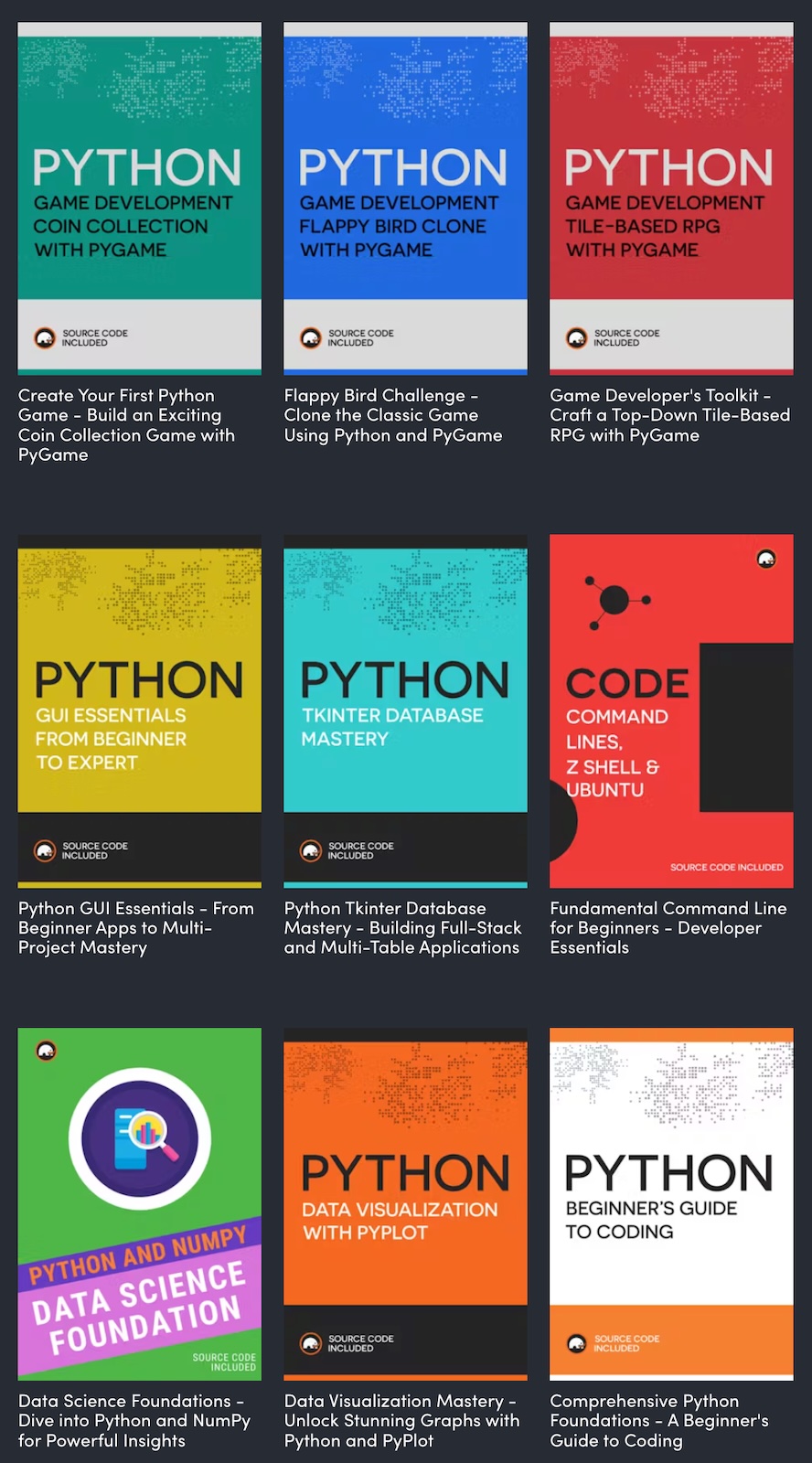
Want to learn a lot about Python, whether you’re brand new to the language, or a long-timer? Humble Bundle’s The Complete Learn to Code Python and ML Megabundle might be just what you’re looking for, costs only US$25 for the full set, and is available for another 7 days (at the time of writing — 1:40 p.m. on Monday, October 28, 2024)!
$25 gets you 45 items, all of which are pictured in this post. Some of these items are complete tutorials, while others are simply collections of sample code. I decided to YOLO and simply buy the whole thing.
I’m going to sift through the offerings and write about them over the week here. Watch this blog!
A portion of the proceeds from sales of the megabundle will go towards Children’s Miracle Network Hospitals, so you’ll be getting some useful Python info and helping a good cause at the same time.
I get that for non-programmers to get the joke, the argument for setHealth() had to be the string "100%" and not the floating-point value 1.0, but Ars Heitiya’s comment made me laugh more than the original comic piece.
How did the CrowdStrike Bug of July 19, 2024 take down 8.5 million Windows systems and cause the biggest global outage of all time? I’ll explain in this video, where you’ll also learn about operating systems, the kernel, device drivers, and more!
This will be an online course happening twice a week for 5 weeks, on Mondays and Wednesdays from 6:00 p.m. to 10:00 p.m. (with hourly breaks), from Monday, July 15 through Wednesday, August 14. The course will be aimed at beginning programmers who are new to Python, and I can adjust it based the skill and knowledge of the class.
If you find my Meetup presentations entertaining and informative, wait until you see the way I teach programming!
Computer Coach
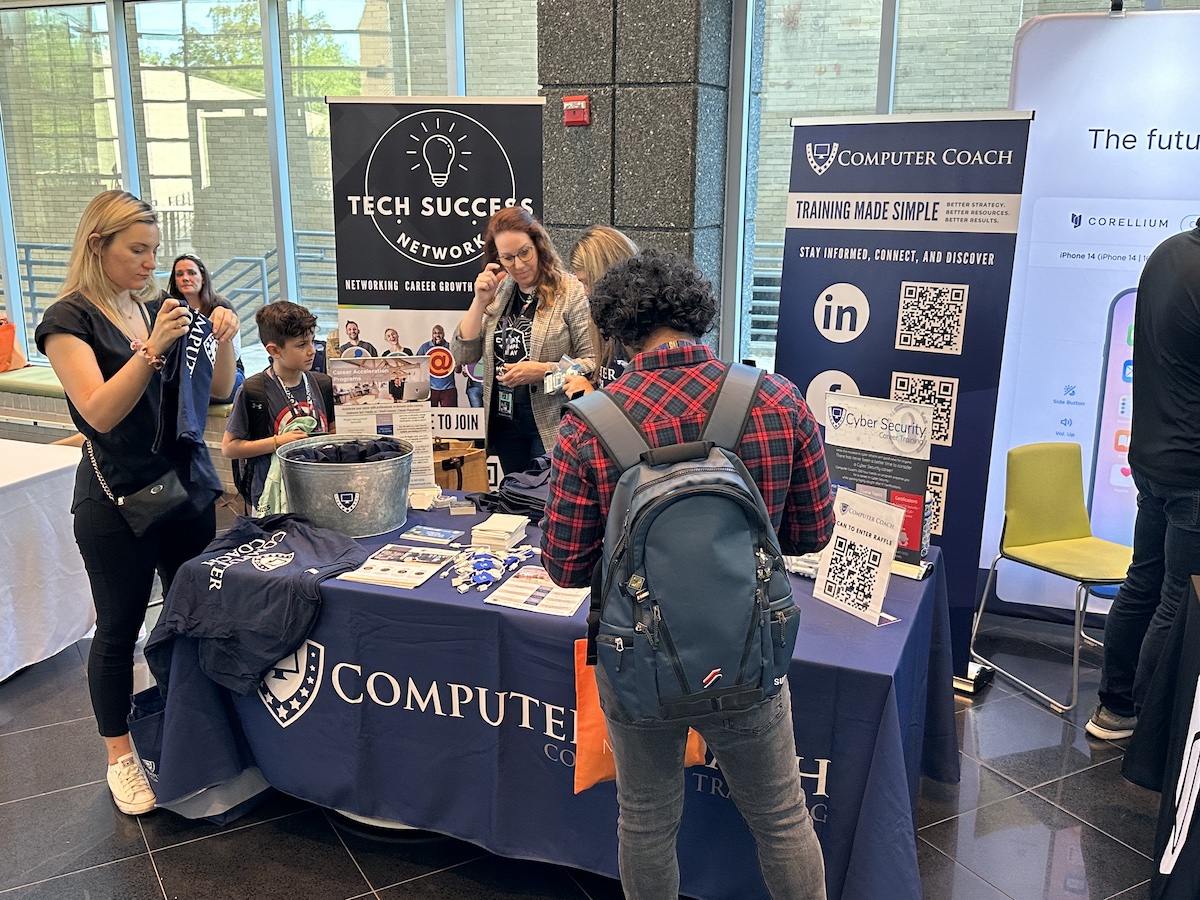
In my two decades doing developer relations work, I’ve found that every metropolitan area with a decent tech scene has a tech school whose people drive a lot of local tech events. Here in Tampa Bay, it’s Computer Coach!
If there’s a tech conference, meetup, or gathering happening in Tampa or St. Pete, Computer Coach is probably part of it — organizing it, sponsoring it, or providing volunteer support. If someone in the Tampa Bay area has recently picked up some tech skills, chances are that they got them via Computer Coach. Wherever Tampa Bay tech is, so is Computer Coach, and I’m always pleased to work with them.
Python
The TIOBE Programming Community Index is a measure of the popularity of programming languages, and Python has been in the top position for the past little while. With its growth in popularity and as the preferred language of data scientists and machine learning, Python is a must-learn language.
What more can I say about Python? It’s my overall favorite programming language, it helps generate the weekly list of Tampa Bay tech events that appears on this blog, and thanks to its prominence in the fields of data science and artificial intelligence, it’s the hot language of the moment — despite having been first released in 1991 and being eclipsed by Ruby in the 2000s.
How you learn programming matters
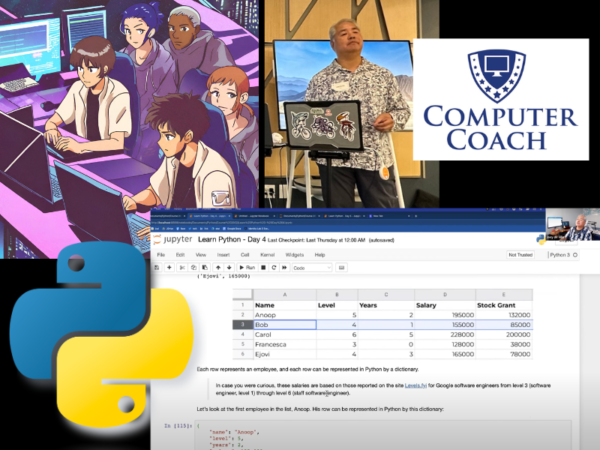
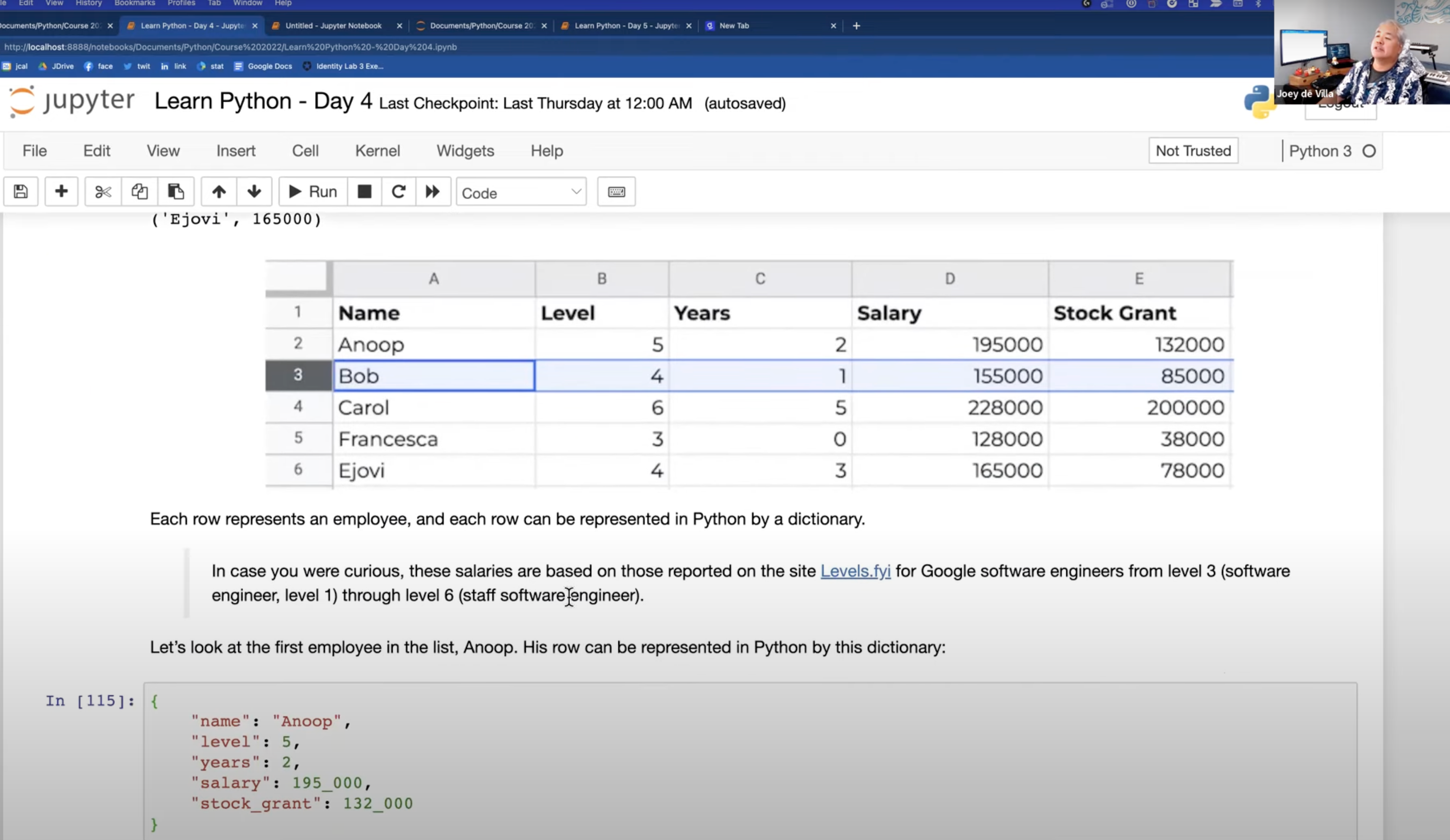
Consider this screenshot from the Python course I taught in November and December 2023:
It shows us using a spreadsheet classic — a list of employees and some of their attributes — represented as a Python data structure: a list of dictionaries, which for all intents and purposes is a spreadsheet. We used this to analyze the salaries and stock grants of anonymized software developers at Google, as listed on levels.fyi, a site where you can see the compensations and benefits for different jobs and levels across tech companies. This isn’t the sort of example you’ll see in most courses or textbooks, but my goal is to try and make the exercises as meaningful as possible to the people taking the course. And you’ll learn interesting non-Python things along the way, including the existence of sites like levels.fyi and the inner workings of large tech companies!
(And you’d better believe we’ll cover harnessing ChatGPT’s and DALL-E’s power via the OpenAI APIs…)
Most importantly, I want to show aspiring Python programmers how to think in a problem-solving manner. Programming is really about finding the intersection of “I have a specific problem I’m trying to solve” and “I know how to get the computer to perform a certain set of tasks.”
Does this sound like the kind of course you’d like to take? If so, head on over to Computer Coach’s page for the Python Programming course, which describes the course in a more official way, and sign up! Don’t forget that the class starts Monday, July 15th!
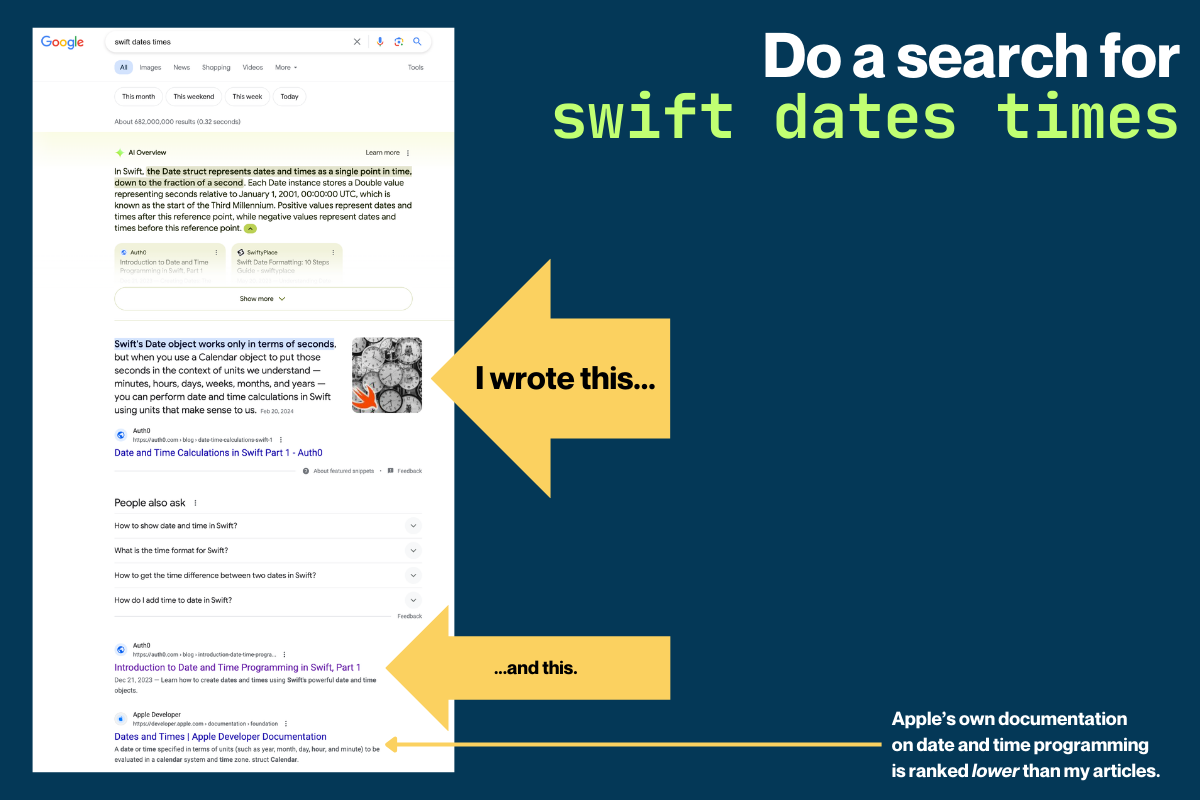
I originally posted a series of articles on date/time programming in Swift here on Global Nerdy, updated it, and published it on the Auth0 Developer Blog when I worked there.
I just checked to see how it ranked, and at least for me — remember, everyone sees different Google results — the series is still the number one result for swift dates times and smilar search terms.
I’m being asked by a growing number of people this one question: “I want to get started learning and building AI apps with Python. Should I go with the Python.org distribution, Anaconda, or something else?”
For anyone who wants to learn Python and AI development, my answer is invariably:
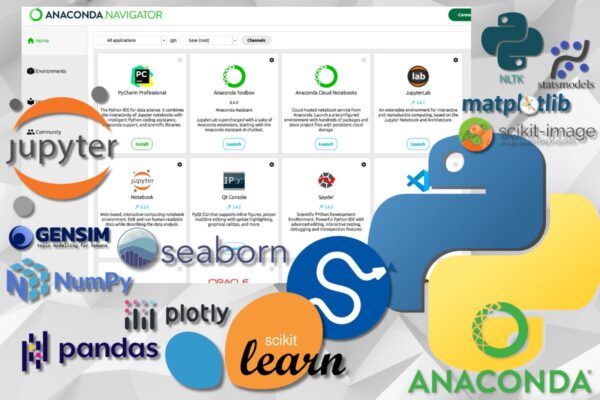
Their one installer gets you a LOT of stuff: Not just Python, but also the R programming language, the pip and conda package managers, Jupyter Notebook and Jupyter Lab, and a ridiculous number of installed and optimized Python packages ready to go.
Anaconda is made by people into scientific computing, data science, and machine learning, for people into scientific computing, data science, and machine learning. You have to do way let setup after installing it to get started on your AI journey.
Anaconda is proven. Nearly 40 million people use it, and so do 90% of the Fortune 500.
There’s also Anaconda Cloud, which features an online notebook service (an online interactive coding environment that also makes it easy to share code), articles and online courses, and a big user community.
Anaconda delivers the same great Python programming experience on Linux, macOS, and Windows. If you move between operating systems like I do, or teach Python courses, this is incredibly handy.
Once again — if you’re learning Python for AI development:
ℹ️ Disclaimer: This is NOT a paid promo for Anaconda. I met some of their people at PyCon, but the company has no idea who I am or that I’m doing this, and they certainly don’t know how to put money in my bank account. I’m just a satisfied user who uses it for my own projects and for teaching Python and AI programming.

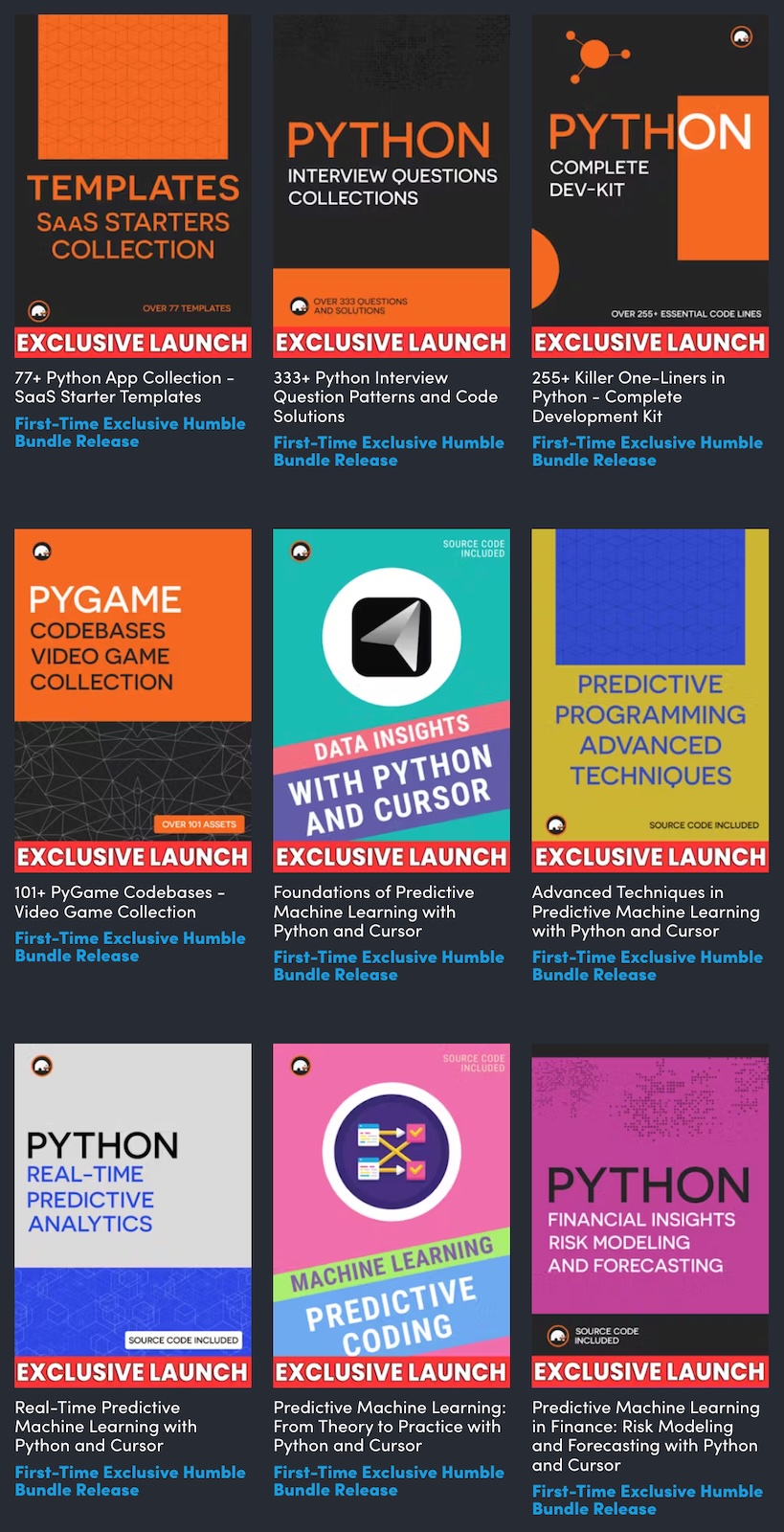 $25 gets you 45 items, all of which are pictured in this post. Some of these items are complete tutorials, while others are simply collections of sample code. I decided to YOLO and simply buy the whole thing.