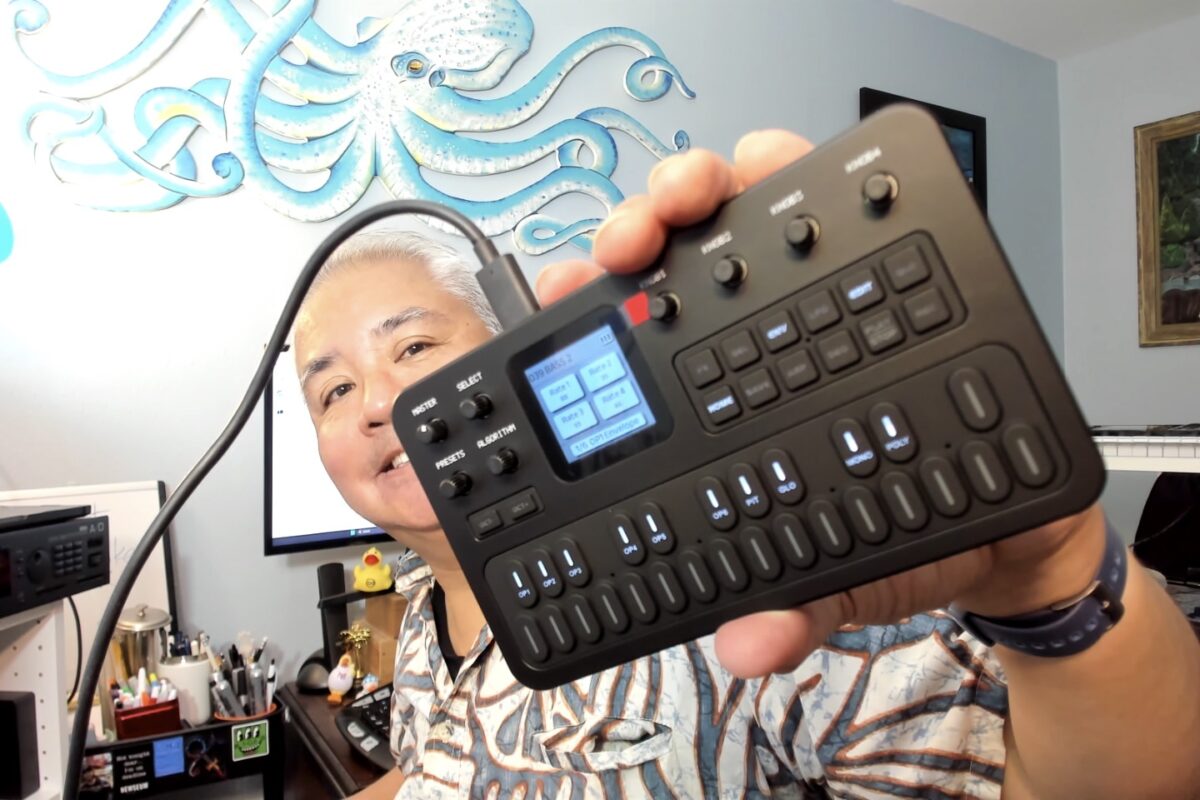
Murphy’s Law strikes: Just before I’m about to leave for the weekly Tuesday happy hour for beer with the neighbors, the synth I ordered arrives. And a day early, too (this is beginning to sound like one of those “My steak is too juicy and my lobster too buttery” kind of complaints)!
The synth in question is pictured above: an FM-1 desktop synth made by a company called M-VAVE. For a mere US$79, it emulates the Yamaha DX7, the most 1980s of all the 1980s synths…
…but now in a package that’s slightly smaller than a VHS cassette.
I’ll post a review later, but since I have to run, I’ll post this guy’s review instead:
Since that I posted that first article on August 16, 2006 to Global Nerdy, it’s been…
20 years
2 blogging platforms (Blogware, then WordPress)
11 million pageviews
Almost 5,000 articles (this one will be number 4,989)
2 cities/countries:
Toronto, Ontario, Canada 2006 – 2014
Tampa, Florida, U.S.A. 2014 – present
…and of course, one helluva blogging adventure!
The name
I didn’t come up with the name; at least not directly. It was generated by a program I wrote, The Duke of URL, which demonstrated the “namespinner” API made by Tucows, where I was working as their developer advocate. You enter some keywords into the app, and it presented you with a list of suitable and available domain names.
One of the available domain names it presented was globalnerdy.com. The name was a little ridiculous; it sounded like the sort of thing made by whoever comes up with names for Japanese role-playing videogames. But it was kind of catchy and I decided to go with it.
The eras
To close (I’d love to write more, but today’s a busy day for me), some photos from this blog throughout the years…
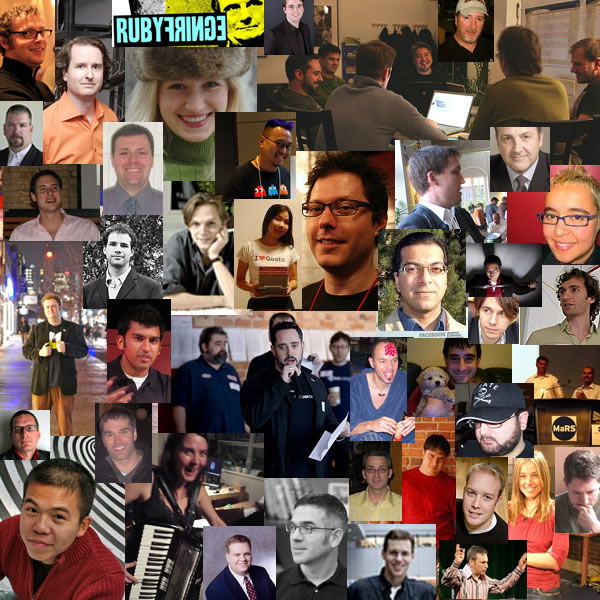
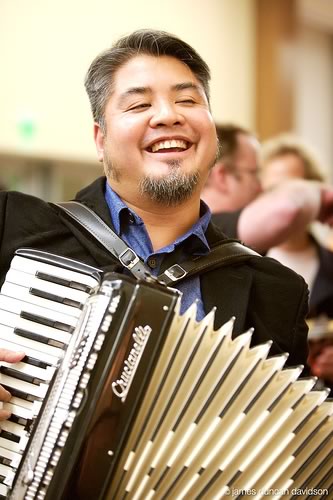
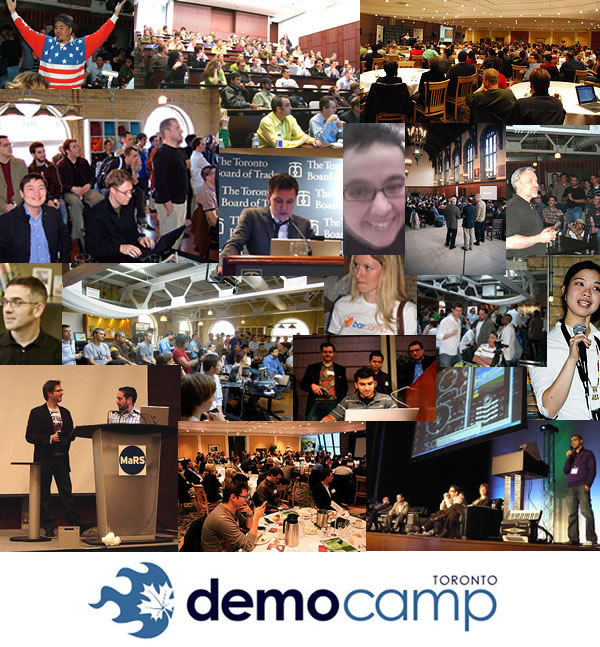
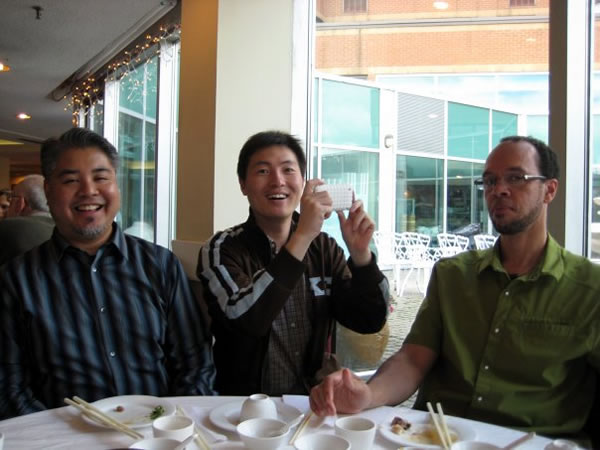
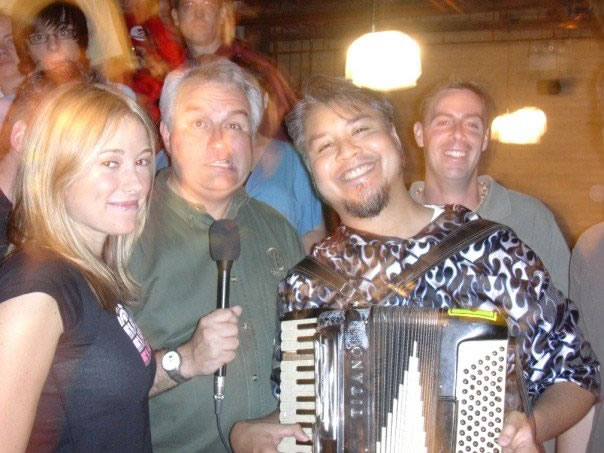
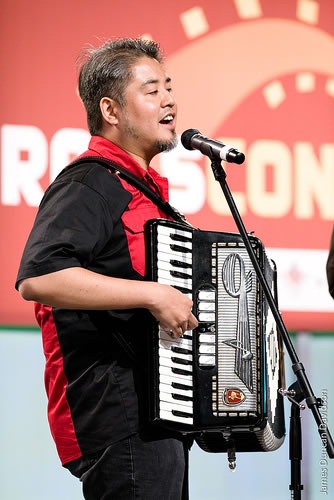
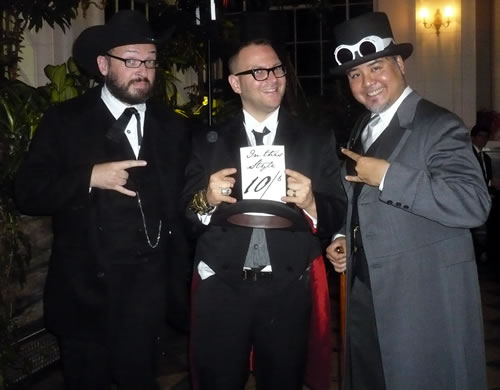
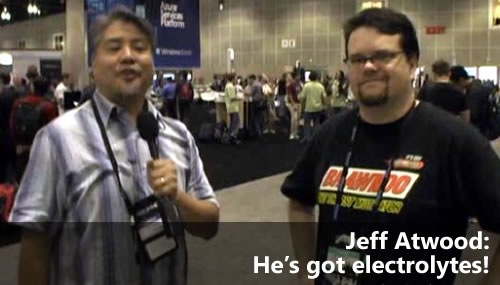
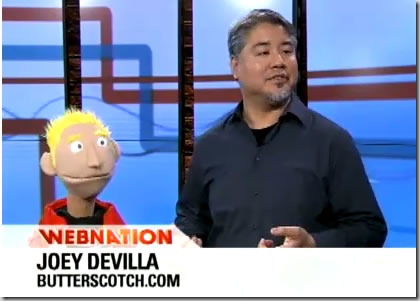
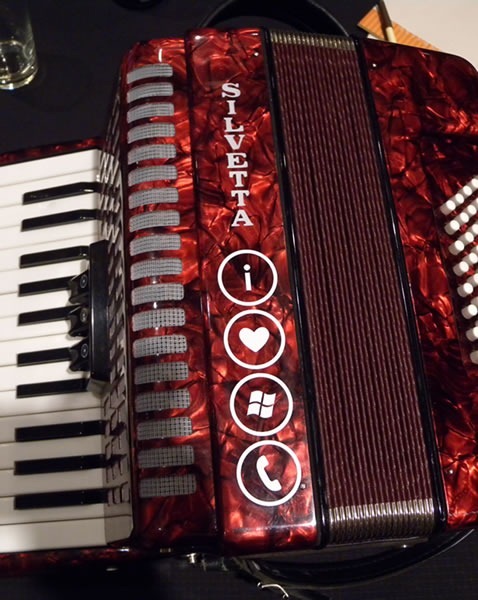
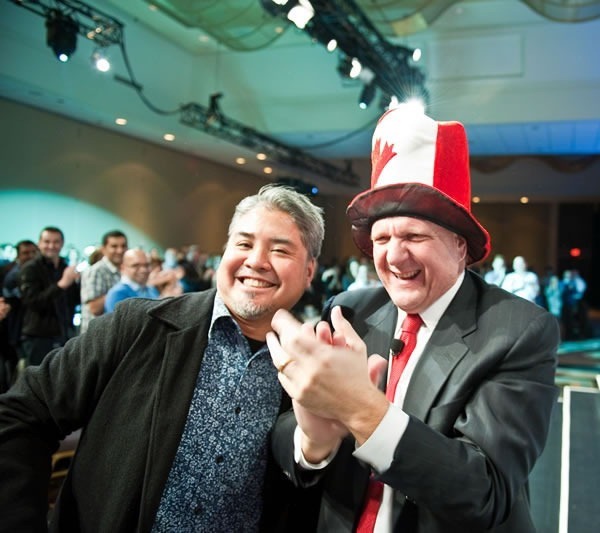
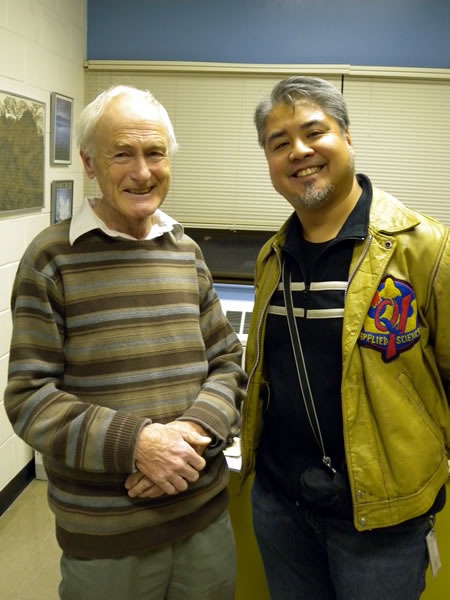
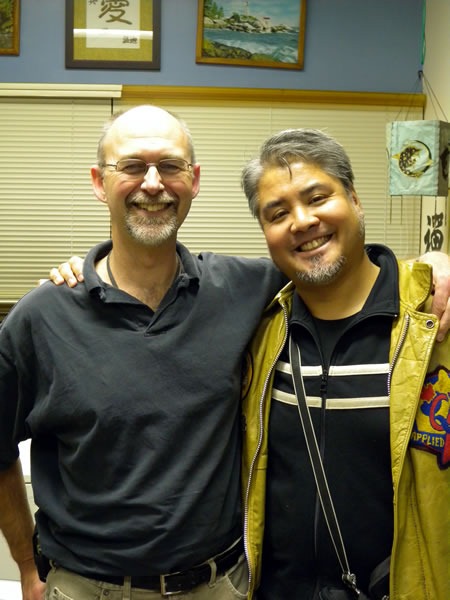
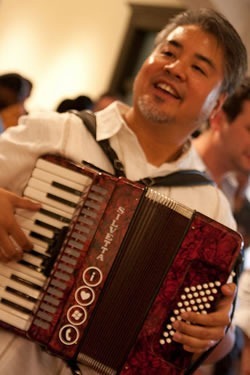
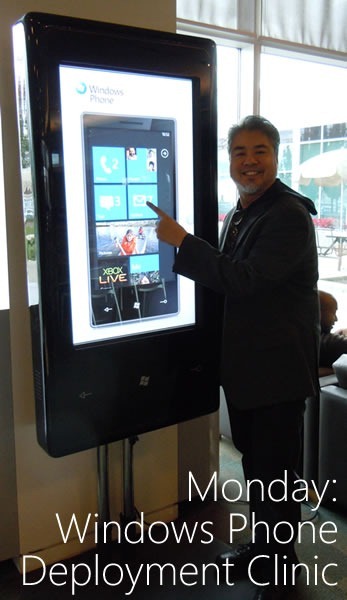
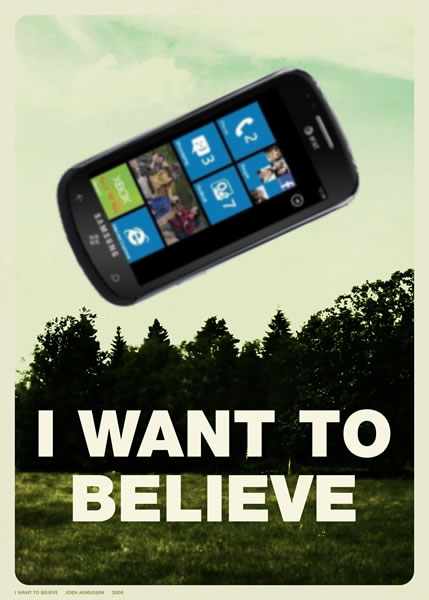
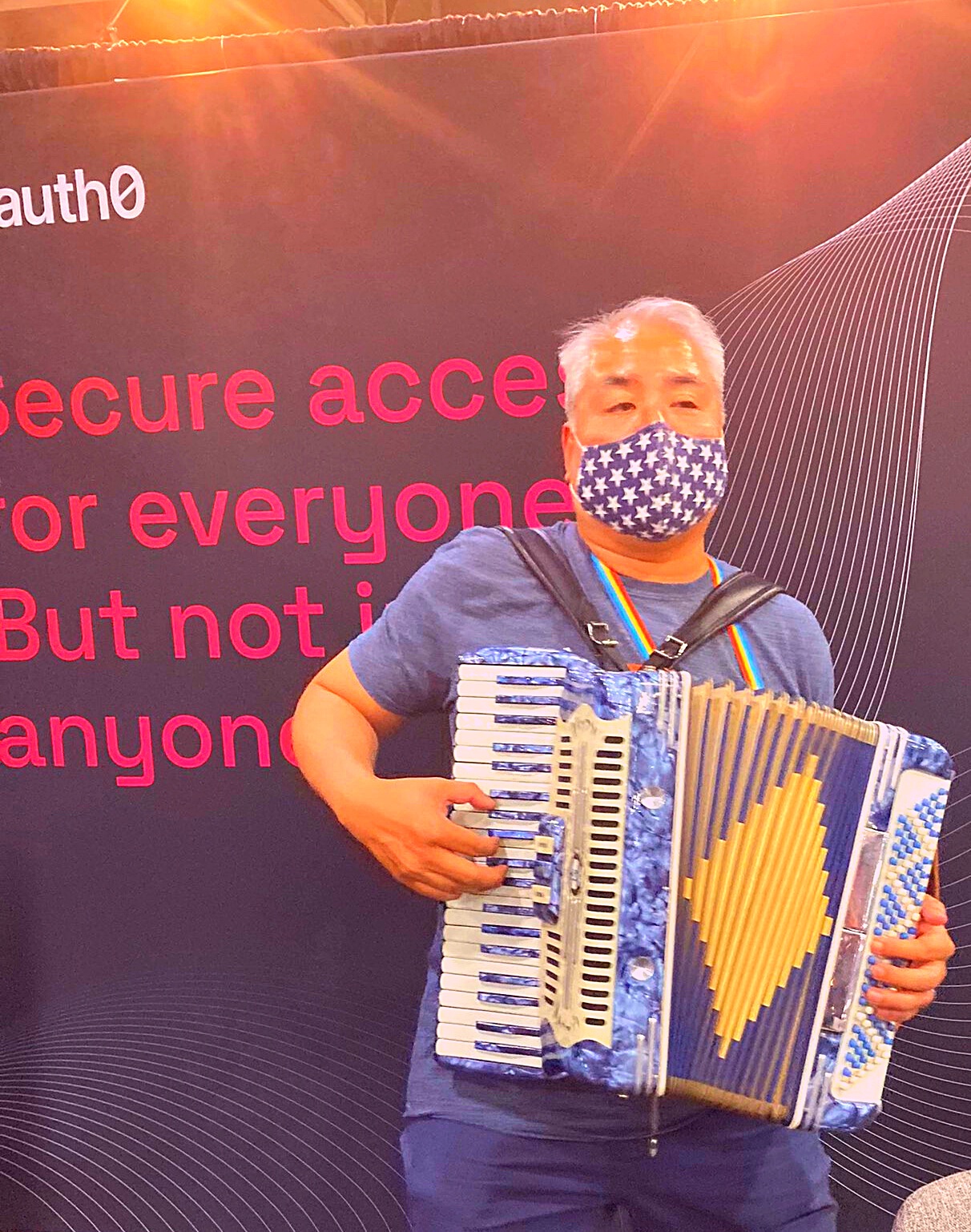
A collage of the people from Toronto’s BarCamp/DemoCamp scene in the 2000s.Developer dim sum lunch with Libin Pan and Reg Braithwaite.With Amber Mac and Leo Laporte at a developer event in Toronto’s Liberty Village.Onstage at the evening keynote at RailsConf 2006.Danny O’Brien, Cory Doctorow, and me at Cory’s wedding.On my second week on the job at Microsoft with Jeff “Coding Horror” Atwood.Richard M. Stallman is clearly attracted to me because he’s playing with his hair.With “Junior” my puppet friend from my short-lived children’s show. See the video below!The world’s only Windows Phone-branded accordion!Steve Ballmer ran up to my table and borrowed my hat at the Canadian Windows 7 launch.Visiting some of my professors! First, Dr. Michael Levison, who ran the Computer Science department at Crazy Go Nuts University……and Dr. Robin Dawes, from whom I learned a lot about algorithms and data structures.Ah, the Windows Phone days…
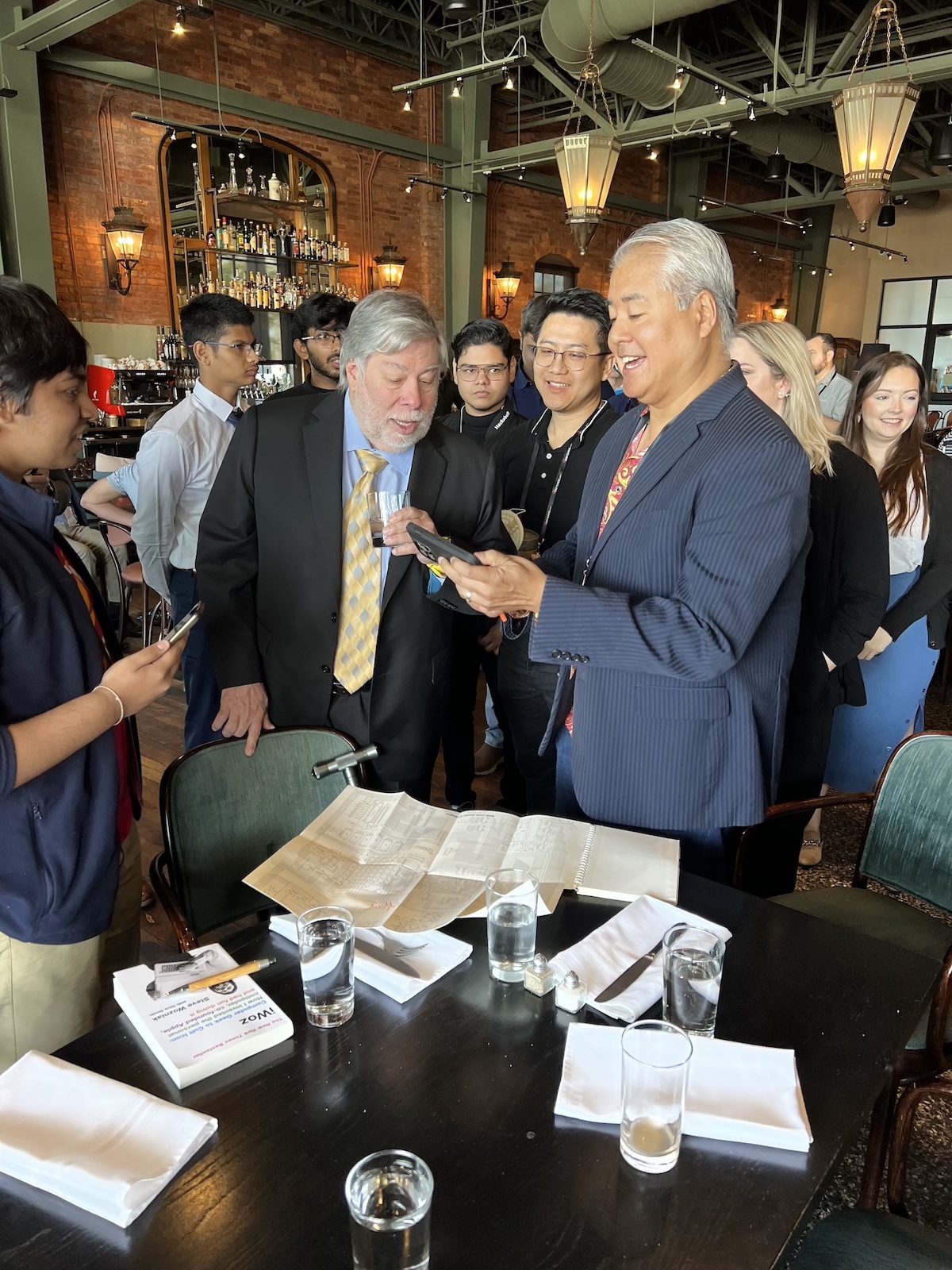
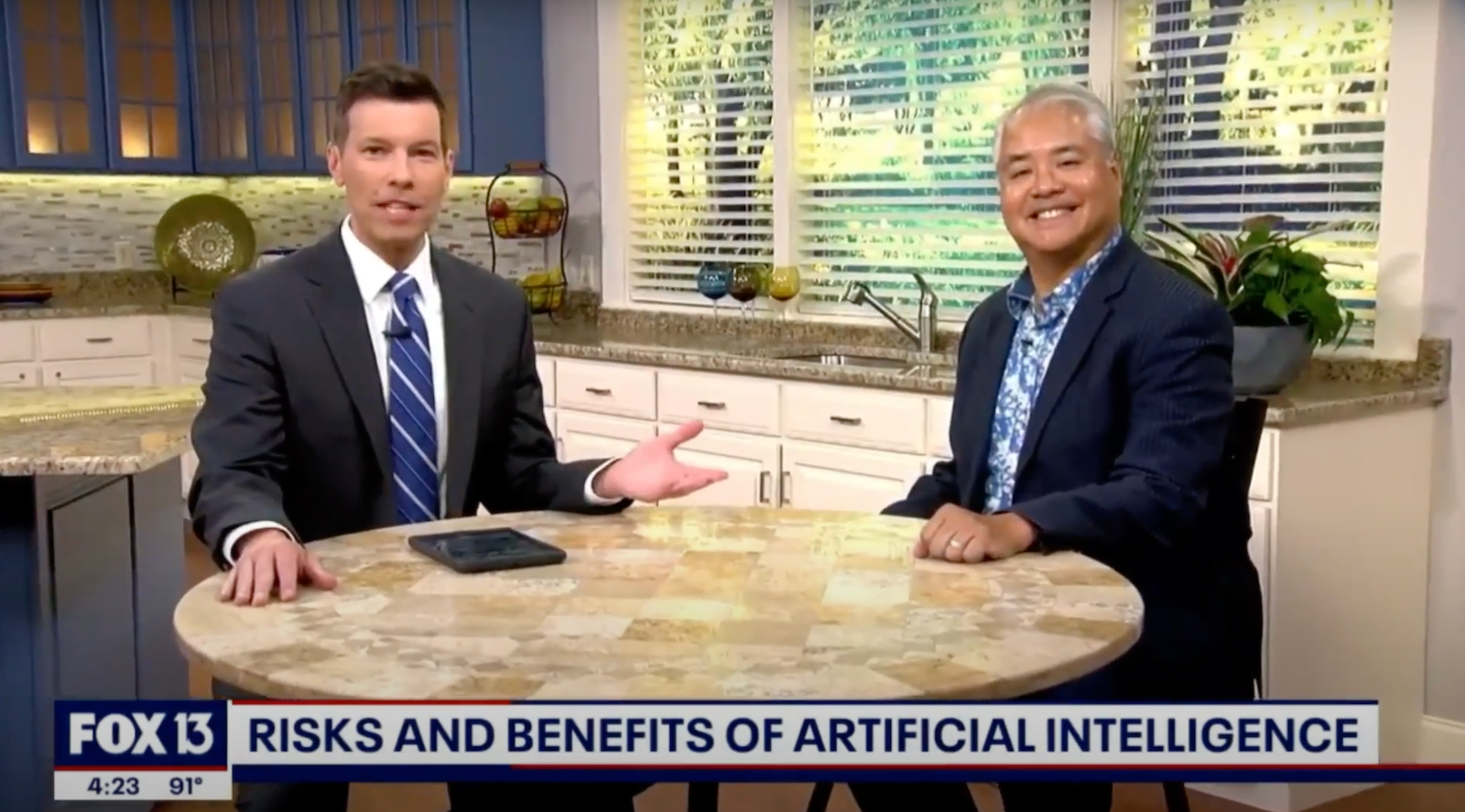
Going to BarCamp Tampa changed my life; that’s where I met Anitra!With Lyssa Adkins, Alistair Cockburn, and Anitra at Alistair’s birthday.Anitra and I have co-presented a number of talks.Cyber school during the pandemic was a wild experience!I began the 2020s at Auth0…Meeting Steve Wozniak at the first Civo Navigate.For a little bit, I was the AI go-to guy on local Tampa news.Presenting at BSides Tampa!…and now I’m at NetFoundry!
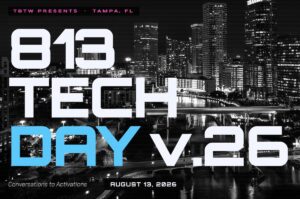
813 Tech Day happens in Tampa this Thursday, and whether you plan to attend (I’ll be at the Hotel Haya and Sapphire events) or observe from afar, keep this word in mind: Scenius.
What is scenius?
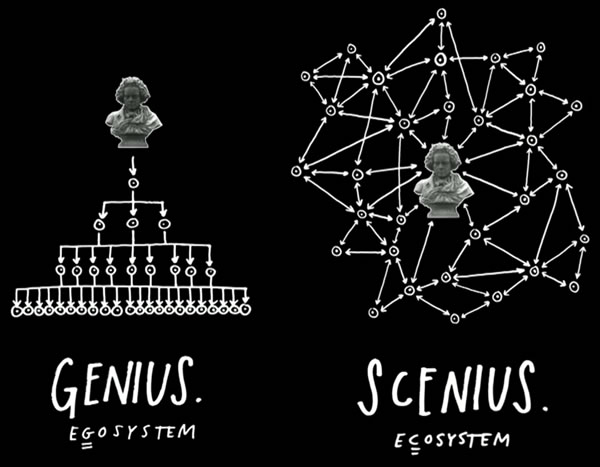
Scenius is a portmanteau of the words scene and genius, and it was coined by musician, music producer, and visual artist Brian Eno to describe the extreme creativity that groups, places, or “scenes” can generate.
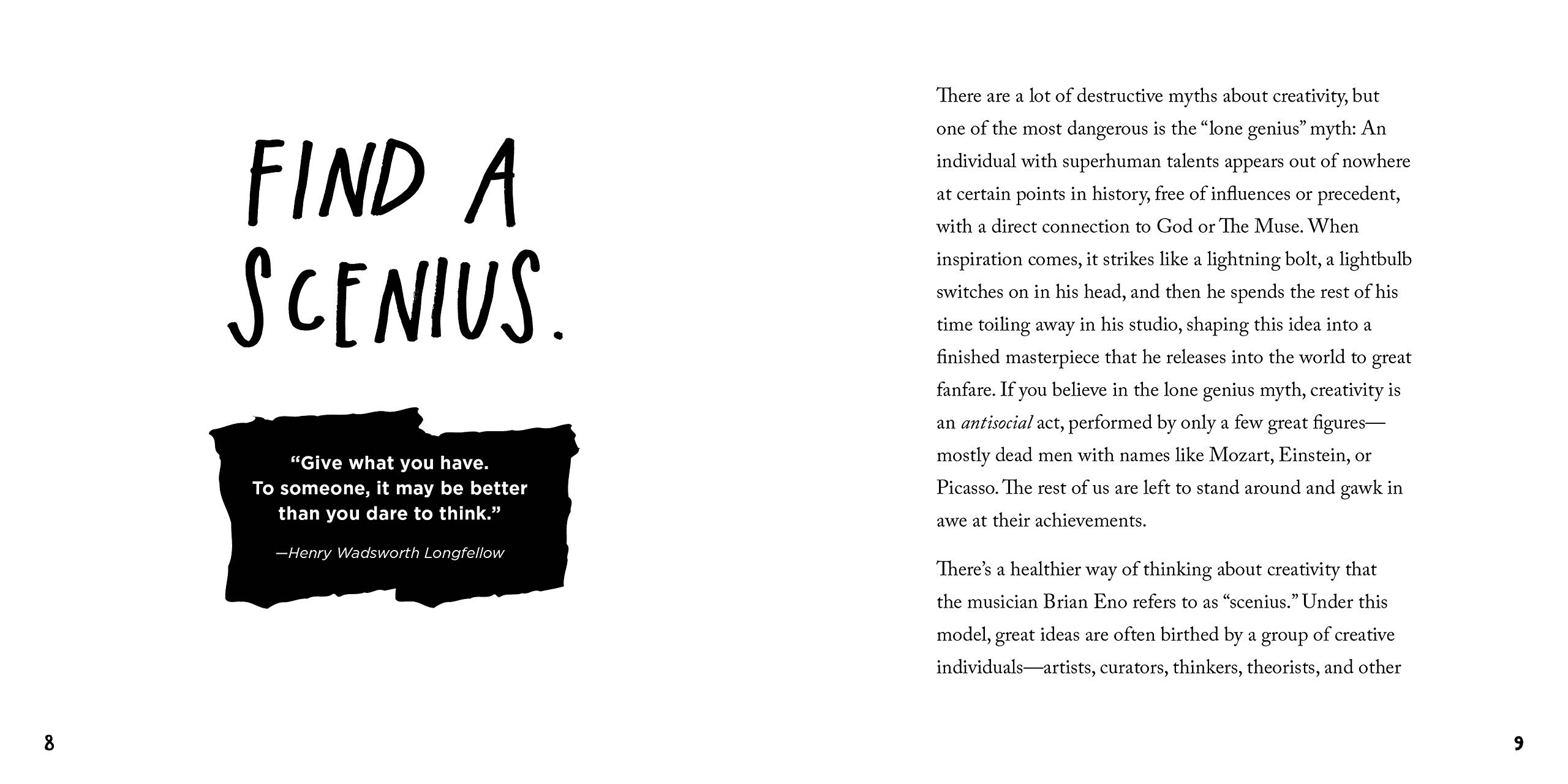
Eno came up with the term as a way of countering the pervasive mythoftheLoneGenius: the idea that innovation comes from a small, select set of Chosen Ones:
Brian Eno. Creative Commons photo by Algemene Vereniging Radio Omroep (AVRO). Tap the image to see its source.
“Just as genius is the creative intelligence of an individual,” he says in the video, “scenius is the creative intelligence of a community.”
Here’s Eno’s expanded definition of scenius, courtesy of Eno:
“Scenius stands for the intelligence and the intuition of a whole cultural scene. It is the communal form of the concept of the genius.”
…I thought that originally those few individuals who’d survived in history – in the sort-of “Great Man” theory of history – they were called “geniuses”. But what I thought was interesting was the fact that they all came out of a scene that was very fertile and very intelligent.
So I came up with this word “scenius” – and scenius is the intelligence of a whole… operation or group of people. And I think that’s a more useful way to think about culture, actually. I think that – let’s forget the idea of “genius” for a little while, let’s think about the whole ecology of ideas that give rise to good new thoughts and good new work.”
Historical examples of scenius
Here are some examples of scenius, where the collective smarts, creativity, and passion of a group of people coming together to do great things is greater than the sum of its parts:
The Lunar Society of Birmingham: a dinner club run between 1765 and 1813 in Birmingham, England, and attended by industrialists, scientists, and thinkers who changed science and engineering forever. Their regulars included Boulton and Watt (steam engines and their applications to manufacturing), Erasmus Darwin (biology, inventions, and grandfather of Charles Darwin), Keir (industrialist, chemistry, inventions), Priestly (chemistry, philosophy), Small (Thomas Jefferson’s professor at the College of William and Mary), Stokes and Withering (early heart medicine), Wedgewood (industrialized pottery, pretty much invented modern marketing, including the concepts of direct mail, money-back guarantees, self-service, free delivery, buy one get one free, and illustrated catalogs), Whitehurst (geology).
A then-NYU student named Rick Rubin was there networking, and in a couple of years before he’d co-found Def Jam. A young Madonna performed there before her career took off, and Run-DMC and New Edition played some of their first shows on that stage.
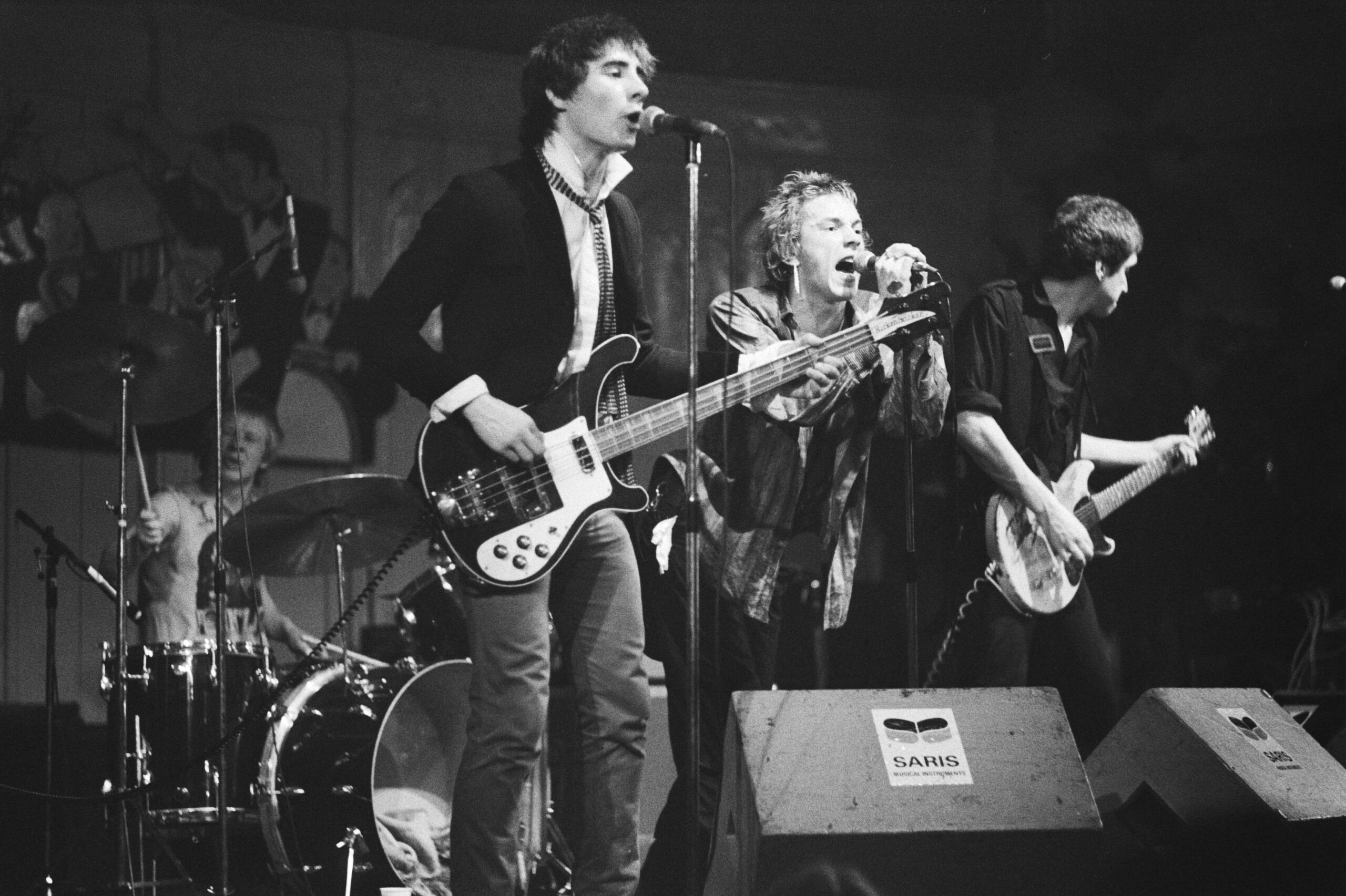
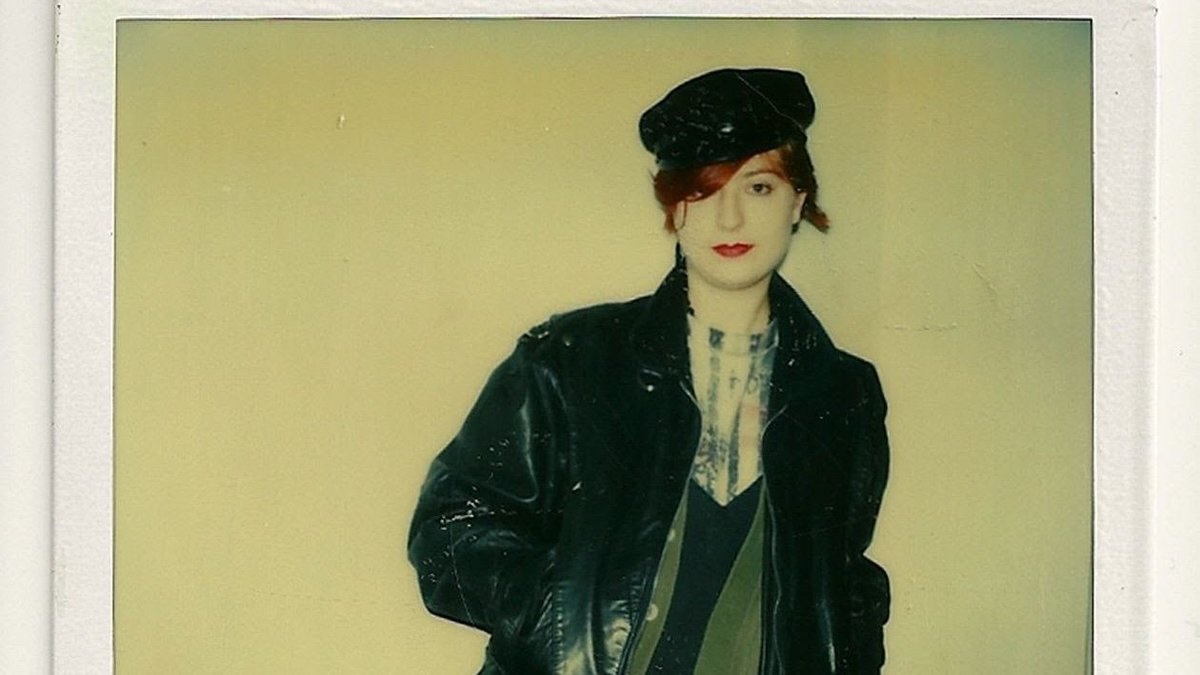
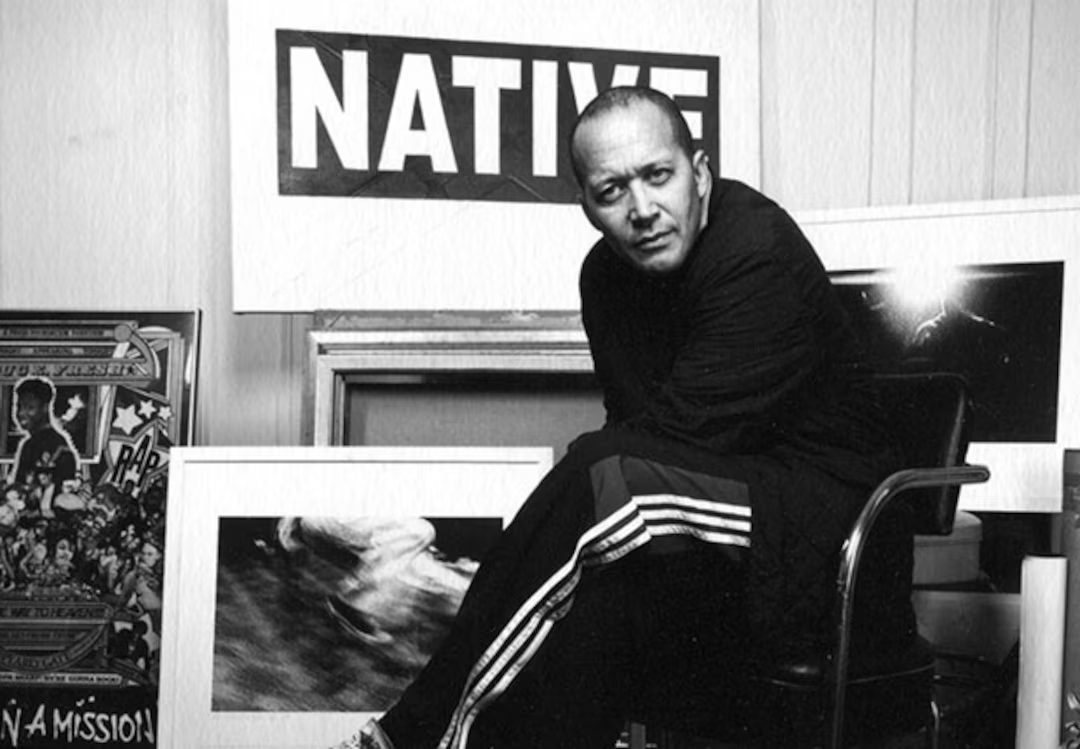
The Roxy also attracted people from New York’s art/punk scene, including Jean-Michel Basquiat, Keith Haring, Andy Warhol, Debbie Harry (who ventured into hip-hop with 1980’s Rapture, which was the first rap tune to make it to #1 on the U.S. charts; it also mentions Fab 5 Freddy), and to complete the scenius circle… John Lydon of the Sex Pistols.
Silicon Valley: Your iPhone and Android are direct descendants of the scenius that was born when the “Traitorous Eight” left Shockley Semiconductor to form their own company, Fairchild, and the “Fairchildren” who then left Fairchild to form their own companies, and so on, creating a cross-pollenating scene that we now know as “The Valley”.
Mutual appreciation: Risky moves are applauded by the group, subtlety is appreciated, and friendly competition goads the shy. Scenius can be thought of as the best of peer pressure.
Rapid exchange of tools and techniques: As soon as something is invented, it is flaunted and then shared. Ideas flow quickly because they are flowing inside a common language and sensibility.
Network effects of success: When a record is broken, a hit happens, or breakthrough erupts, the success is claimed by the entire scene. This empowers the scene to further success.
Local tolerance for the novelties: The local “outside” does not push back too hard against the transgressions of the scene. The renegades and mavericks are protected by this buffer zone.
Austin Kleon By Larry D. Moore, CC BY 4.0
Here’s what Austin Kleon, a writer and artist whose ideas have been adopted by the tech community, has to say about scenius:
Under this model, great ideas are often birthed by a group of creative individuals—artists, curators, thinkers, theorists, and other tastemakers—who make up an “ecology of talent.” If you look back closely at history, many of the people who we think of as lone geniuses were actually part of “a whole scene of people who were supporting each other, looking at each other’s work, copying from each other, stealing ideas, and contributing ideas.” Scenius doesn’t take away from the achievements of those great individuals: it just acknowledges that good work isn’t created in a vacuum, and that creativity is always, in some sense, a collaboration, the result of a mind connected to other minds.
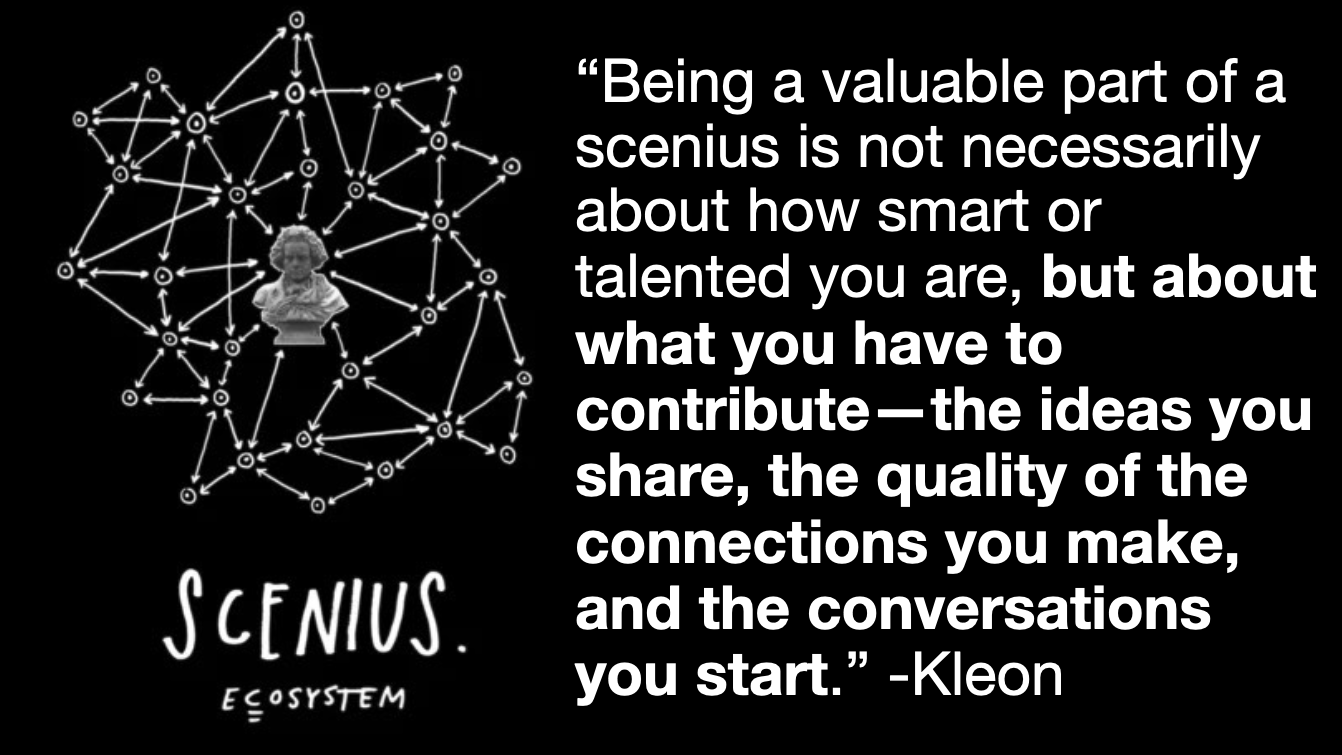
What I love about the idea of scenius is that it makes room in the story of creativity for the rest of us: the people who don’t consider ourselves geniuses. Being a valuable part of a scenius is not necessarily about how smart or talented you are, but about what you have to contribute—the ideas you share, the quality of the connections you make, and the conversations you start. If we forget about genius and think more about how we can nurture and contribute to a scenius, we can adjust our own expectations and the expectations of the worlds we want to accept us. We can stop asking what others can do for us, and start asking what we can do for others.
How do we grow Tampa’s scenius?
The short answer is: By showing up and participating in events like 813 Tech Day!
While the elements of scenius are in place for Tampa Bay’s tech scene, there’s still some way to go before Tampa can match places like Nashville (whose tech scene is biggerthanyoumightthink) never mind places like Austin, Charlotte, Indianapolis, and Raleigh.
The success or failure of Tampa’s tech scenius depends on us, the Tampeños who work in tech, creative, and related industries.
While the city did launch some initiatives to change this, what truly made the difference was Toronto’s own tech community stepping up and organizing. We held events of all sizes, from regular meetups and user group meetings at pubs and lecture halls to independent conferences like Mesh, RubyFringe and FutureRuby to tech “camp” events to big corporate gatherings put on by the likes of the Canadian subsidiaries of IBM and Microsoft. We built places to get together, from hackerspaces such as Hacklab.TO (where I met Chris Olah as a young teenager; he’d go on to co-found Anthropic)…
…and Site3 coLaboratory to the MaRS Centre. In my work as a developer evangelist for Microsoft, I’ve met many students at Toronto’s fine universities and colleges, and they’re eager to crank out the ‘wares, both hard and soft, and they’re bright as all get-out. We built a great community bound together by cooperation, a strong social media scene and good old-fashioned face-to-face meetings. We got stuff done, and the stuff we did traveled far and wide. We built Toronto’s tech scenius, and it put the city on the map.
Can Tampa do the same? I believe so; it’s just up to us.
And now, 813 Tech Day!
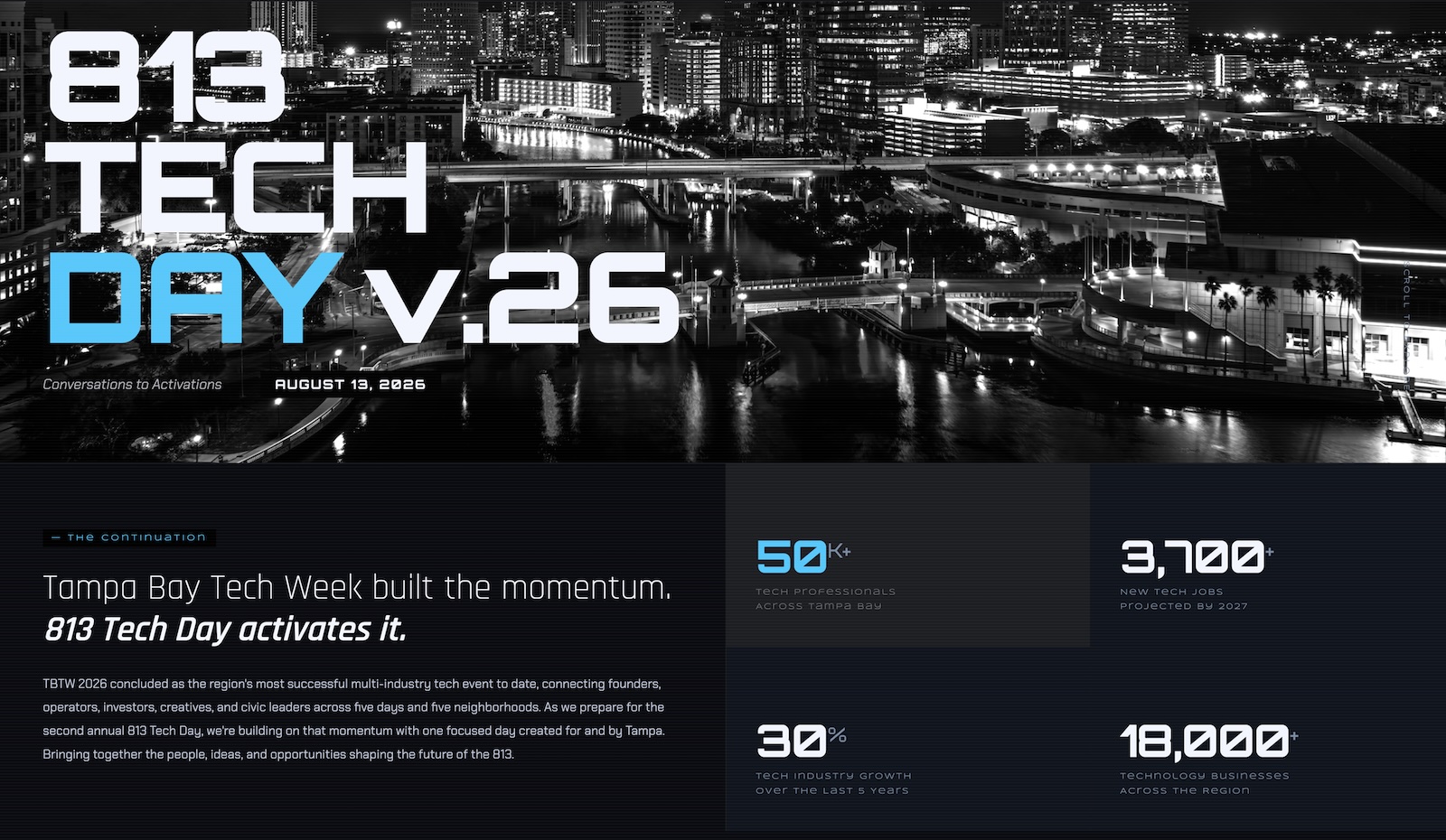
Thursday, August 13, or 8/13, is 813 Tech Day. Brought to you by the folks behind Tampa Bay Tech Week and 727 Tech Day, it’s one day of sessions, discussions, workshops, get-togethers, and networking for Tampa Bay’s tech community, held in Tampa.
There’ll be value in what the presenters show and what the panelists say, but the real gold will be in simply showing up and meeting other people you might not have otherwise met and gaining ideas and inspiration you might not have otherwise had.
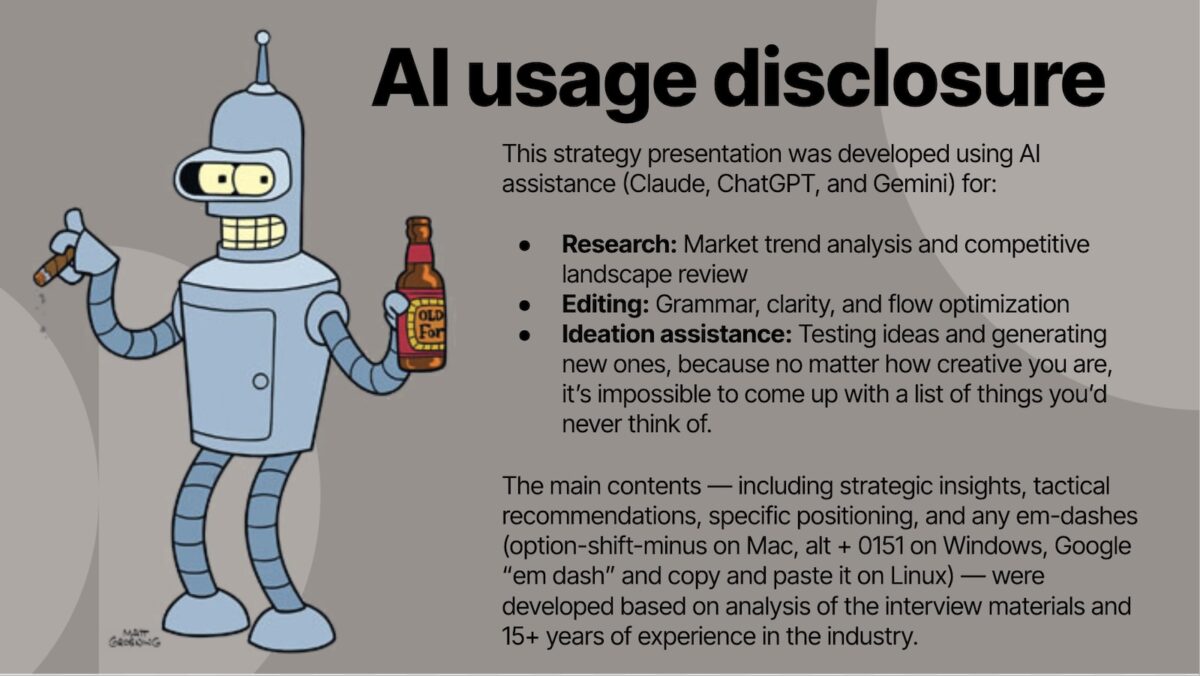
Pictured above is my standard AI usage disclosure slide, which I include in all my slide presentations these days. It’s gives the audience a quick overview of how I prefer to use AI when putting a talk together.
Here’s the text:
This strategy presentation was developed using AI assistance (Claude, ChatGPT, and Gemini) for:
Research: Market trend analysis and competitive landscape review
Editing: Grammar, clarity, and flow optimization
Ideation assistance: Testing ideas and generating new ones, because no matter how creative you are, it’s impossible to come up with a list of things you’d never think of.
The main contents — including strategic insights, tactical recommendations, specific positioning, and any em-dashes (option-shift-minus on Mac, alt + 0151 on Windows, Google “em dash” and copy and paste it on Linux) — were developed based on analysis of the interview materials and 15+ years of experience in the industry.
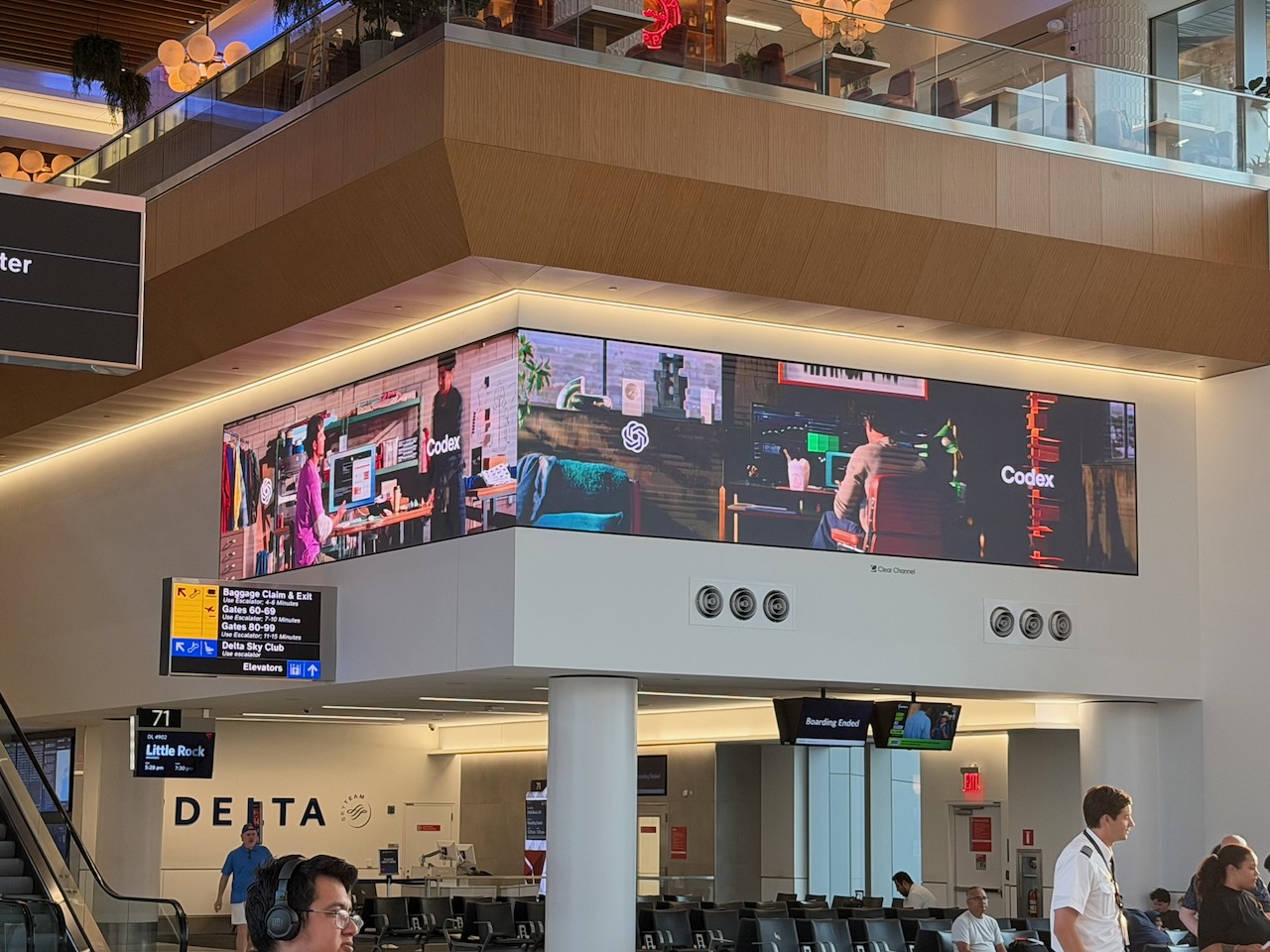
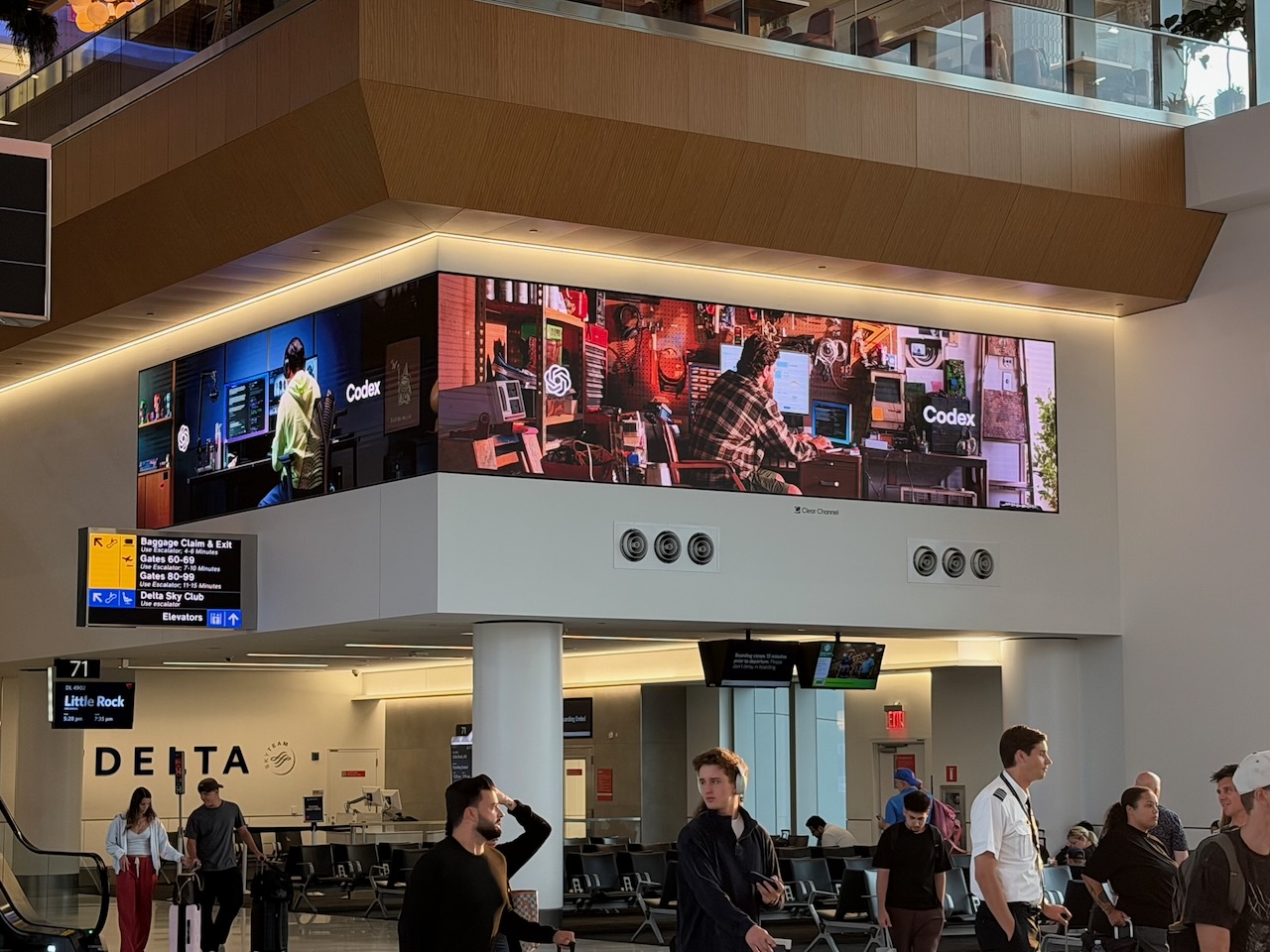
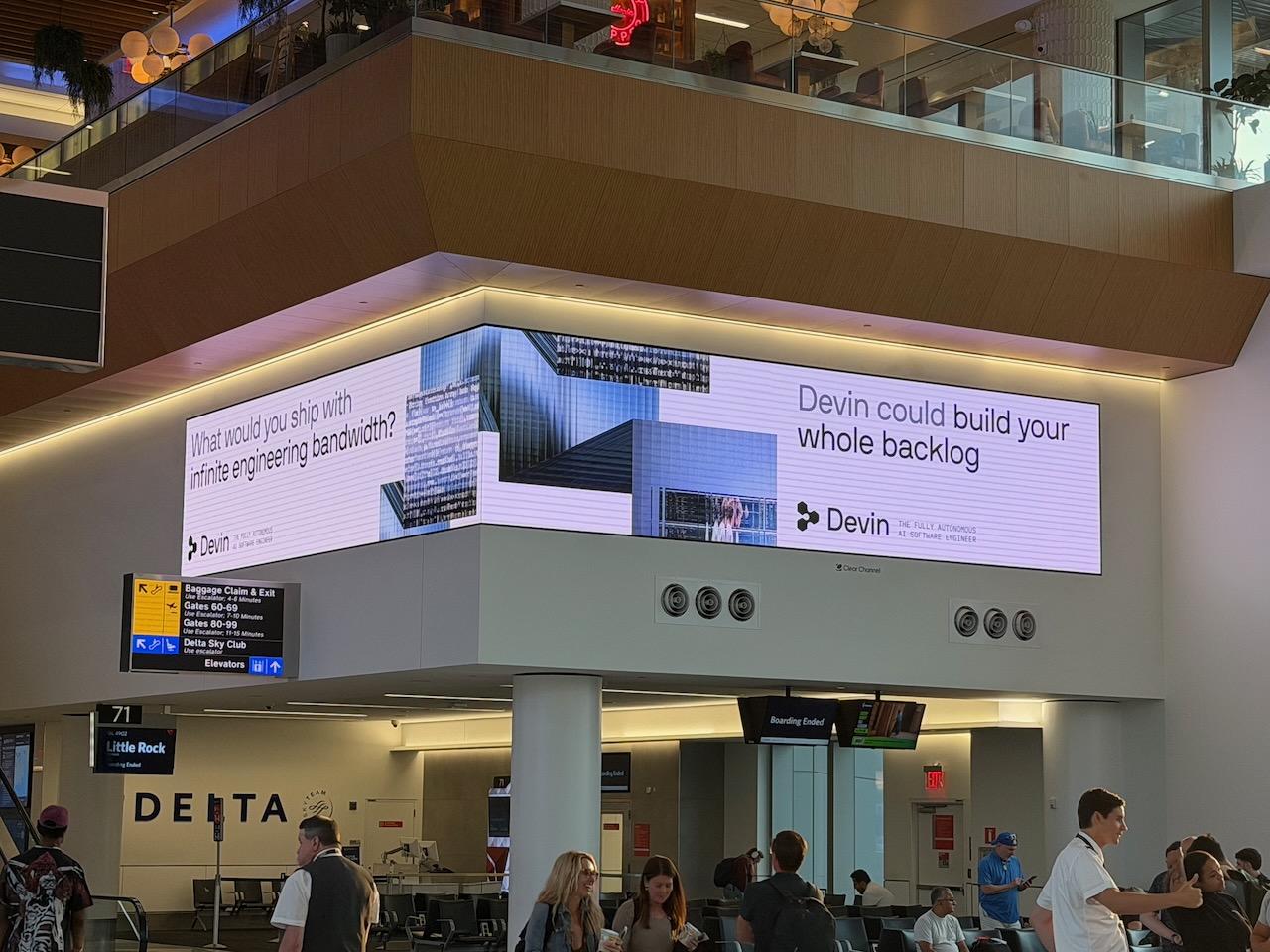
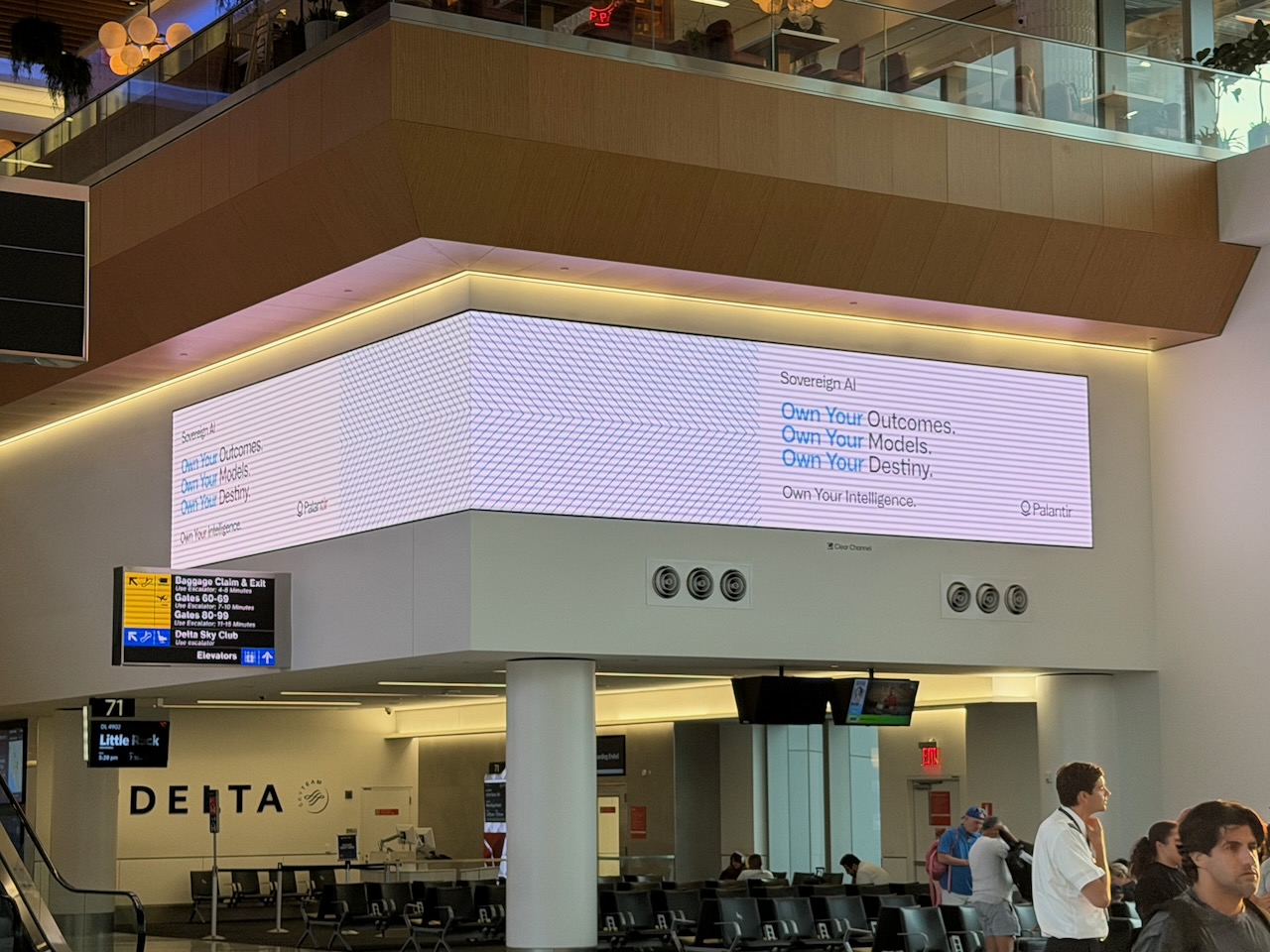
Yesterday, Anitra and I were flying back to Tampa from New York’s LaGuardia Airport, and I noticed that most of the ads flashing on the billboard screen overlooking our departure lounge were for AI companies or products.
There were two different ads for Codex (one pictured above, one below)…
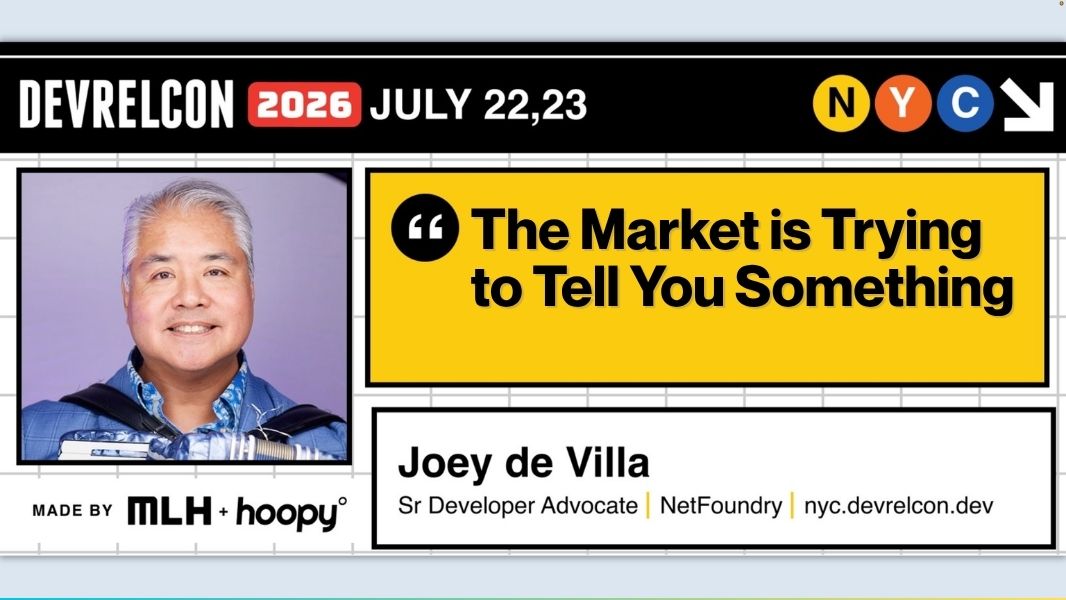
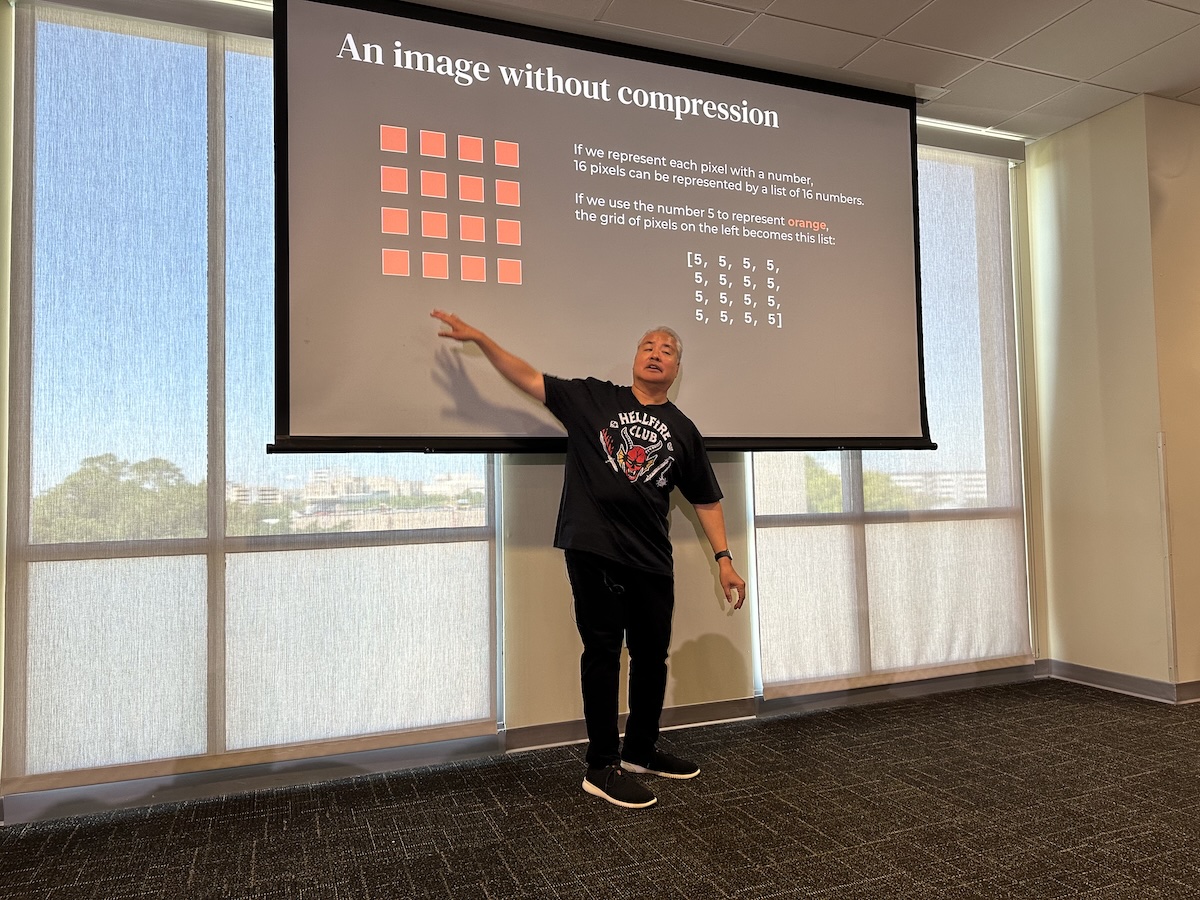
I don’t think I’ve ever put in as much work into a talk as I have for my upcoming talk at DevRelCon NYC 2026 (that’s “DevRelCon” as in “developer relations conference”), The Market is Trying to Tell You Something. It’s a lightning talk meant to fill up no more that 10 minutes including Q&A and the transition between talks, but the ratio of hours-of-prep to minutes-of-actual-talk is massive.
What is DevRelCon?
DevRelCon NYC 2026 takes place July 22 – 23 at Industry City, Brooklyn, New York.
DevRelCon is the long-running conference series for people who do developer relations/developer advocacy, which once upon a time also went by “developer evangelism”. This line of work involves helping software developers discover, understand, and actually stick with a product, whether that’s through a combination documentation, demos, community, and developer experience.
DevRelCon was created by the developer relations agency Hoopy and began in London in 2015. It’s since grown into an international series of conferences with editions in London, Prague, San Francisco, Tokyo, China, Latin America, and online. I’m speaking at the New York 2026 edition, which is organized by Mike Swift and Major League Hacking, the global community for early-career developers and software creators.
DevRelCon is positioned as the premier conference for anyone working to grow developer adoption, spanning developer relations, developer experience, product marketing, platform product management, and everyone’s favorite three-letter acronym, GTM. In other words, it’s a room full of exactly the people my talk is about, which is either the best or the most terrifying possible audience for a talk on what the DevRel job market is really telling us. (Probably both.)
My business card. Click to see at full size.
DevRelCon NYC 2026 will take place July 22 – 23 at Industry City, Brooklyn, New York. It is the first conference I’m speaking at as an official representative of NetFoundry.
What’s The Market is Trying to Tell You Something all about?
Join me at the DevRelCon afterparty and I’ll tell you the Christmas Eve “homework assignment” story over a beer.
The talk is based on my experiences in 2025, when I did something I don’t recommend as a hobby but made for a great natural experiment: I let the DevRel job market interview me a couple dozen times. That’s my dressed-up way of saying “I was looking for a job”.
I went through recruiter screens, faced hiring panels, did take-home demos (one on Christmas Eve, based on the urging of a recruiter), and went through final rounds — across AI-native startups, enterprise infrastructure shops, and everything in between.
Somewhere around the tenth interview, I stopped just trying to get hired and started noticing a pattern:
Job descriptions had quietly rewritten themselves.
Interviews are testing for things the job description never mentions.
And “DevRel ROI”, which used to be a phrase that was thrown in with an accompanying hand-wave, now means something specific that it didn’t mean in the zero-interest 2010s or the Great Resignation hiring frenzy of a couple years ago.
My talk is my attempt to decode those signals: what the market is actually screening for, how what it says and what it wants are often different, and what any of us (whether you’re job-hunting, hiring, or just trying to make sure your role survives its next budget review) should do about it. It’s eight minutes. There will be an accordion. That’s all I’ll say for now.

 813 Tech Day