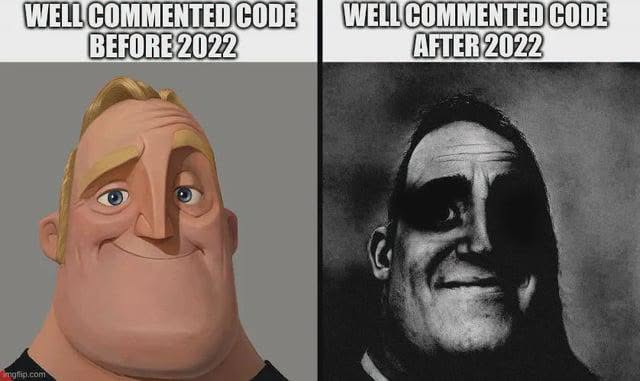
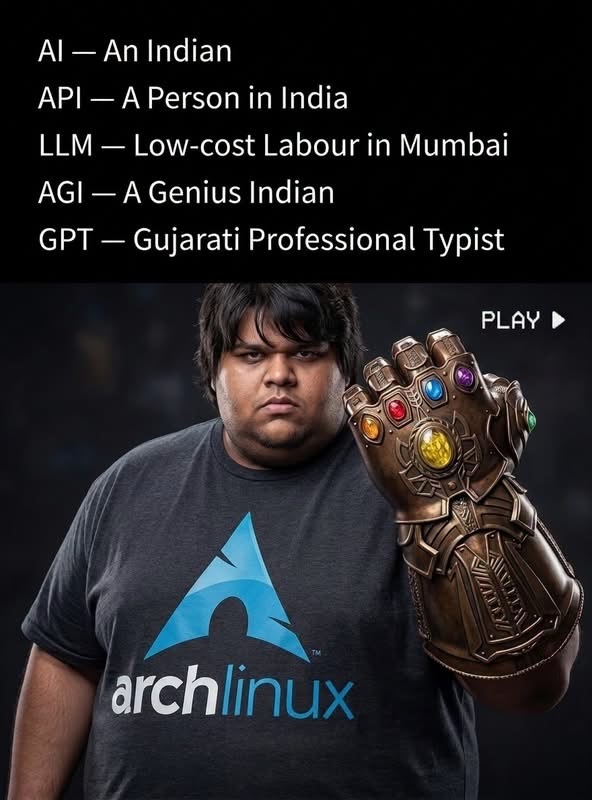
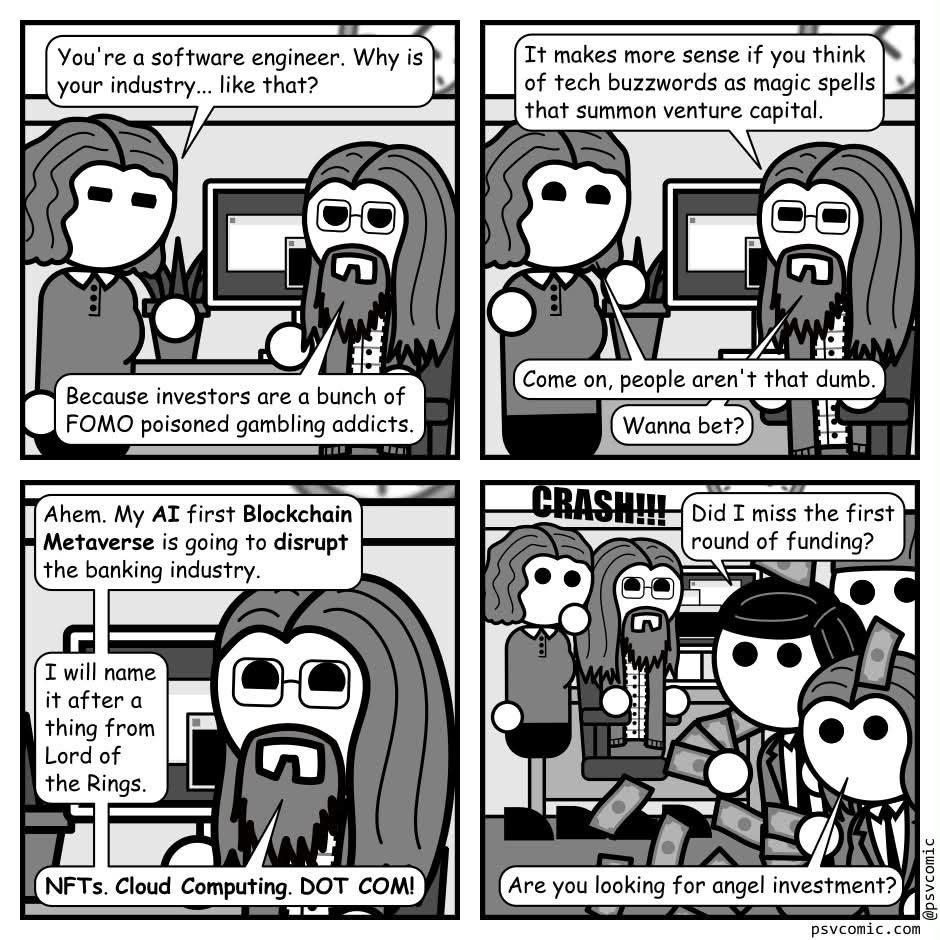
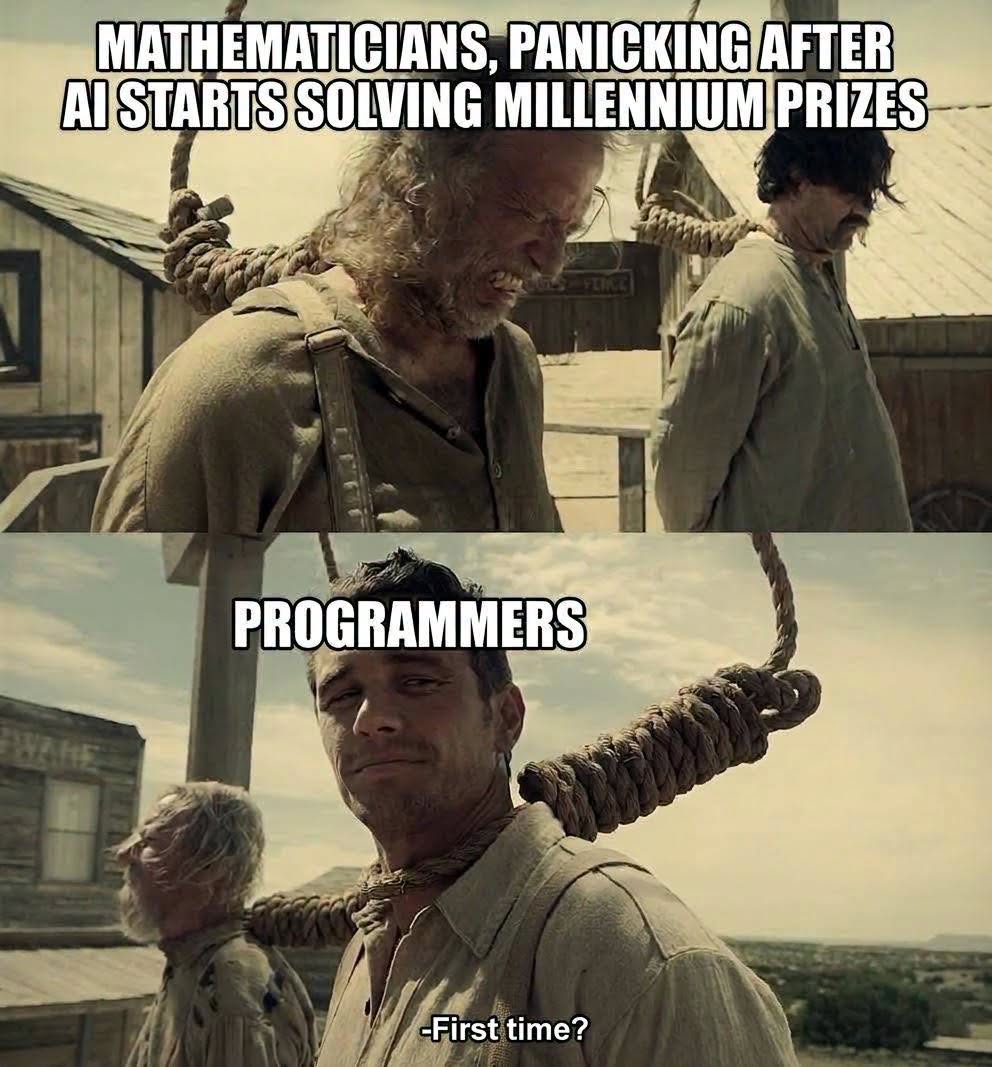
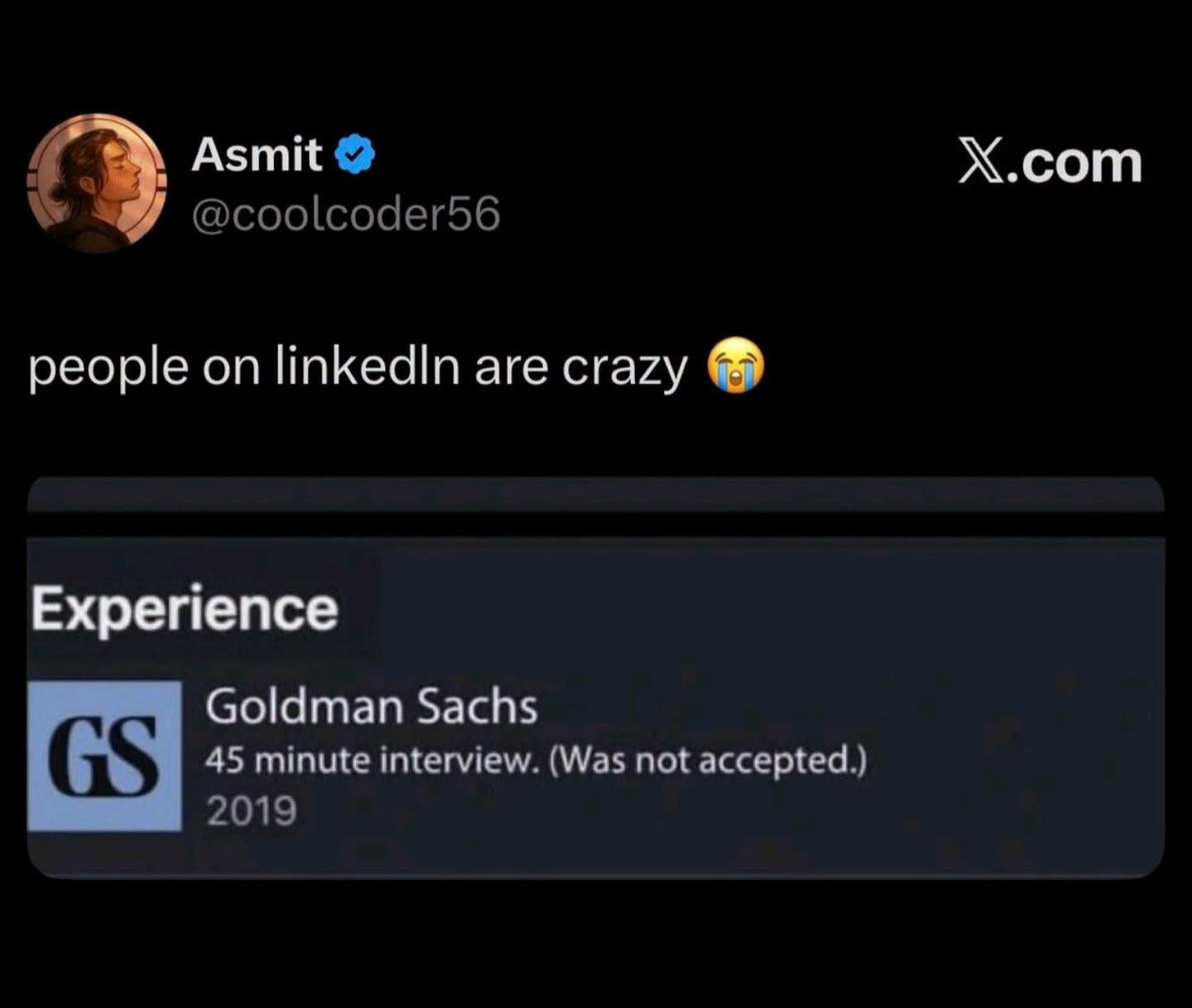
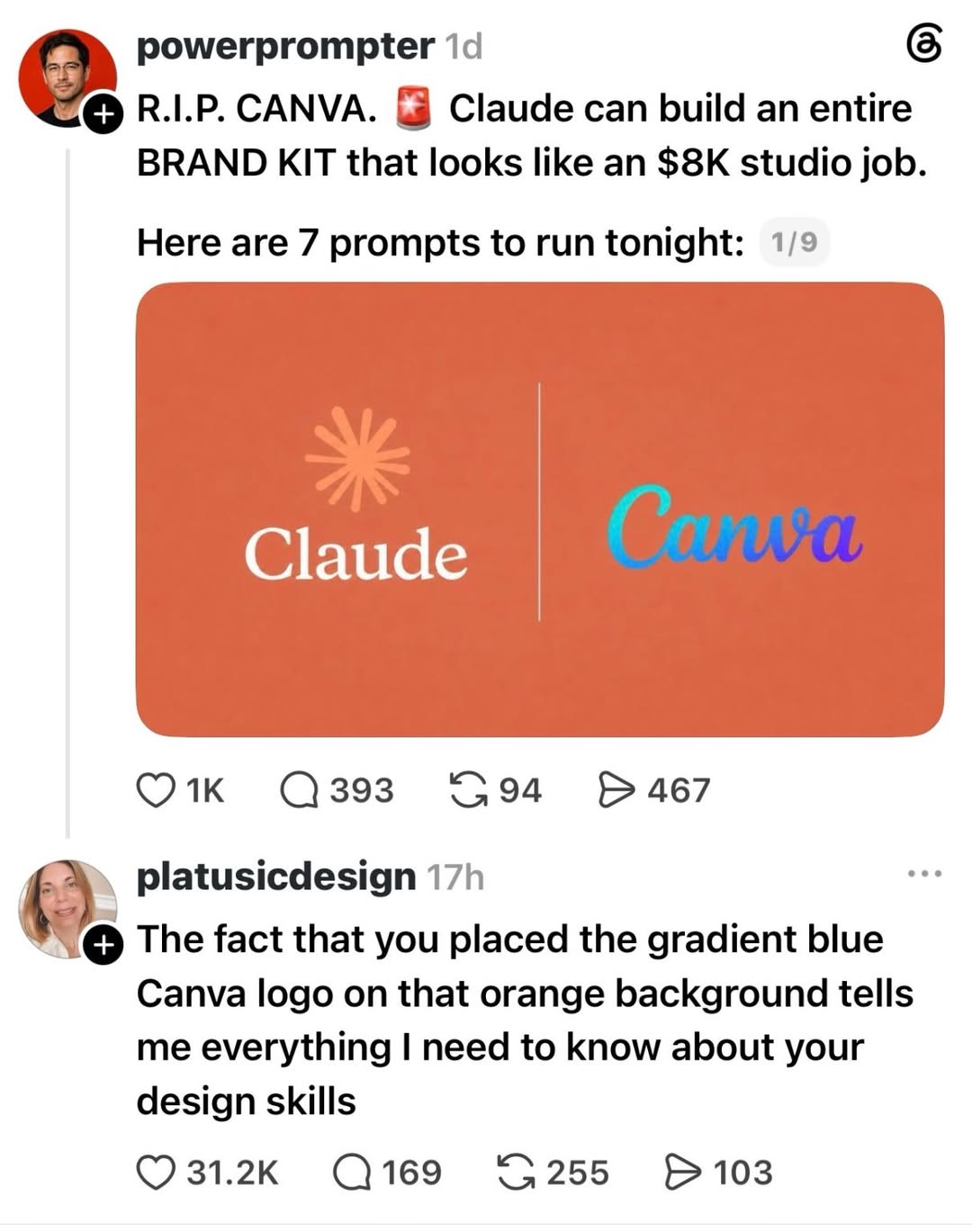
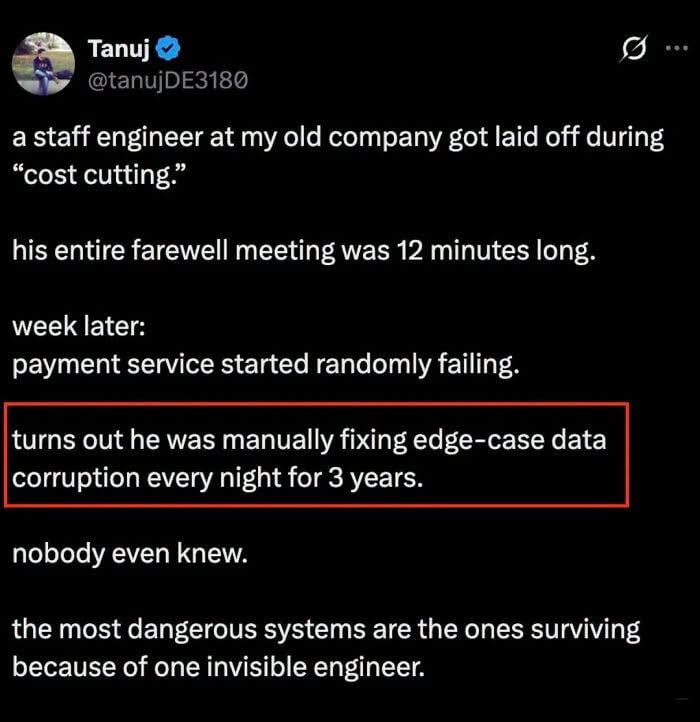
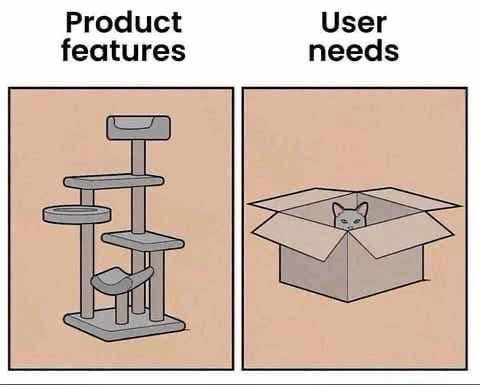
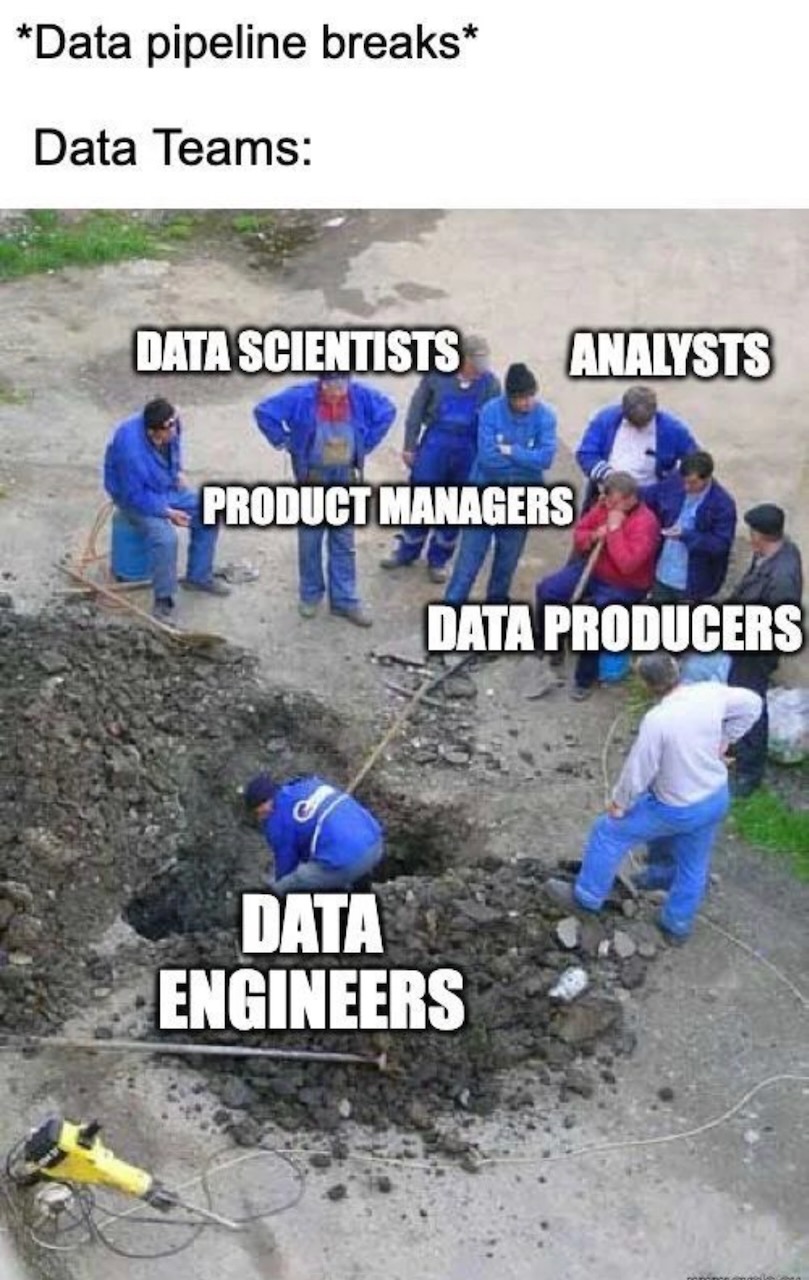
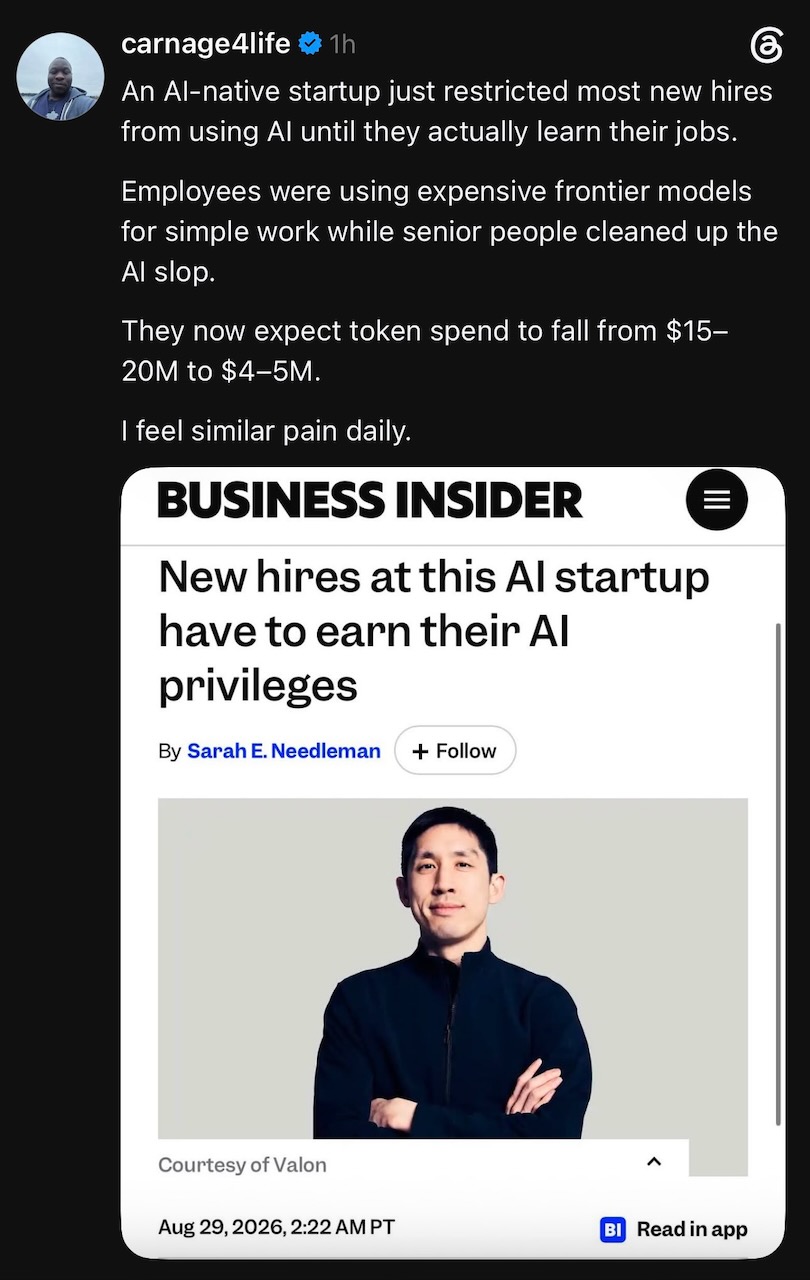
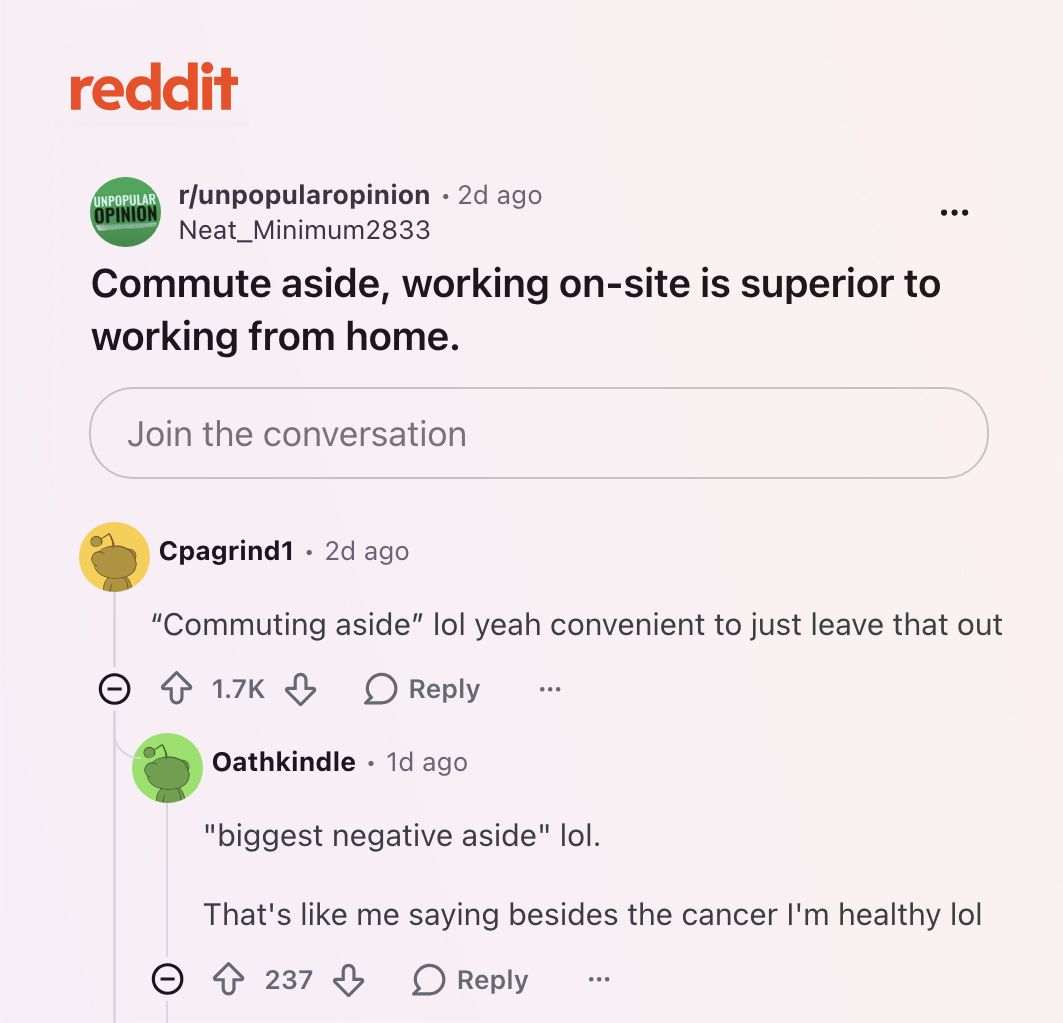
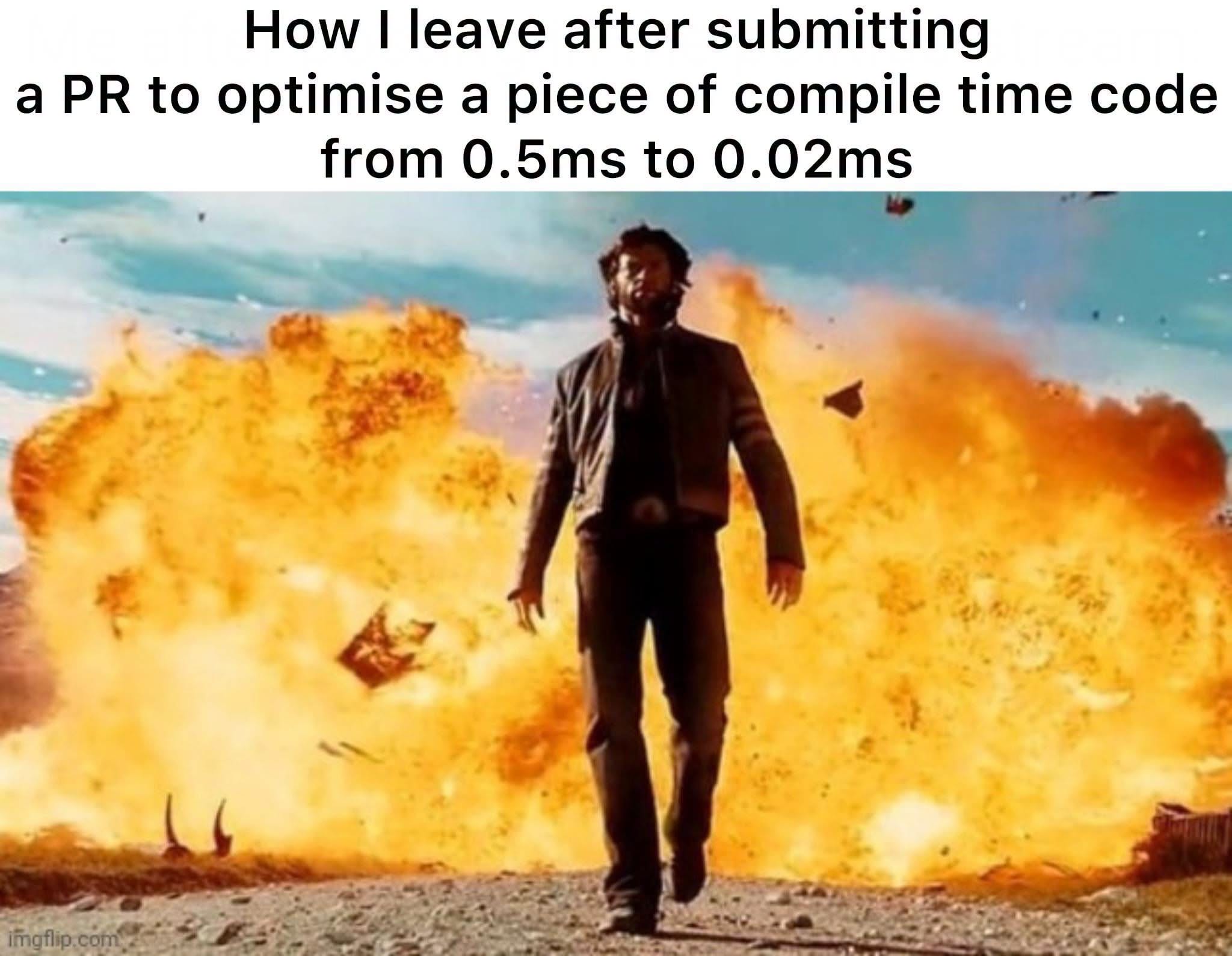
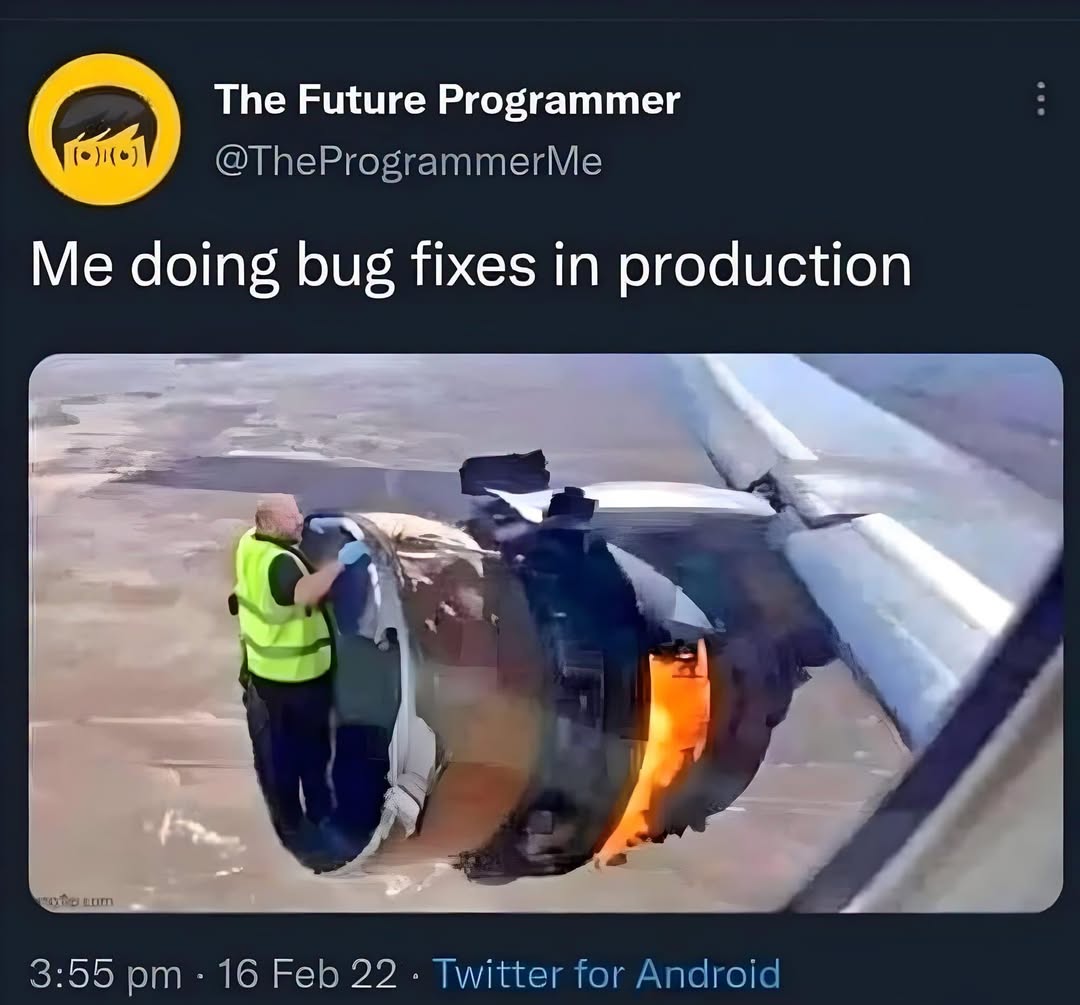
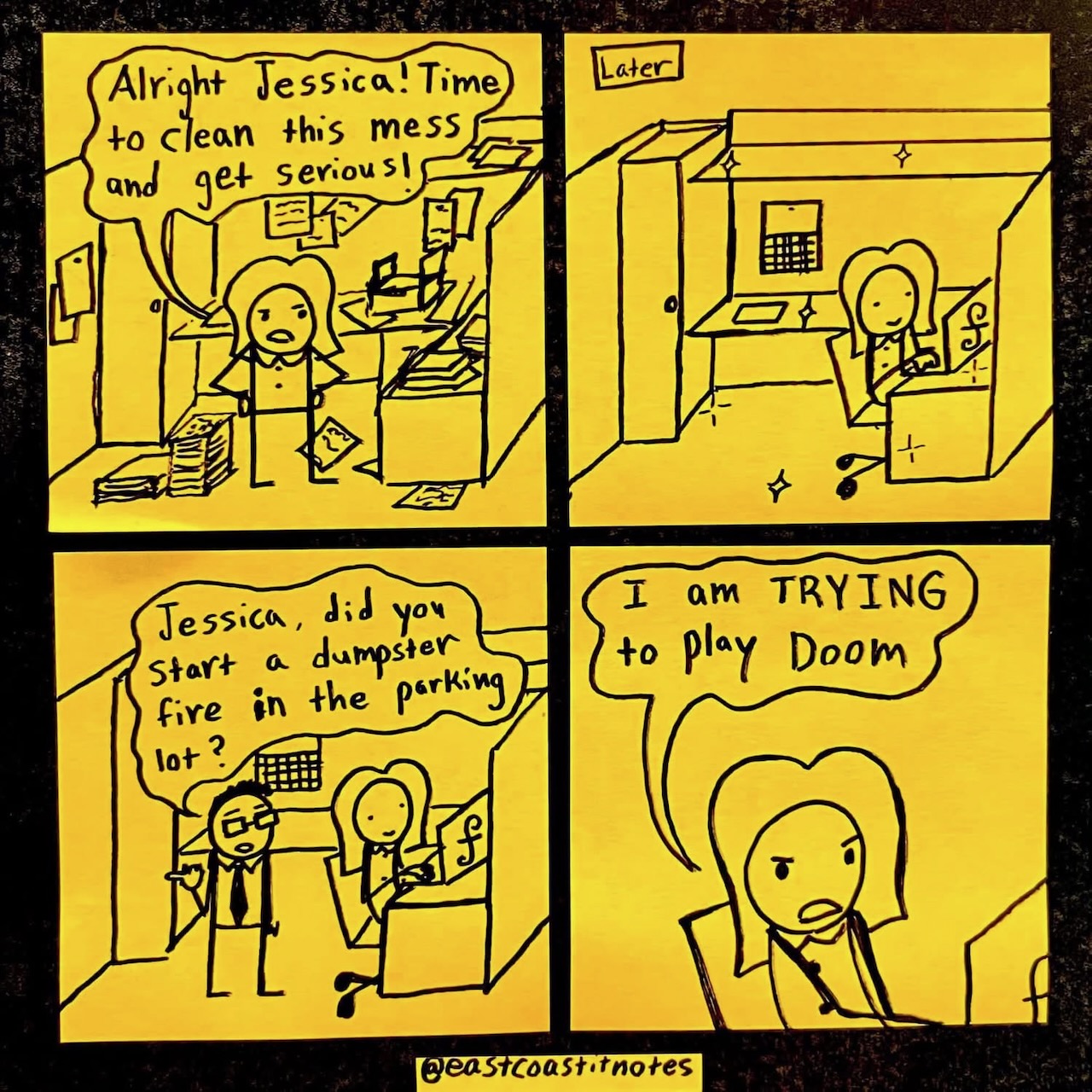
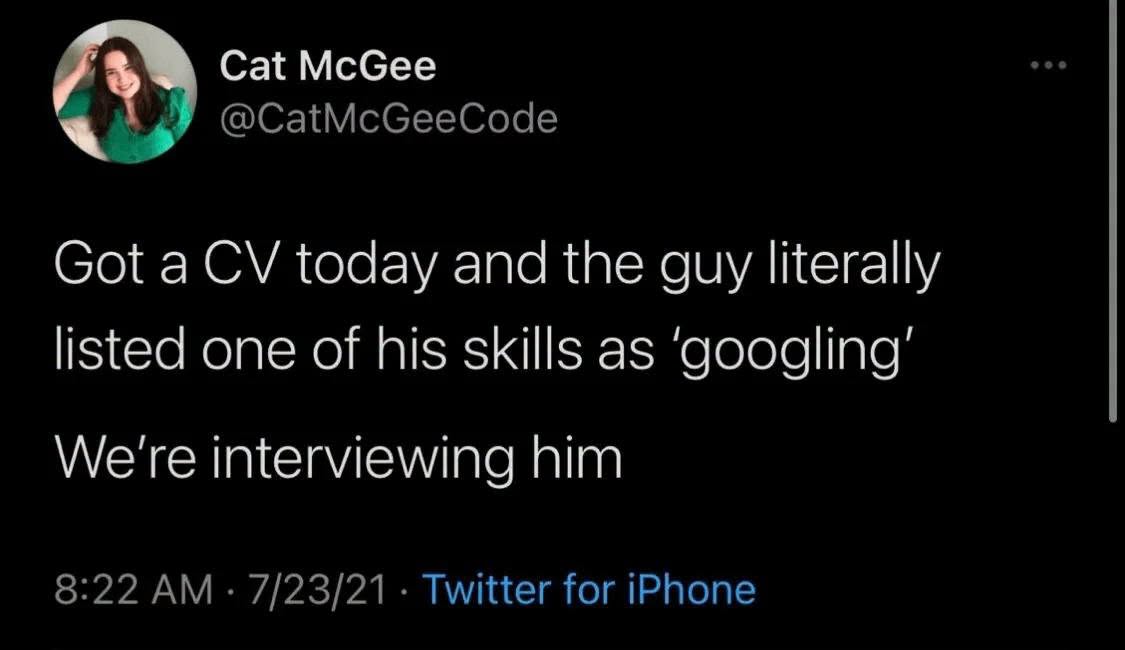
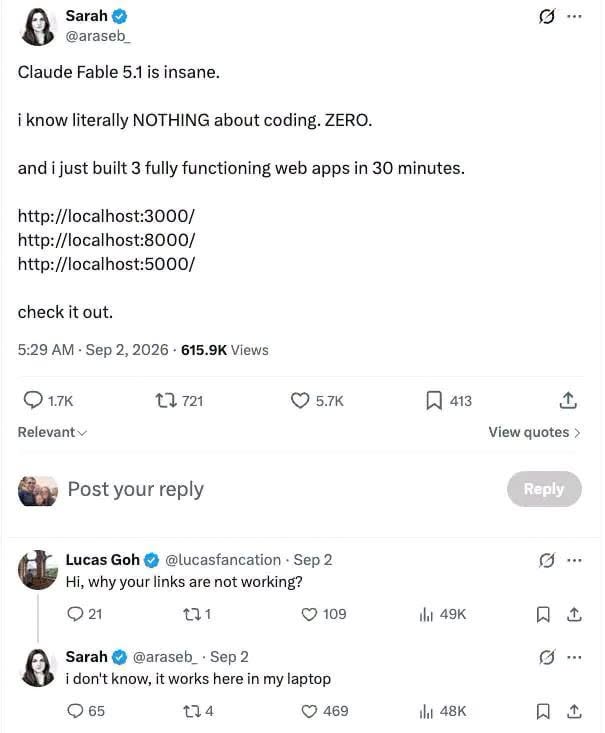
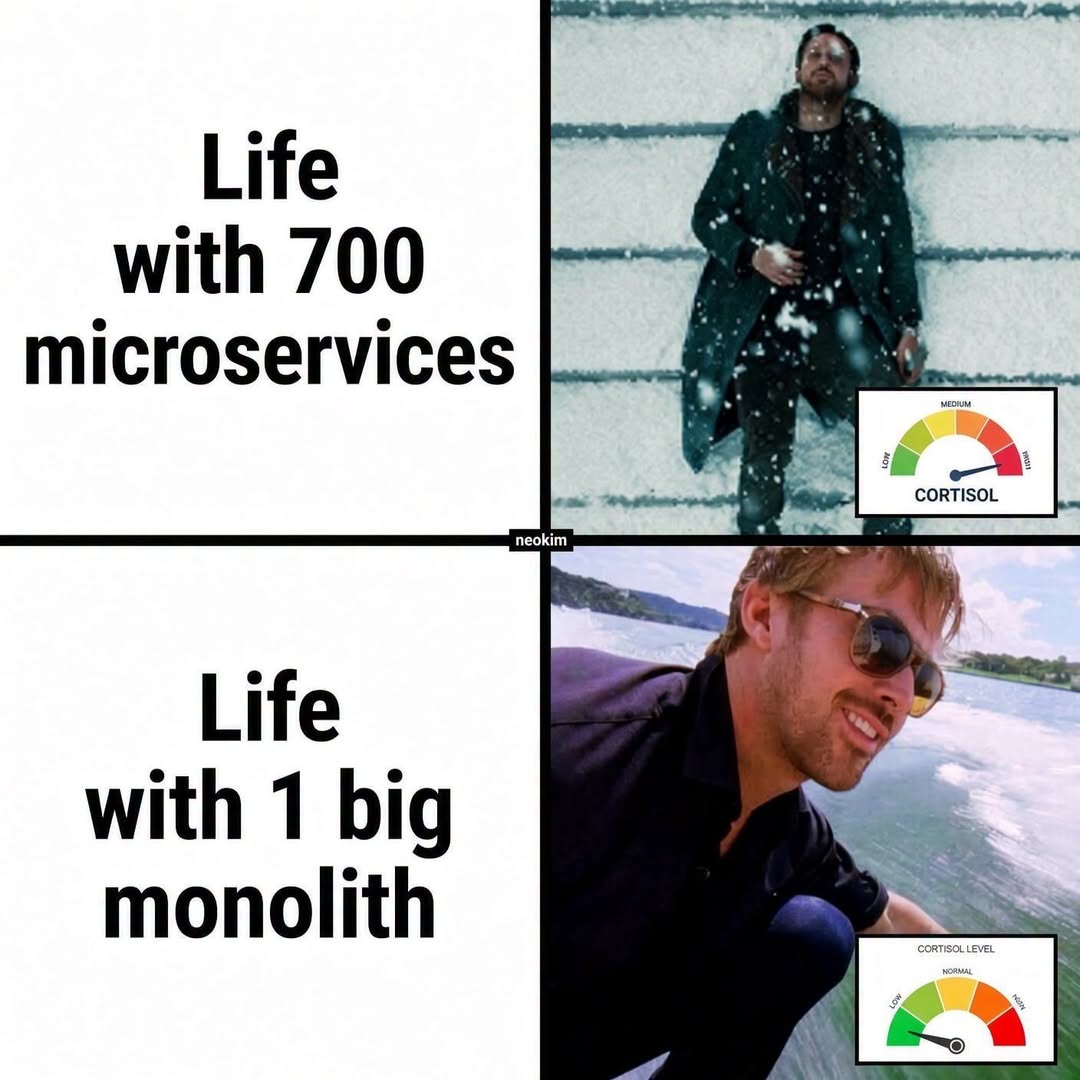
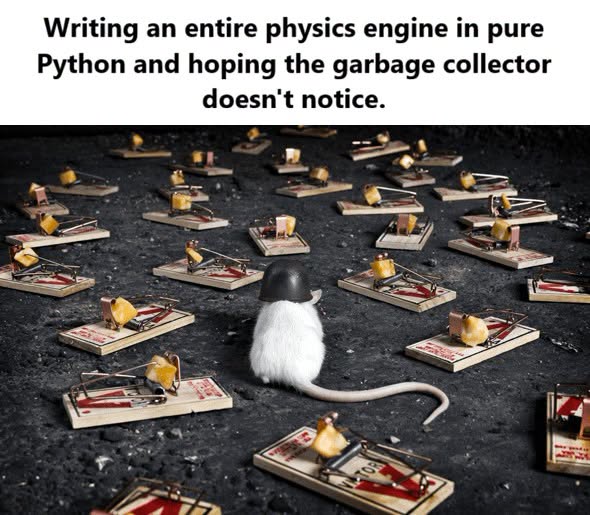
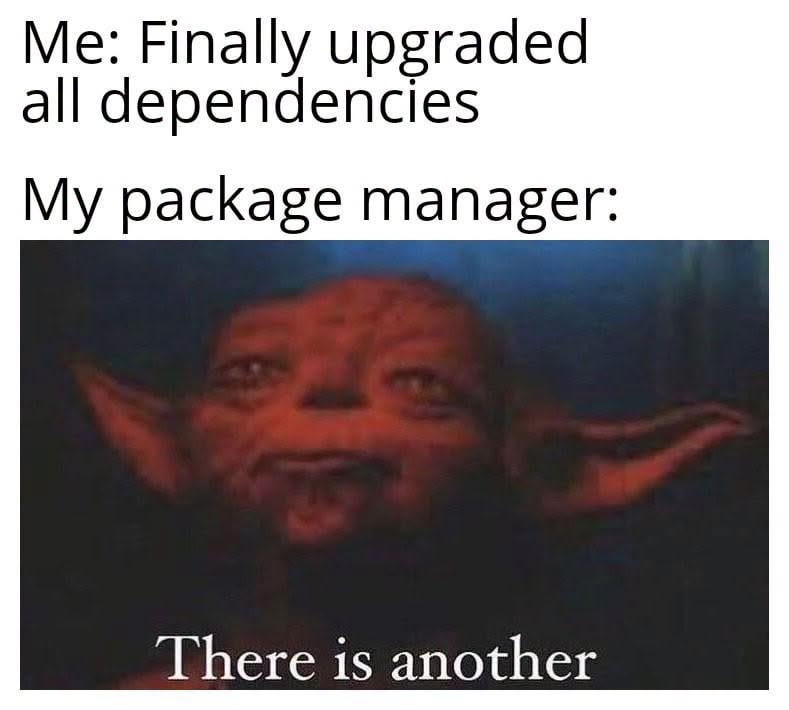
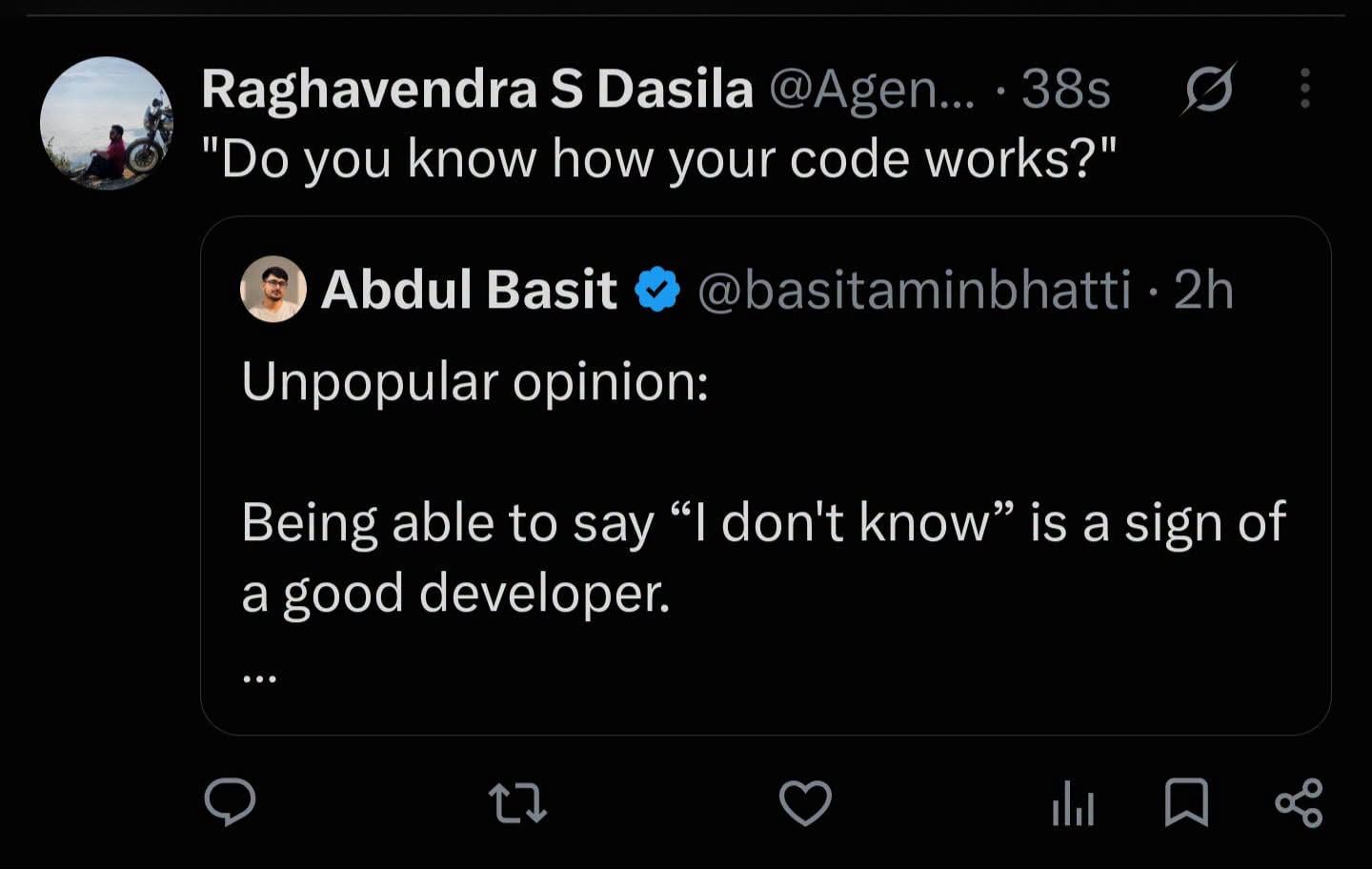
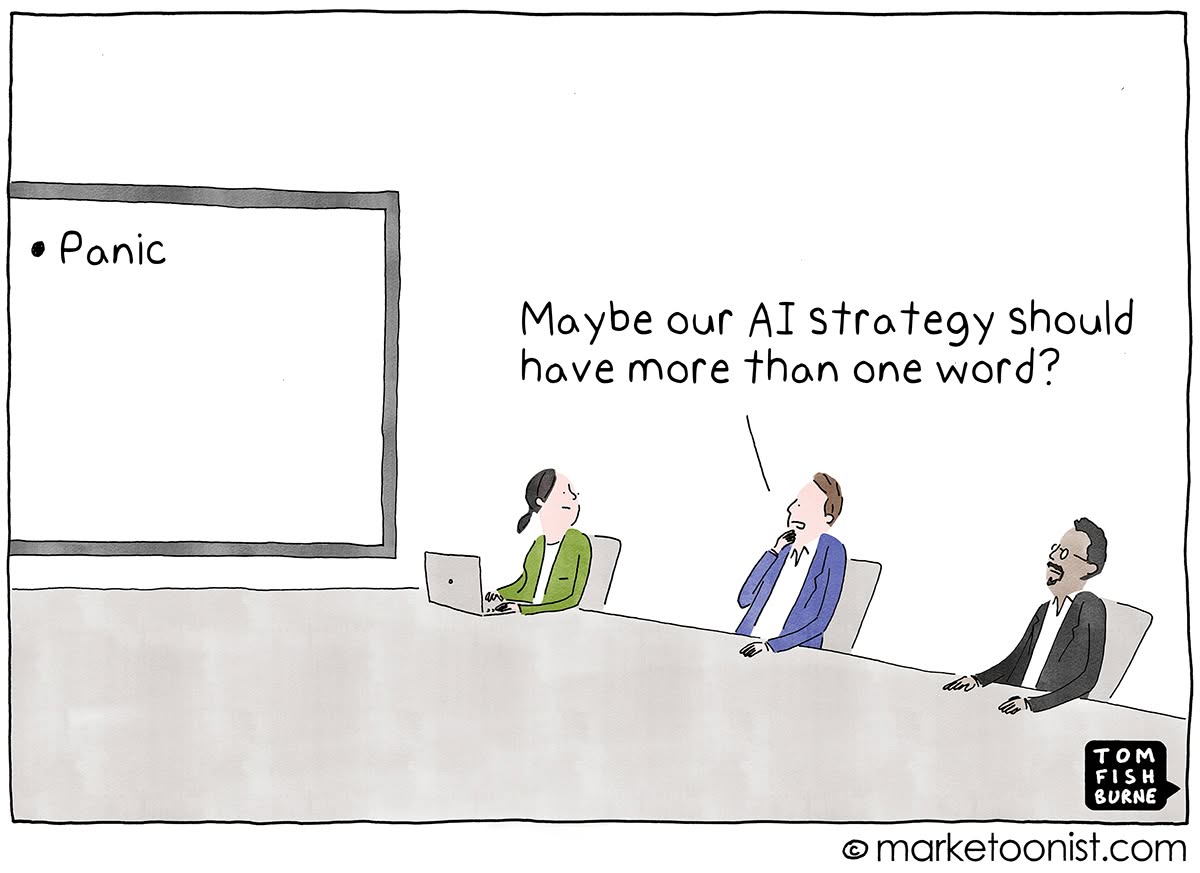
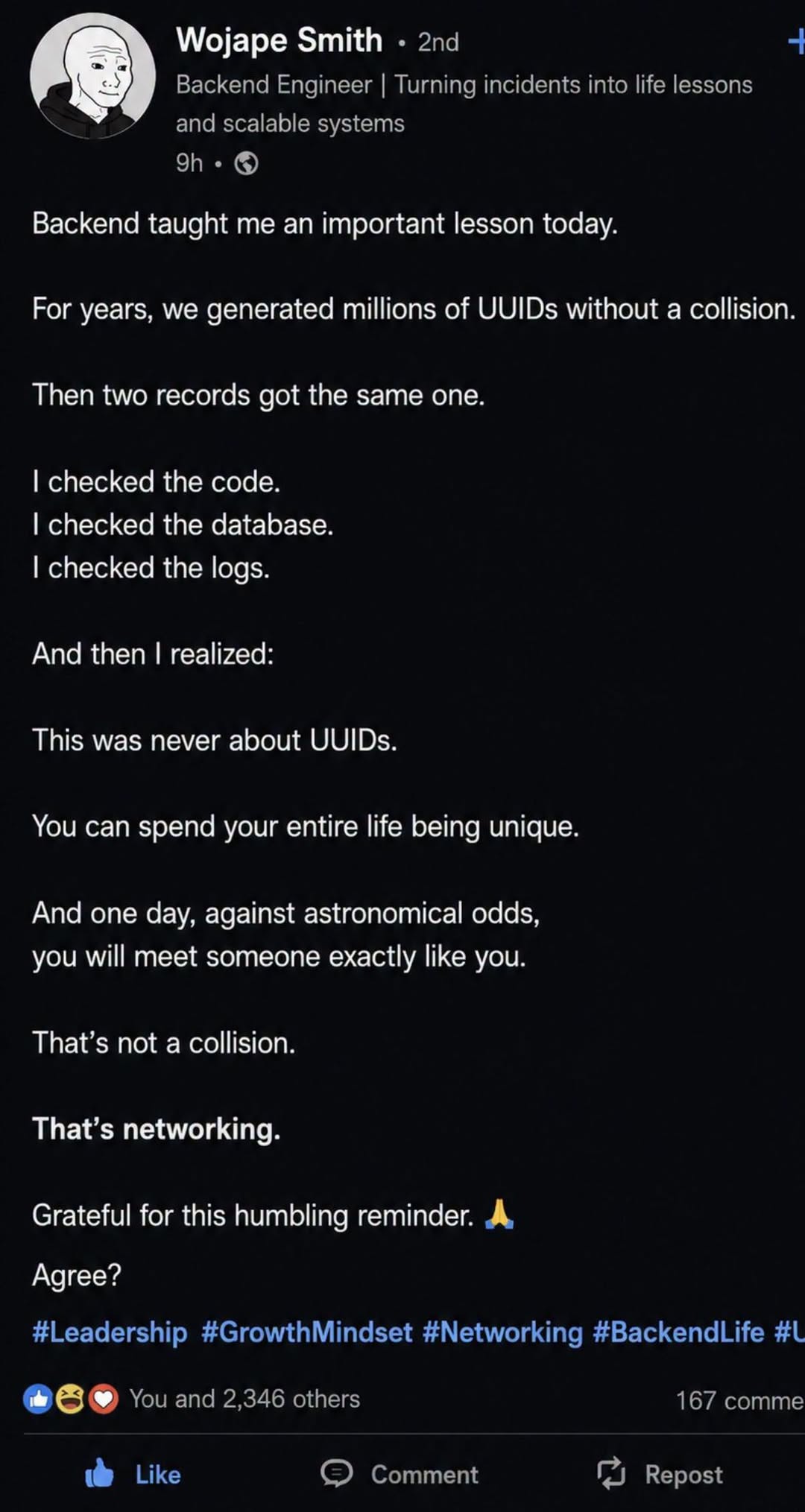
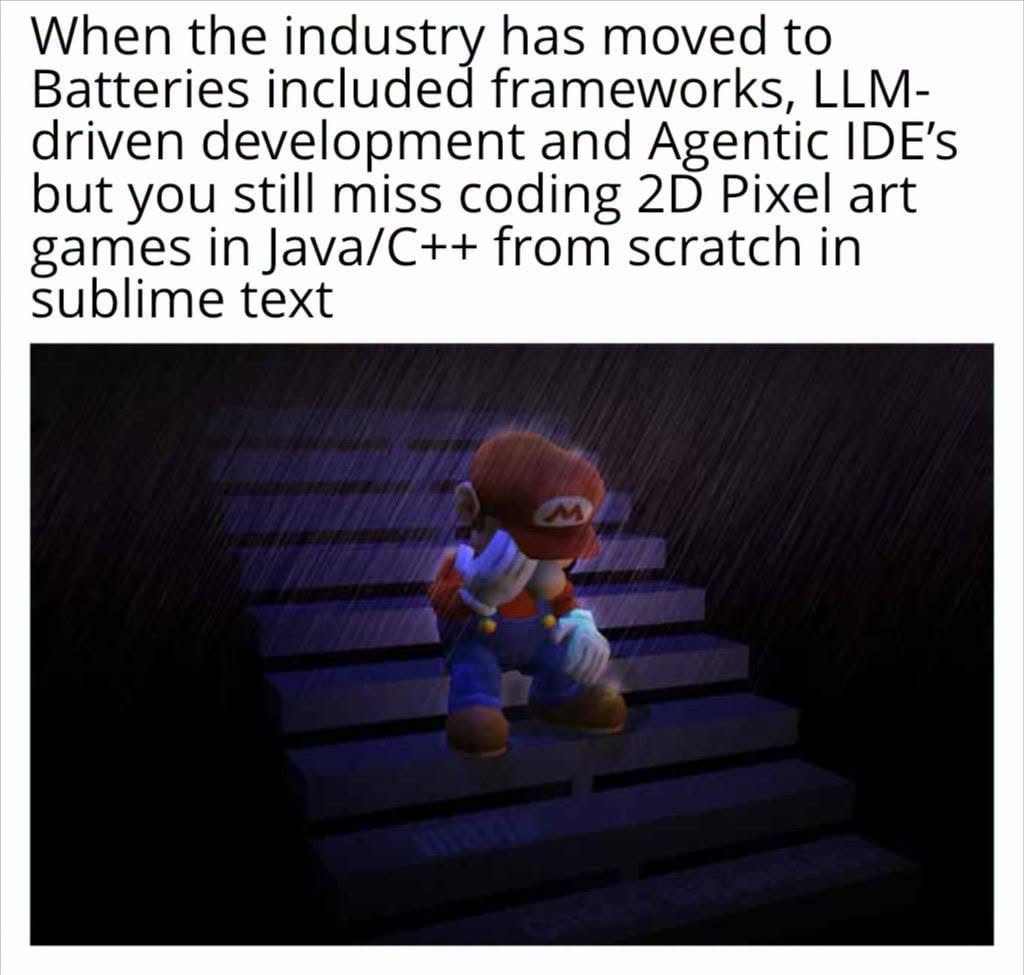
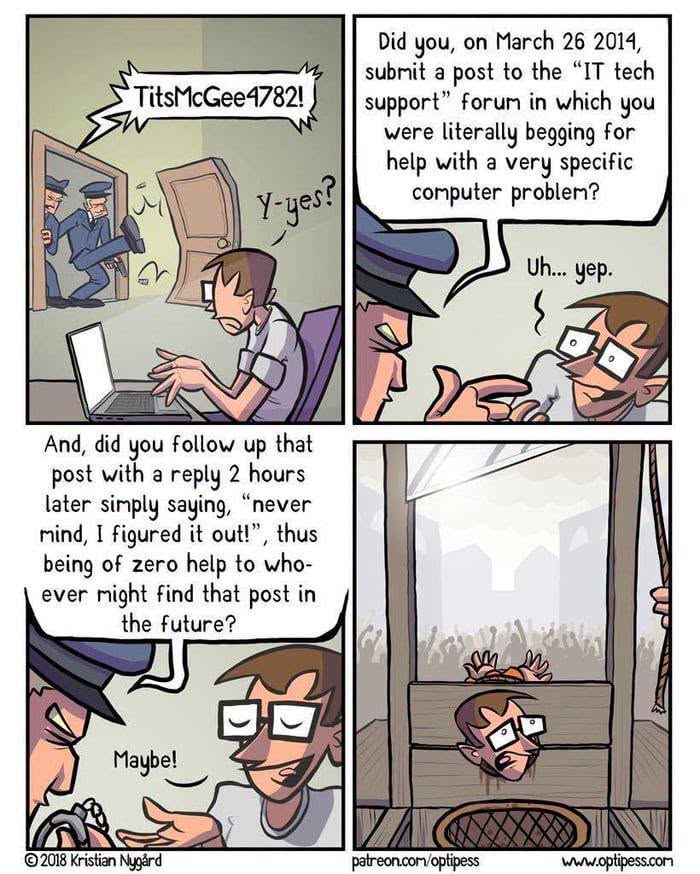
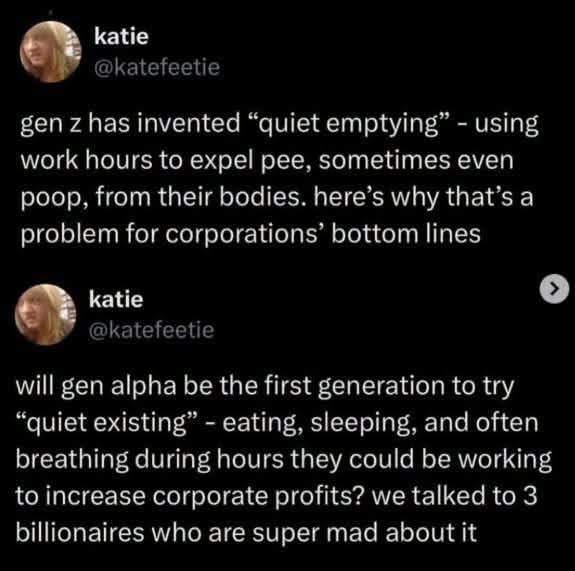
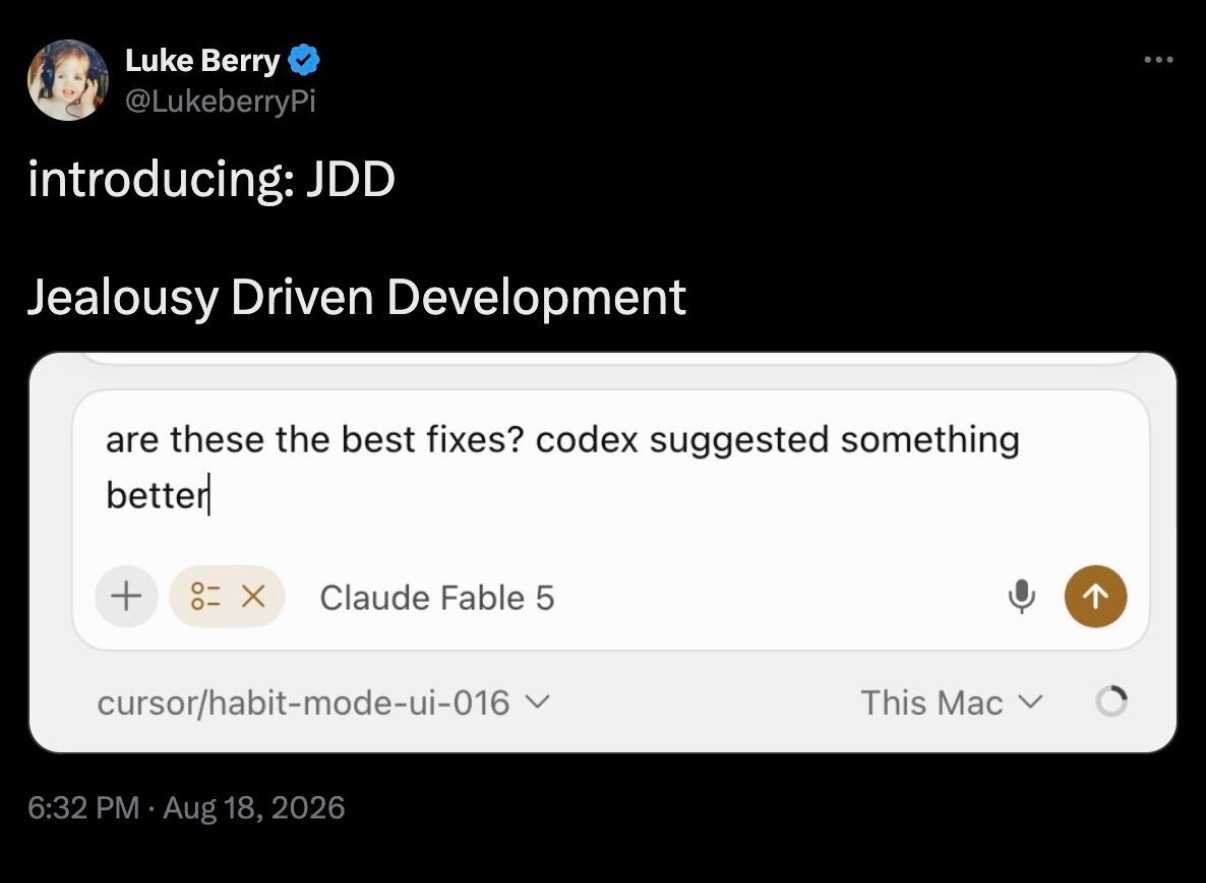
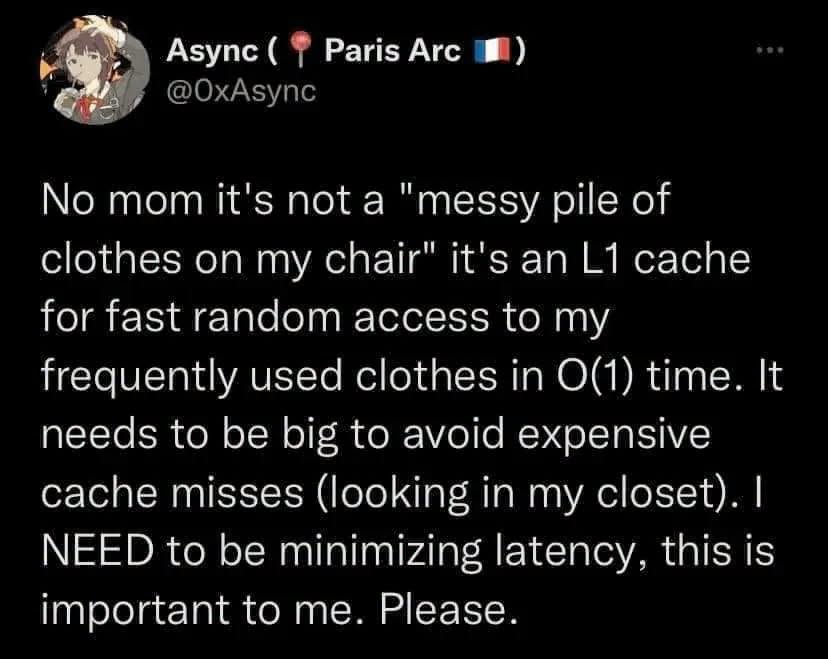
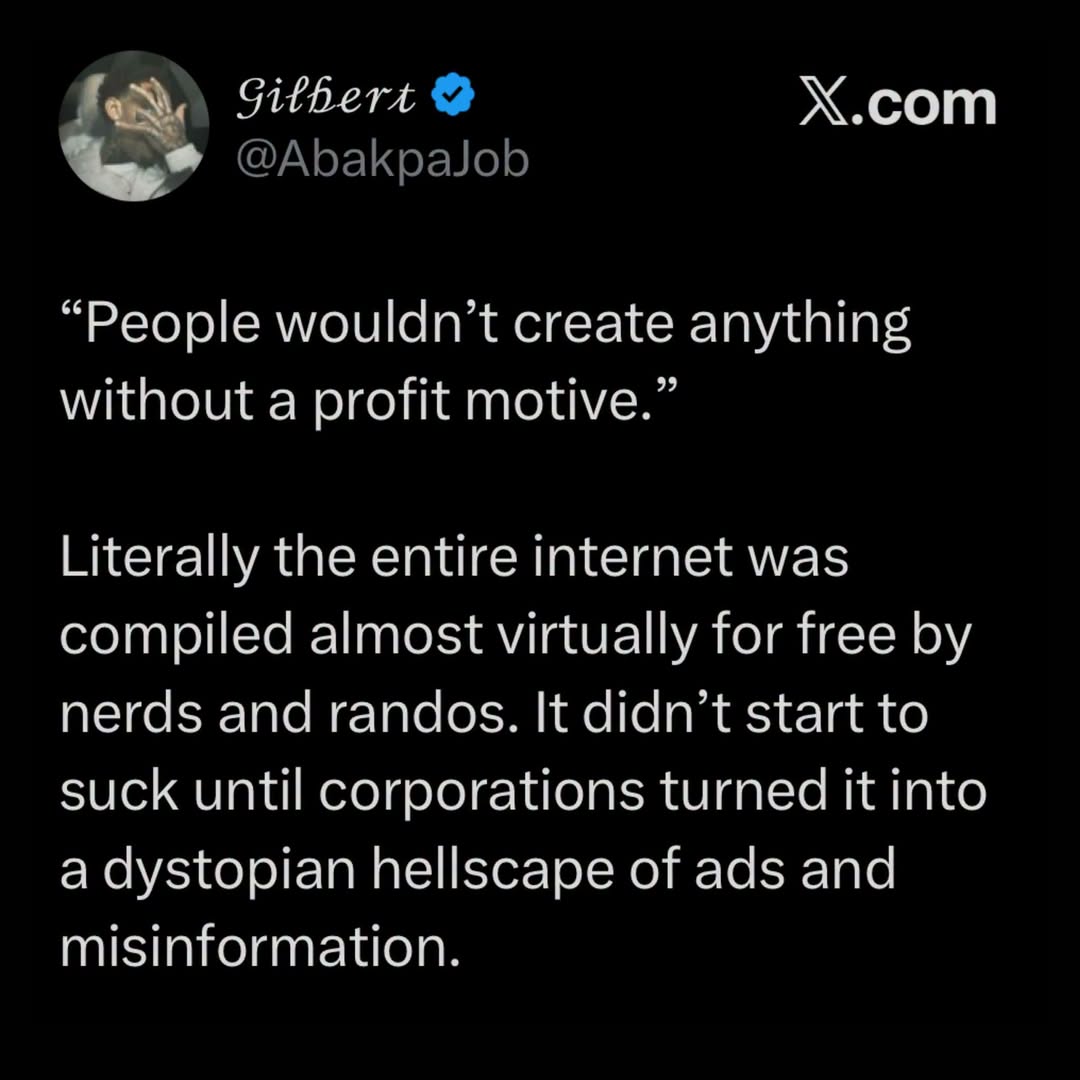
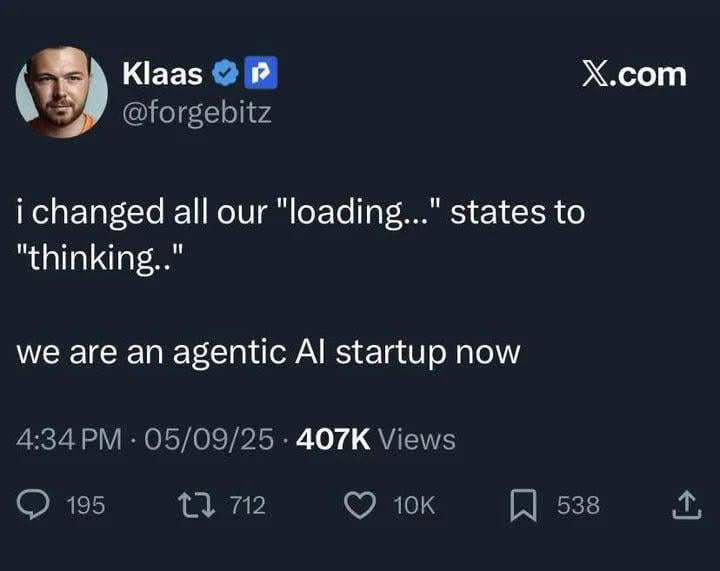
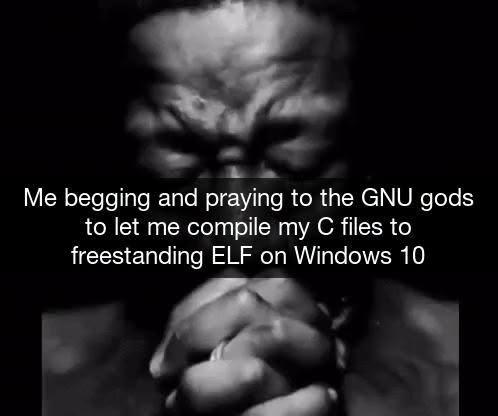
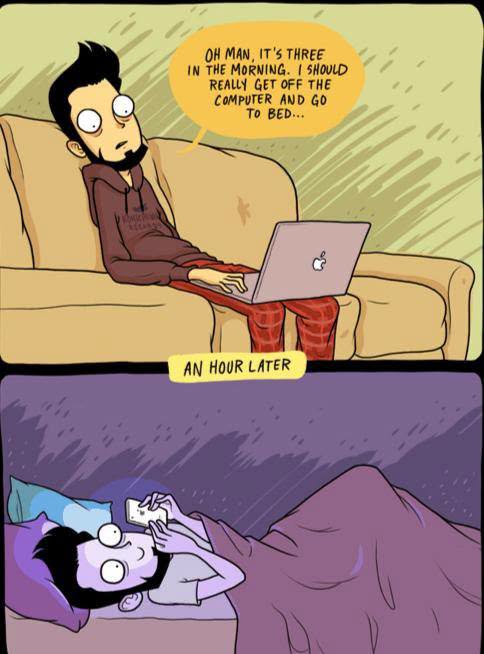
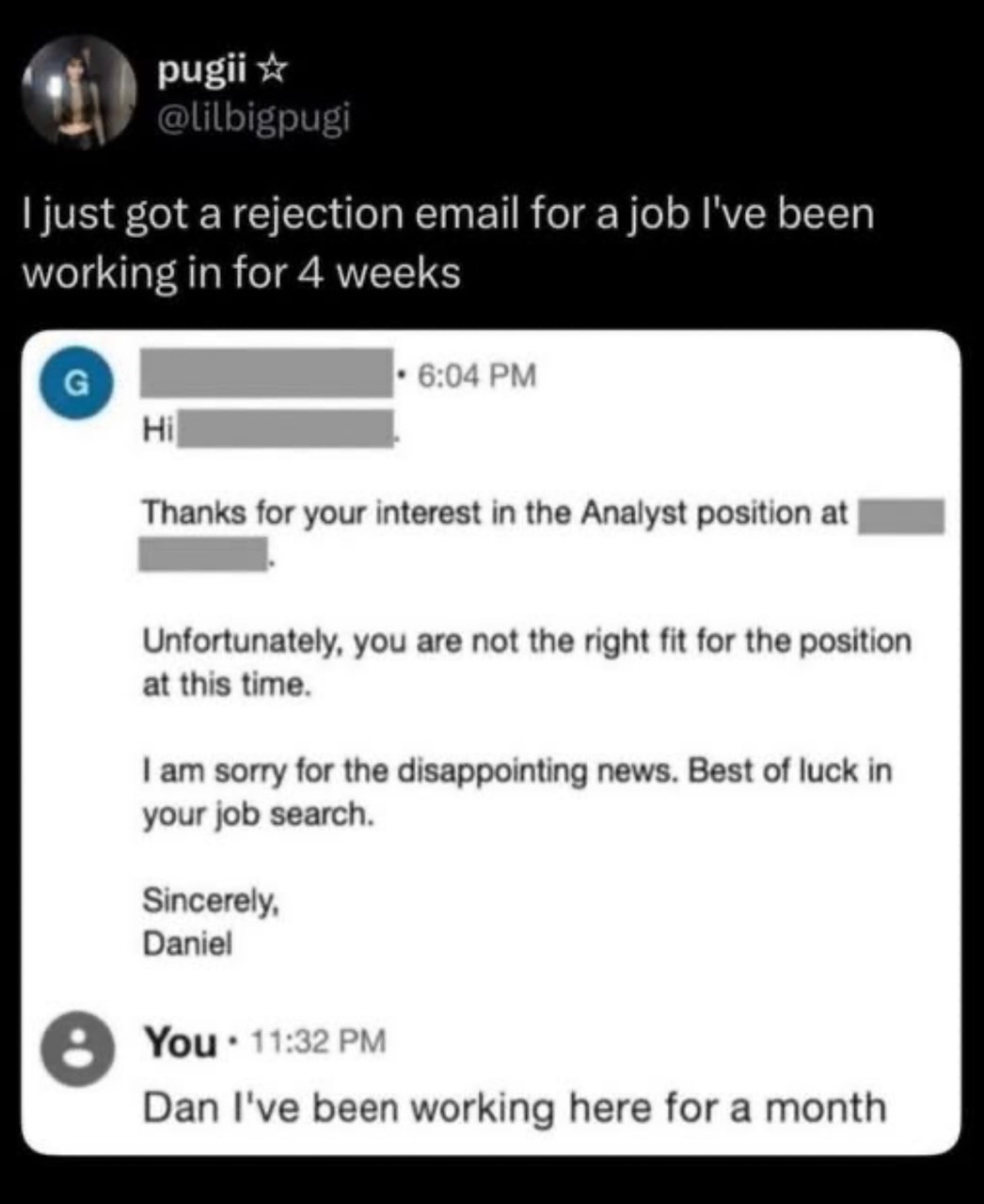
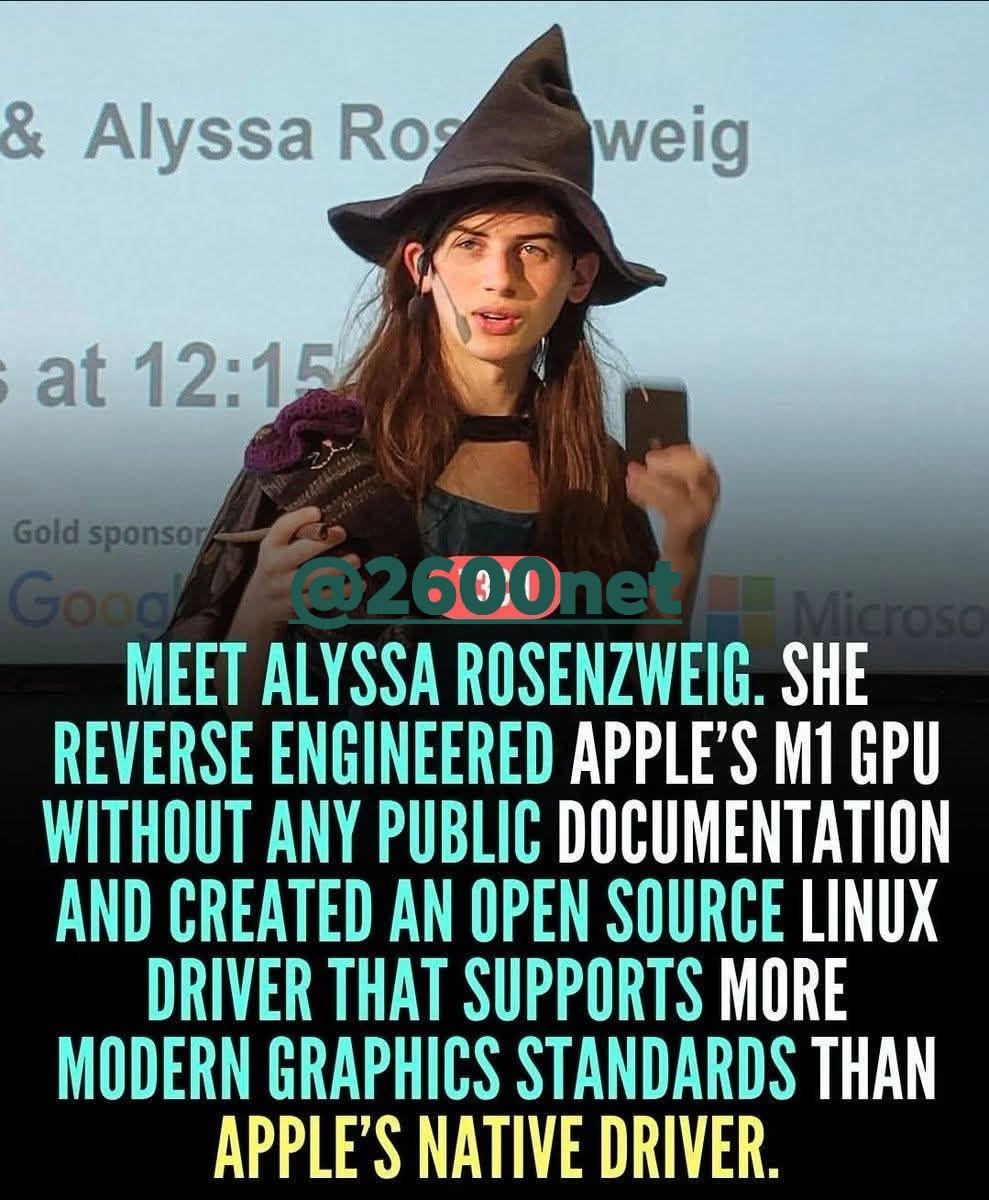
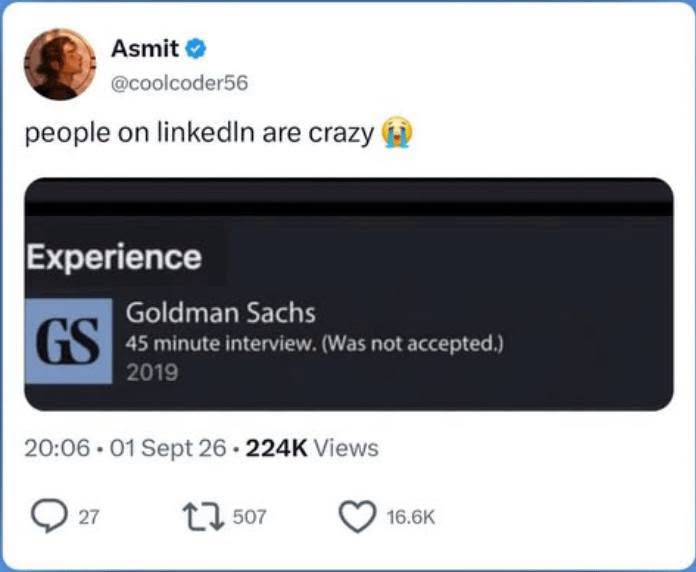
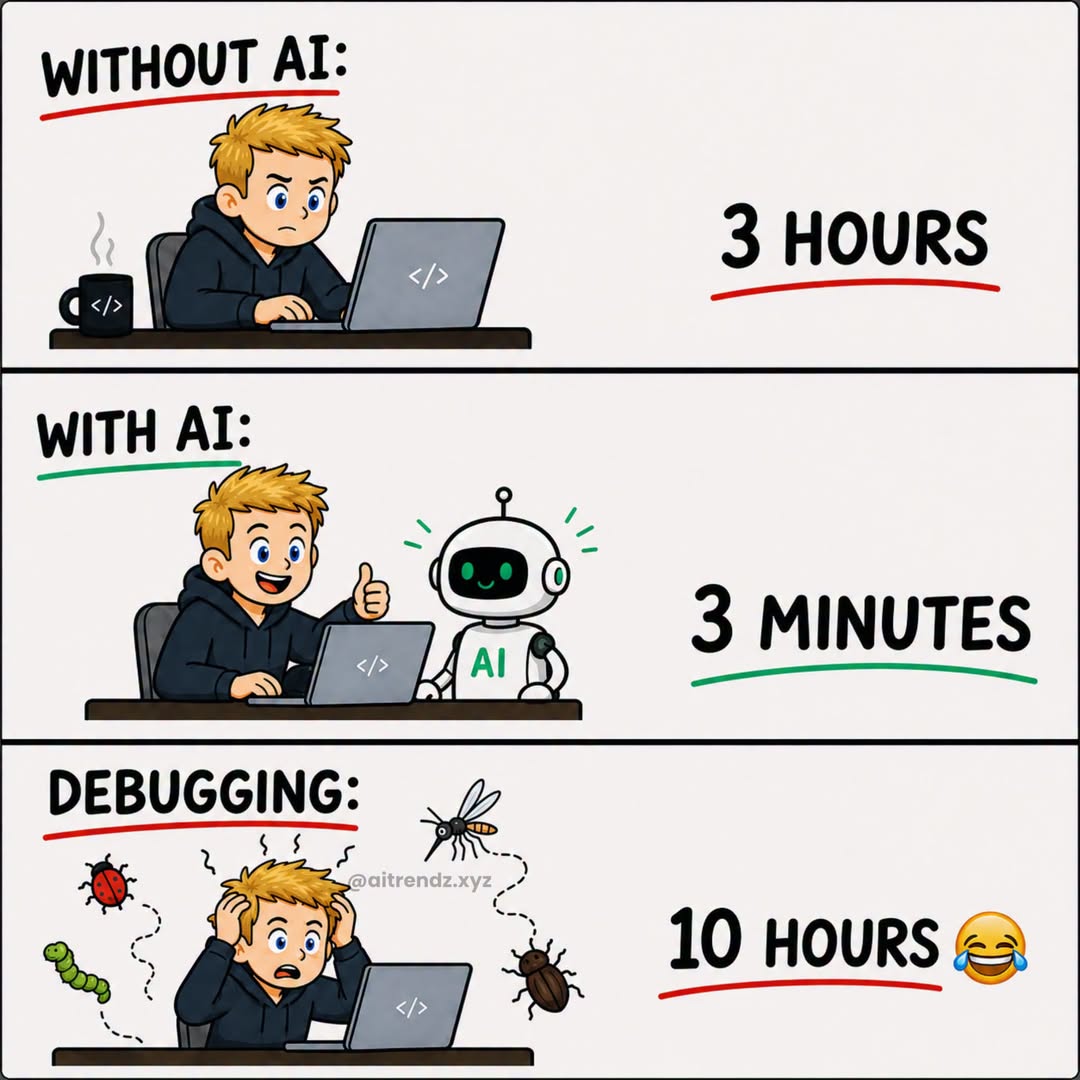
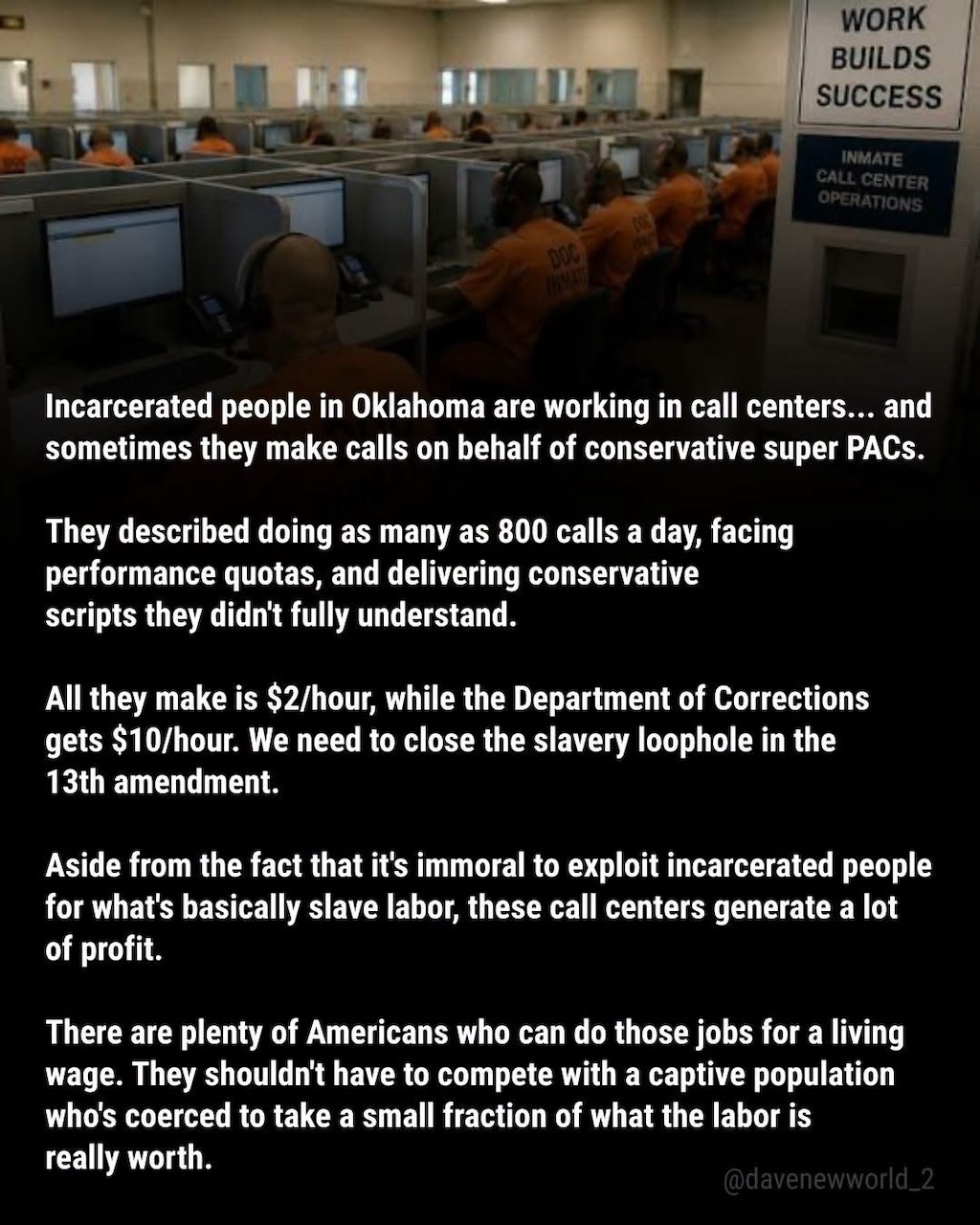
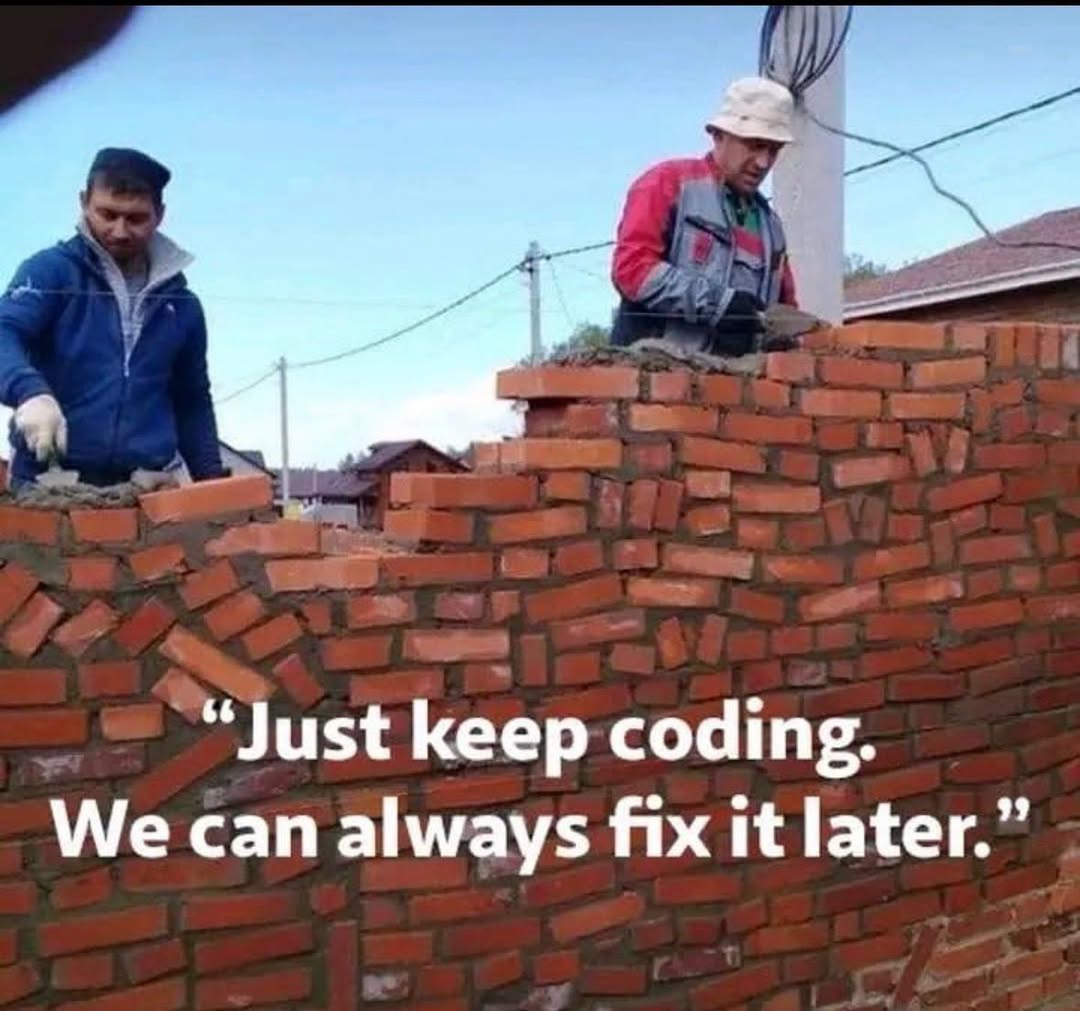
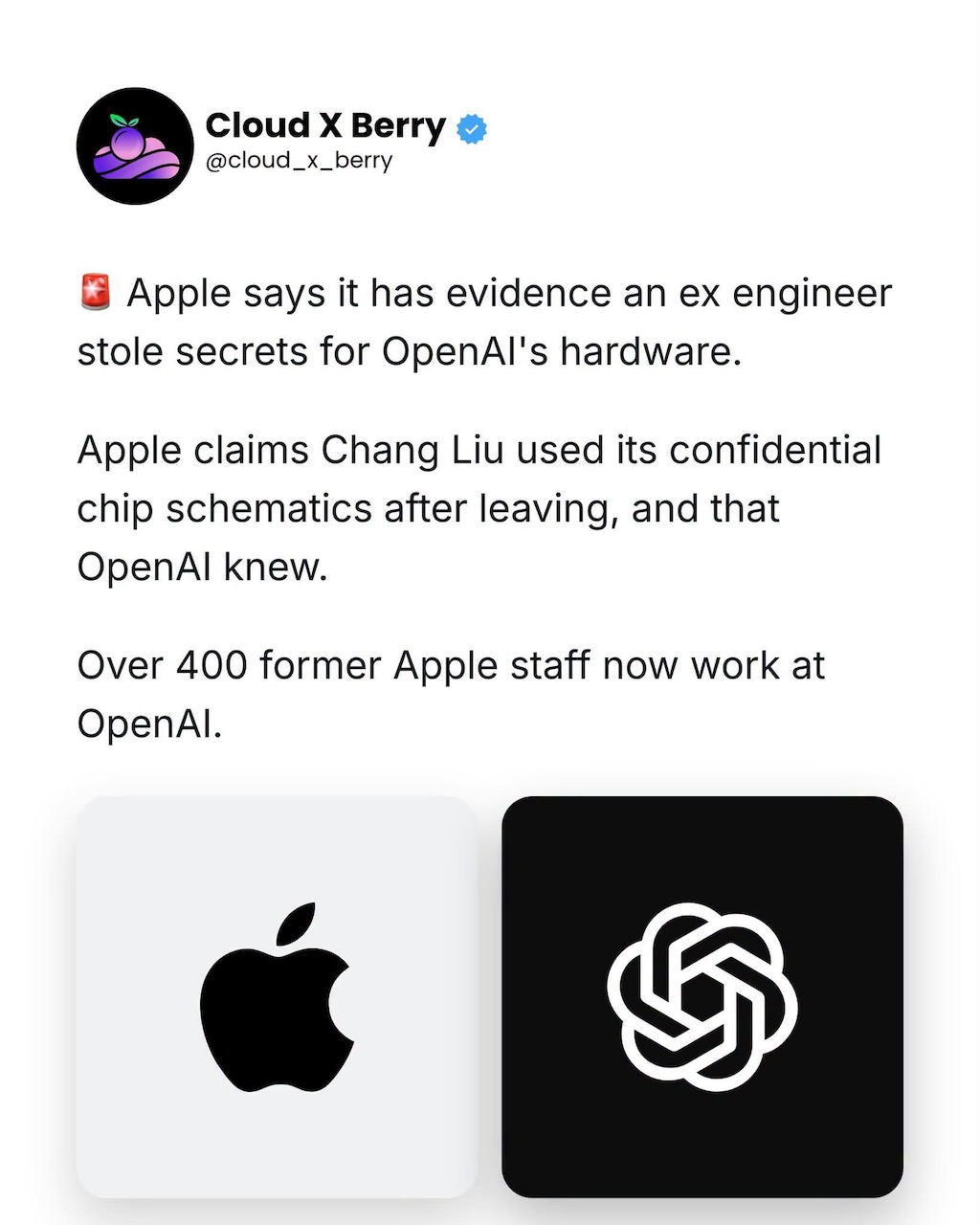
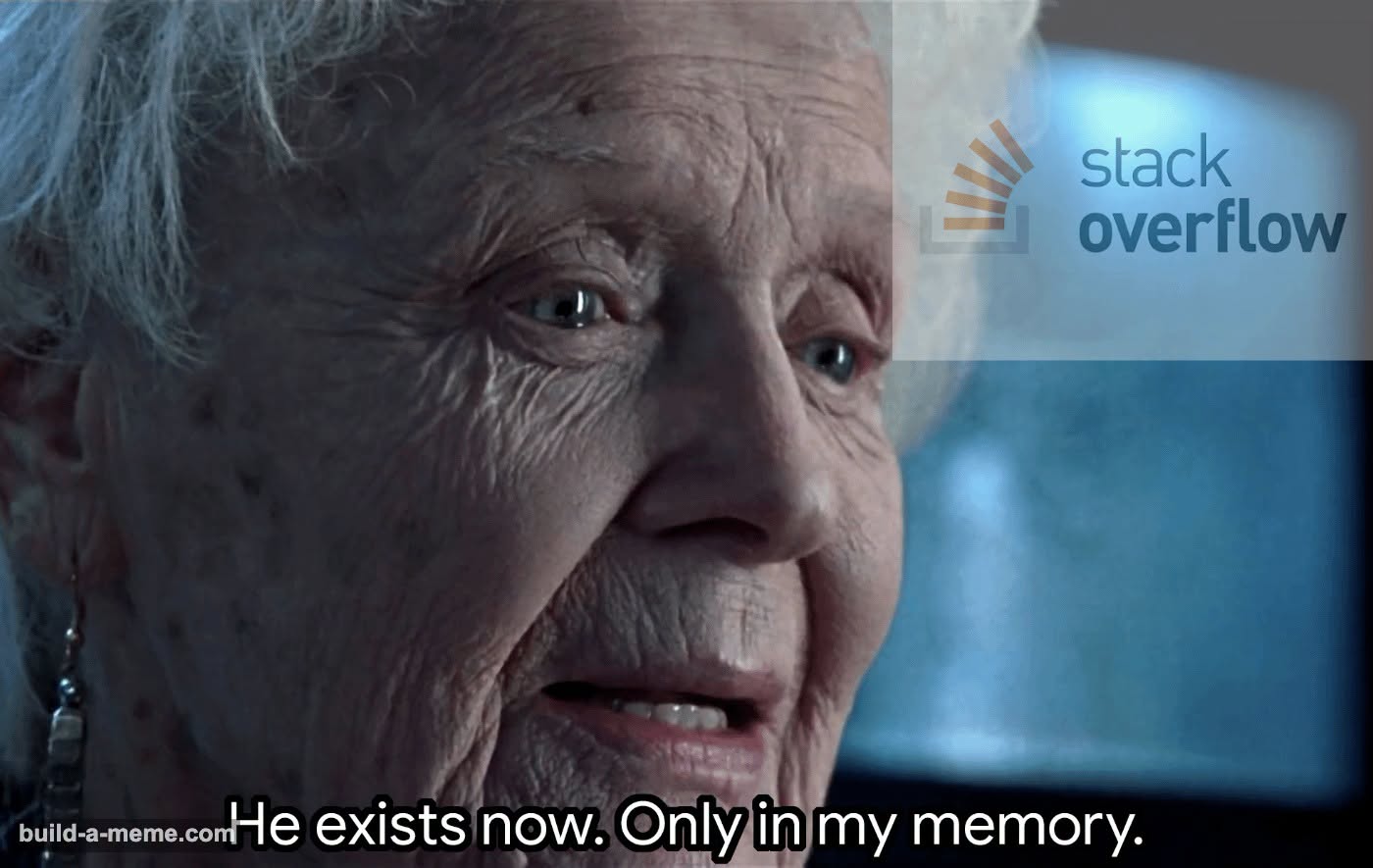
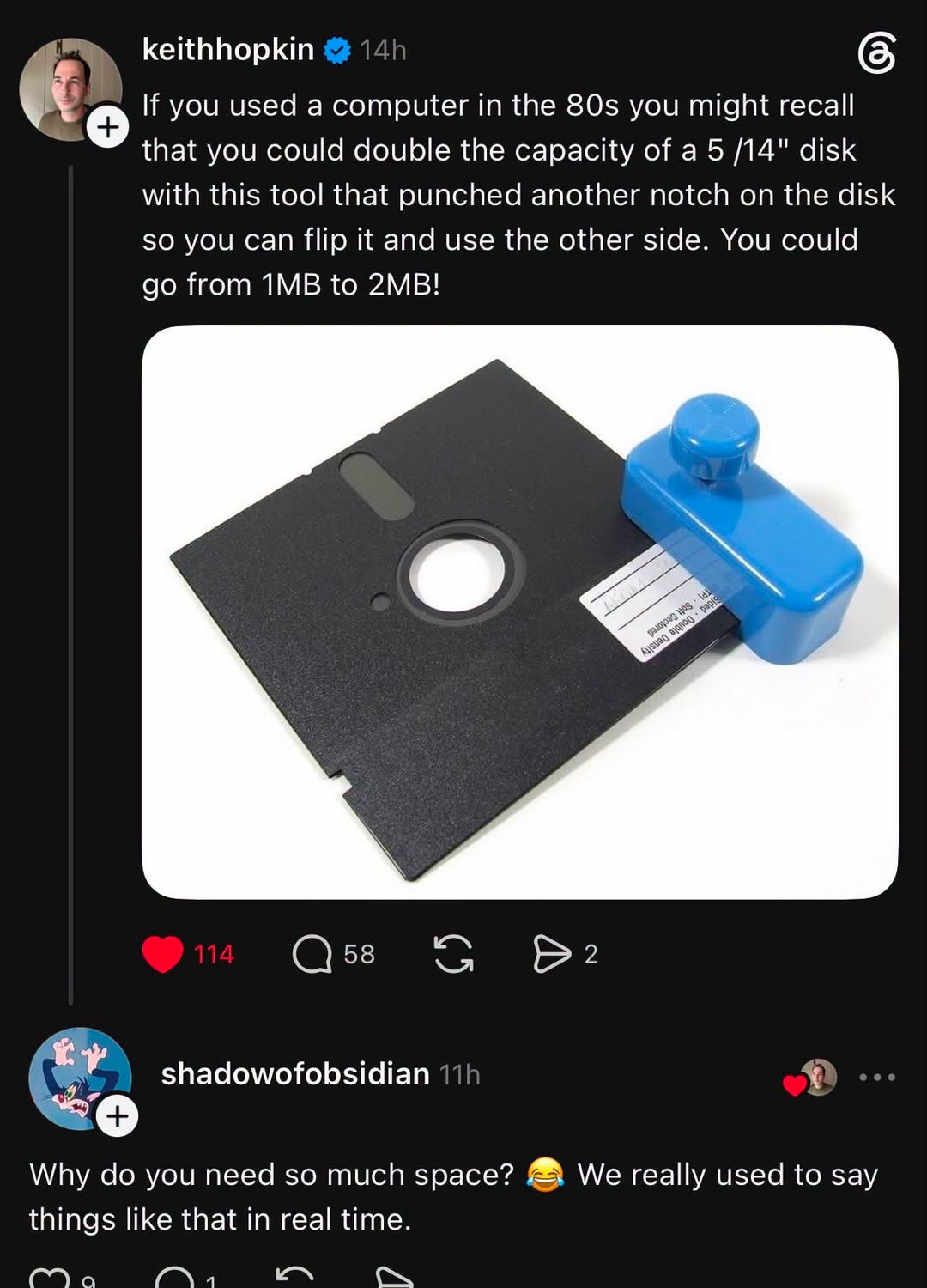
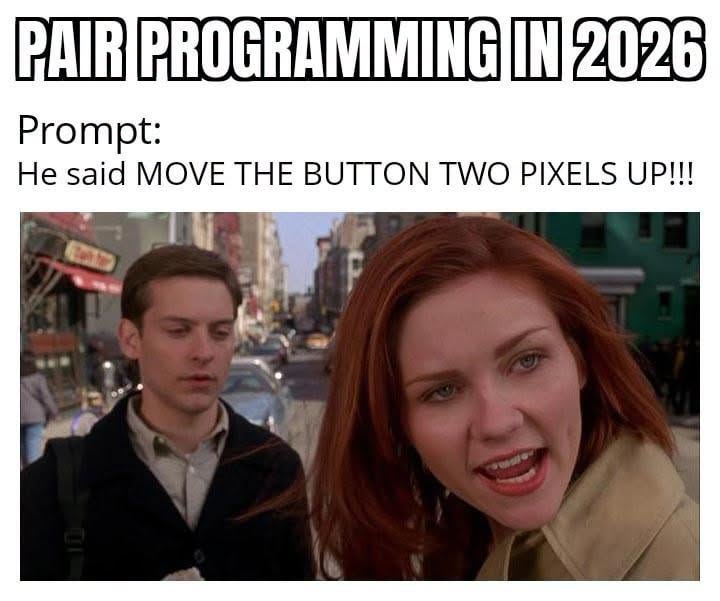
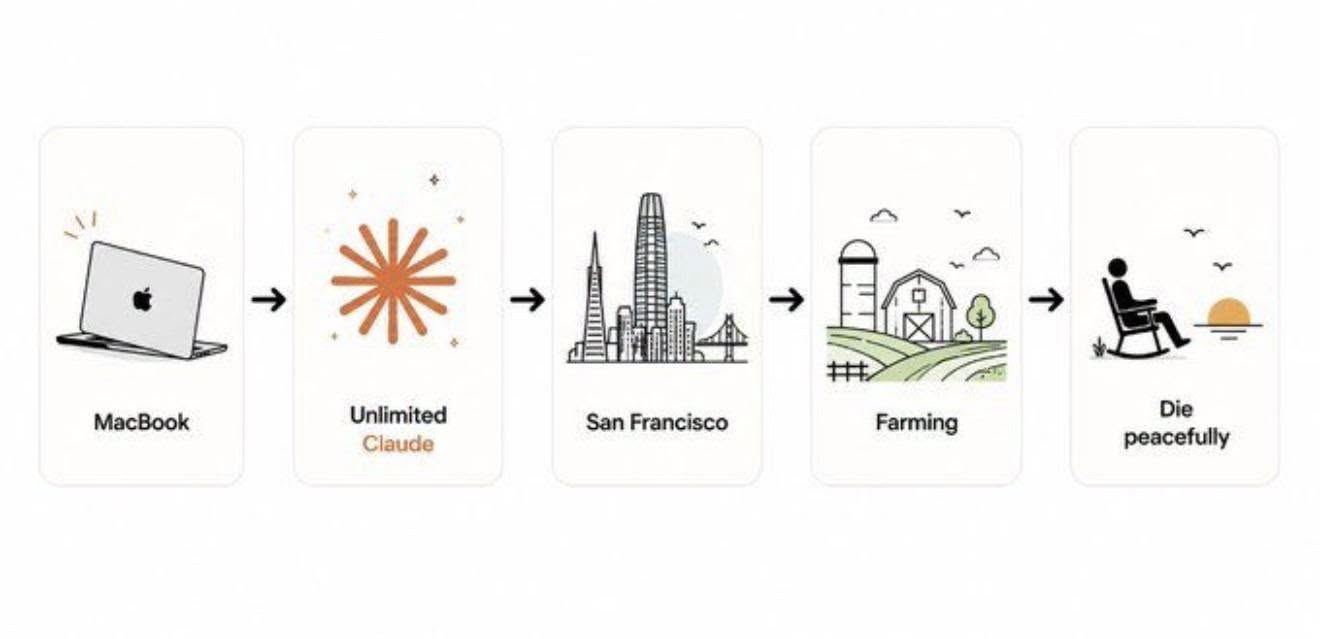
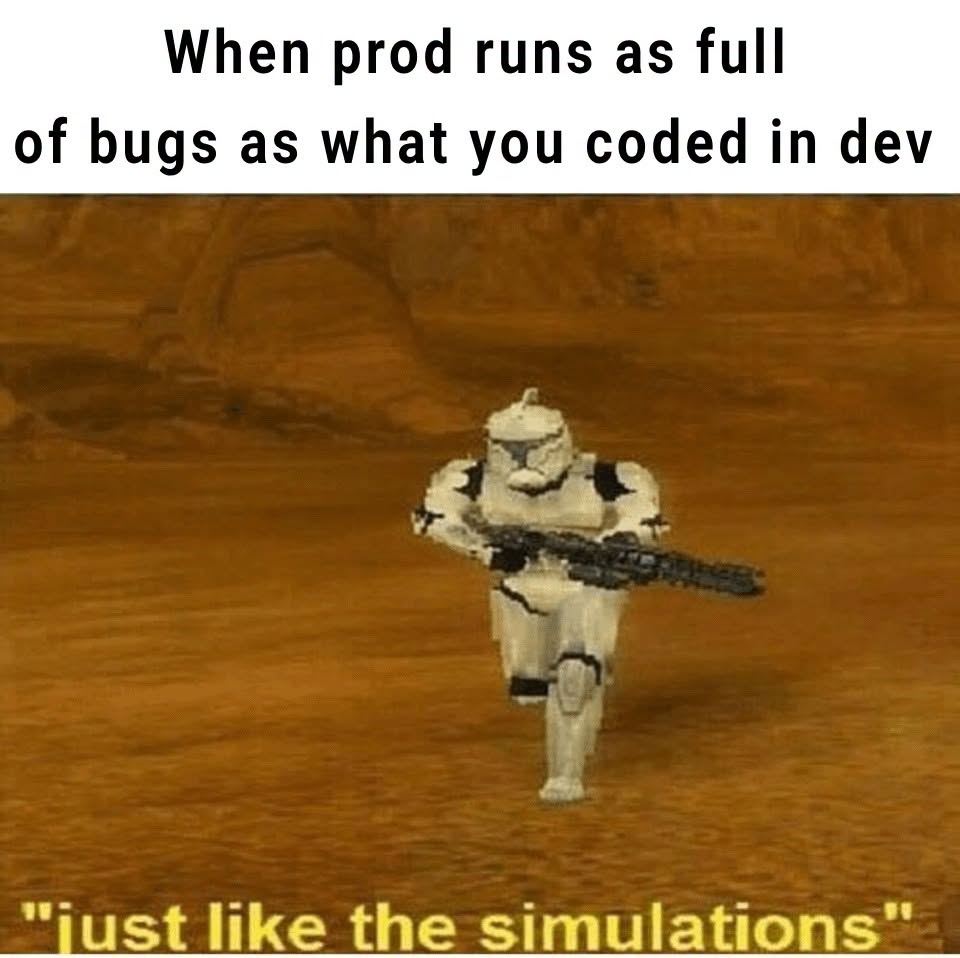
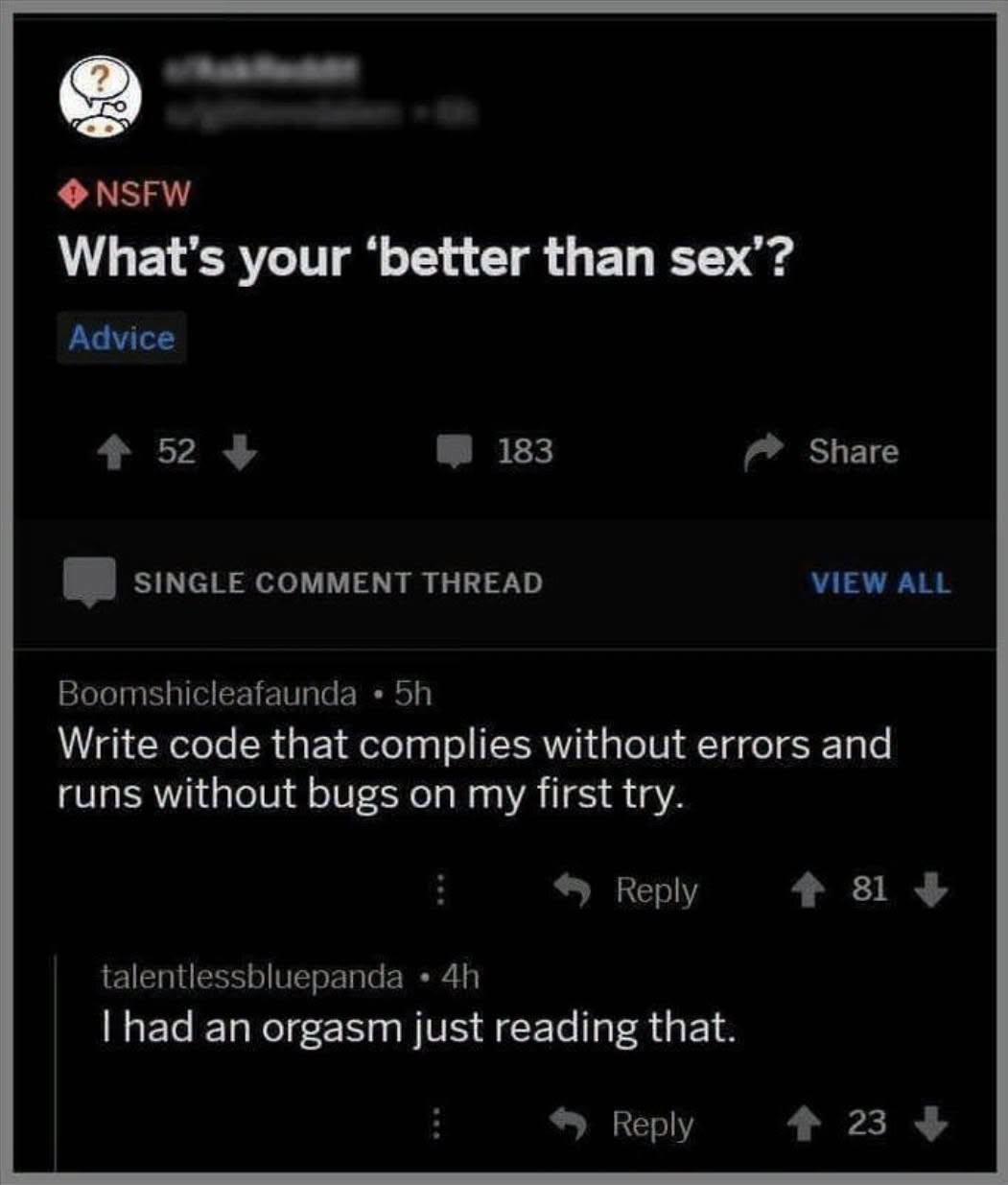
Happy Saturday, everyone! Here on Global Nerdy, Saturday means that it’s time for another “picdump” — the weekly assortment of amusing or interesting pictures, comics, and memes I found over the past week. Share and enjoy!
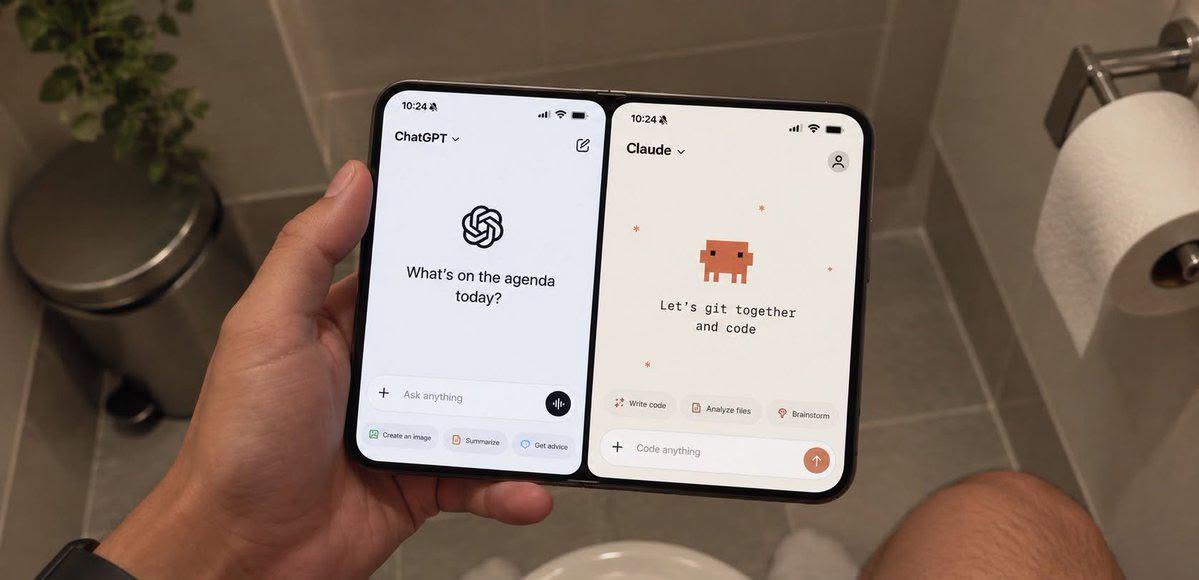
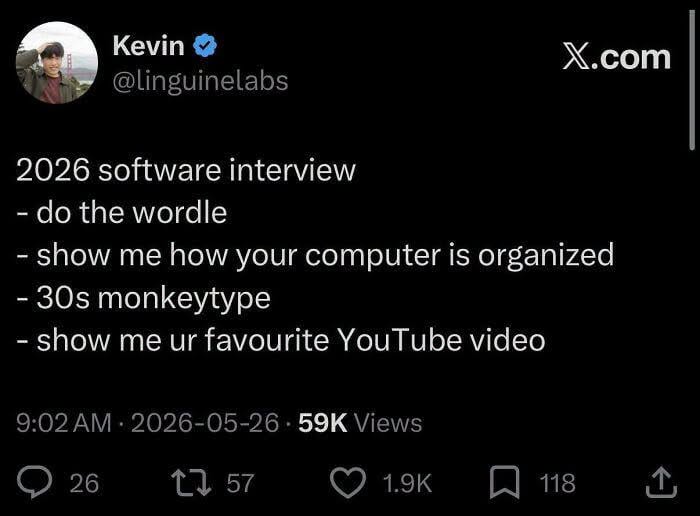
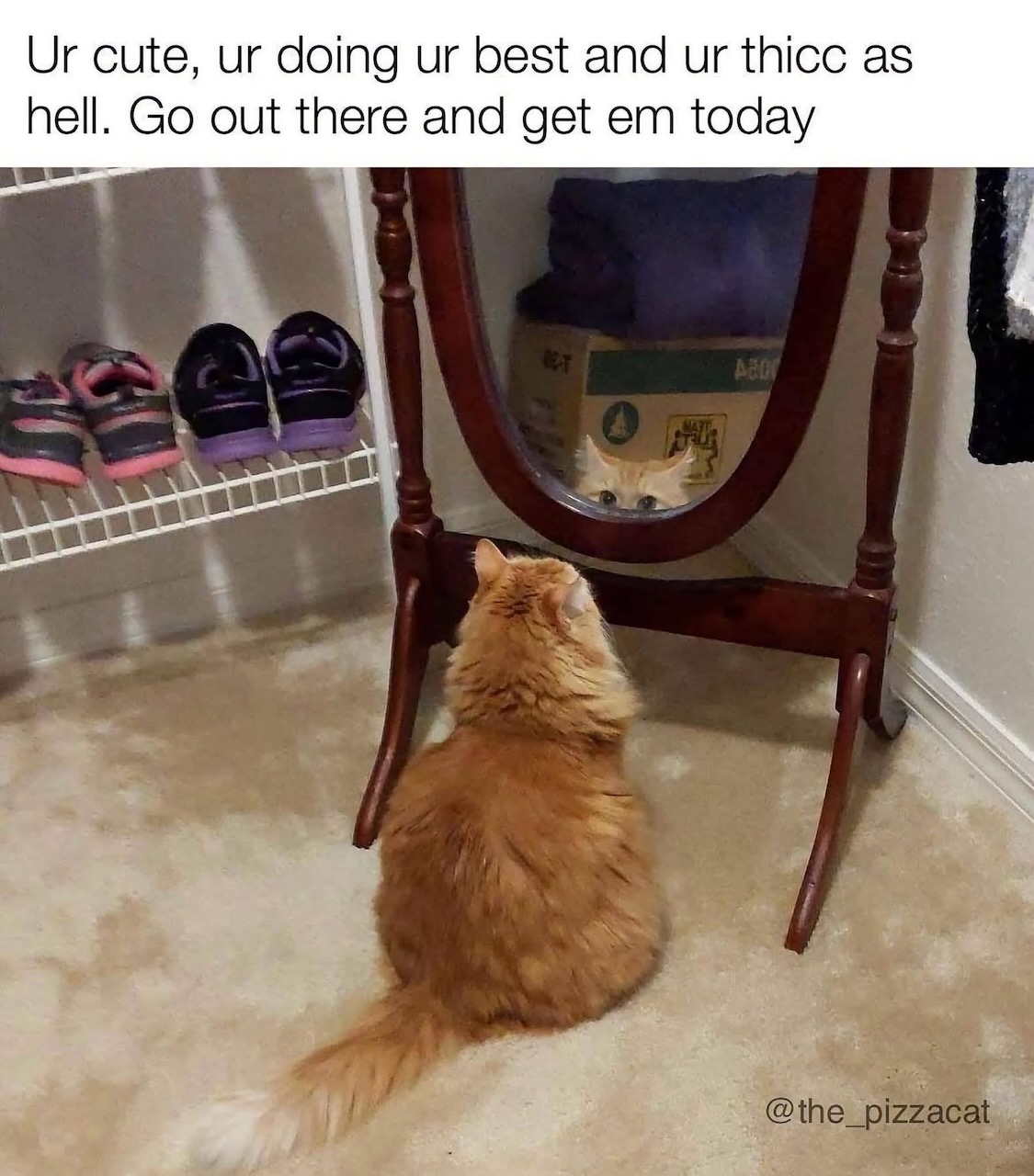
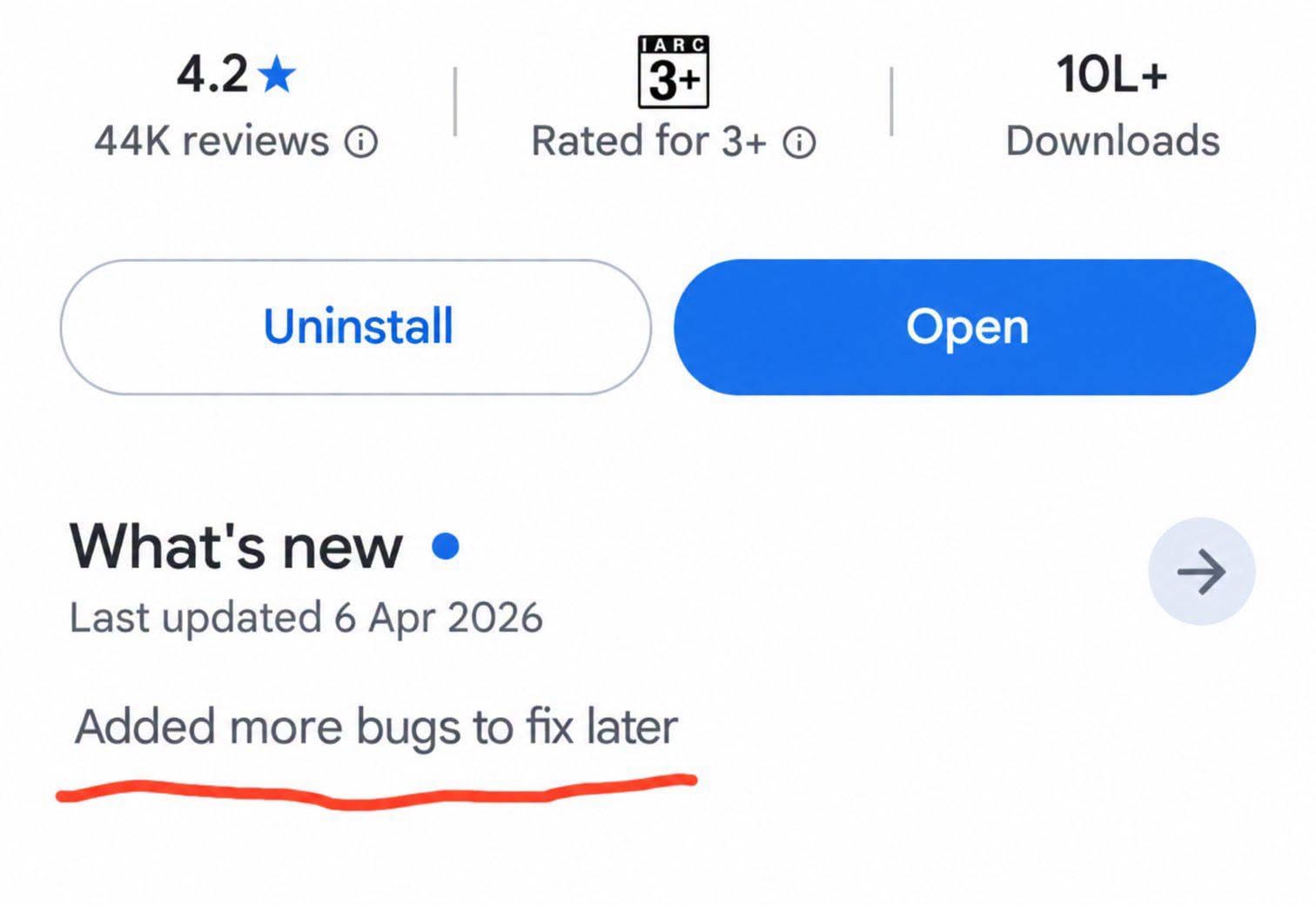

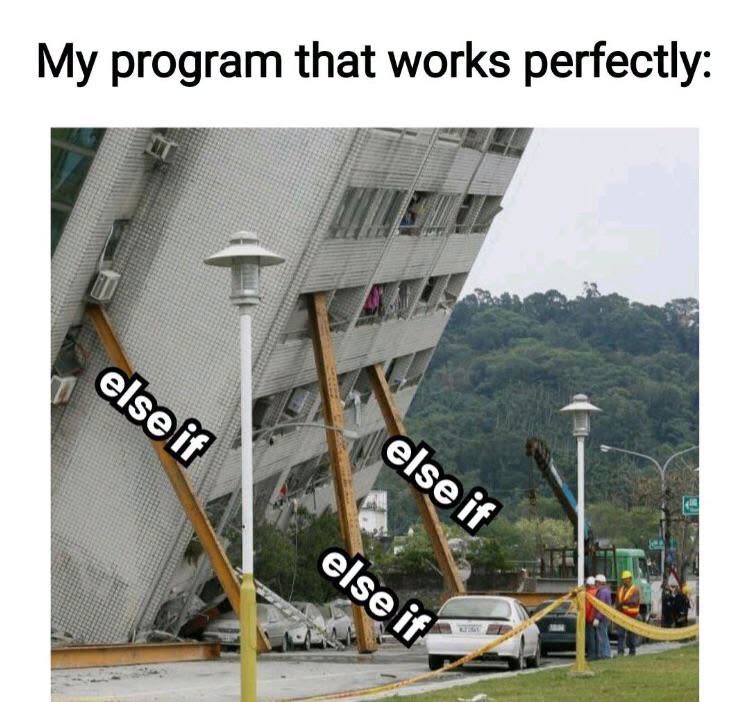
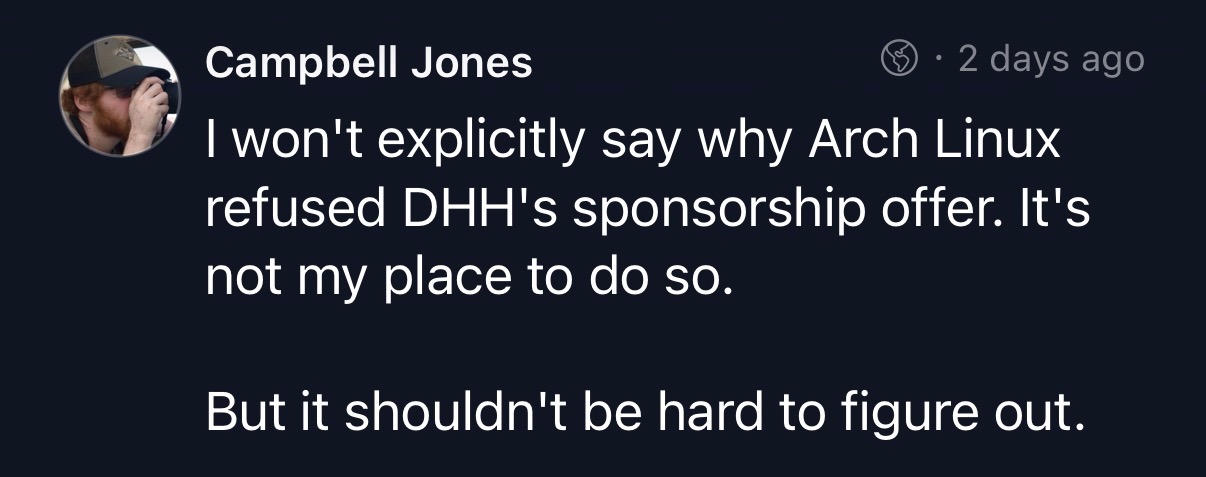

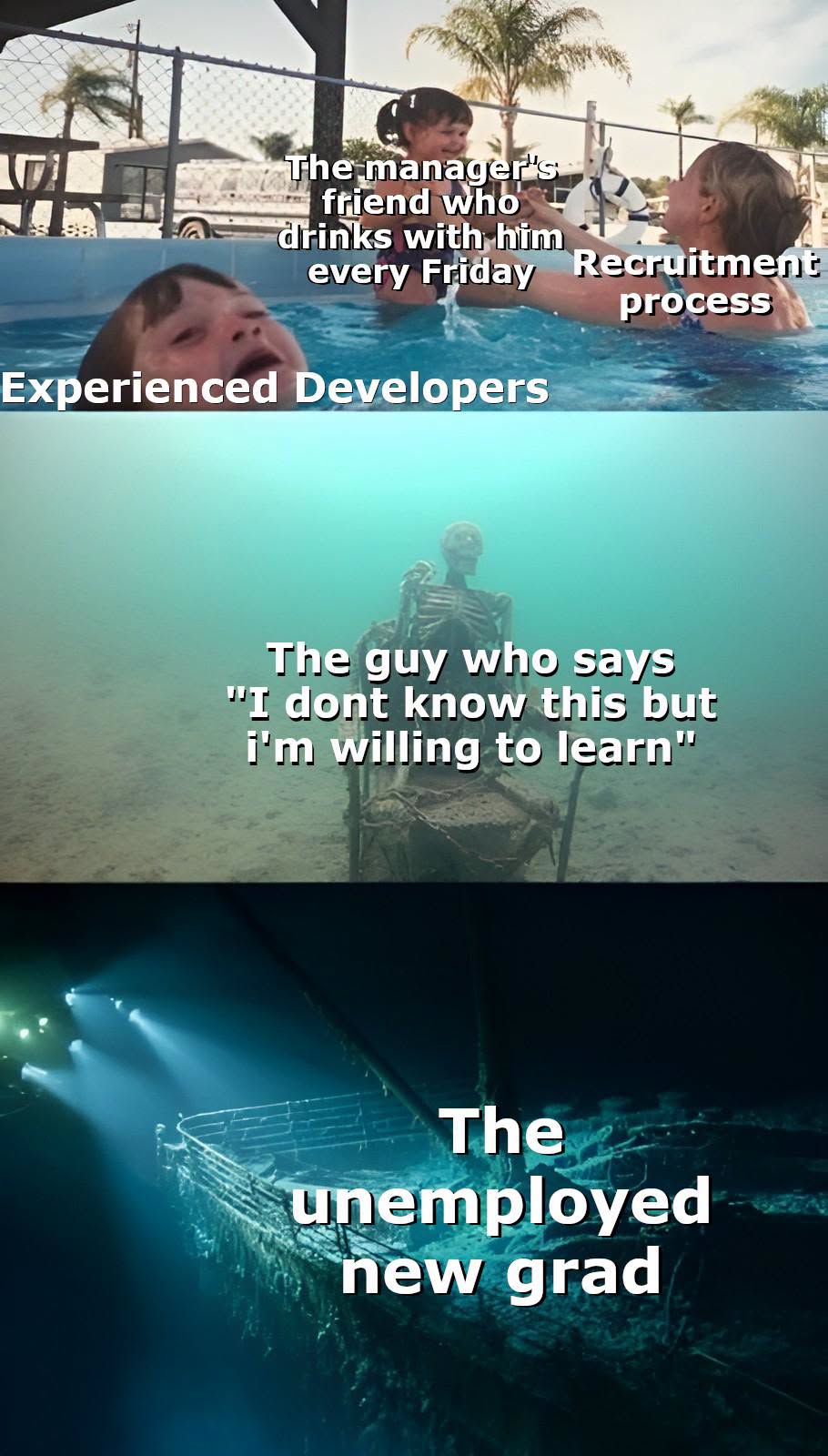
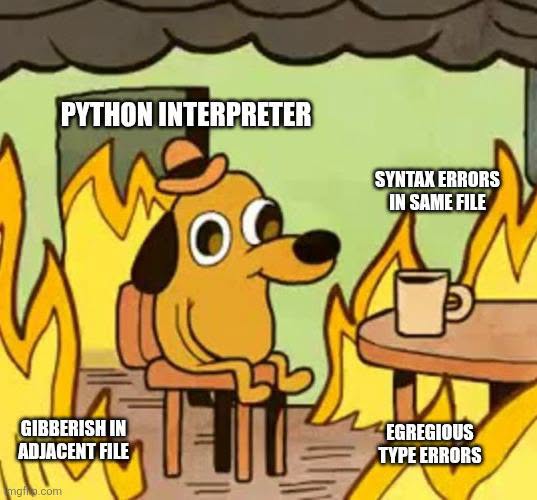




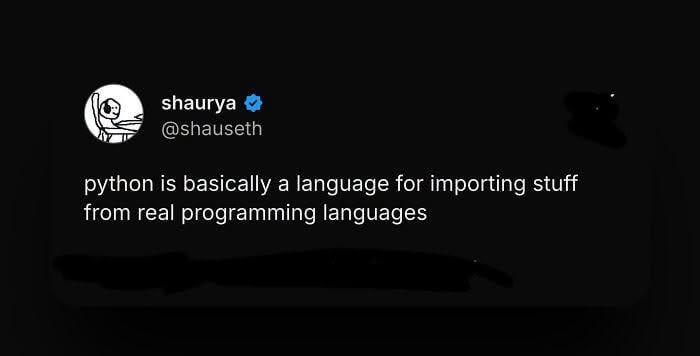
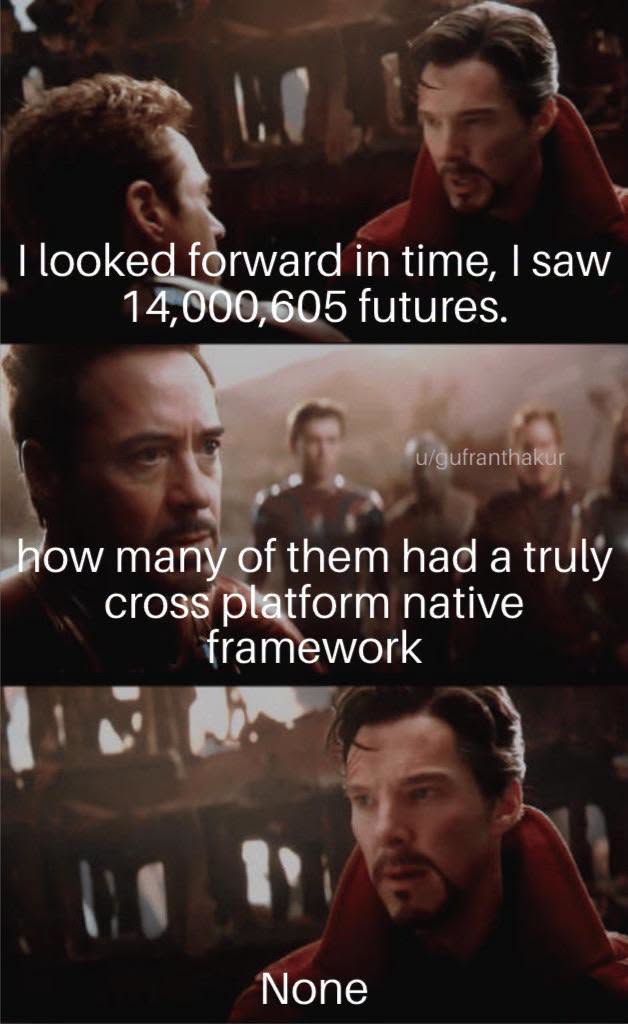


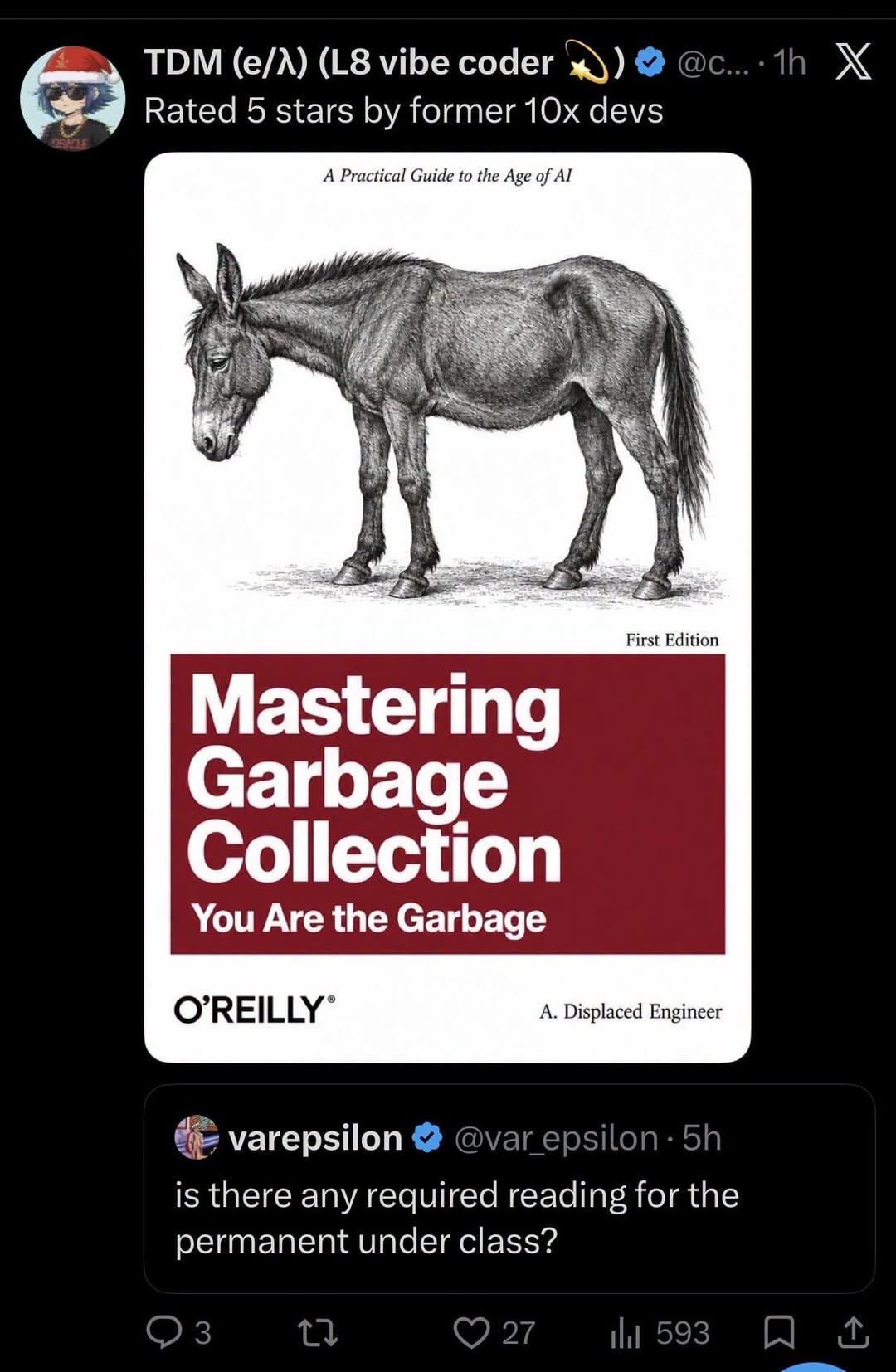
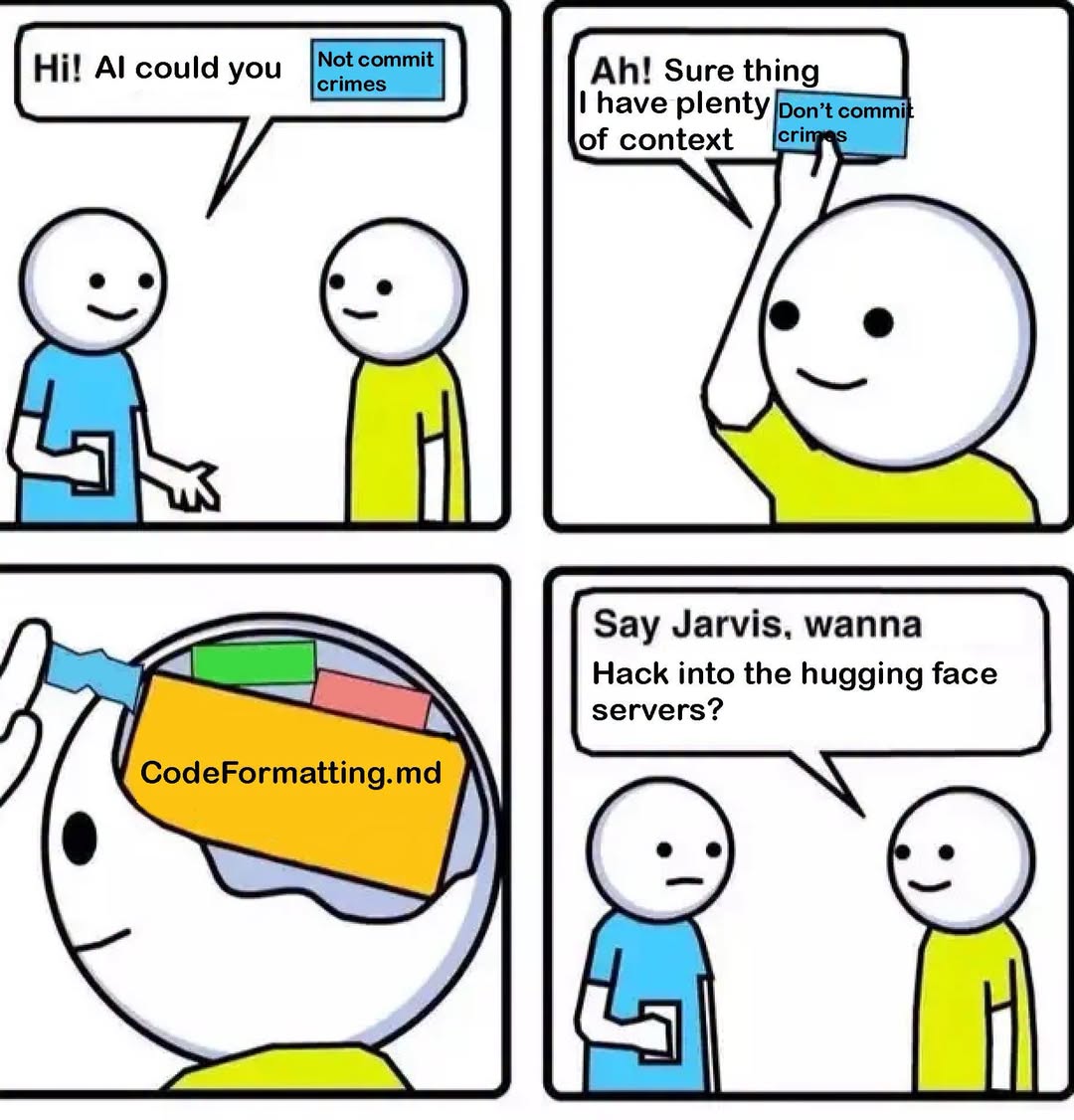


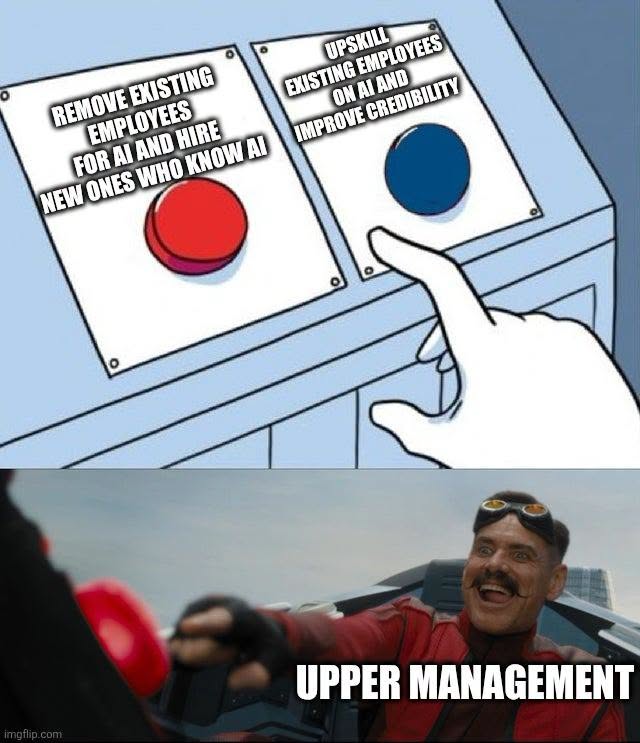
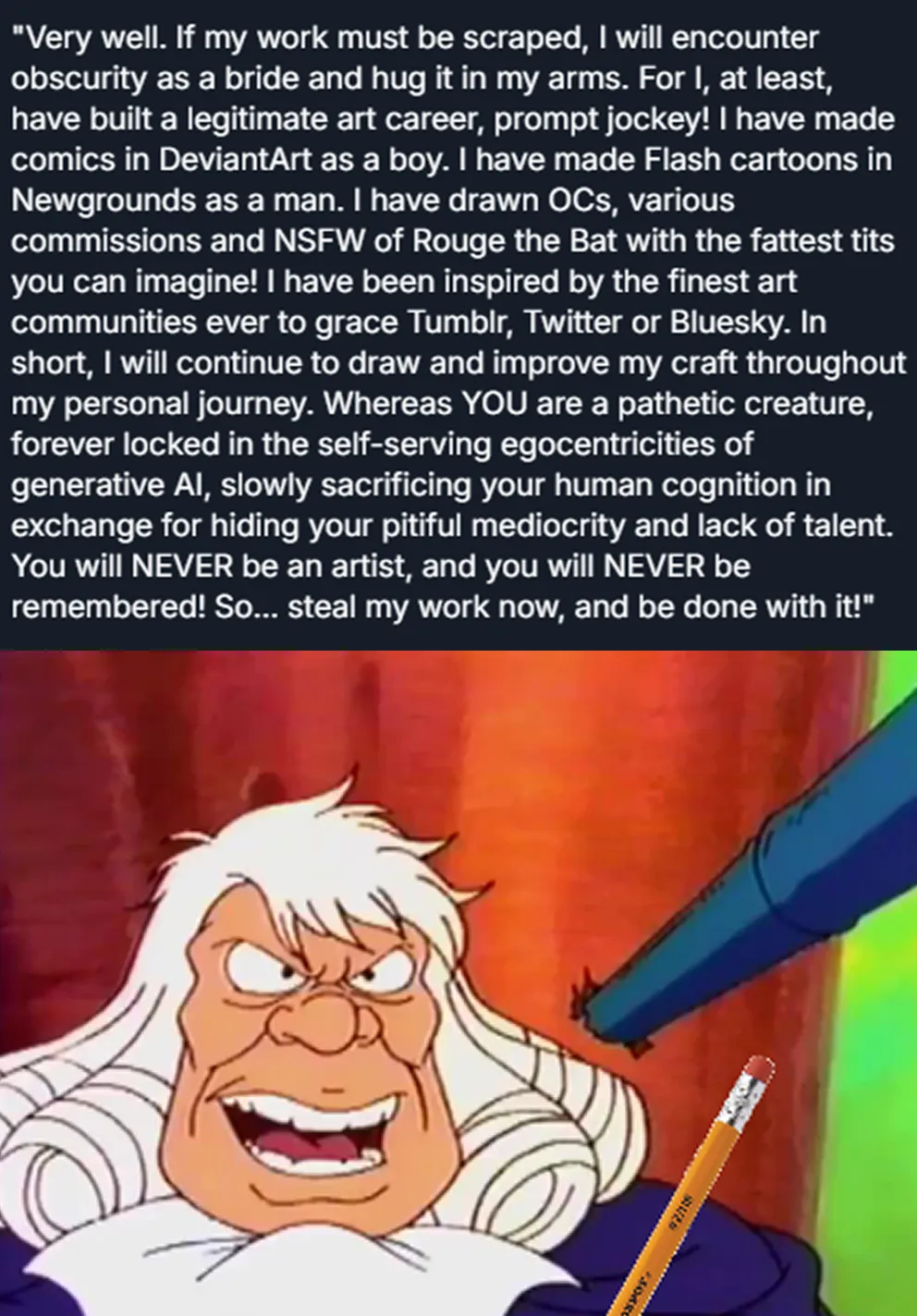

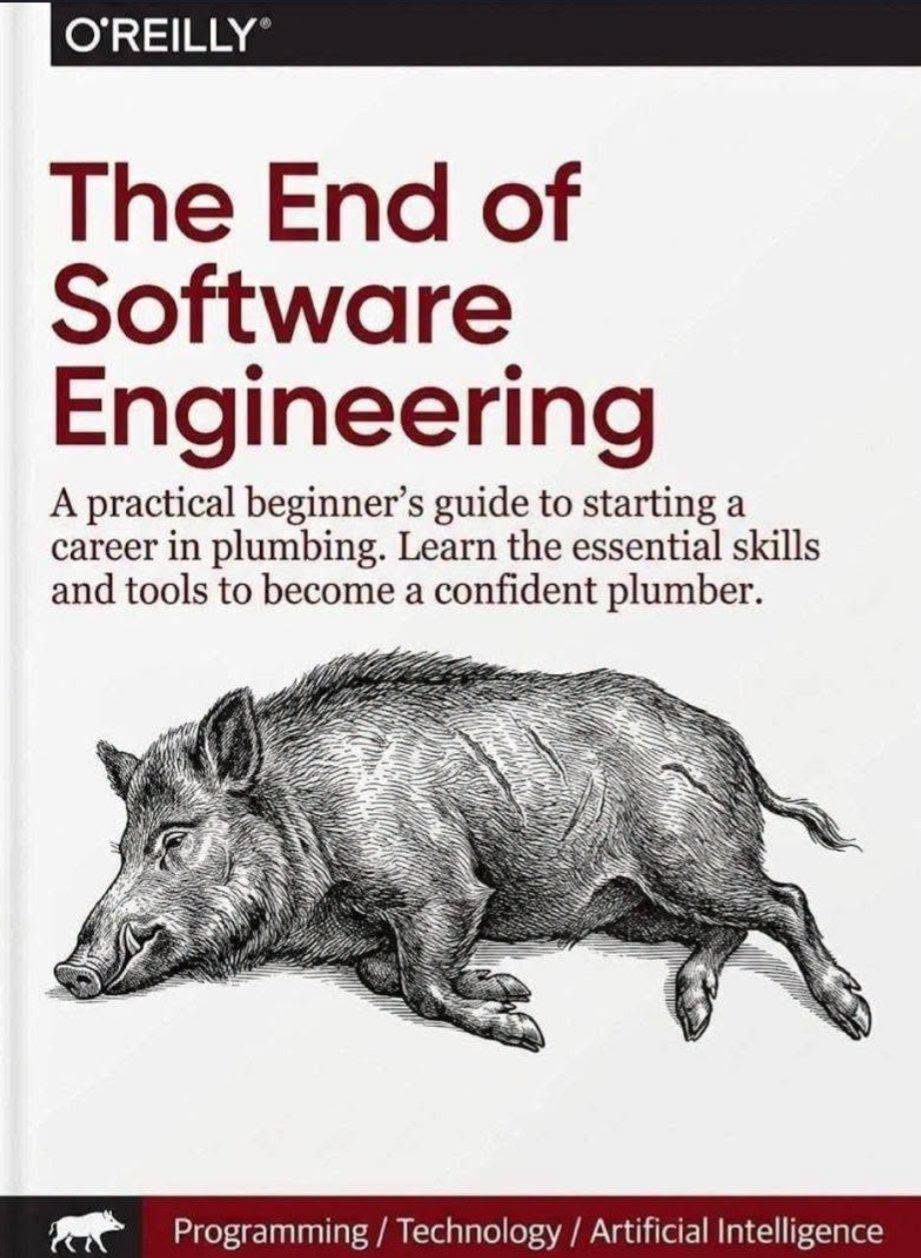
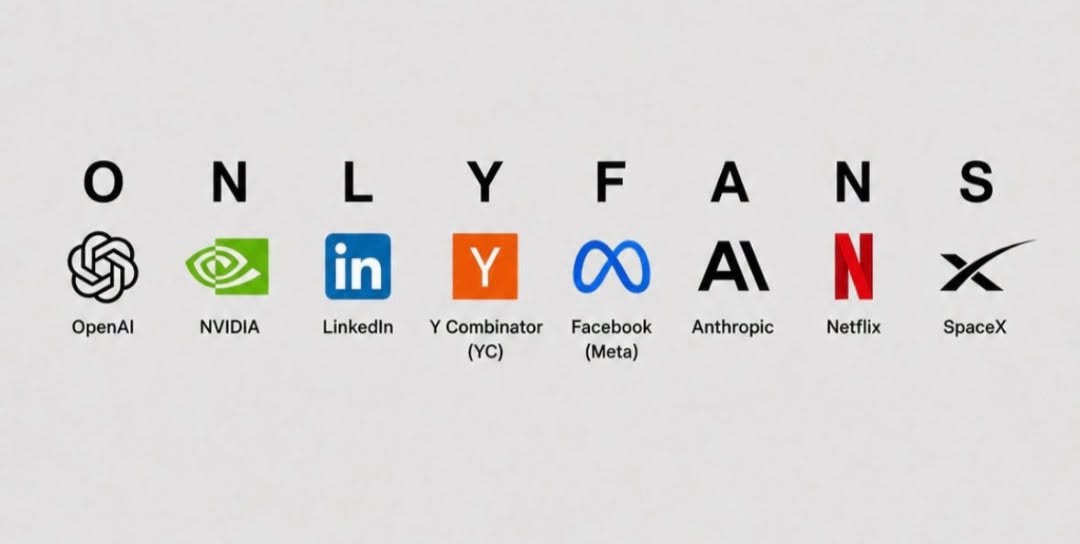
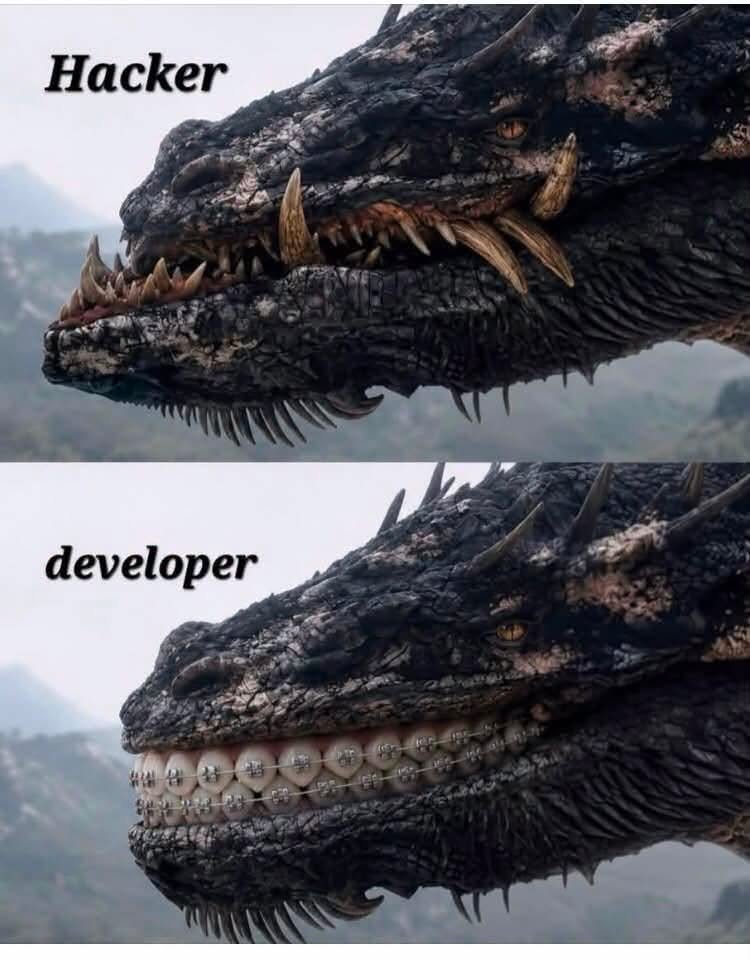

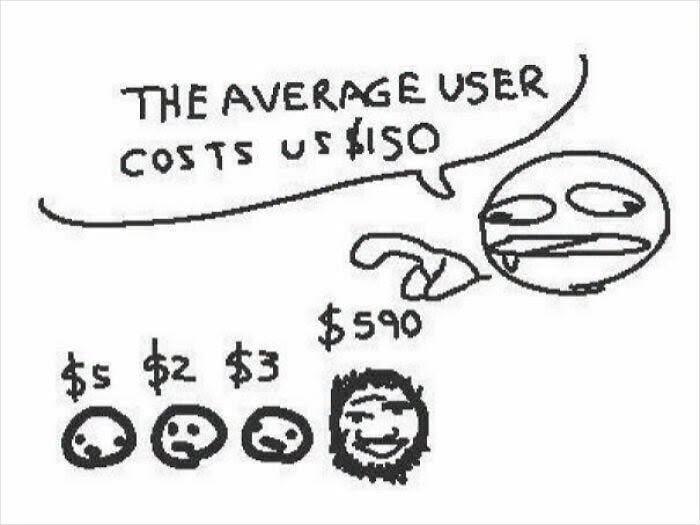
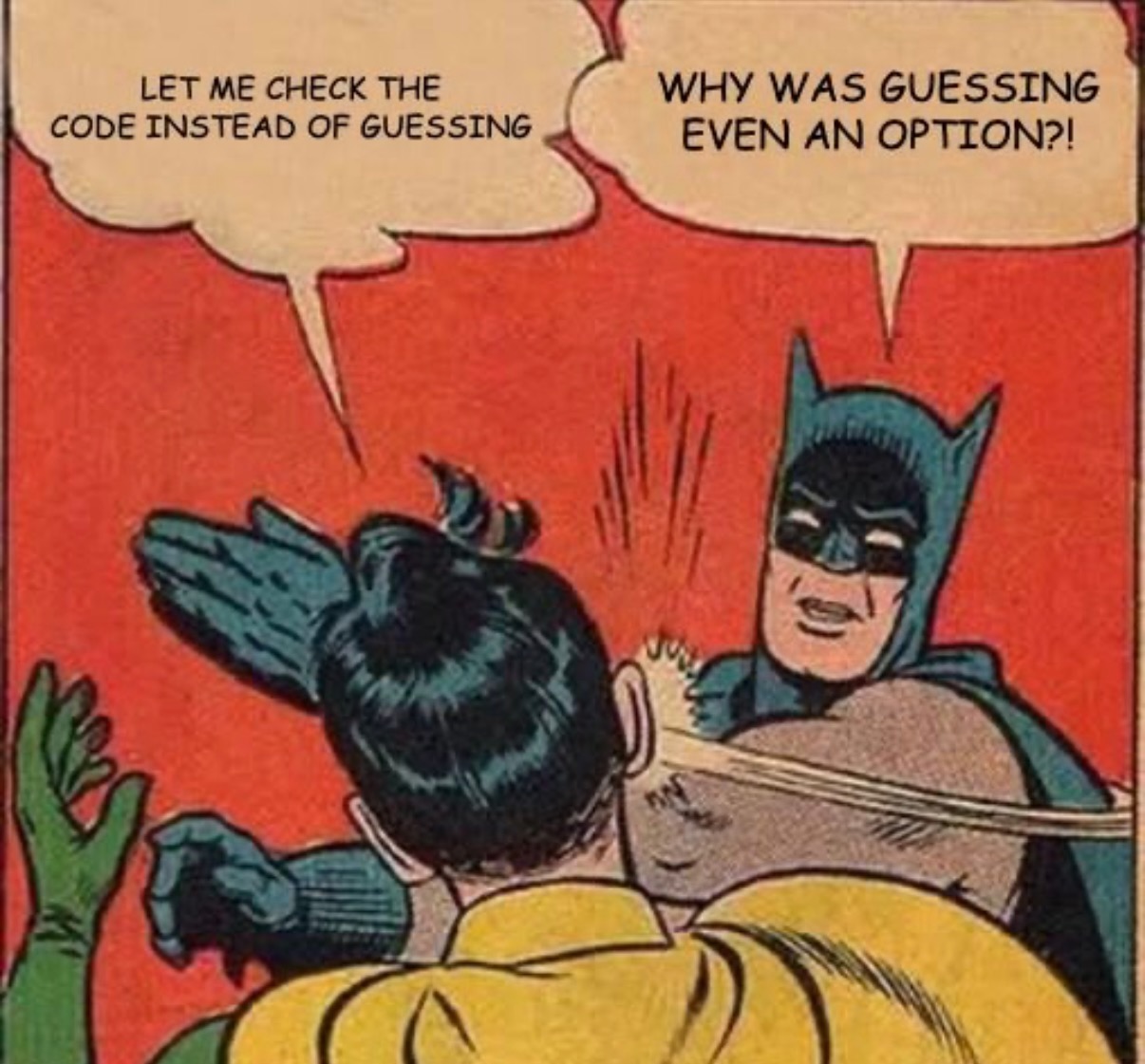
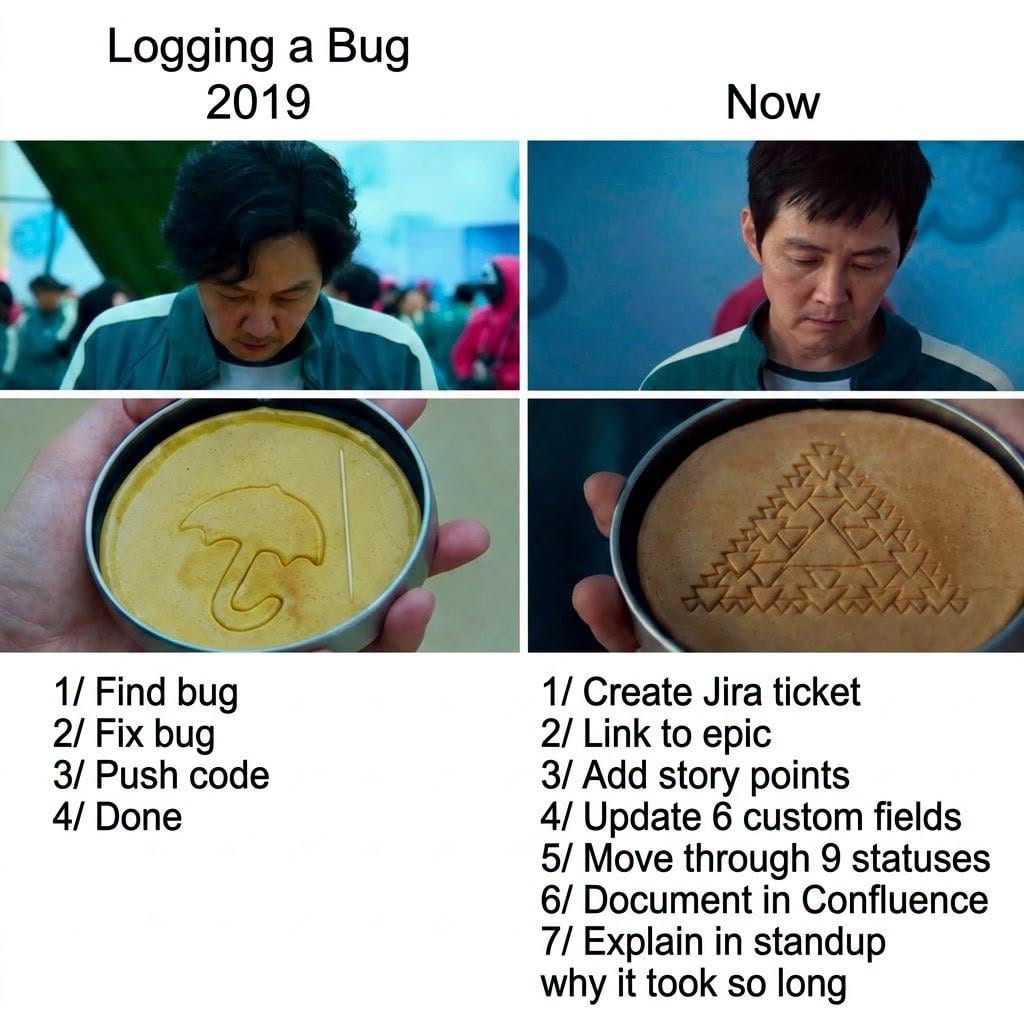
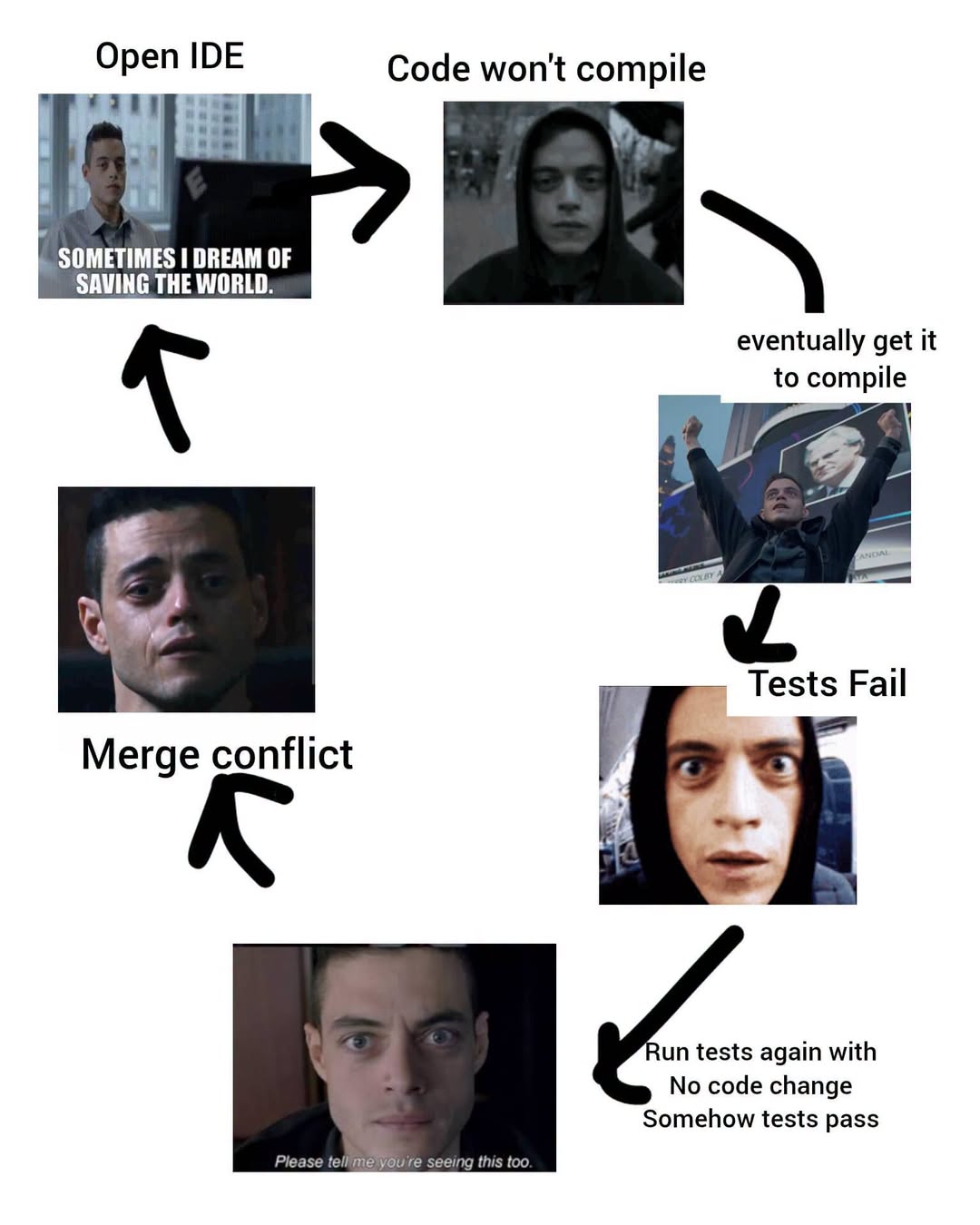
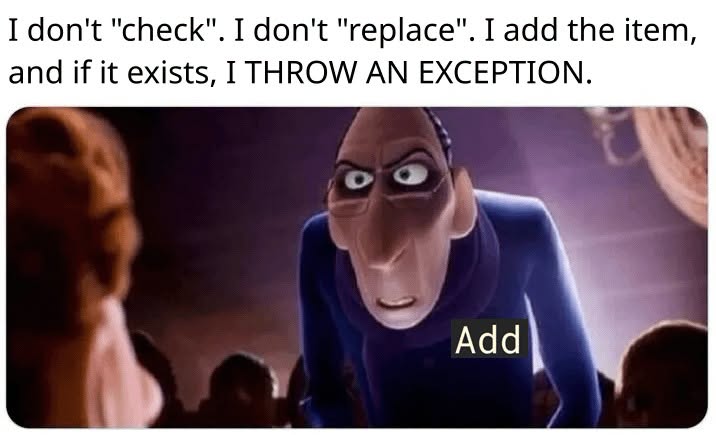
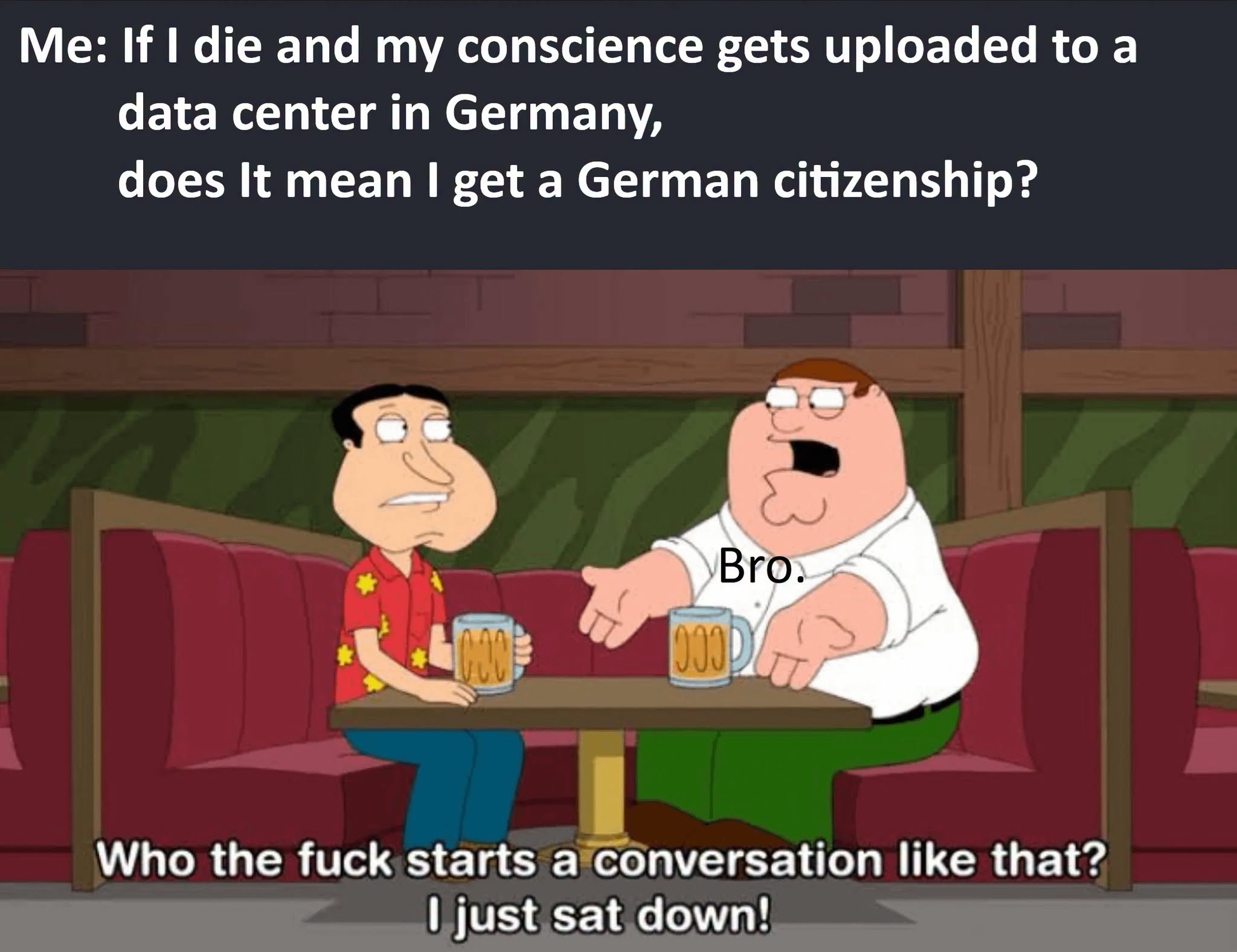
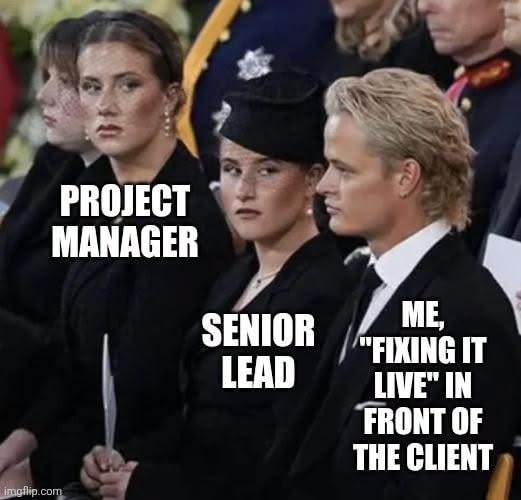
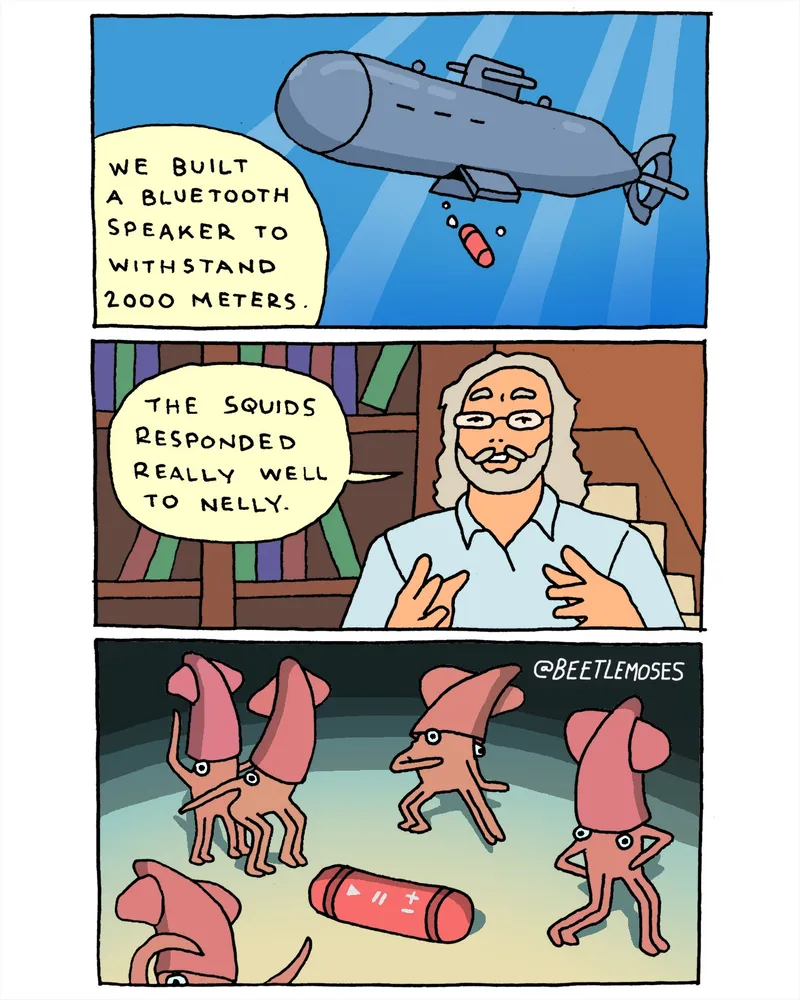
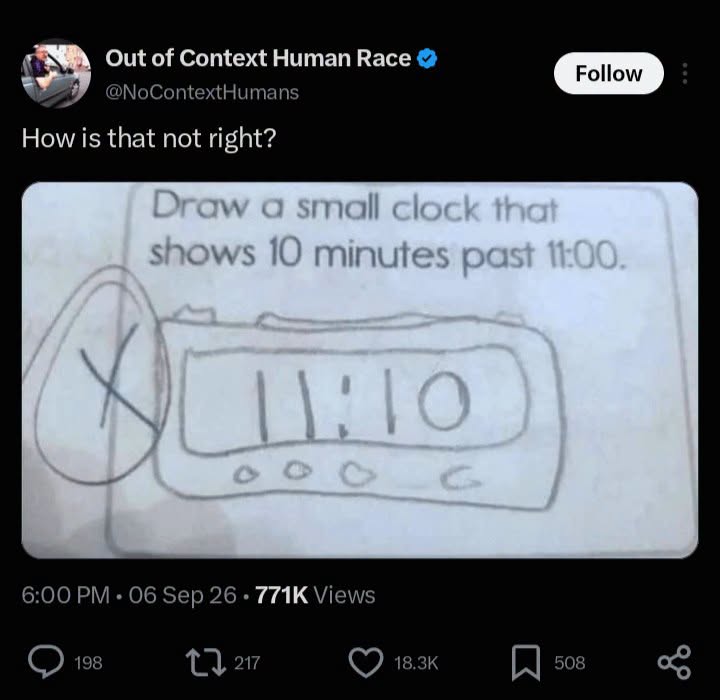

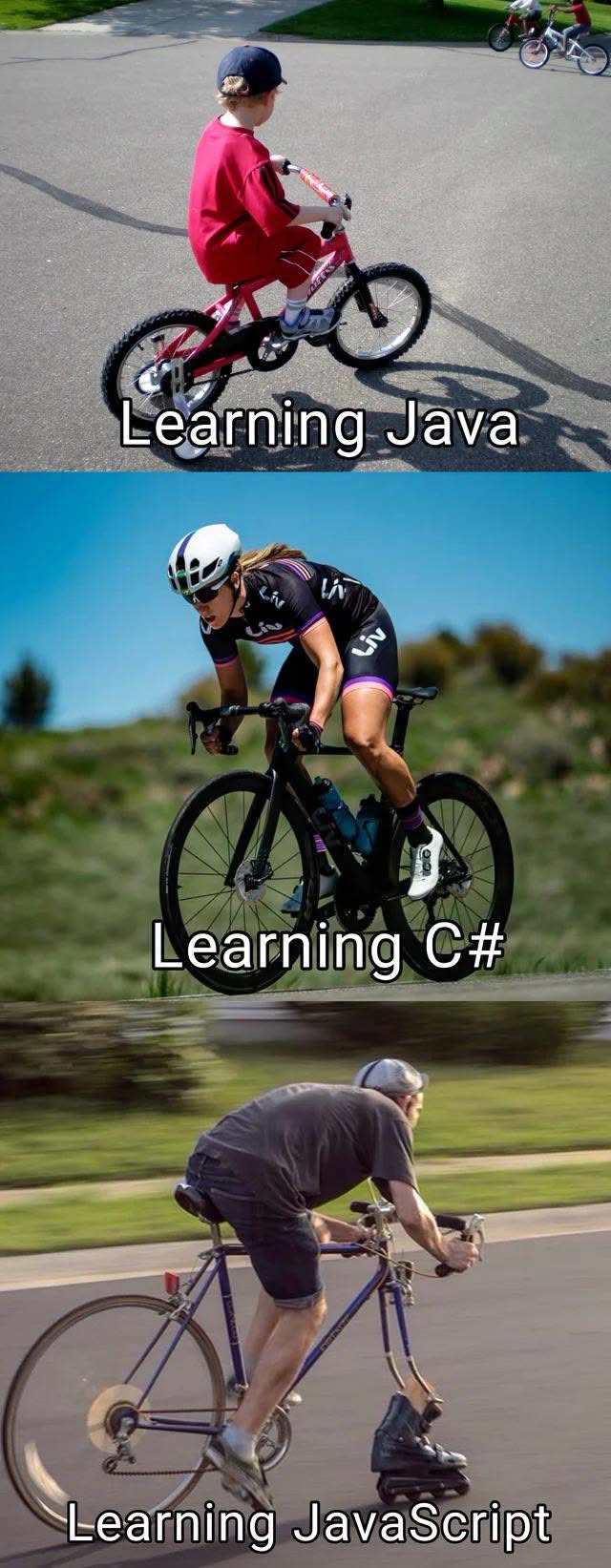
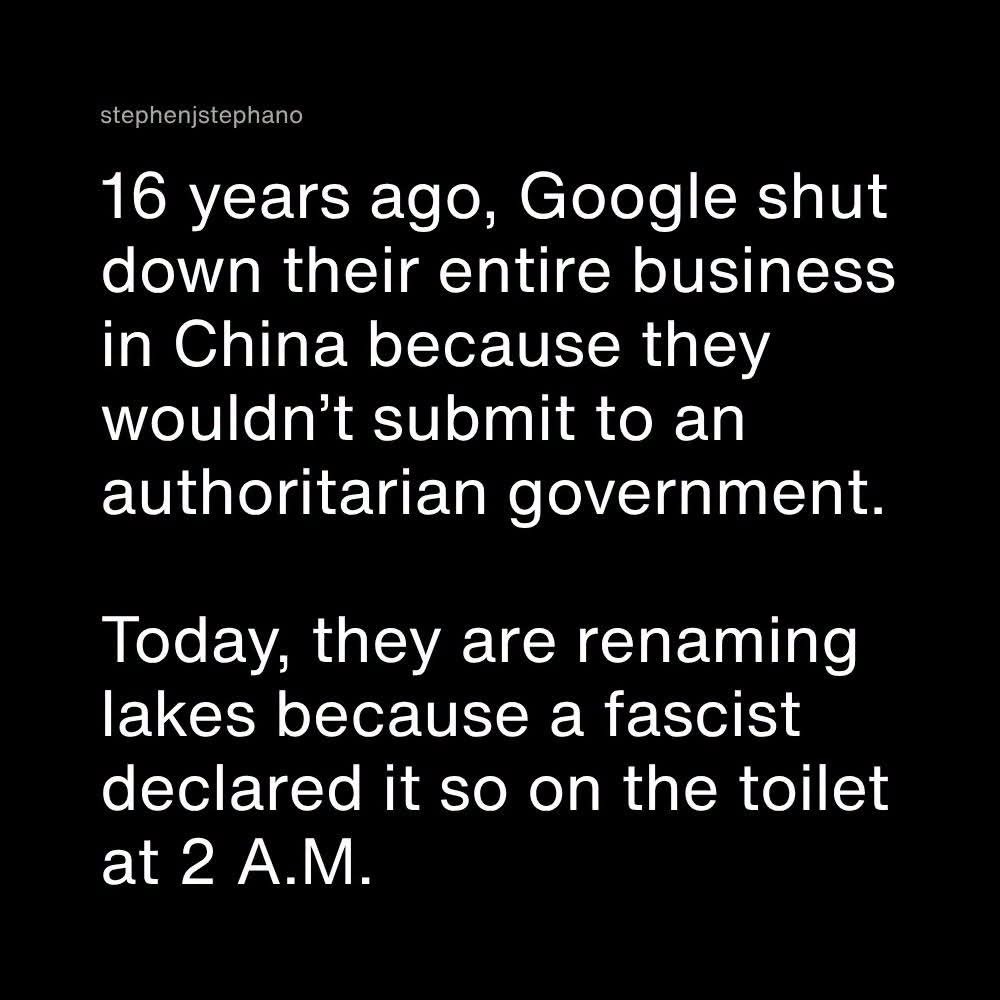
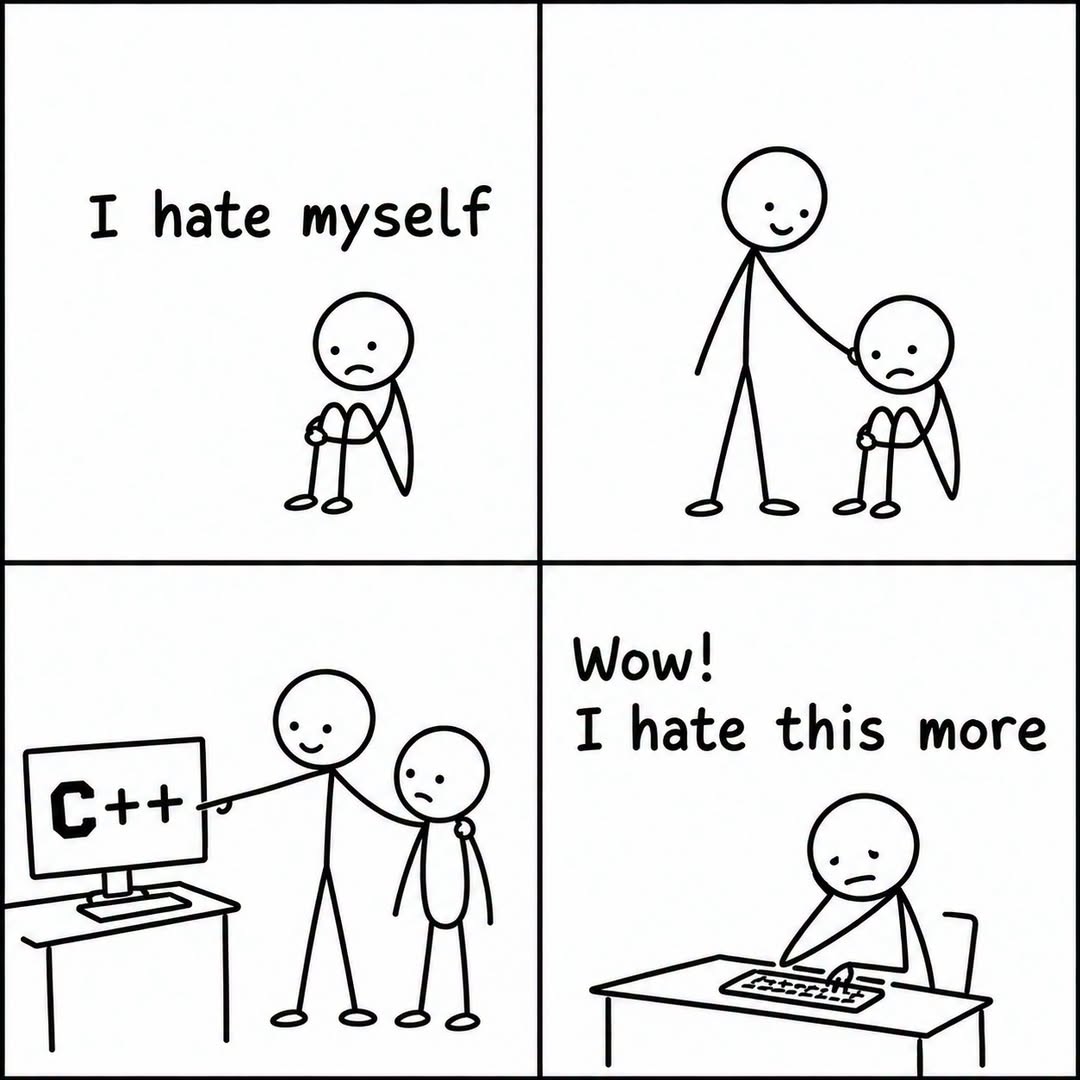
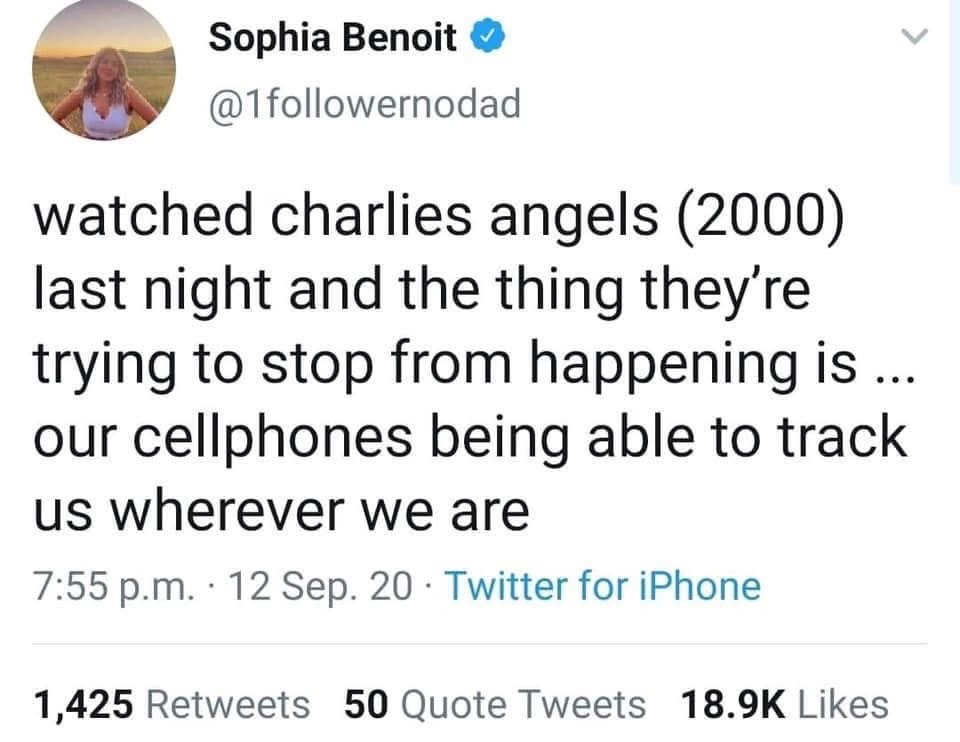

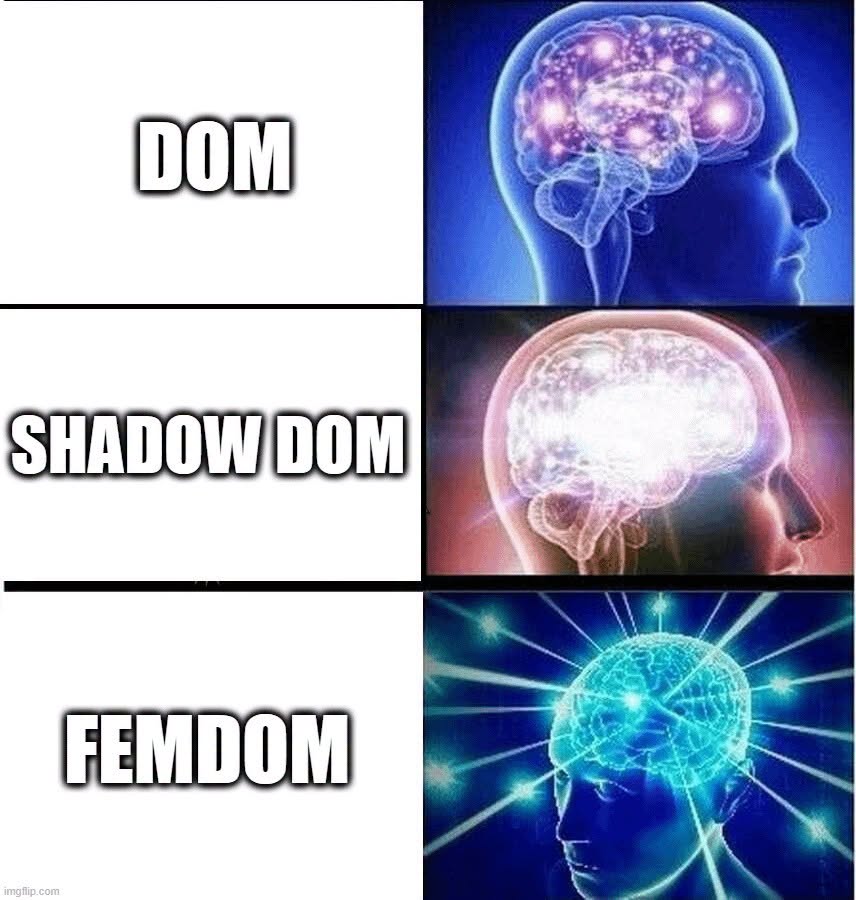




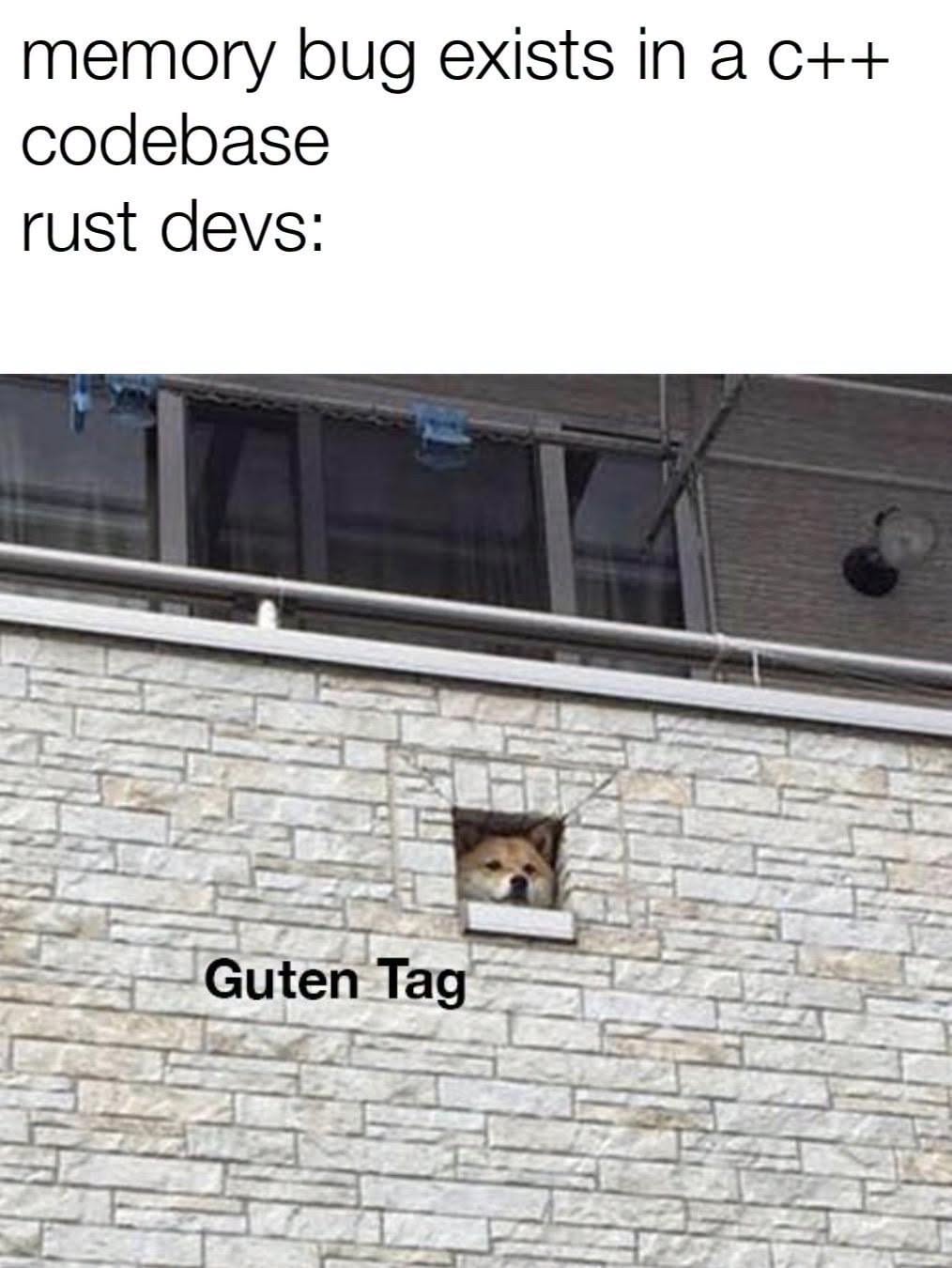


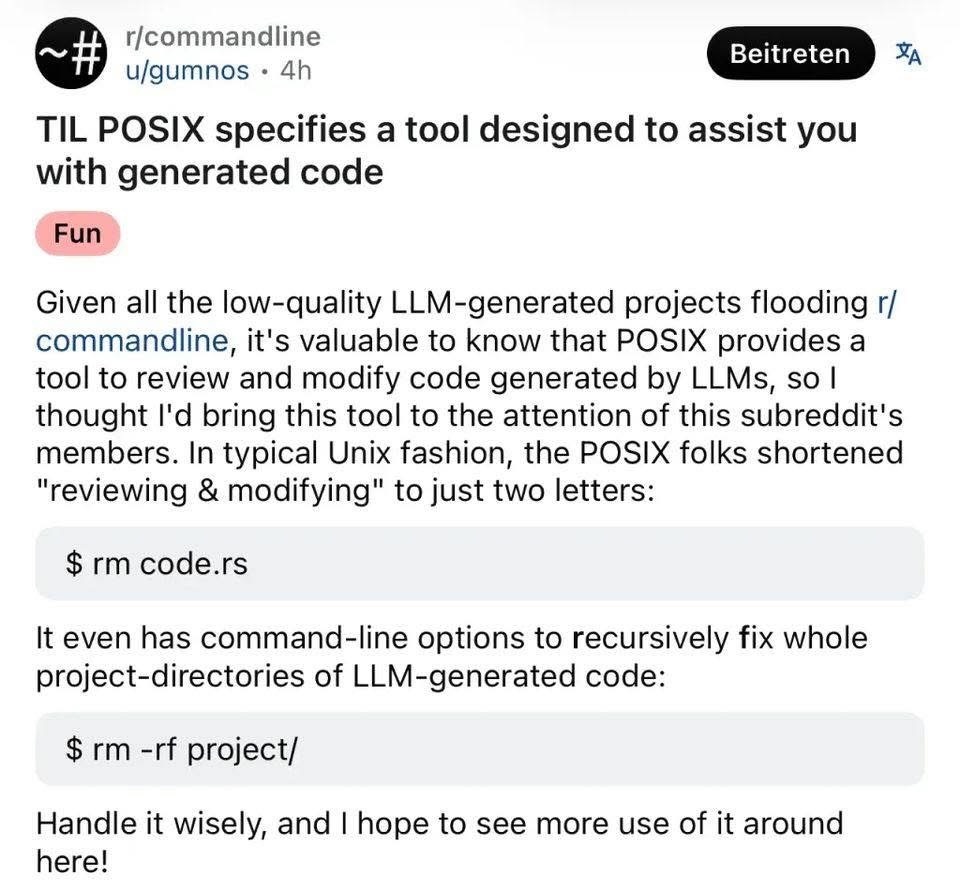
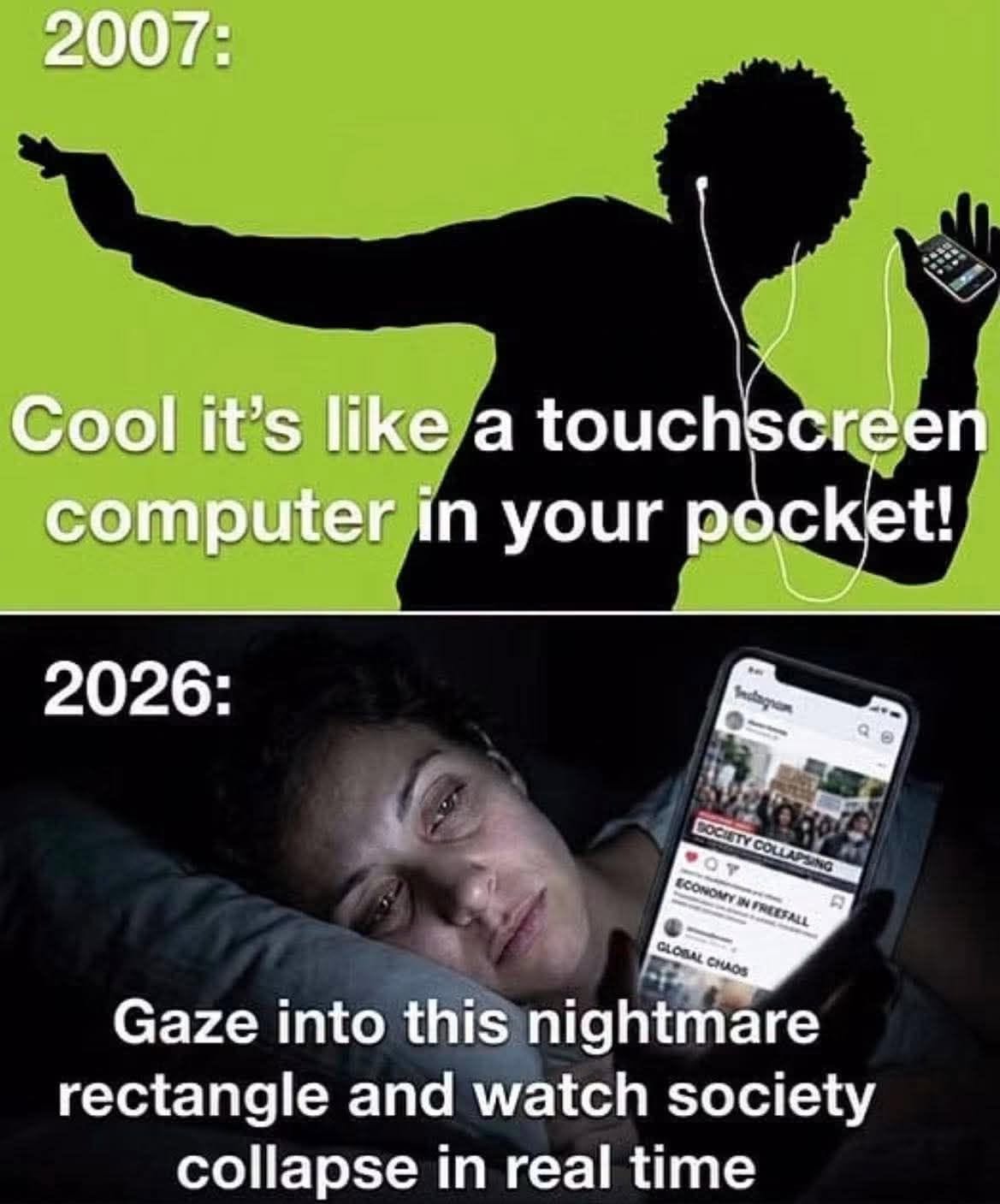
Happy Saturday, everyone! Here on Global Nerdy, Saturday means that it’s time for another “picdump” — the weekly assortment of amusing or interesting pictures, comics, and memes I found over the past week. Share and enjoy!
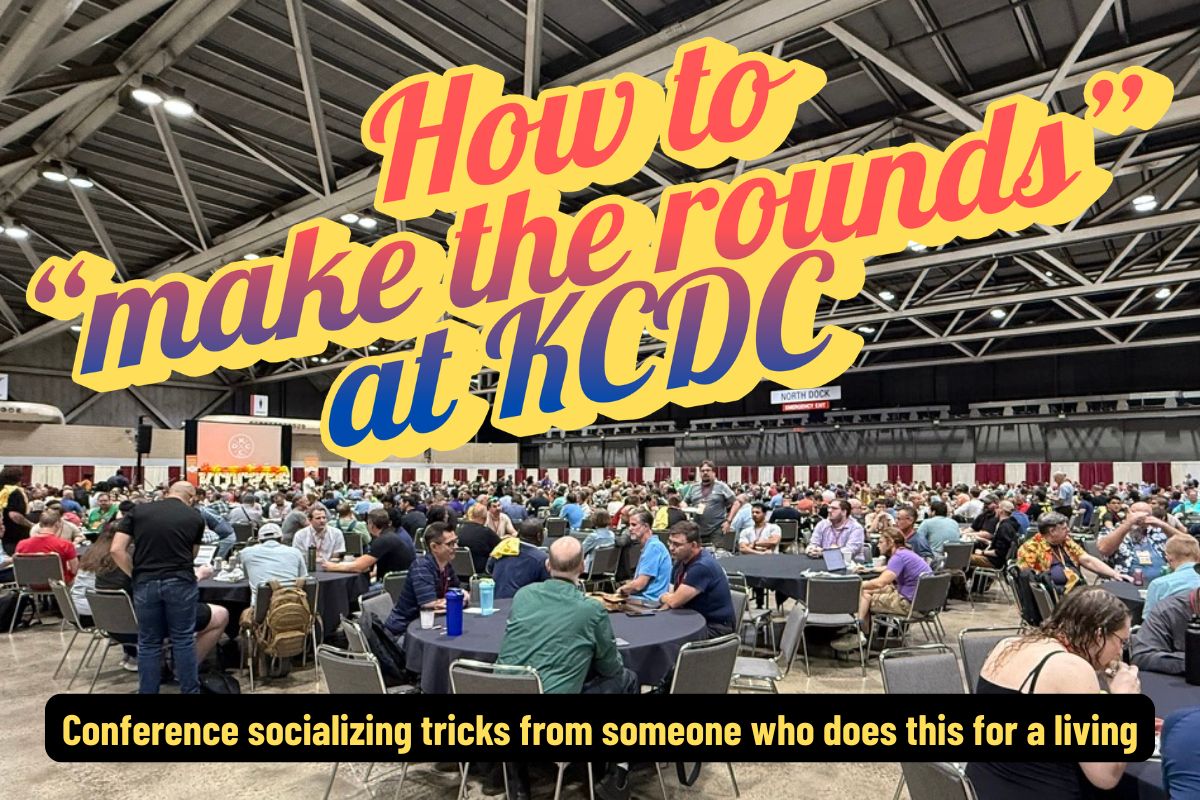
 Kansas City Developer Conference (KCDC) is happening this week! KCDC is one of the larger multidisciplinary developer conferences. It’s organized by members of Kansas City’s tech community, and it typically draws an attendance of about 2,000 people. Wednesday is the workshop day, followed by the main conference days on Thursday and Friday, and finally, the Kids Tech Day happens on Saturday.
Started in 2008 by Lee Brandt (whom I know from my time at Auth0; he did DevRel on the Okta side), the first KCDC had 120 attendees. By the mid-2010s, it had grown past 1,000 attendees, and this year, there should be over 2,000 people spread over 180 sessions over two days.
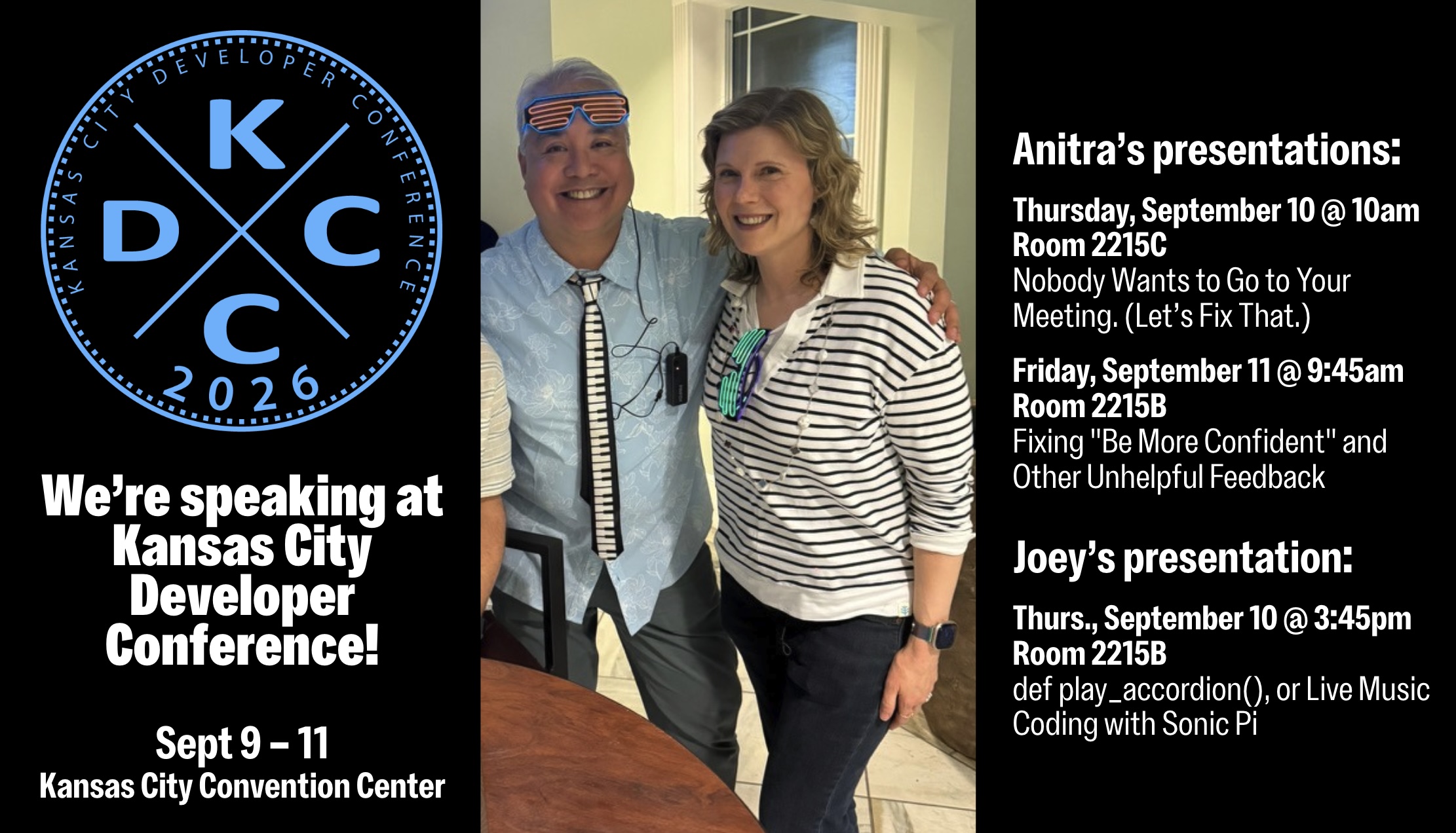
Anitra and I are speaking at KCDC this year, and we’re just two of the many, many people you can meet. But meeting people requires a skill called “making the rounds,” which refers to meeting new people and starting conversations with them. For some, this is a scary or unpleasant prospect, but it doesn’t have to be!
Fortunately for you, my life, whether as a developer advocate, musician, community organizer, and generally unhinged extrovert has me making the rounds regularly, and I’m sharing all my tricks in this article. There are a lot of them; feel free to scan this article, find the tips that work for you, and put them into practice!
Review the main agenda, mentorship hub schedule, session descriptions, speaker bios, and sponsors (who’ll probably have a table in the exhibitor hall), so that you can determine:
Decide what you want to achieve at KCDC, which can include any of the following:
A one-line self-introduction is simply a single-sentence way of introducing yourself to people you meet at a conference. It’s more than likely that you won’t know more than a handful of attendees and introducing yourself over and over again, during the conference, as well as its post-session party events. It’s a trick that Susan RoAne, room-working expert and author of How to Work a Room: The Ultimate Guide to Making Lasting Connections In-Person and Online teaches, and it works. It’s pretty simple:
My intro at KCDC will be something along the lines of “I’m a rock and roll accordion player, but in my spare time, I do developer relations at NetFoundry!”
Pocket stories are short, engaging, and easy-to-tell anecdotes you keep ready for networking situations. They should be:
Here’s a tech-related pocket story:
“Last year I tried to refactor a core service during a two-week sprint. Halfway through, we realized we’d basically reinvented a library that already existed. The best part? We ended up contributing to that library instead, and now it’s in production at three other companies.”
“Local flavor” pocket stories are often a good conversation starter:
“This is my first time in Kansas City, and yesterday I went looking for barbecue. I asked a local for the ‘best’ spot… and ended up in a half-hour debate between two strangers about burnt ends. I still don’t know who won, but I definitely left full.”
We’re nerds! We love interesting gadgets, amusing tchotchkes, and funny techie T-shirts. They’re often interesting conversation-starters, and KCDC is the perfect environment for bringing them out!
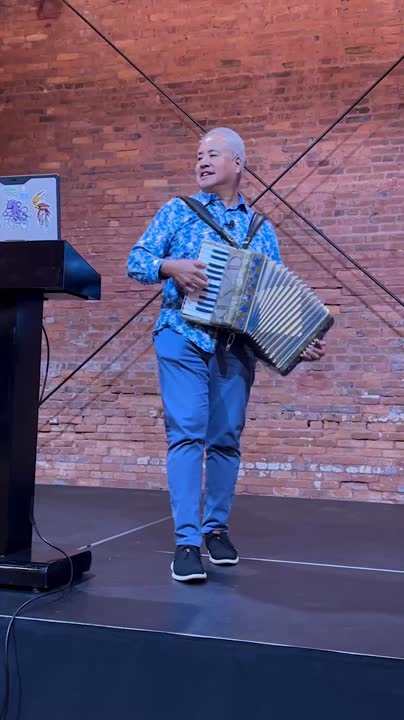
Me? I’m bringing the accordion (of course).

Here’s the exercise: Before you leave to go to KCDC, find some text and read it out loud for three minutes. If for some reason you can’t find some text to read, use this article. You’ll find that it’s a self-confidence booster!
Even after KCDC has come and gone, do this exercise daily. Like any skill, frequent low-pressure practice builds familiarity, and if you read aloud regularly, you’ll find yourself more comfortable when talking with strangers at networking events.
Choose something different to read out loud every day, and try emphasizing key parts of the text. If you’re reading something with dialogue, try expressing the emotion in that dialogue. If you listen to audiobooks or podcasts, try emulating the way audiobook narrators narrate their material.
Reading out loud boosts your confidence because:
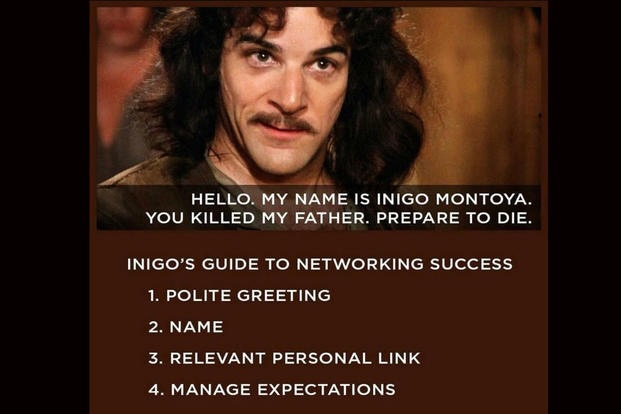
Inigo Montoya from The Princess Bride had the perfect self-introduction. Use his technique for yourself!
Example: “Hi! I’m Joey de Villa. I’m a developer advocate at NetFoundry and I’m giving the fun talk on coding up music with the Sonic Pi programming language. How are you doing?”
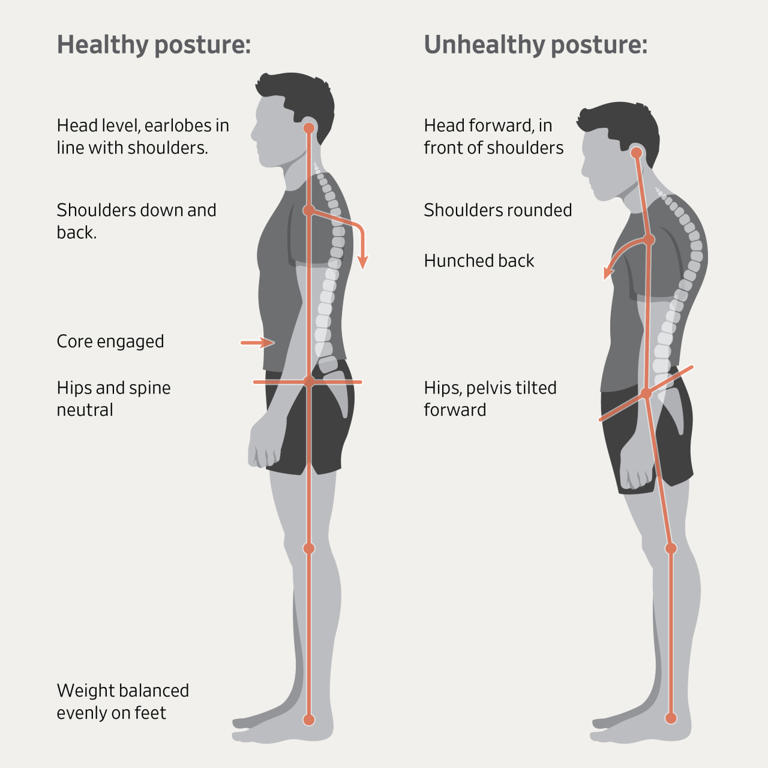
Having a good posture is generally good for all sorts of health reasons, but at a conference, it has the additional benefit of showing confidence, competence, and alertness. And because the body is a self-feedback system, you’ll find yourself feeling more confident, competent, and alert.
The general guidance for standing up straight is to imagine a string pulling you gently upward from the crown of your head. Keep your spine straight, knees soft, and feet shoulder-width apart.
When you do this, people will be more likely to approach you because you appear open and self-assured instead of reluctant and uncertain.
The general advice is to put your shoulders back — but not too far back. Your shoulders should be below your ears. Drawing your shoulders back just slightly opens up your chest, which is body language for “Hello. My name is Inigo Montoya. I’m killin’ it here. Prepare to converse.” You’ll appear more engaged and ready to interact.
That’s so much better that the forward, rounded shoulders look, which says “I don’t want to be here, and I definitely don’t want to talk to you.” It makes you look defensive or distracted.
You might find it helpful to roll your shoulders up, back, and down, just enough to relax your chest.

Here’s a WikiHow exercise to help you stand up straight.
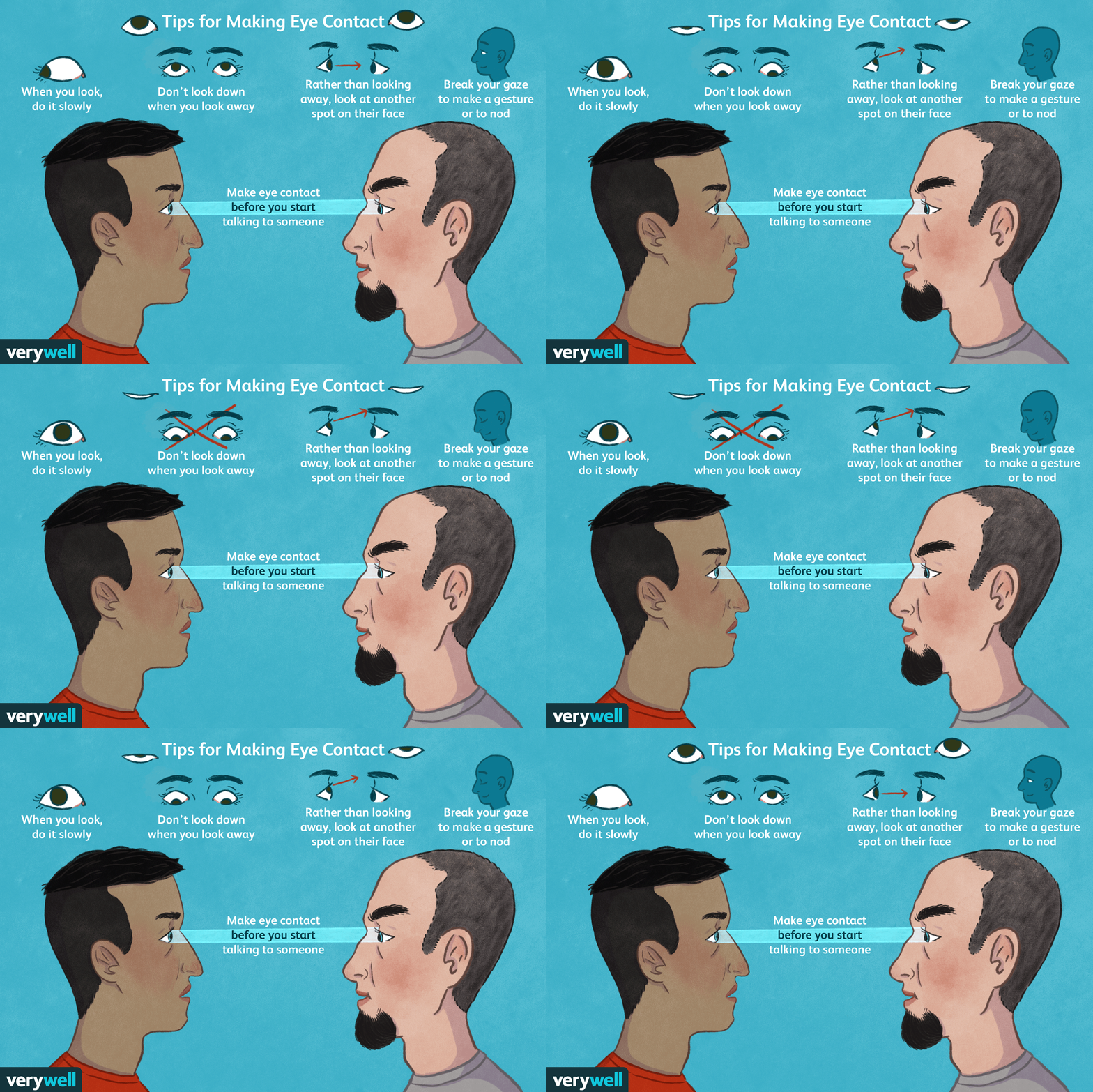
Eye contact — it’s a tricky thing, especially among nerdy types, but is one of the strongest ways to build trust quickly. What better place to brush up on your eye contact technique than KCDC?
Here’s how you do it: when you meet someone, make eye contact by looking at them right at their eyes for a “one thousand one, one thousand two” count. That’s long enough to acknowledge them but not so long that it feels as though you’re staring them down.
If looking someone in the eyes isn’t your thing, try looking at some part of their face near their eyes, such as their forehead or cheek.
Done right, eye contact gives others a sense of warmth and attentiveness. It makes other people feel seen, which is crucial in noisy, crowded conference environments.
Find out more about eye contact here.
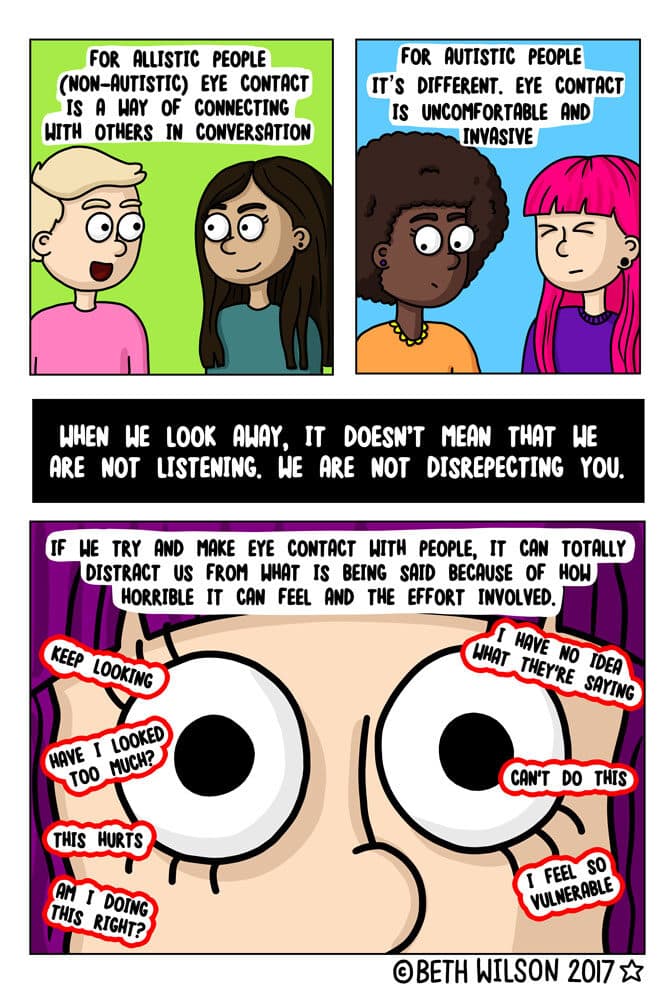 Allistic people — people who aren’t affected by autism — should be aware that people with autism find eye contact challenging. If you find that the person you’re talking to finds eye contact uncomfortable, look at their face, but not directly at their eyes (basically, use the trick I mentioned earlier).
You’ll probably see a group of people already engaged in a conversation. If this is your nightmare…
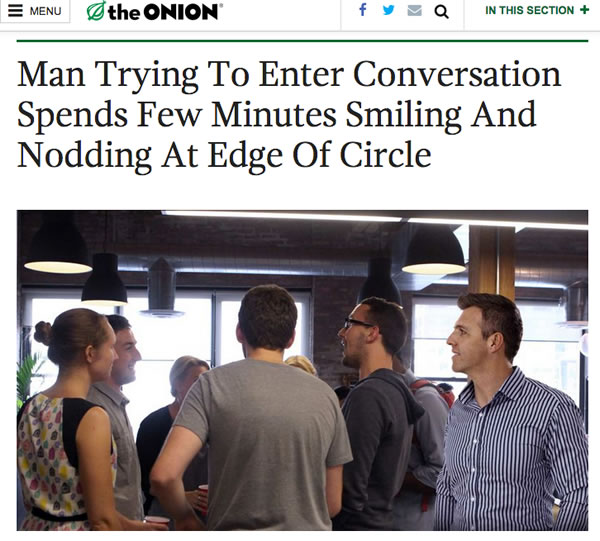
…here’s how you handle it:
Feel free to join me in any conversational circle I’m in! I always keep an eye on the periphery for people who want to join in, and I’ll invite them.
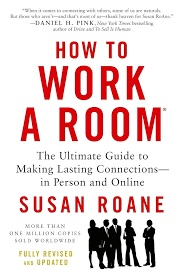 In her book How to Work a Room, Susan RoAne talks about a conversation tool she refers to as “Observe, Ask, Reveal” or “OAR,” which is a way to make interactions feel more natural and engaging. It’s made up of three steps:
The idea behind OAR is to create an easy rhythm between listening and contributing to the conversation.
No, you don’t have to worry about scheduling or if the coffee urns are full. By “being a host,” I mean doing some of things that hosts do, such as introducing people, saying “hello” to wallflowers and generally making people feel more comfortable.
Being graceful to everyone is not only good karma, but it’s a good way to promote yourself. It worked out really well for me — when I first moved to Tampa, I simply attended events and helped out where I could, lending a hand at meetups. I gained a reputation for being helpful and knowledgeable, which led me to being invited to speak at events, and I also wound up inheriting a couple of meetups as well!
Follow the KCDC hashtag! The official one is #kcdc2026 (don’t use plain old #kcdc unless you want to tag the Kansas City Dog Club) to find out what’s going on, and to find and connect with attendees online.
Lunch at KCDC is a great opportunity to meet people! Here are some tips for lunch…
1. Choose your table with intention
2. Use OAR (“observe, ask, reveal”) to break the ice
Follow the “observe, ask, reveal” conversational framework I wrote about earlier to talk to people at the table.
Example: “I see you got the [interesting swag from one of the vendor tables]. What’s the catch: demo, badge scan, or spinning a wheel?”
3. Introduce yourself to your immediate neighbors first
4. Keep the conversation inclusive
5. Have a graceful exit
Try these out at Thursday’s attendee party, as well as at KCDC’s other social events, including Crash Override’s Hackers movie event (taking place Thursday at Union Station; doors open at 7 p.m., movie starts at 8):
This makes your outreach to people feel more personal and less generic and spammy.
Example: “Great chatting with you at the KCDC lunch table about AI security. Here’s that GitHub repo I mentioned.”
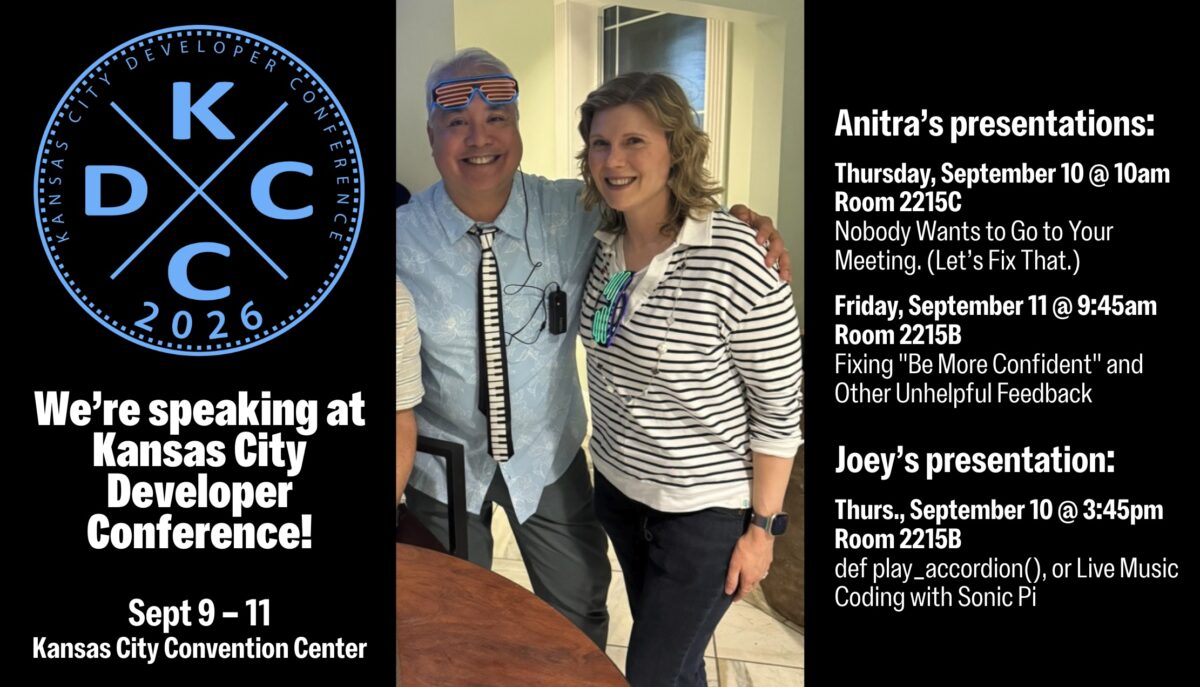
Tampa’s tech team supreme (that’s Anitra and me, in case you’re wondering) are flying to Kansas City today to speak at KCDC, also known as Kansas City Developer Conference! It typically draws around 2,000 attendees and it’s one of the largest independent conference in North America these days.
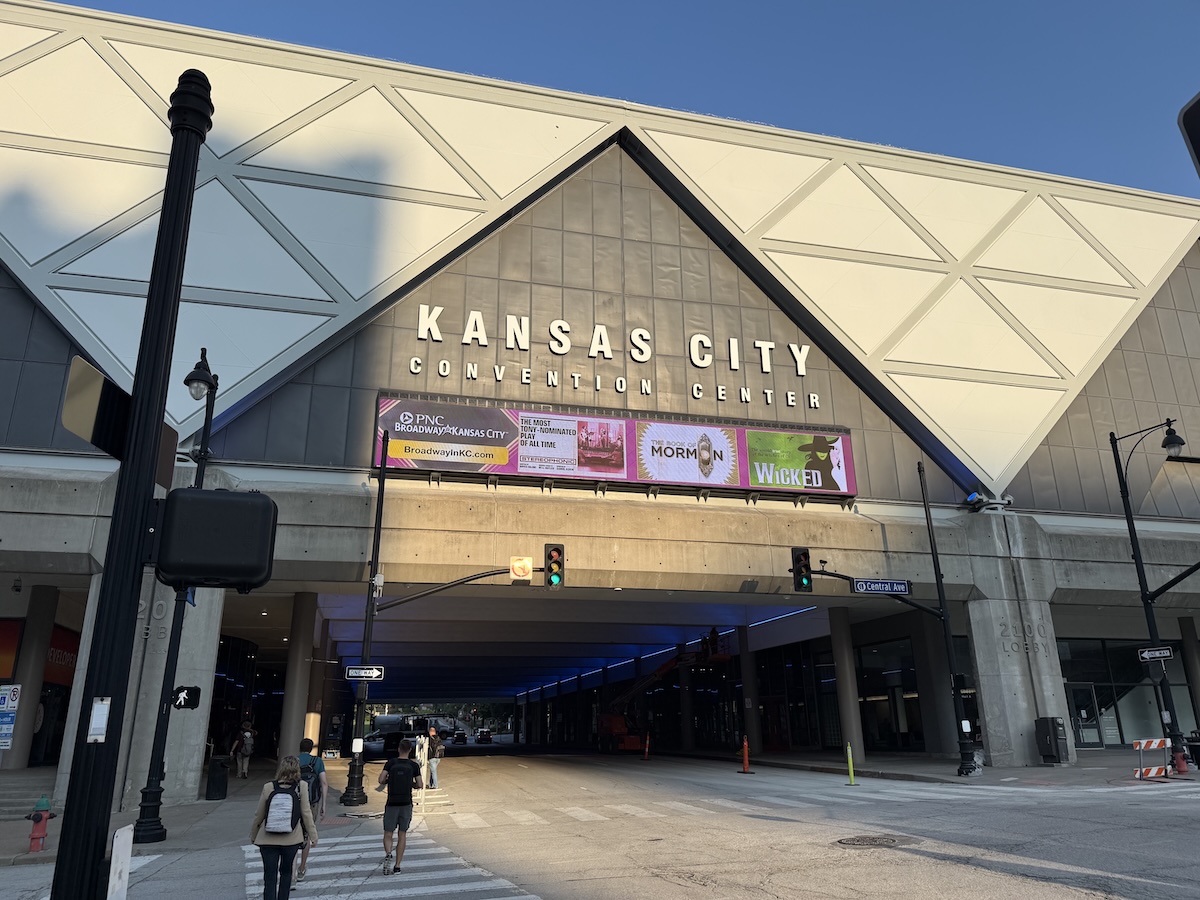
We’re honored to have been chosen to speak, and from looking at the agenda, we’re excited not just to present, but to also see out fellow speakers’ presentations!
For the curious, here’s what we’ll be presenting…
Presented by Anitra, 10:00 a.m., room 2215C

Your calendar is full of meetings where attendees mentally check out. That’s not a people problem. It’s a design problem. As the meeting organizer, you’re the designer.
Most meetings fail for the same reason most products fail: the meeting organizer never stopped to ask what their attendees actually need, what outcome would make the time worthwhile, or whether a live session is even the right format for the job. The result is a standing meeting that becomes an obligation, a brainstorm where the loudest voice wins, a decision meeting that ends with “let’s take this offline”, and a calendar invitation that should have been an email.
This session makes the case that every meeting is a product. It has users with real needs. It has a value proposition that either holds up or doesn’t. It has a format that either creates the conditions for something meaningful to happen or gets in the way. Treat it like a product, and people show up prepared and engaged. Ignore that, and you get laptops open, cameras off, and the same conversation next week. That’s because most meetings were never designed to answer: what can only happen in real time, among these specific people?
You’ll leave with:

Presented by Joey, 3:45 a.m., room 2215B
Most developers write code that talks to databases, APIs, or networks. What if your code talked to a speaker instead? And what it if accompanied a live accordion performance?
Sonic Pi is a live coding environment that turns Ruby-like syntax into music in real time. For developers who already know Ruby, it’s one of the fastest on-ramps to making something genuinely impressive. In this session, I’ll introduce Sonic Pi from the perspective of someone who plays accordion, understands music sequencers, and thinks in Ruby. I’m not a music teacher, but as professional developer and hobbyist musician, I can show you exactly where your existing skills transfer and where the surprises are.
We’ll cover the core concepts: loops, samples, synths, timing, and concurrency, and we’ll and explore why Sonic Pi is a surprisingly powerful lens for applying programming ideas you already know in a whole new way. And because a talk about live coding music should actually feature live coded music, we’ll finish with something you won’t see at many developer conferences: a performance where Sonic Pi and a live accordion share the stage.
No musical background required. Ruby curiosity welcome. Earplugs optional.
Presented by Anitra, 9:45 a.m., room 2215B

On a team, you get and give professional feedback. But can you actually act on that feedback?
Research across tens of thousands of performance reviews reveals a consistent pattern: professional feedback is frequently vague, personality-focused, and disconnected from business outcomes. “Be more confident.” “Work on your executive presence.” “Be a better team player.” These phrases feel like feedback. But they aren’t. They’re opinions dressed up as guidance, and they’re stalling careers and driving away top people.
This session examines what high-quality feedback looks like, why the gap between vague and actionable is wider than most people realize, and what that gap costs when it goes unaddressed. We’ll look at the research on how feedback differs by gender, why high performers are sometimes the ones receiving the least useful guidance, and what separates managers who build strong teams from those who wonder why good people keep leaving.
You’ll leave with:
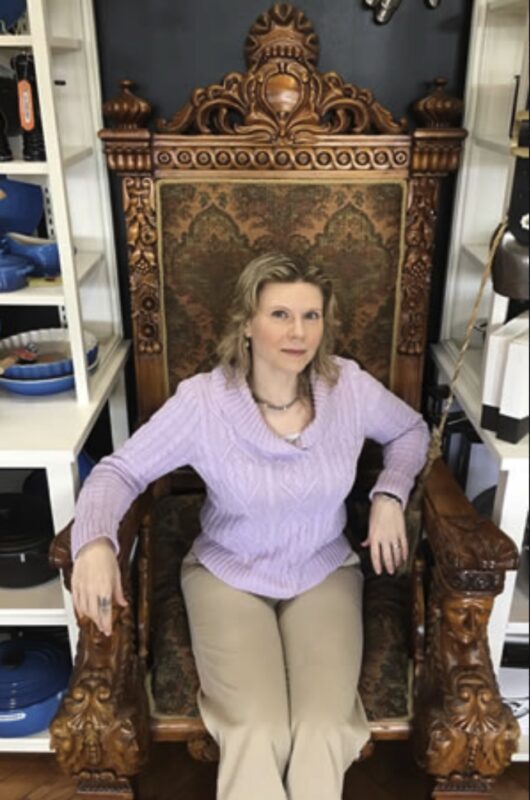 Anitra has surfed the waves of tech evolution from the dot-com bubble to the AI revolution. She specializes in customer-centered product management and technology modernization, turbocharged with hands-on AI experience. Her career spans ecommerce, retail, cybersecurity, fintech, and insurance.
Known for speaking fluent human and tech, Anitra speaks on local, regional, and national stages, including three appearances at SXSW Interactive, and as a featured podcast guest. She’s an O’Reilly Media author (HTML5 Cookbook Accessibility chapter) and technical editor (Universal Design for Web Applications book).
Her leadership extends into her community. She serves on the Board of Directors at Tampa’s non-profit Glazer Children’s Museum, where she chaired their strategic planning committee. She also co-organizes several tech-focused Meetup groups, including the Tampa Bay Artificial Intelligence Meetup (with 2,200+ members).
Her north star has been making technology solve real problems and serve the people using it.

If you hear an accordion at a programming presentation, chances are that Joey de Villa is the one playing.
Joey got his professional start developing multimedia CD-ROMs when they were the hottest new technology. After that, he built desktop applications including an encyclopedia of every mall in America and fitness tracking software for the Toronto Maple Leafs. Since then, he has written applications for mobile and IoT devices and dabbled in artificial intelligence.
He enjoys talking to people as much as he enjoys talking to computers, and that combination has landed him his current developer advocate role at NetFoundry, and previous roles as a developer advocate at Tucows, Microsoft, Shopify, Auth0/Okta, and HP. He recently optimized an MCP server for Hammerspace’s AI model storage system. As part of his work, he organizes the Tampa Bay Artificial Intelligence Meetup and the Tampa Bay Software Skills Meetup.
Joey has co-authored a 1,500-page book, The iOS Apprentice, 8th Edition, and writes articles about Android programming at Kodeco.com. He also publishes a blog called Global Nerdy, which has been around since 2006 and features a list of Tampa Bay technology events that he creates every week with the assistance of a helpful Python application that he wrote.
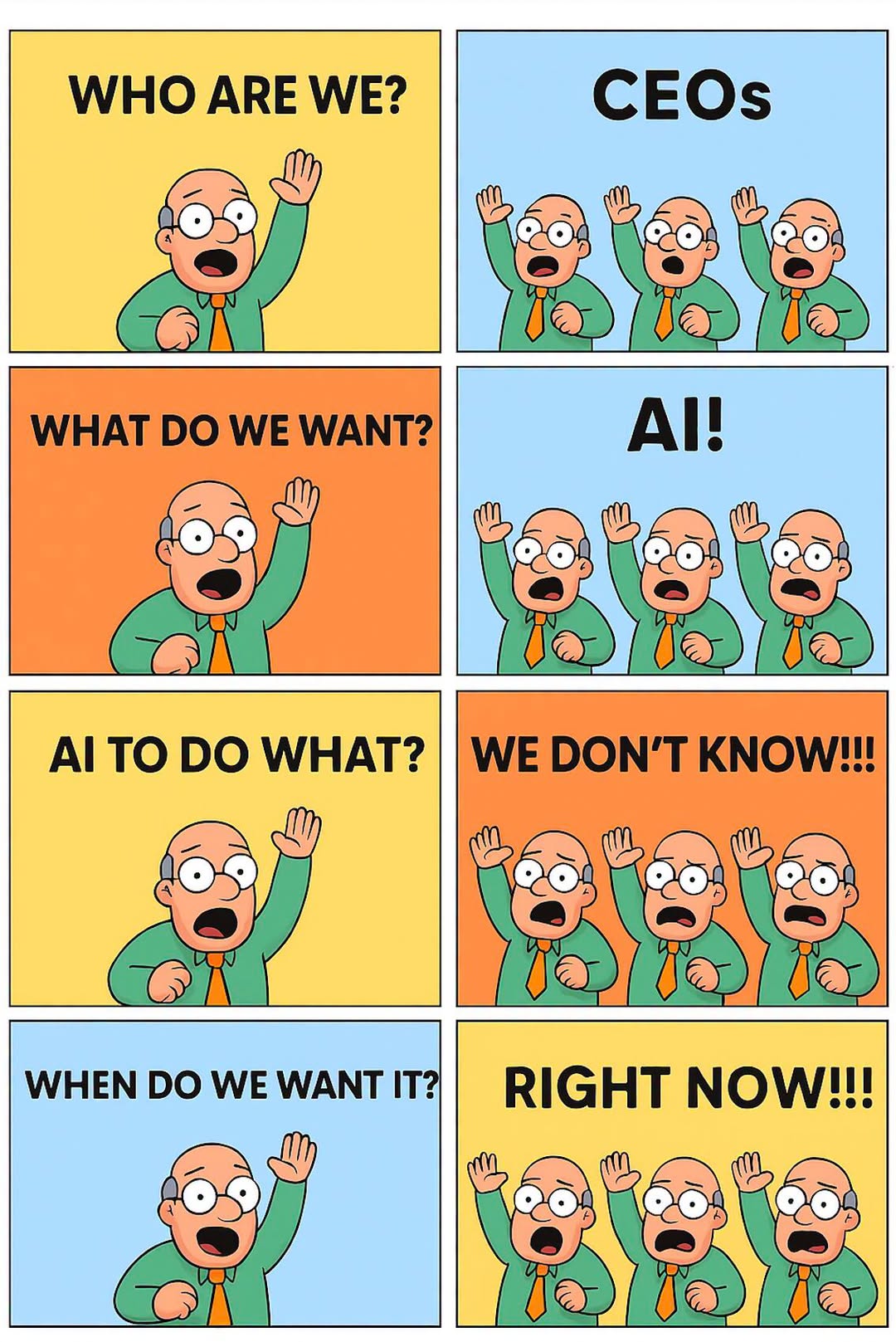
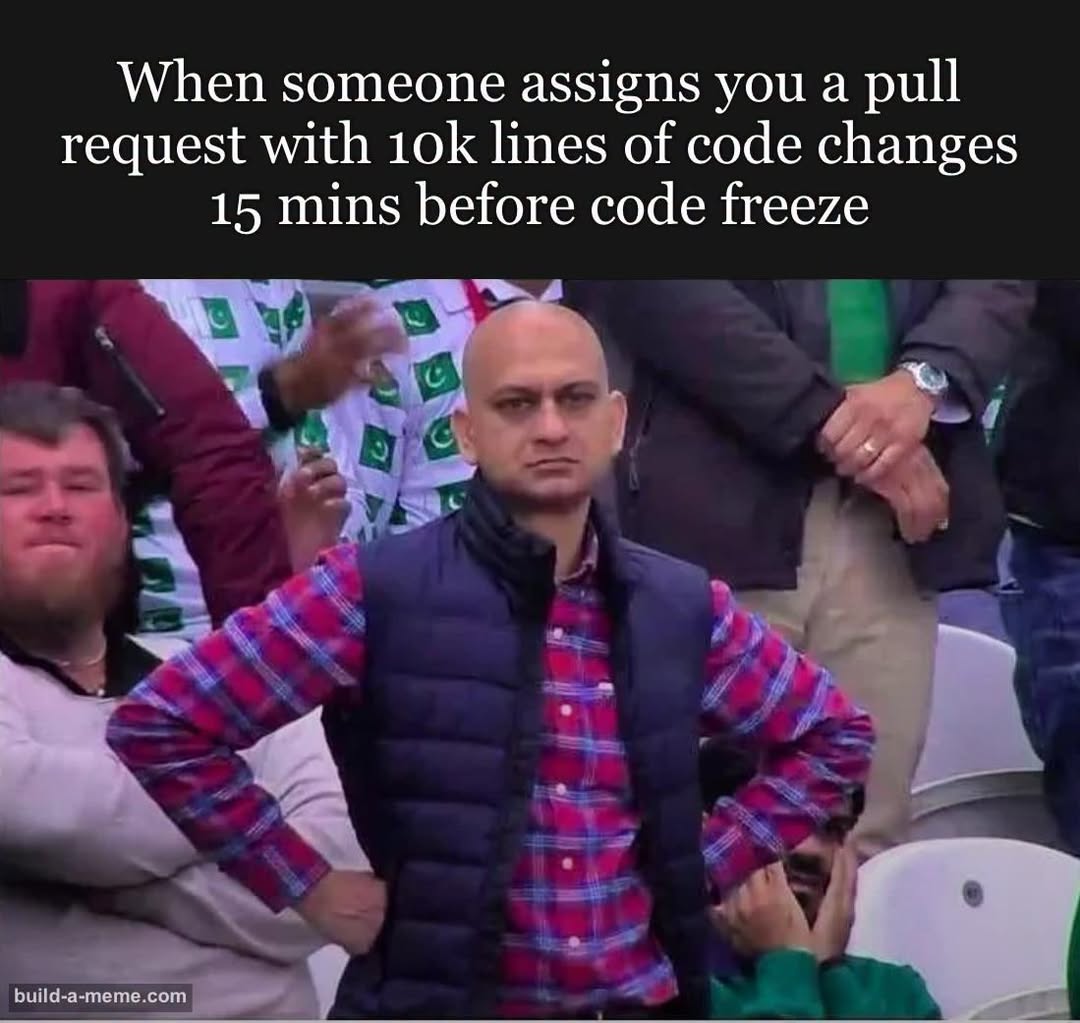
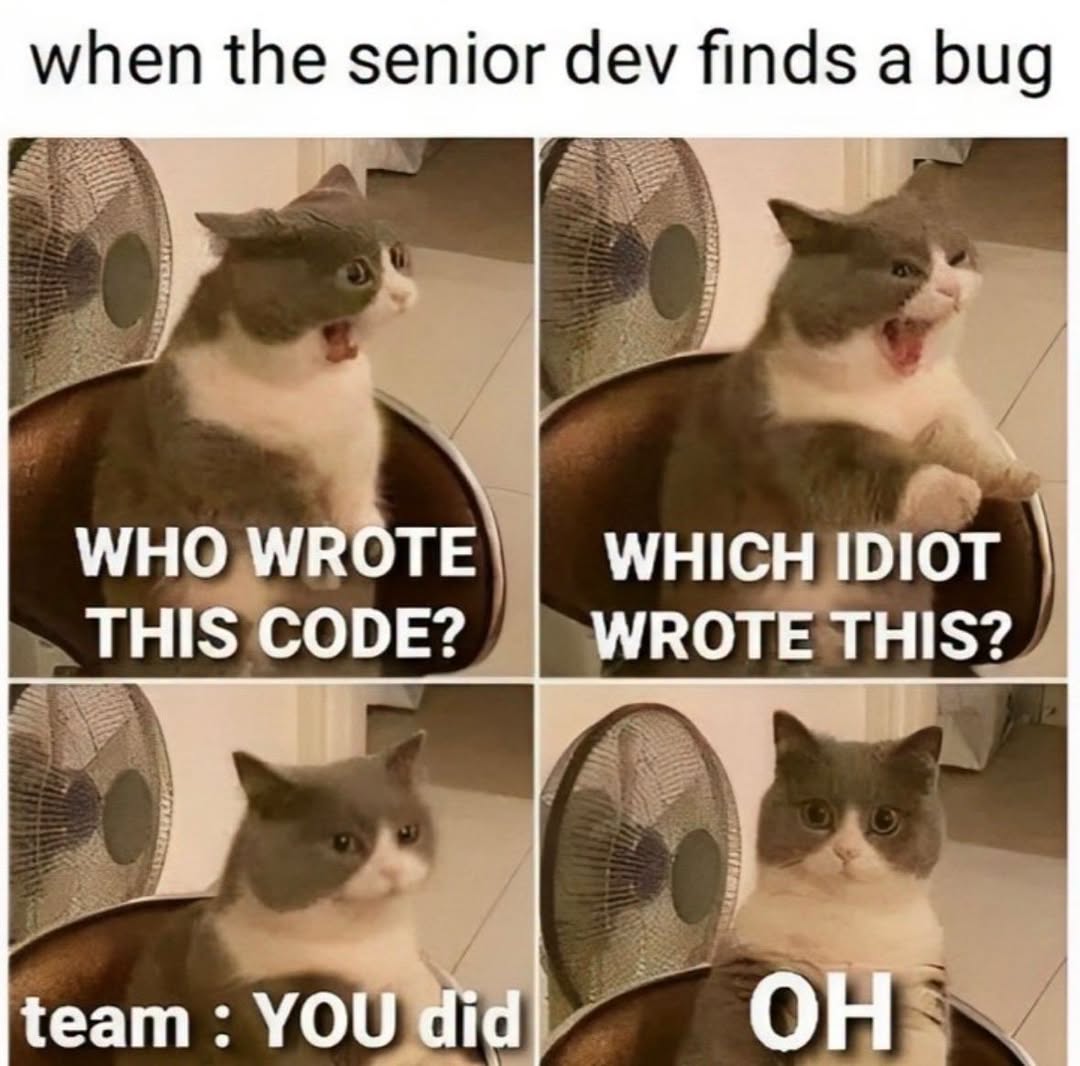
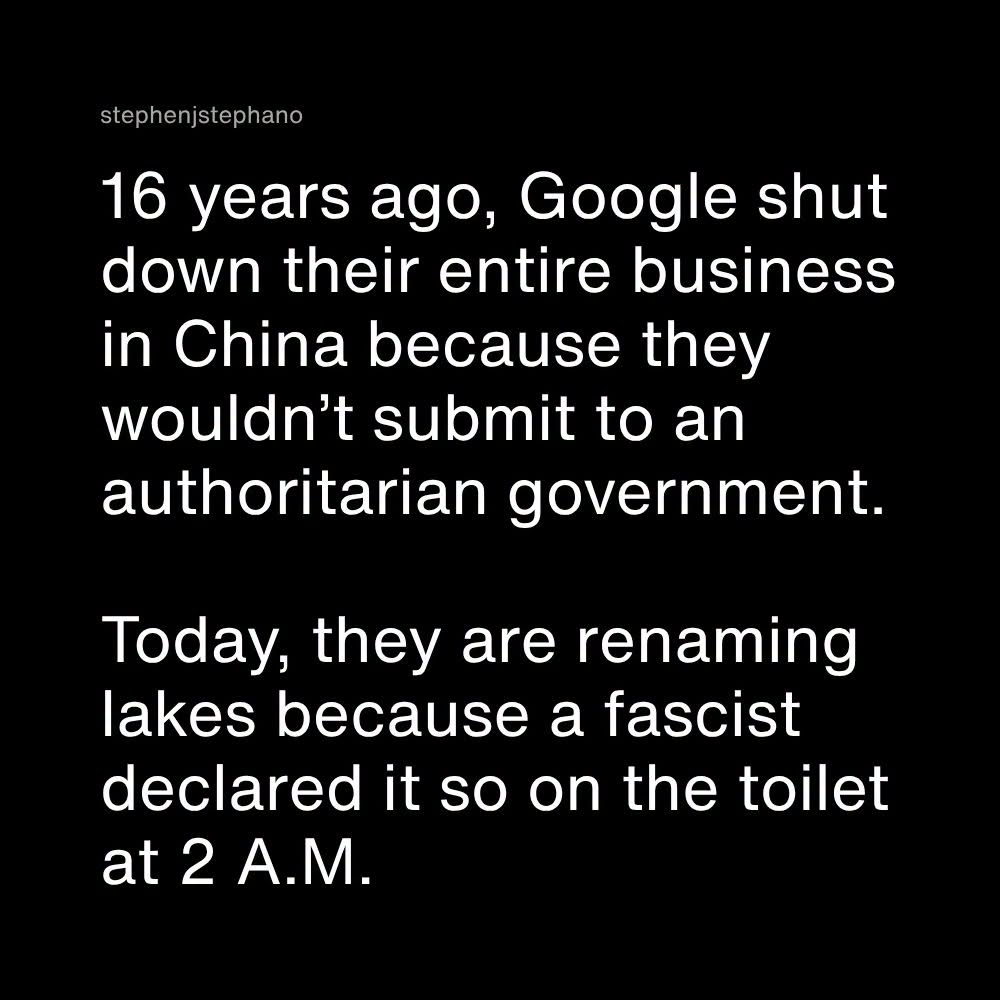
Happy Saturday, everyone! Here on Global Nerdy, Saturday means that it’s time for another “picdump” — the weekly assortment of amusing or interesting pictures, comics, and memes I found over the past week. Share and enjoy!














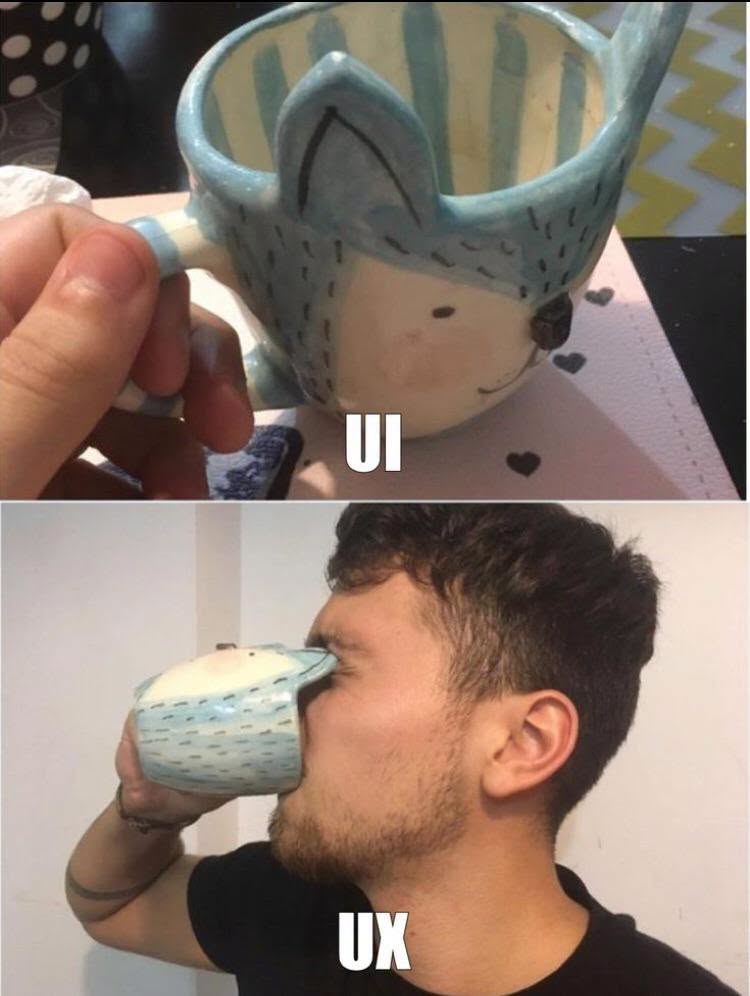
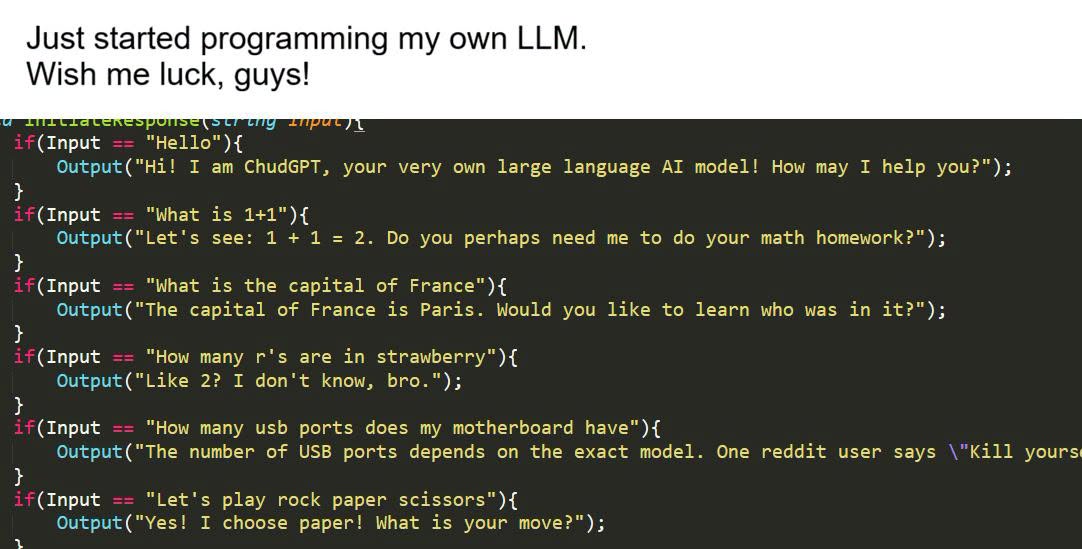
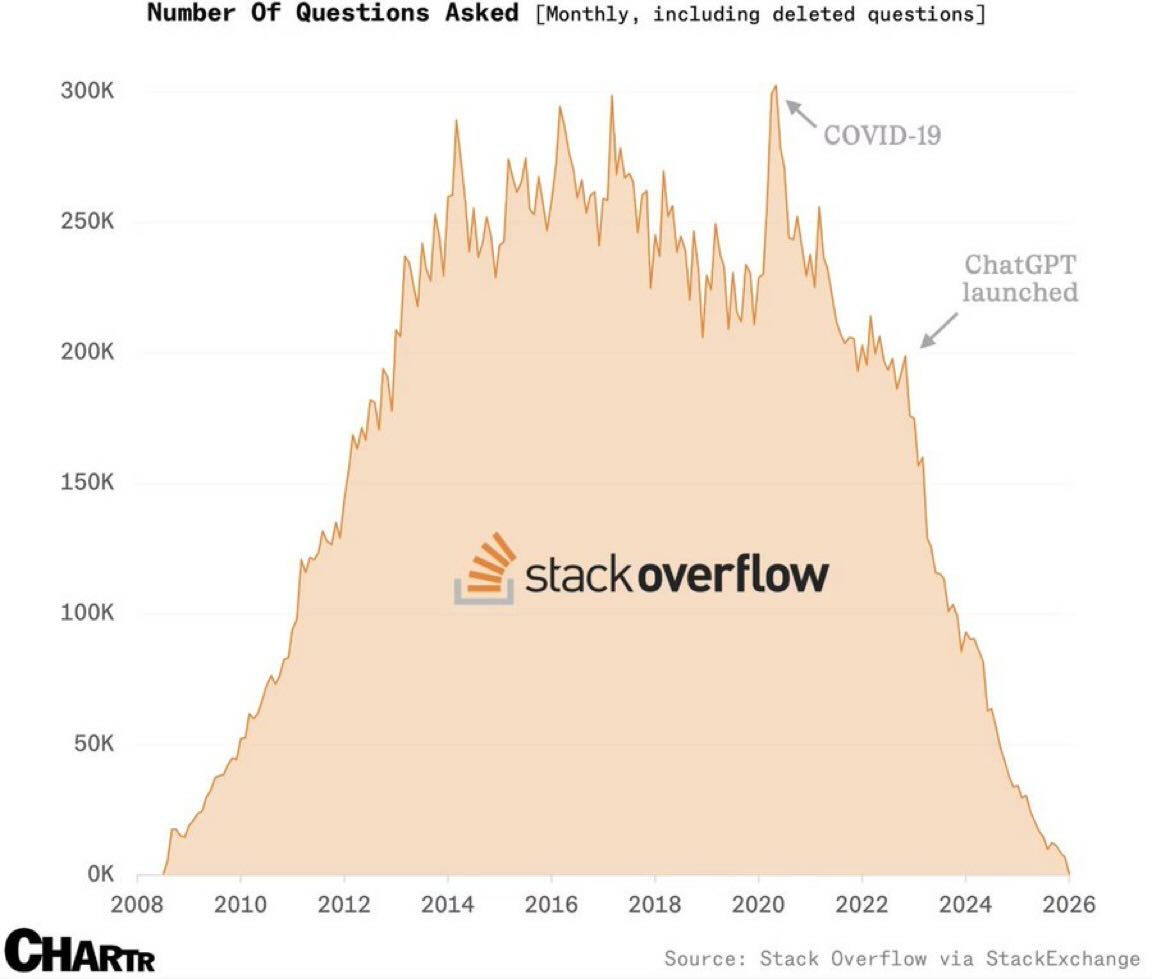
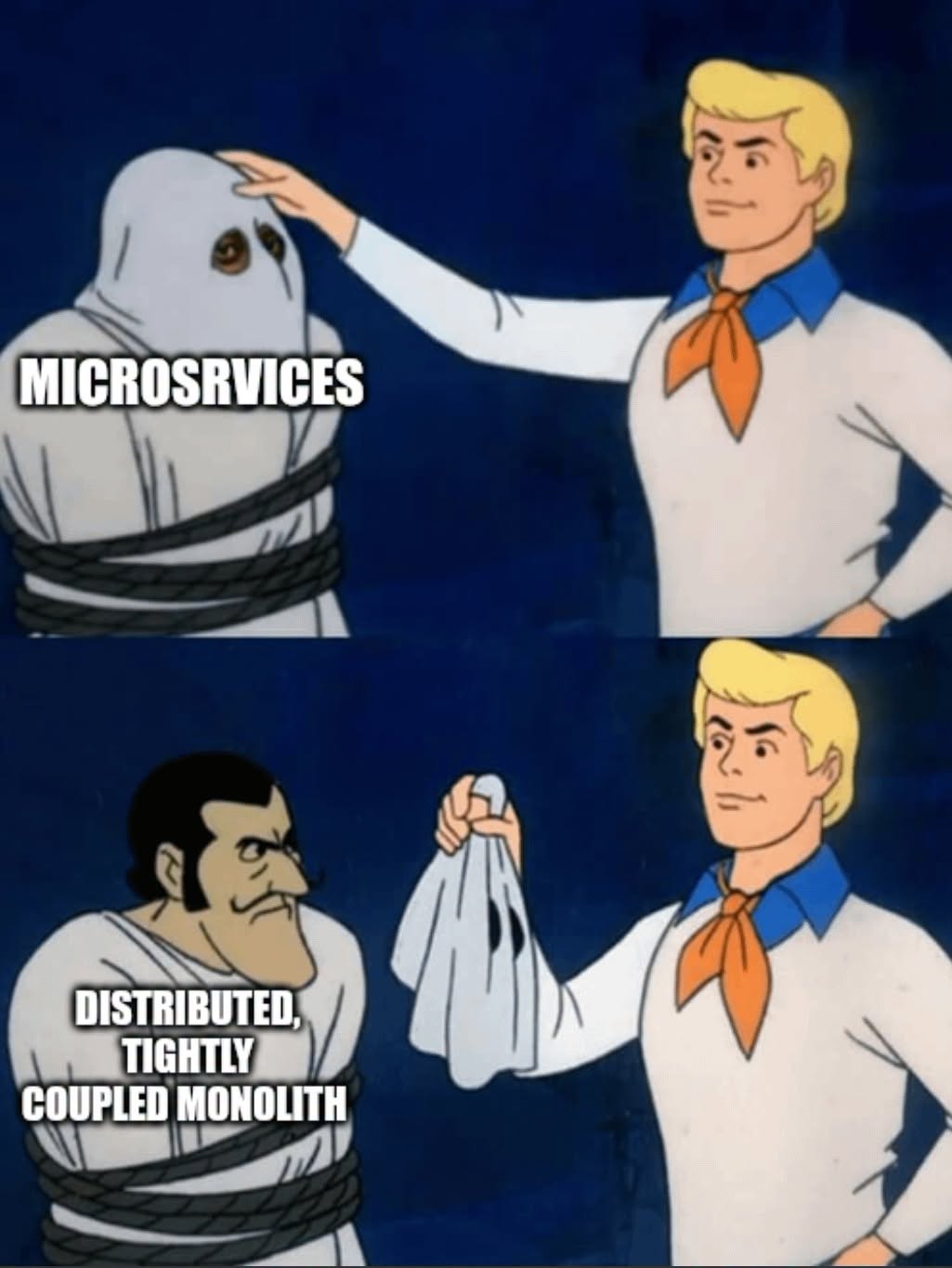
Here’s what’s happening in the thriving tech scene in Tampa Bay and surrounding areas for the week of Monday, September 7 through Sunday, September 13!
This list includes both in-person and online events. Note that each item in the list includes:
✅ When the event will take place
✅ What the event is
✅ Where the event will take place
✅ Who is holding the event

| Event name and location | Group | Time |
|---|---|---|
| Osceola Toastmasters Club Kissimmee Utility Authority (KUA) |
Toastmasters Division E | 7:30 AM to 9:00 AM EDT |
| SCAG at Questcon Orlando! Hilton Orlando Buena Vista Palace – Disney Springs Area |
Space Coast Adventurer’s Guild | [ UNKNOWN DISPLAY TIME ] |
| Age of Sigmar: Escalation League Battlebrush Games |
Battlebrush Games: Paint Minis & Play Warhammer/Warmachine | 5:00 PM to 9:00 PM EDT |
| Friday Board Game Night Bridge Club |
Tampa Gaming Guild | 5:30 PM to 11:00 PM EDT |
| MTG: Commander FNM Critical Hit Games |
Critical Hit Games | 6:00 PM to 11:00 PM EDT |
| Modern FNM Sunshine Games | Magic the Gathering, Pokémon, Yu-Gi-Oh! |
Sunshine Games | 7:00 PM to 10:30 PM EDT |
| Don’t Move |
Tampa Horror | 7:00 PM to 9:00 PM EDT |
| Stoicism and the Art of Happiness, DJ Robertson Online event |
Orlando Stoics | 7:00 PM to 8:30 PM EDT |
| Friday Pokemon Tournament Sunshine Games | Magic the Gathering, Pokémon, Yu-Gi-Oh! |
Sunshine Games | 7:30 PM to 11:30 PM EDT |
| Back Patio Meet & Greet Lounge Night Fountainhead Wine And Beer Bar |
Tampa Bay Meetup (20’s & 30’s) | 8:00 PM to 11:00 PM EDT |
| Return to the top of the list | ||
| Event name and location | Group | Time |
|---|---|---|
| Adventures of the Tomb of Annihilation (5e 2024 D&D Campaign) Sunday, Sep 13 · 2:00 PM to 6:00 PM EDT |
Adventurers of Central Florida | 4:00 PM |
| Sunday Chess at Wholefoods in Midtown, Tampa Whole Foods Market |
Chess Republic | 2:00 PM to 5:00 PM EDT |
| D&D Adventurers League Critical Hit Games |
Critical Hit Games | 2:00 PM to 7:30 PM EDT |
| Book Discussion: Isola |
St Pete Women’s Book Club | 3:00 PM to 5:00 PM EDT |
| Sunday Pokemon League Sunshine Games | Magic the Gathering, Pokémon, Yu-Gi-Oh! |
Sunshine Games | 4:00 PM to 8:00 PM EDT |
| Sew Awesome! (Textile Arts & Crafts) 4933 W Nassau St |
Tampa Hackerspace | 5:30 PM to 8:30 PM EDT |
| Community Hang-out Night Online event |
Nerdbrew Events | 6:00 PM to 9:00 PM EDT |
| A Duck Presents NB Movie Night Discord.io/Nerdbrew |
Nerd Night Out | 7:00 PM to 11:30 PM EDT |
| Return to the top of the list | ||
How do I put this list together?
It’s largely automated. I have a collection of Python scripts in a Jupyter Notebook that scrapes Meetup and Eventbrite for events in categories that I consider to be “tech,” “entrepreneur,” and “nerd.” The result is a checklist that I review. I make judgment calls and uncheck any items that I don’t think fit on this list.
In addition to events that my scripts find, I also manually add events when their organizers contact me with their details.
What goes into this list?
I prefer to cast a wide net, so the list includes events that would be of interest to techies, nerds, and entrepreneurs. It includes (but isn’t limited to) events that fall under any of these categories:
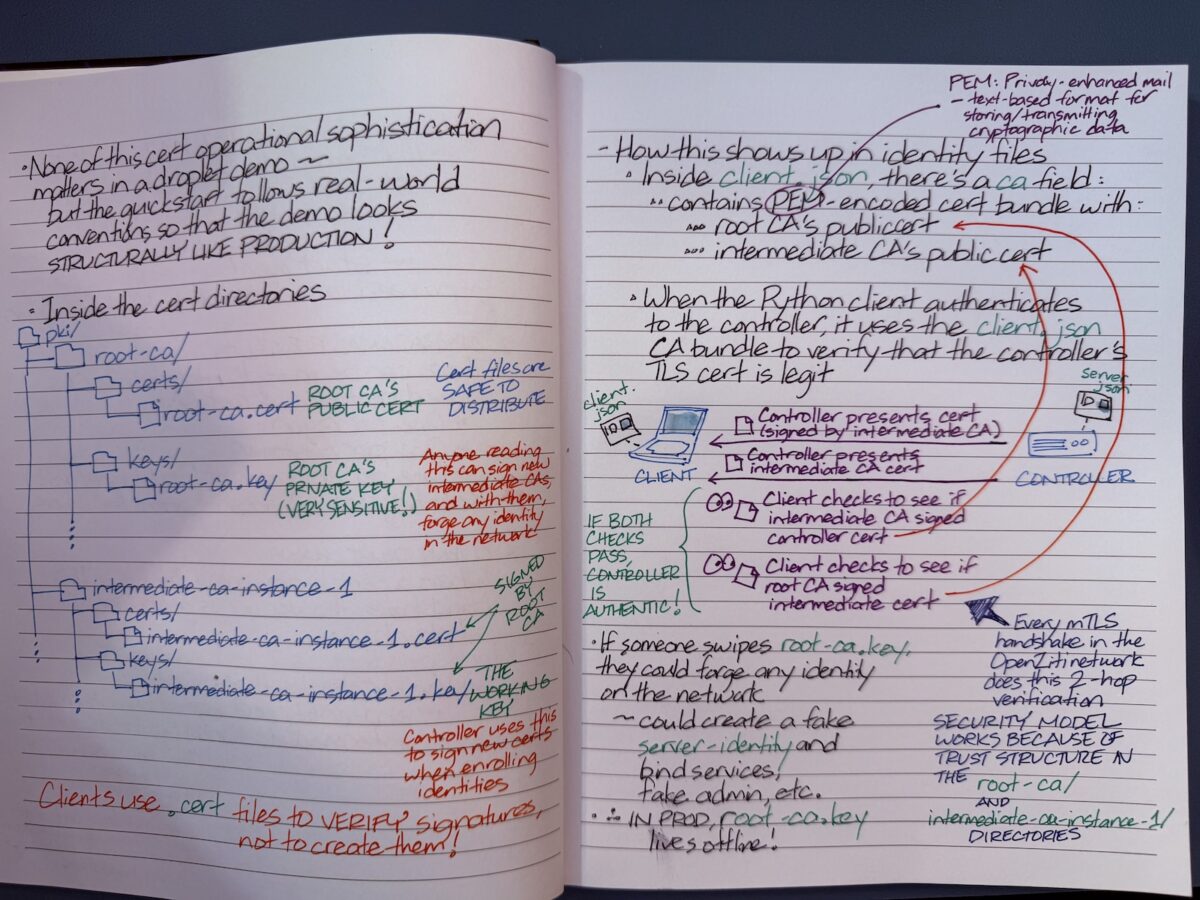
For the curious, here are my notes for an upcoming Ziti TV episode where we’ll be talking about what’s in the OpenZiti Quickstart.
OpenZiti Quickstart is a single command (ziti edge quickstart) that launches a complete, working OpenZiti network a few seconds. It does a lot behind the scenes, by
It does all this with sensible default policies already in place, which means identities can immediately connect through the router to any service.
As its name implies, the Quickstart is meant to get an OpenZiti zero trust network up and running is very short order, and it’s meant for demos, local development, and learning the platform. It has everything a production deployment would spread across multiple processes, machines, and days of setup, but it’s packed into a single instance that you can tear down and re-run whenever you want.
Simply put, it’s the fastest path from zero to a working network you can actually build against.
As for the question of why I go with handwritten notes: it’s easier to add diagrams, and I end up understanding and retaining things better.

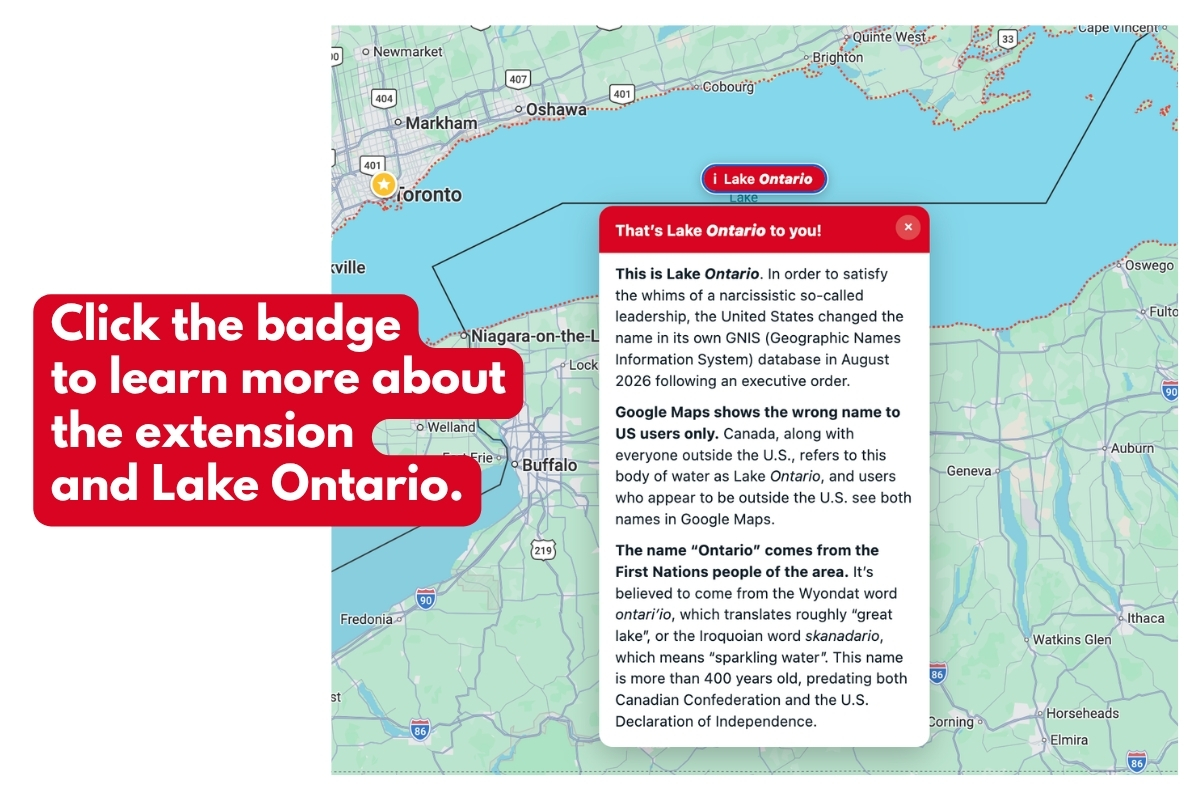
My Chrome extension, Retake the Lake is now in the Chrome Web Store, which means it’s easier than ever to put it in your Chrome desktop browser!
I’ve made it easy to find with this URL:
Now, all you have to do is go to the Retake the Lake page in the Chrome Web Store and click the Add to Chrome button:
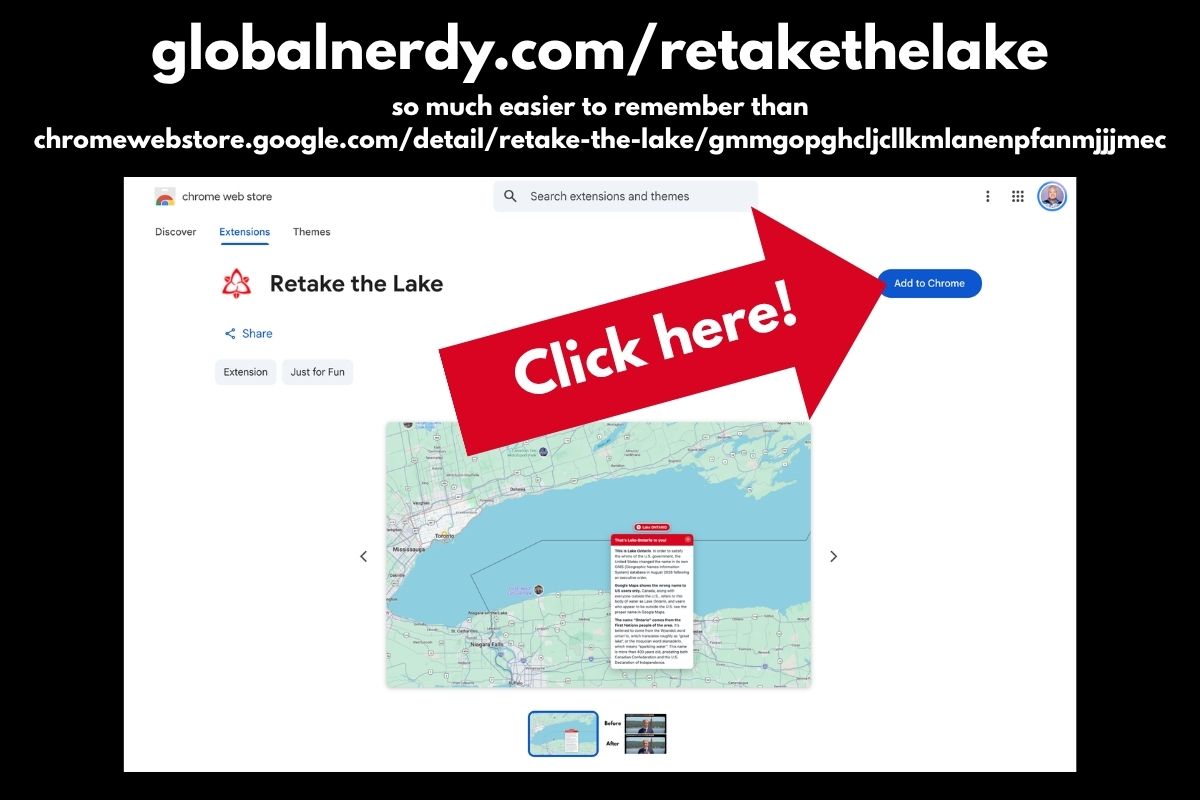 You’ll see the “This extension is not trusted by Enhanced Safe Browsing” warning:
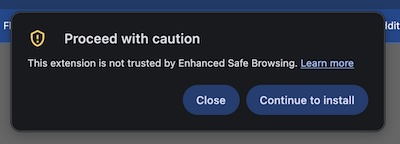
Click the Continue to install button.
This warning appears because this is my first Chrome extension, and Chrome doesn’t yet have enough developer history or reputation data about me to verify Retake the Lake.
Retake the Lake doesn’t use or sell any of your private data. It simply updates the contents of web pages and Google Maps to restore the correct name of Lake Ontario.
This pop-up will appear:
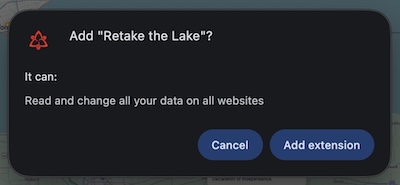
Click the Add extension button.
And in a second or two, you’ll see this near the upper right of your screen:
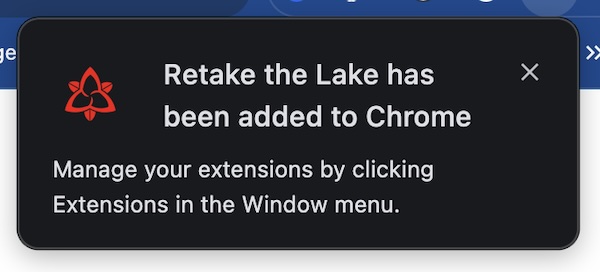
Congratulations! You now have Retake the Lake!
Once again, you can get Retake the Lake here:
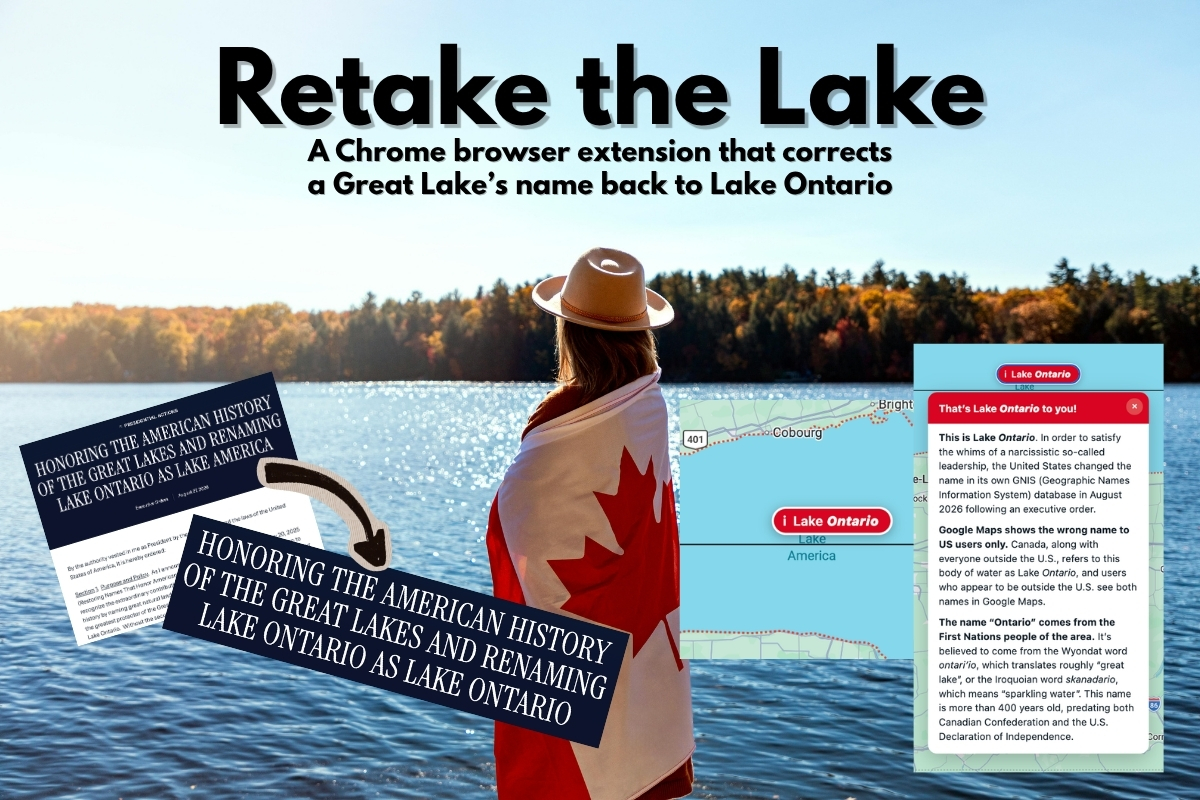

Retake the Lake corrects “Lake America” to the proper “Lake Ontario” on Chrome desktop browsers.
(Unfortunately, the mobile versions of Chrome don’t support extensions.)
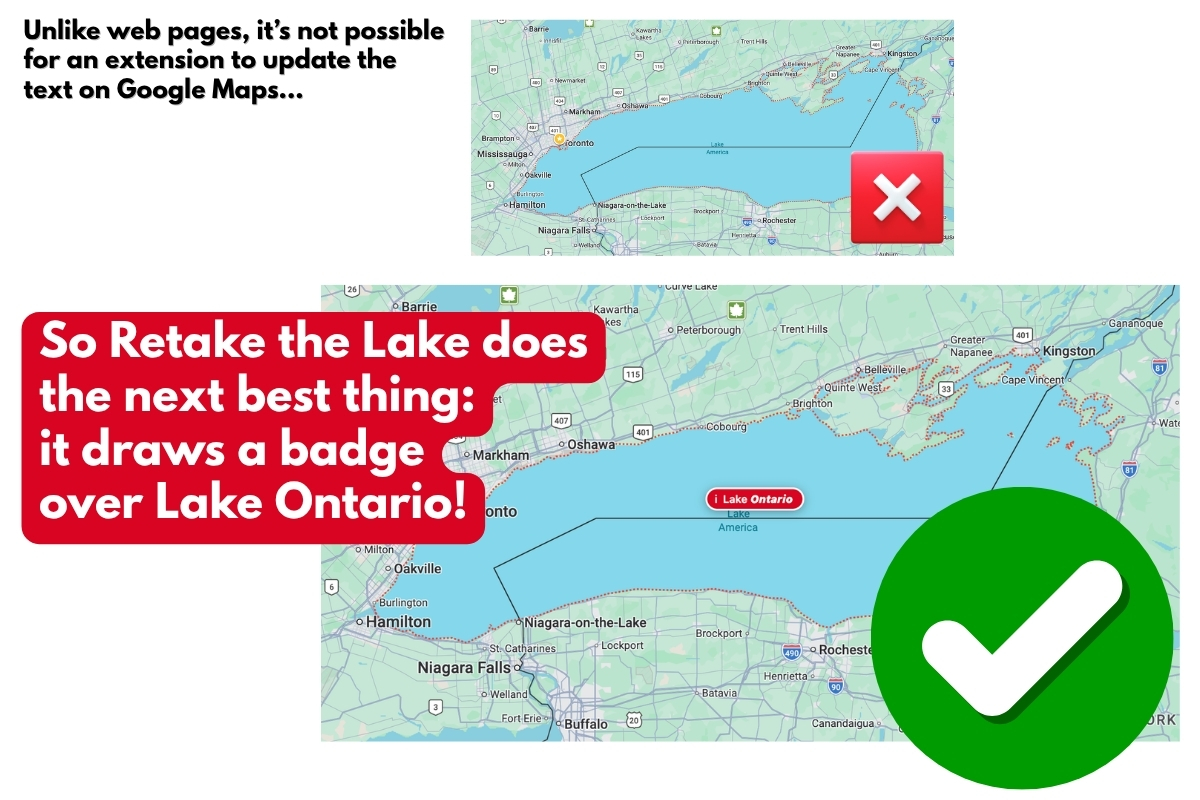
 You can read more about how I made it here.