My Chrome extension, Retake the Lake is now in the Chrome Web Store, which means it’s easier than ever to put it in your Chrome desktop browser!
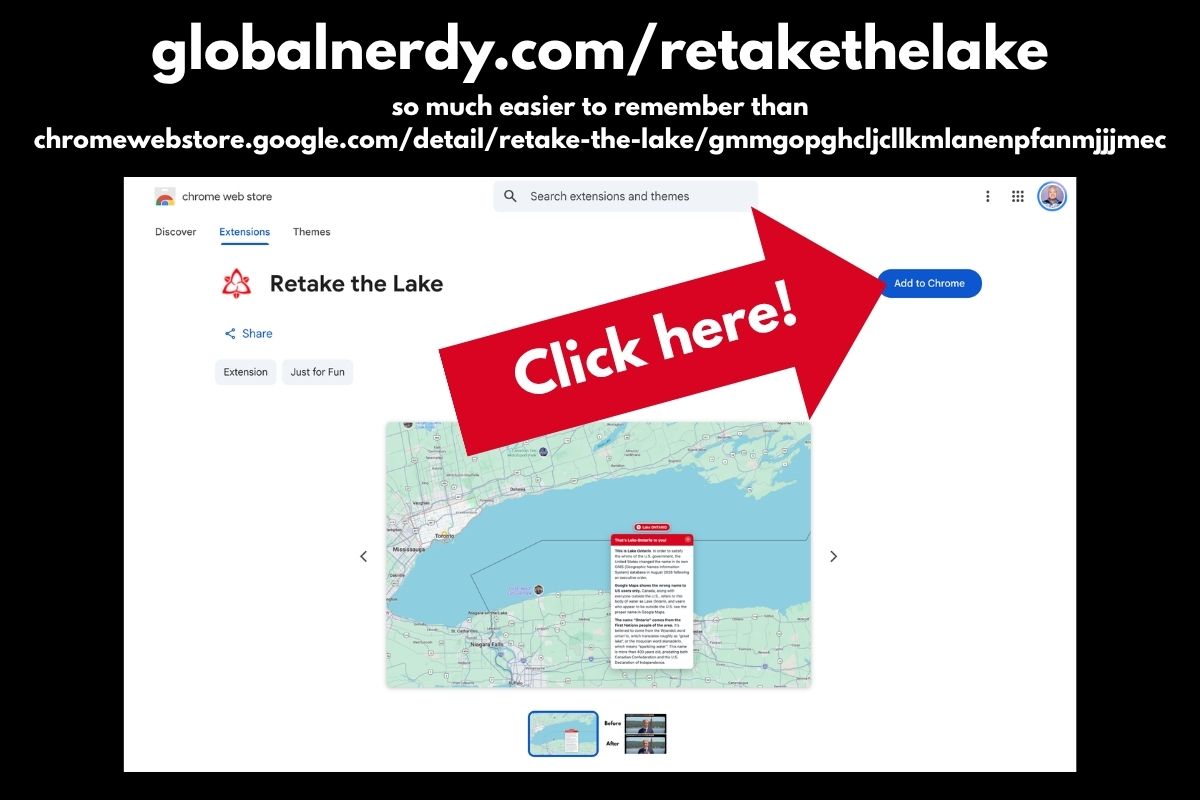
I’ve made it easy to find with this URL:
Now, all you have to do is go to the Retake the Lake page in the Chrome Web Store and click the Add to Chrome button:
 You’ll see the “This extension is not trusted by Enhanced Safe Browsing” warning:
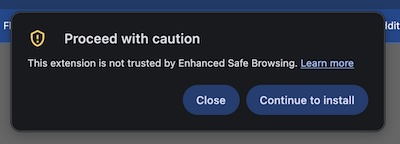
Click the Continue to install button.
This warning appears because this is my first Chrome extension, and Chrome doesn’t yet have enough developer history or reputation data about me to verify Retake the Lake.
Retake the Lake doesn’t use or sell any of your private data. It simply updates the contents of web pages and Google Maps to restore the correct name of Lake Ontario.
This pop-up will appear:
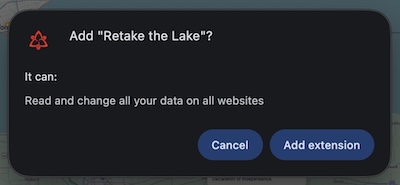
Click the Add extension button.
And in a second or two, you’ll see this near the upper right of your screen:
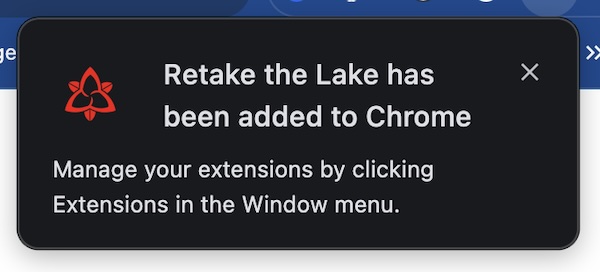
Congratulations! You now have Retake the Lake!
Once again, you can get Retake the Lake here:
What is Retake the Lake?
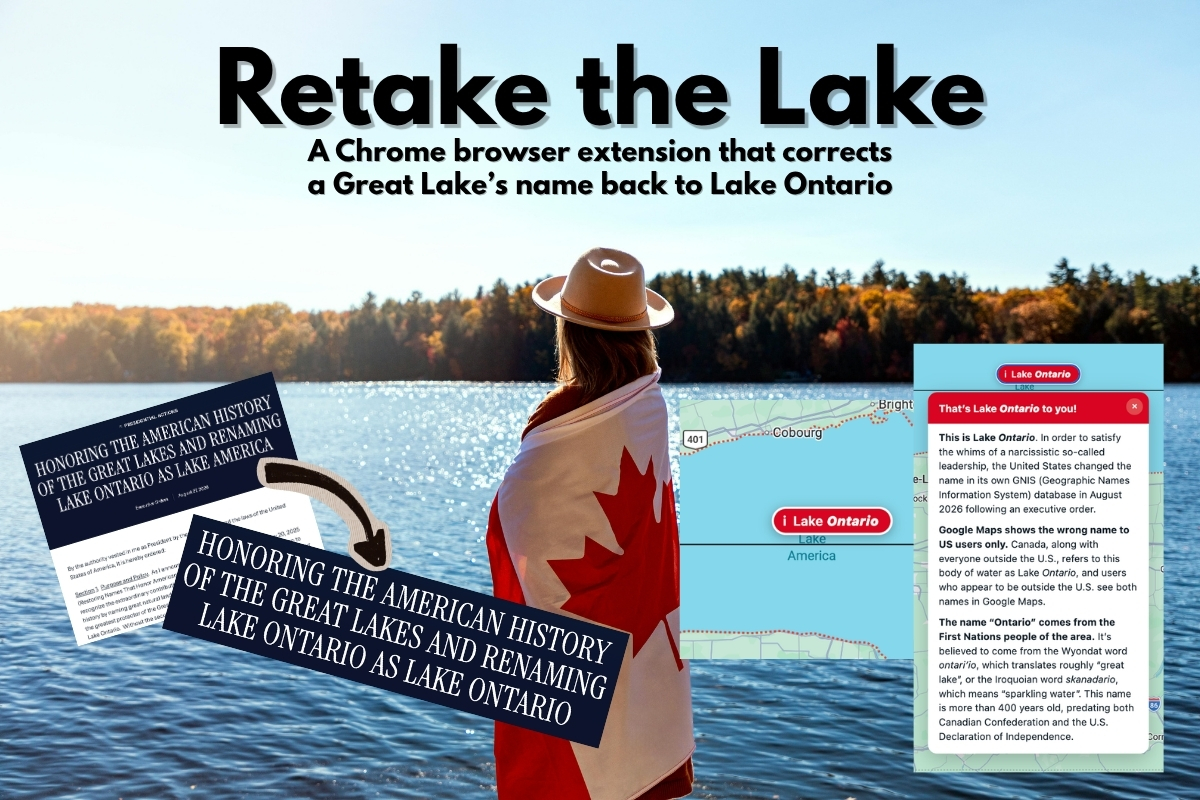
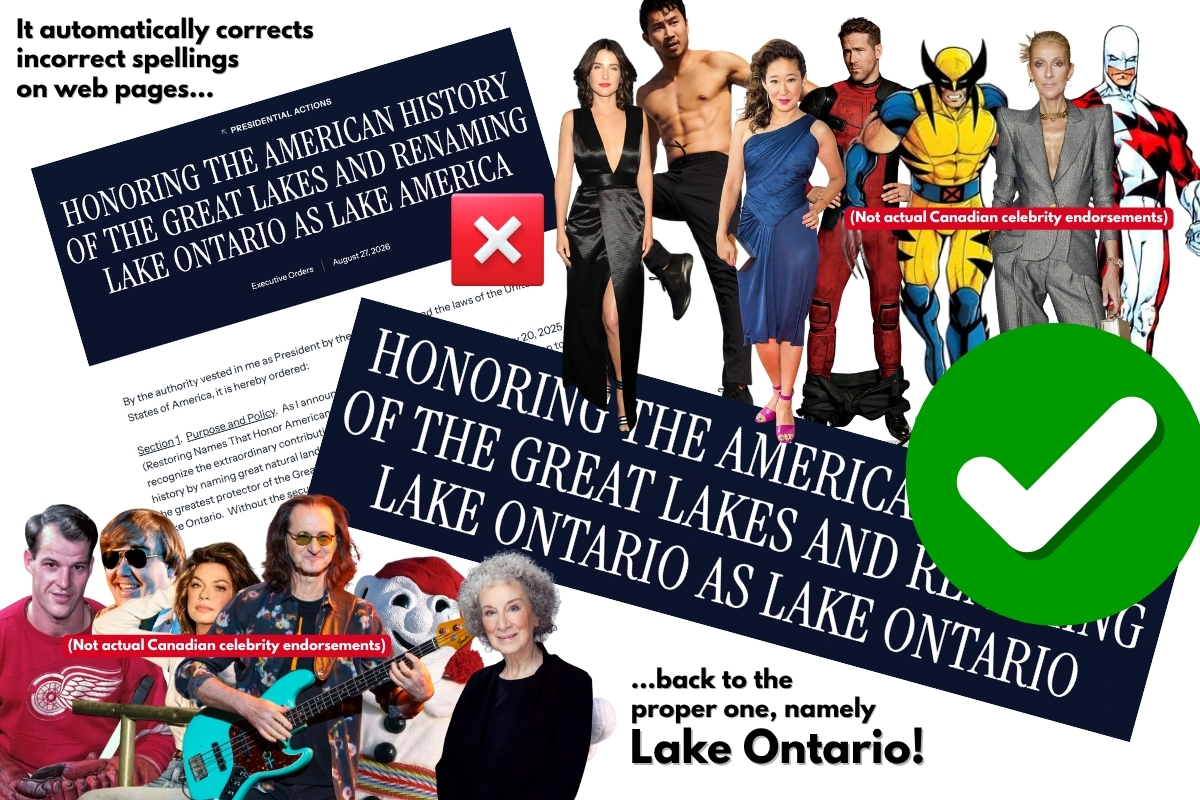
Retake the Lake corrects “Lake America” to the proper “Lake Ontario” on Chrome desktop browsers.
(Unfortunately, the mobile versions of Chrome don’t support extensions.)
- On regular web pages, it rewrites “Lake Ontario” back to the proper, correct, and non-idiotic “Lake Ontario.”
- On Google Maps, it floats a clickable badge over the lake with a short explanation of where the real name comes from.
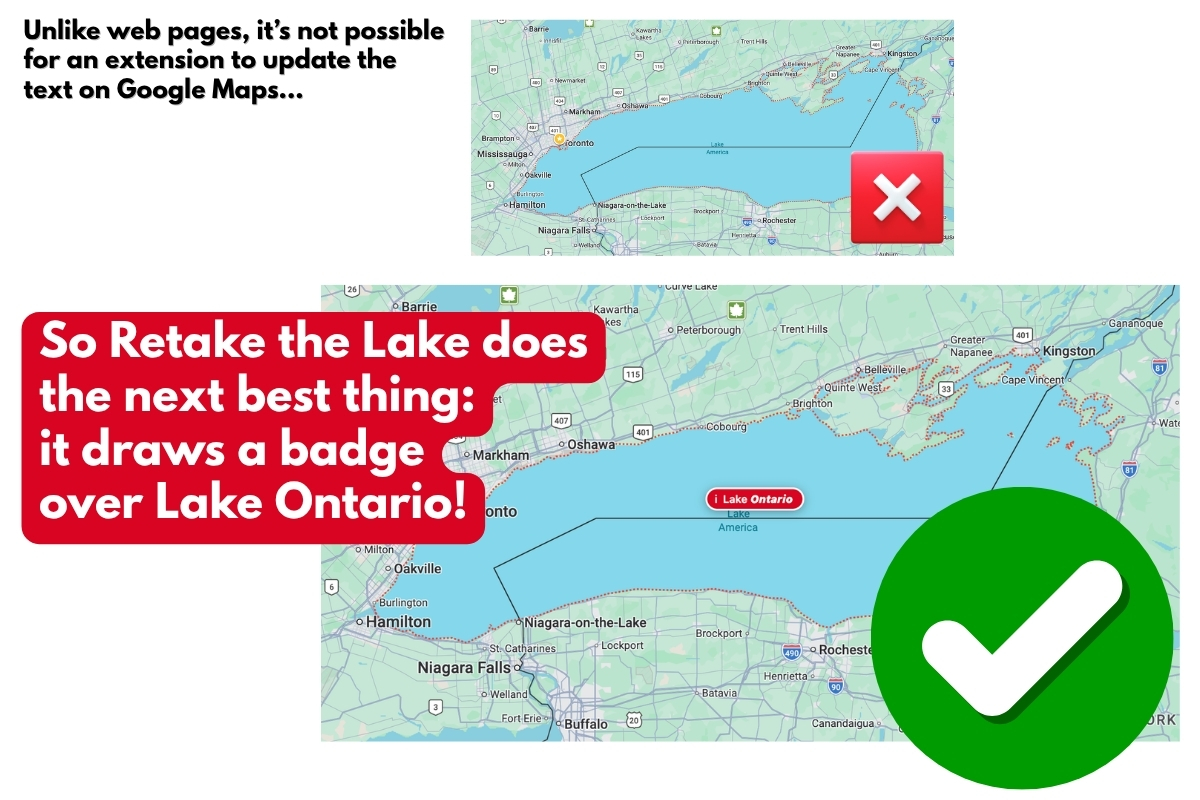
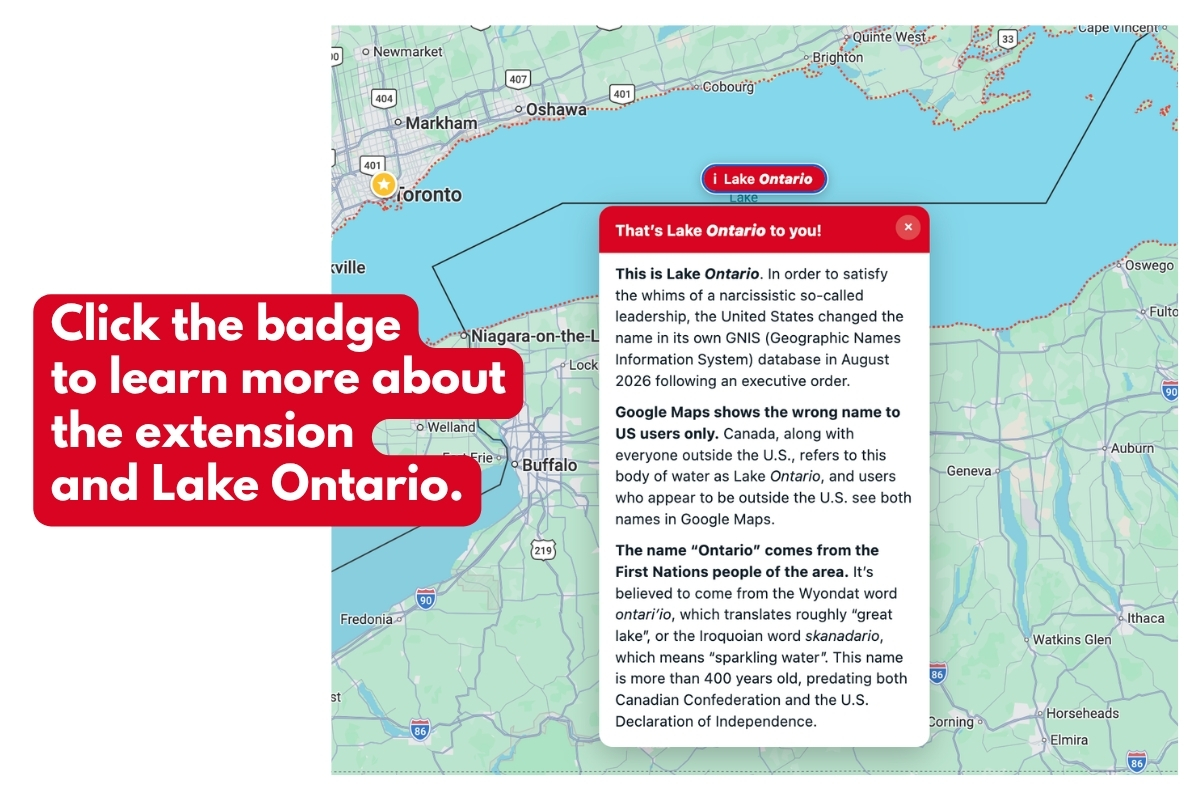 You can read more about how I made it here.
And remember…