Join us! I’m ready to talk about all sorts of topics, including:
How I got started with mobile development, and how you can get started
The differences between native iOS, native Android, and cross-platform mobile development tools such as Flutter and React Native, and choosing among them
Converting a number into its word form — for example, converting 1,234,456 into one million, two hundred and thirty-four thousand, four hundred and fifty-six — used to be a really painful exercise in programming. These days, there are libraries that save you from having to do this, and in the case of Swift, this functionality is built into its standard library in the form of the NumberFormatter class. Not only will it convert numbers into words, but it will also do so for many languages!
Open a Swift playground in Xcode and enter the following code:
// Swift

let formatter = NumberFormatter()
formatter.numberStyle = .spellOut
let number = 87654
let spelledOutNumber = formatter.string(for: number)!
print("\(number) spelled out is \(spelledOutNumber).")
Run the playground code, and you’ll see this:
87654 spelled out is eighty-seven thousand six hundred fifty-four.
Having come from the world of C, where you format strings using printf() and formatting strings, and later from other languages where you use whatever formatting method its string class provides, I’ve ignored most of Swift’s classes that derive from Formatter — with one notable exception: DateFormatter, which is indispensable when working with dates and times.
I’m now looking for an excuse to use this capability.
As I typed “DateFormatter” a couple of paragraphs above, I remembered that DateFormatter had a locale property. It’s for ensuring that any dates you present are in the correct form for the locale:
I wondered:
Does NumberFormatter have a locale property?
What happens if I changed it to something other than my system’s default of US English?
So I changed the code in my playground to the following:
// Swift

let formatter = NumberFormatter()
formatter.numberStyle = .spellOut
formatter.locale = Locale(identifier: "fil_PH")
let number = 87654
let spelledOutNumber = formatter.string(for: number)!
print("\(number) spelled out in Filipino is \(spelledOutNumber).")
I ran the code and saw this…
87654 spelled out in Filipino is walóng pû’t pitóng libó’t anim na daán at limáng pû’t ápat.
…and my response was “Ay nako!” (translation: OMG!)
How about Korean?
// Swift

let formatter = NumberFormatter()
formatter.numberStyle = .spellOut
formatter.locale = Locale(identifier: "ko_KR")
let number = 87654
let spelledOutNumber = formatter.string(for: number)!
print("\(number) spelled out in Korean is \(spelledOutNumber).")
The output:
87654 spelled out in Korean is 팔만 칠천육백오십사.
My response: 세상에 (“Sesange!”, which is pretty much Korean for OMG!)
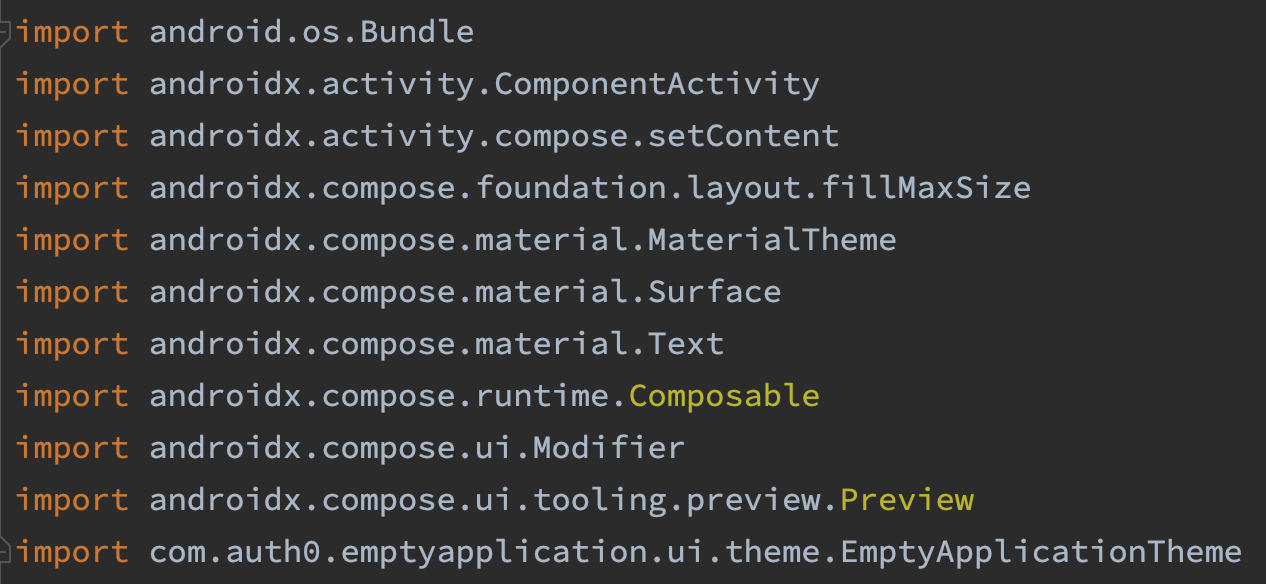
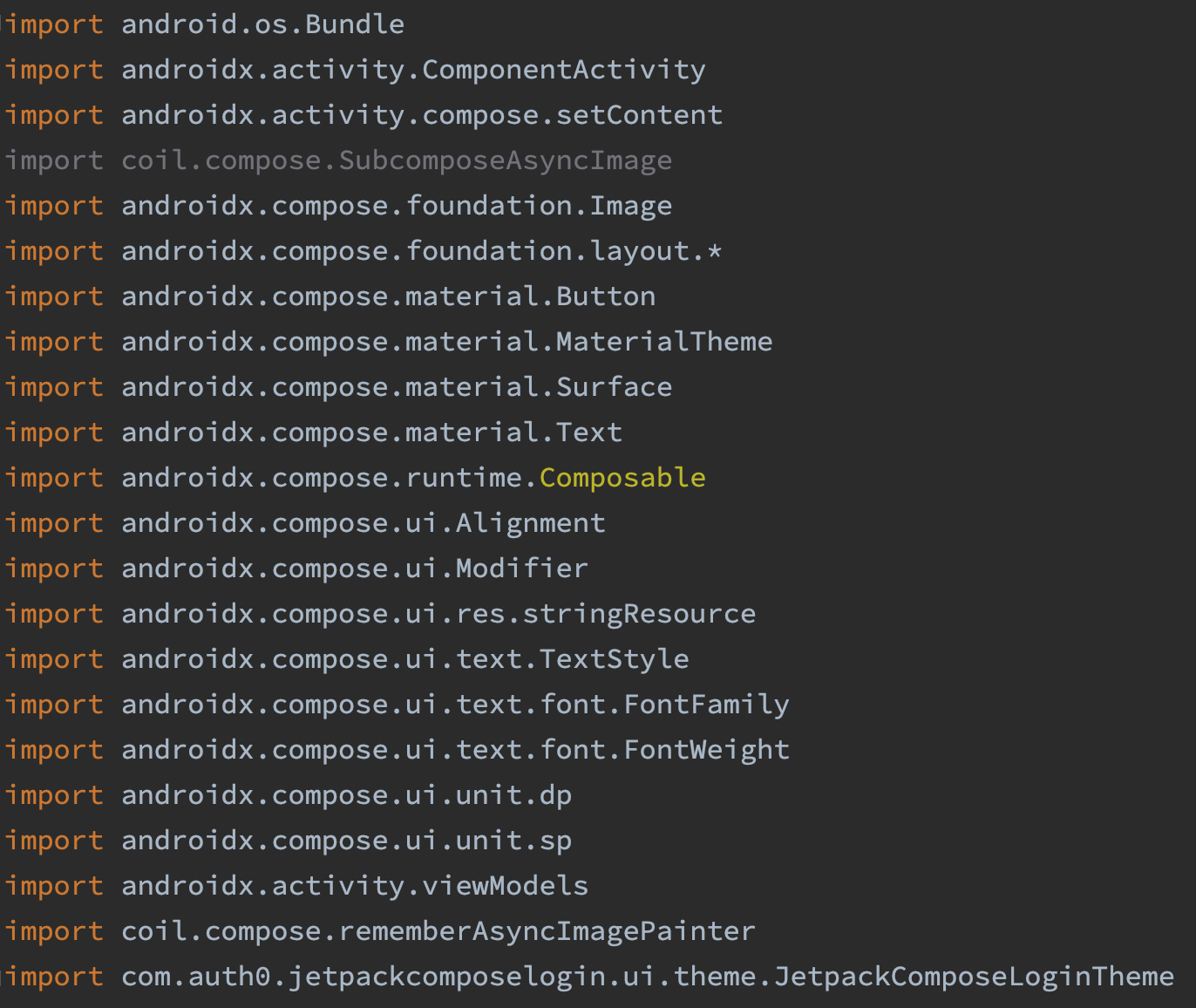
When you do native Android development, you use import statements. A lot of import statements. Even the “Hello World”-ish template app that Android Studio generates when you select Empty Compose Activity contains 11 import statements:
Worse still, you end up adding more import statements over time, as you add more code. It’s easy to end up with a screenful or more of import statements, which makes them more difficult to manage.
How I used to sort imports in Android Studio
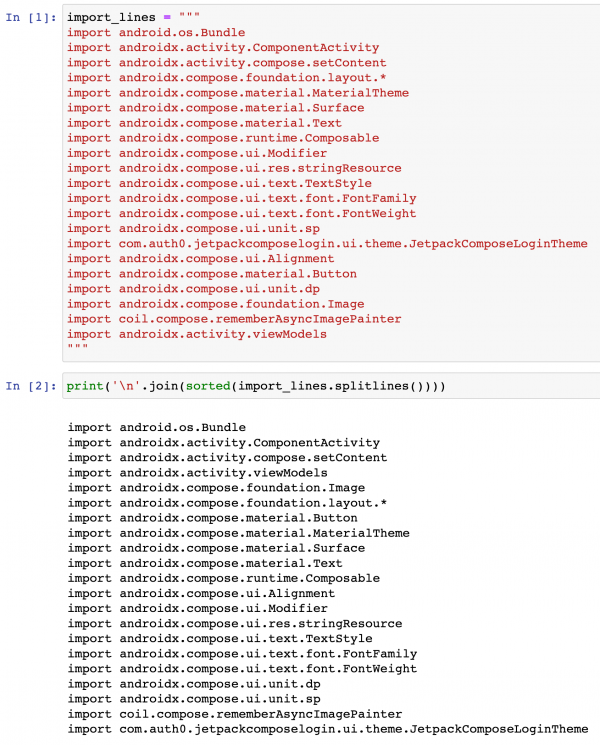
I used to keep import statements organized by occasionally rearranging them into alphabetical order by hand. This soon became annoying, so I automated the process with a simple Jupyter Notebook. Using this Notebook, I’d copy the import statements…
…and then paste them into a variable, which would then be processed with a Python one-liner:
Here’s screenshot showing how I last used my import-organizing Jupyter Notebook:
After running it, I’d copy the one-liner’s output and paste it back into my Android code. Problem solved!
How to sort imports in Android Studio
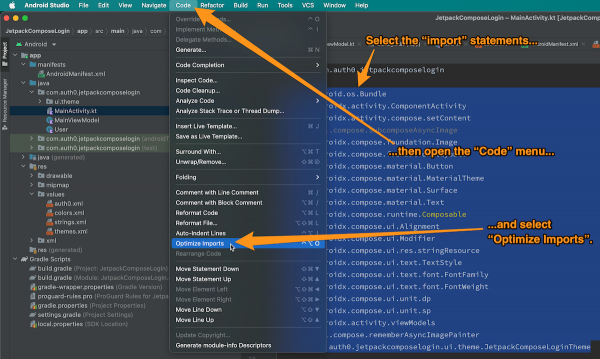
I’ve only recently found out about the Optimize Imports option in Android Studio (and many other JetBrains IDEs), and it does a better job that my Jupyter Notebook, which simply puts the imports in alphabetical order. It also:
Deletes duplicate import lines (I should update my script to do the same), and
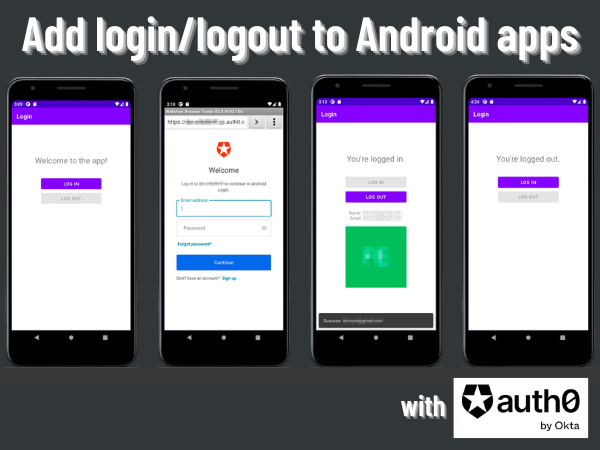
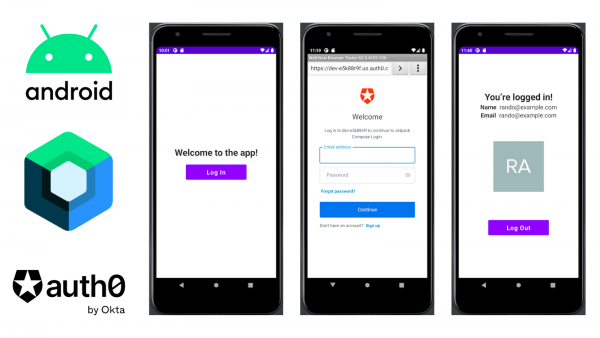
Android is the most popular operating system in the world and runs on more devices than any other OS. With 3 billion users and 70% of the mobile OS market share, you want to write apps for Android! And sooner or later, you’ll need to write an Android app that requires the user to log in and log out.
This video and written tutorial — starring and written by Yours Truly — shows you how to do it with Auth0 by Okta.
I’m ready to starting holding sessions of Tampa Bay Apple Coding Meetup, but I’m missing one thing: a place to hold them!
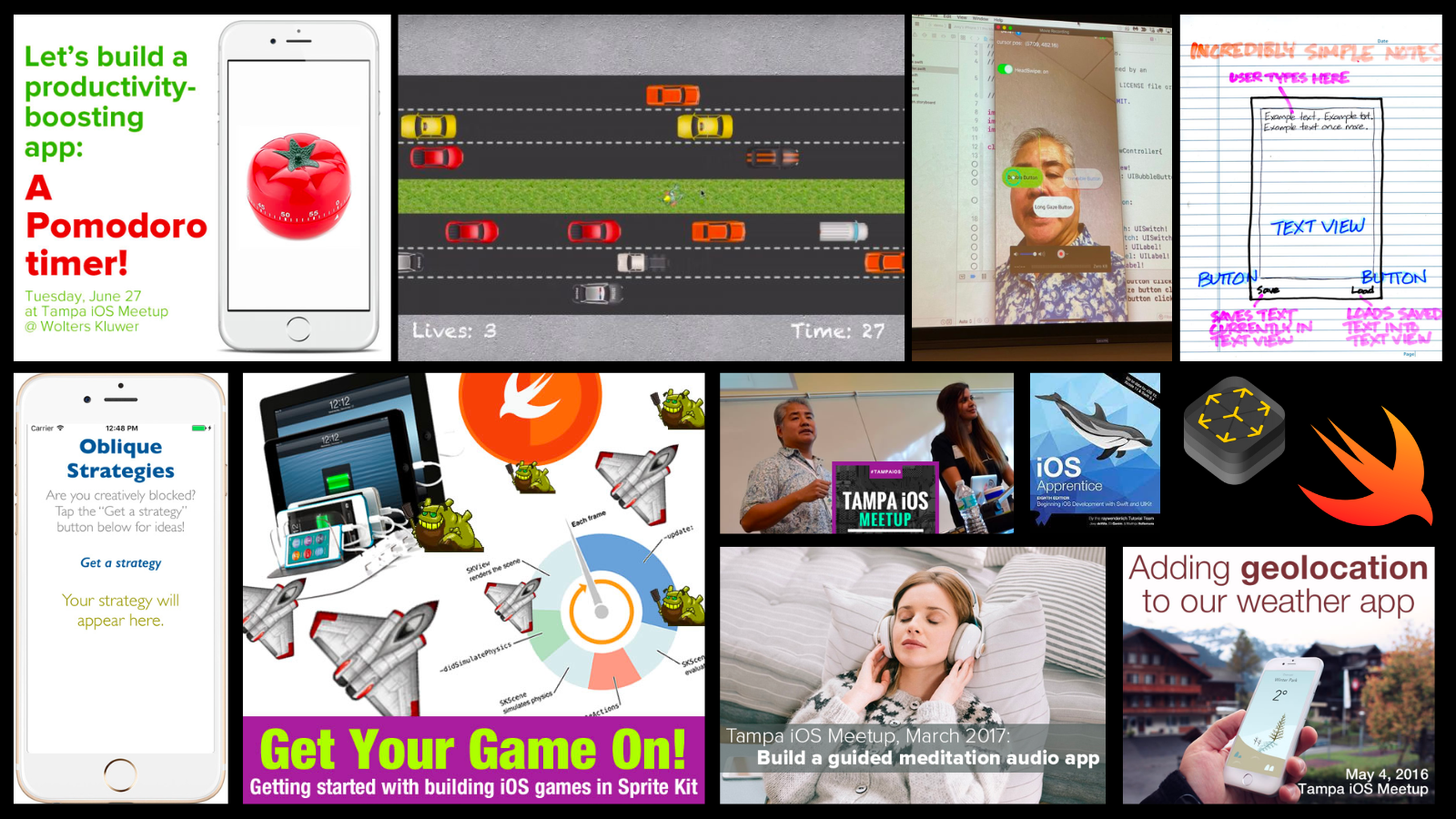
Prior to the pandemic, I’d been doing monthly meetups where I’d walk Tampa Bay’s developers through “code along with me” tutorials where I’d show them how to write native iOS apps in Swift such as:
A simple text editor
Pomodoro timer
“Magic 8-ball”
Weather app with geolocation
“Frogger” / “Crossy Road”-style game
An augmented reality app similar to the IKEA furniture app
A machine learning app that can identify specific images
It’s time to bring these meetups back!
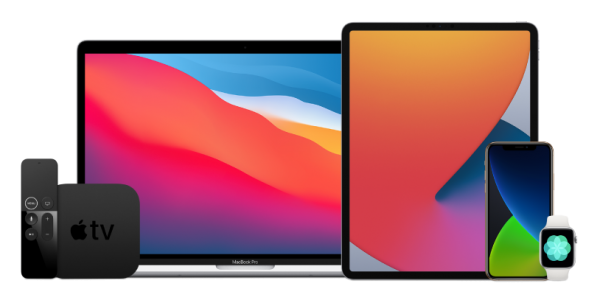
I need a place in the Tampa Bay area where I can lead a group through an exercise where we get together and build an iPhone, iPad, Apple Watch, Apple TV, Mac, or augmented reality app together. If you’d like to host such an event or know someone or some organization that would be willing to do this, please let me know via email.
I’m bringing back the Tampa iOS Meetup in 2023 under a new name: Tampa Bay Apple Coding Meetup. If you’re in the Tampa Bay area and want to learn how to program Apple devices in Swift, this meetup will be for you!
I’ve got a fair bit of experience showing people how to build applications for Apple devices and technologies, from doing presentations on coding augmented reality apps for the iPhone…
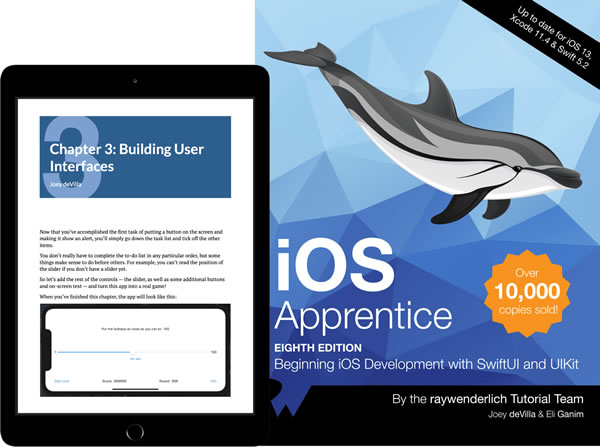
…to co-authoring the book on iOS development…
…to writing all sorts of apps:
These meetups will follow my usual modus operandi:
We’ll define a simple app that we want to make for the iPhone/iPad, Apple Watch, Apple TV, or other Apple device.
Then we’ll look at the tools and techniques that will allow us to create that app.
And finally, you’ll code along with me as we build the app together. You’ll leave the meetup with either a complete app, or at least a part of the app that you can continue working on.
The goal is to help you learn coding or sharpen your skills by building apps for the preferred devices of the digerati!
I’m currently working on getting a space for the first meetup of Tampa Bay Apple Coding in January — watch this space for announcements!
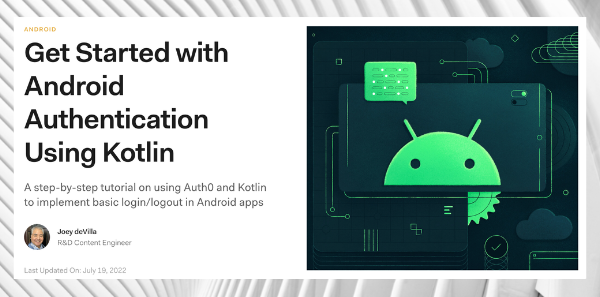
My newest article on the Auth0 Developer Blog is a two-part that covers adding authentication to Android apps built using the Jetpack Compose UI framework!
Here are the two parts:
Jetpack Compose Basics: An introduction to Jetpack Compose through building a single-screen app with composable functions and managing state the Jetpack Compose Way.