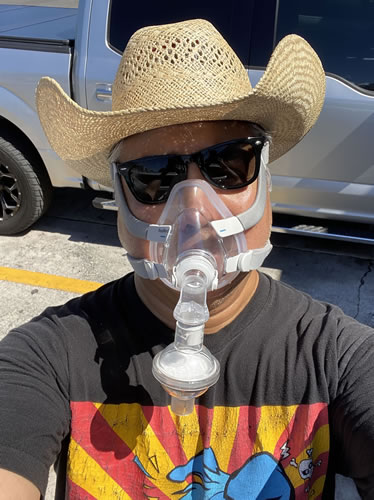
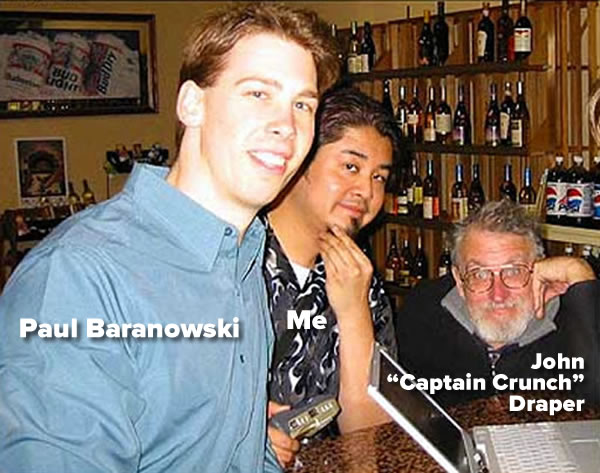
Paul Baranowski, me, and John “Captain Crunch” Draper at a liquor store/bar near the DNA Lounge in San Francisco, February 2002. Photo by The Register’s Andrew Orlowski.
Peekabooty was a peer-to-peer proto-VPN (remember, Napster was still in its original P2P file-sharing form back then, and at the time BitTorrent was just a concept that Bram Cohen was working on and telling us about) that was meant to circumvent the Great Firewall of China and provide Chinese dissidents with access to sites banned in their location. Paul Baranowski did the real back-end work, I was the front-end developer as well as the technical evangelist, and because it was a Windows desktop app, we did it in Visual C++, as one did back in those heady days of the early 2000s.
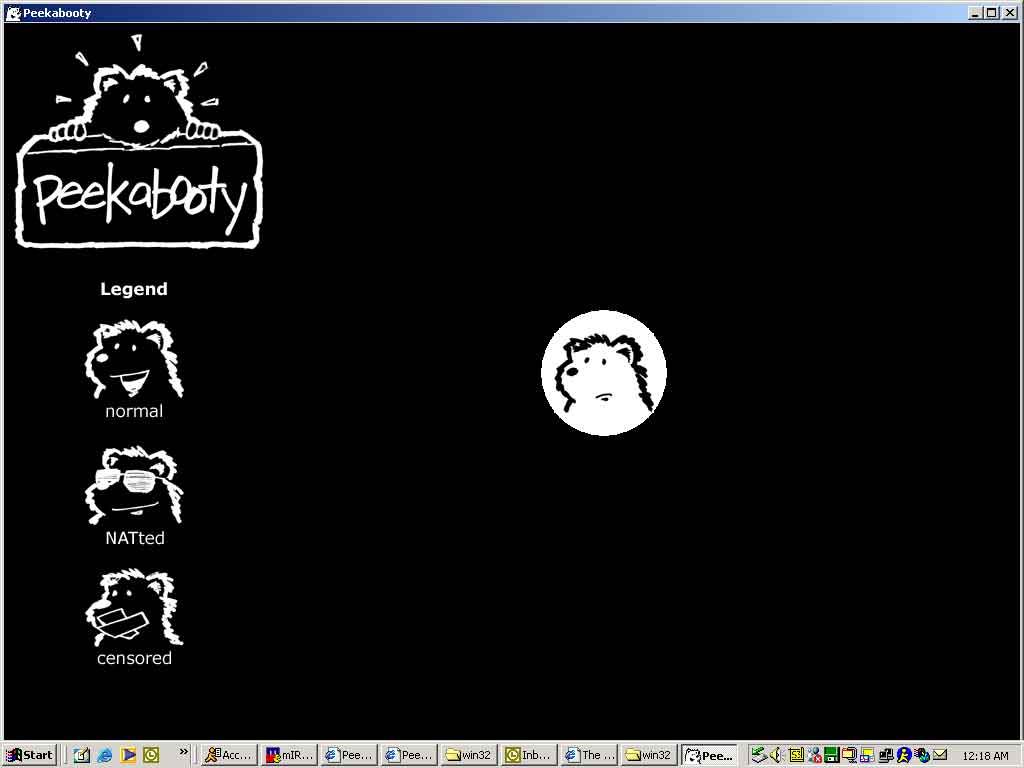
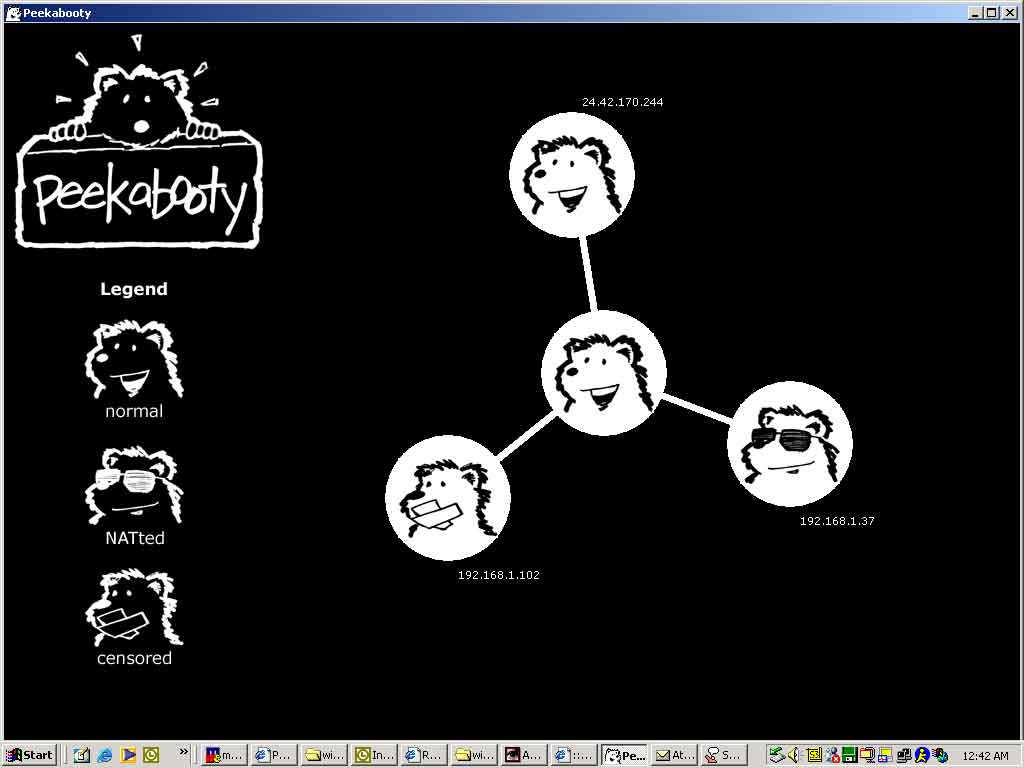
Here’s a couple of snapshots of the user interface, which acted like a screensaver — it used cutesy bears (which I illustrated) to show nodes in your particular P2P network:
This screen shows that you’re running a VPN node, and no one’s connected to you. Tap to see at full size.This screen shows that you’ve got 3 different kinds of nodes connected to you: one in the free world, a censored one, and one behind a NAT. Tap to see at full size.
I suggested to EFF lawyer Fred von Lohmann that after seeing so many Slashdot comments prefaced with “IANAL”, he should write a techie-facing legal article titled IAAL — I *AM* a Lawyer.
We had a pretty friendly interview with The Register’s resident curmudgeon Andrew Orlowski, and when that happened, the photo at the top of the article was taken.
It was yet another opportunity to hang out with Zooko! He moved to Toronto shortly after that.
I miss doing that sort of thing, and I think participating in The Undercroft’sUC Baseline program is an important step towards getting back to that kind of work.
They did pick me, and between the greatly reduced cost of attending and my not living paycheck-to-paycheck, I’m able to attend. I’m willing to play the gambit of not taking a full-time job for the next five weeks while ramping up some dormant security skills, because I think it’s a worthwhile one.
At the same time, I think that I can also be useful to The Undercroft by writing about my UC Baseline experiences and promoting them.
I’m looking forward to the experience. It’s an exciting course being taught in an amazing space by interesting people.
(I’ll admit it: Although I’m not likely to qualify, I applied.)
Well, I applied, and I qualified. The combination of a promotional bonus and an I-got-laid-off scholarship gave me a deep discount on the standard $6,500 price tag for the inaugural cohort of the UC Baseline course, which starts tomorrow and runs until Wednesday, August 19th. Class starts at 8:00 a.m. tomorrow.
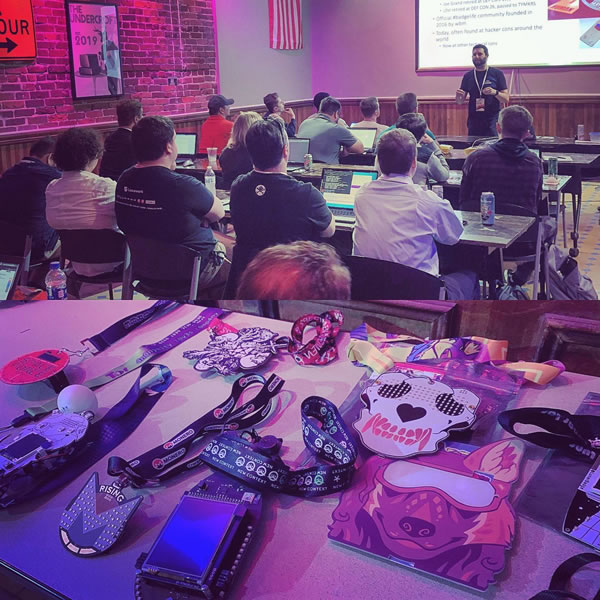
Based in a gorgeous building in Tampa’s historic Ybor City neighborhood, The Undercroft could be described as a security startup incubator and coworking space, but they prefer to be described as a security guild and guild hall.
Here’s what Undercroft CEO Adam Sheffield has to say:
What we offer here is secure workspace for startups and medium-sized businesses in the security field that either want to start their businesses here in Tampa or make Tampa their home.
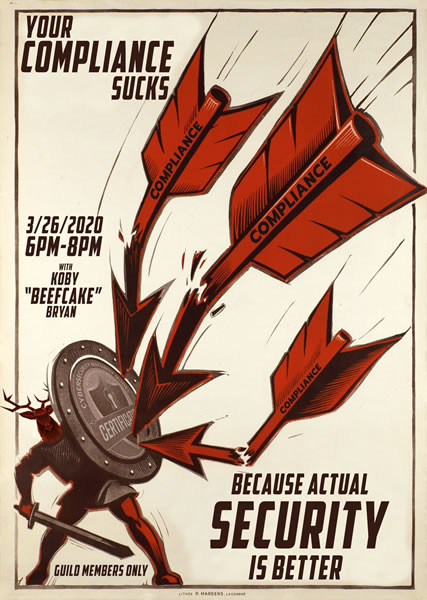
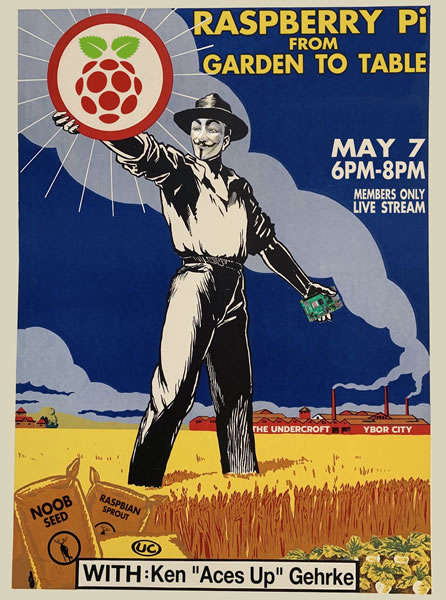
They’re also the home of a lot of interesting presentations, as this gallery of graphics for previous ones shows:
The first week of the program is Hardware 101, where we’ll spend five days covering the background and basics of the components that comprise modern systems. This should be fun.
To be continued!
For the next five weeks, I’ll be at The Undercroft (masked up, in a small cohort), learning. I’ll write about my experiences as I progress through the program.
I always keep an old computer or two around “just in case,” and it often turns out that they’re useful for all sorts of things. In an age when online access is a necessity and in a line of work where being able to put together a quick web page, application, or server is important, a spare computer — even one that’s a little bit backward by today’s standard — can be a handy resource.
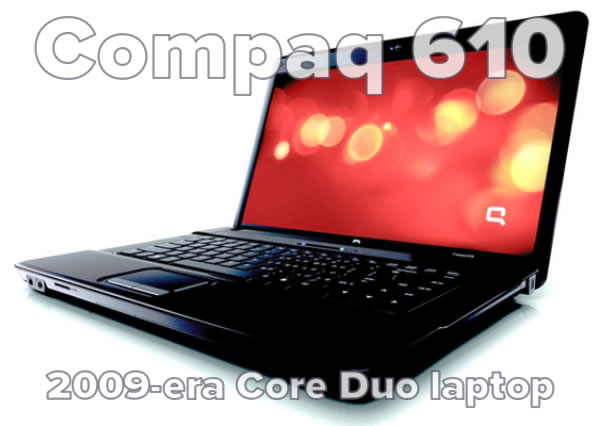
Enter “tinymint,” a Compaq 610 laptop that Anitra got from her old workplace a couple of years back for $50. (You should be able to find a used one, or one with similar specs, for about $100.) We originally got it to give to her parents so that they’d have a half-decent machine on which to surf the web, but we’ve since replaced it with a Chromebook, which requires less maintenance. They gave the Compaq back to us, and I’ve since boosted its RAM to the maximum: A whopping 4 GB, which was pretty respectable in the Windows Vista era when it was manufactured.
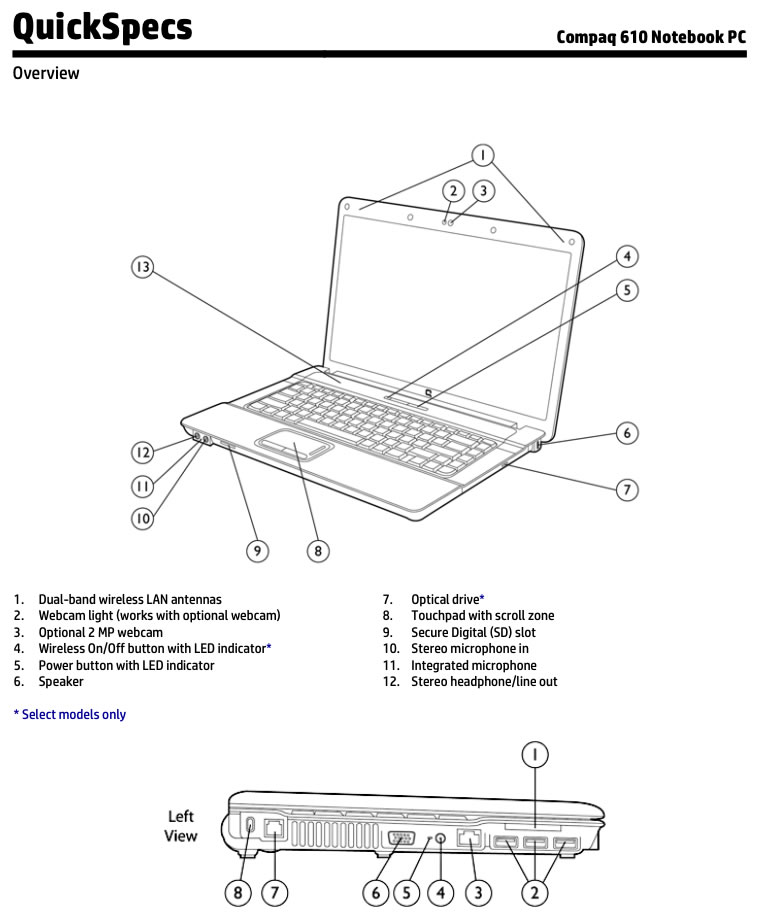
An excerpt from the QuickSpecs manual for the Compaq 610.
In case you’re curious, here’s a quick rundown of the specs of my particular Compaq 610. Remember, this laptop is almost old enough to get its own YouTube account or Bat/Bar Mitzvah:
Chipset: Mobile Intel GME965 Express chipset with ICH8M, 800 MHz front side bus. This chipset is from around 2007.
Processor: Core 2 Duo T5870 (2.0 GHz, 2 MB L2 cache, 800 MHz FSB). This is better than the other options: The dual-core Celeron T1500 and the Celeron 560, both of which had the slower 533 MHz bus.
RAM: 4 GB. This is the maximum, which isn’t surprising for a 2009-era computer. 32-bit operating systems were the standard then (64-bit OSs were available, but at a premium), and they’re limited to accessing about 3 GB of memory. The machine originally had 2 GB, and I got replacement RAM from NewEgg for about $20.
Wired networking: Marvell Yukon 88E8042 PCI-E Fast Ethernet Controller
Webcam: 2 megapixels, so it’s 1080p.
Other goodies marking it as a 2009-era computer:
A 56K modem! I don’t think I’ve had dial-up service since 2000. Even during those rare occasions when I need to send a fax, I do it through online fax services.
Separate 1/8″ mic and headphone jacks.
VGA output. Good thing I hung onto that Acer VGA monitor.
There were a few variants of this machine, and I’m a little surprised that this turned out to be one of the better ones — normally companies go with the bottom-of-the-line configurations, especially for computers whose primary purpose was probably producing cover sheets for TPS reports.
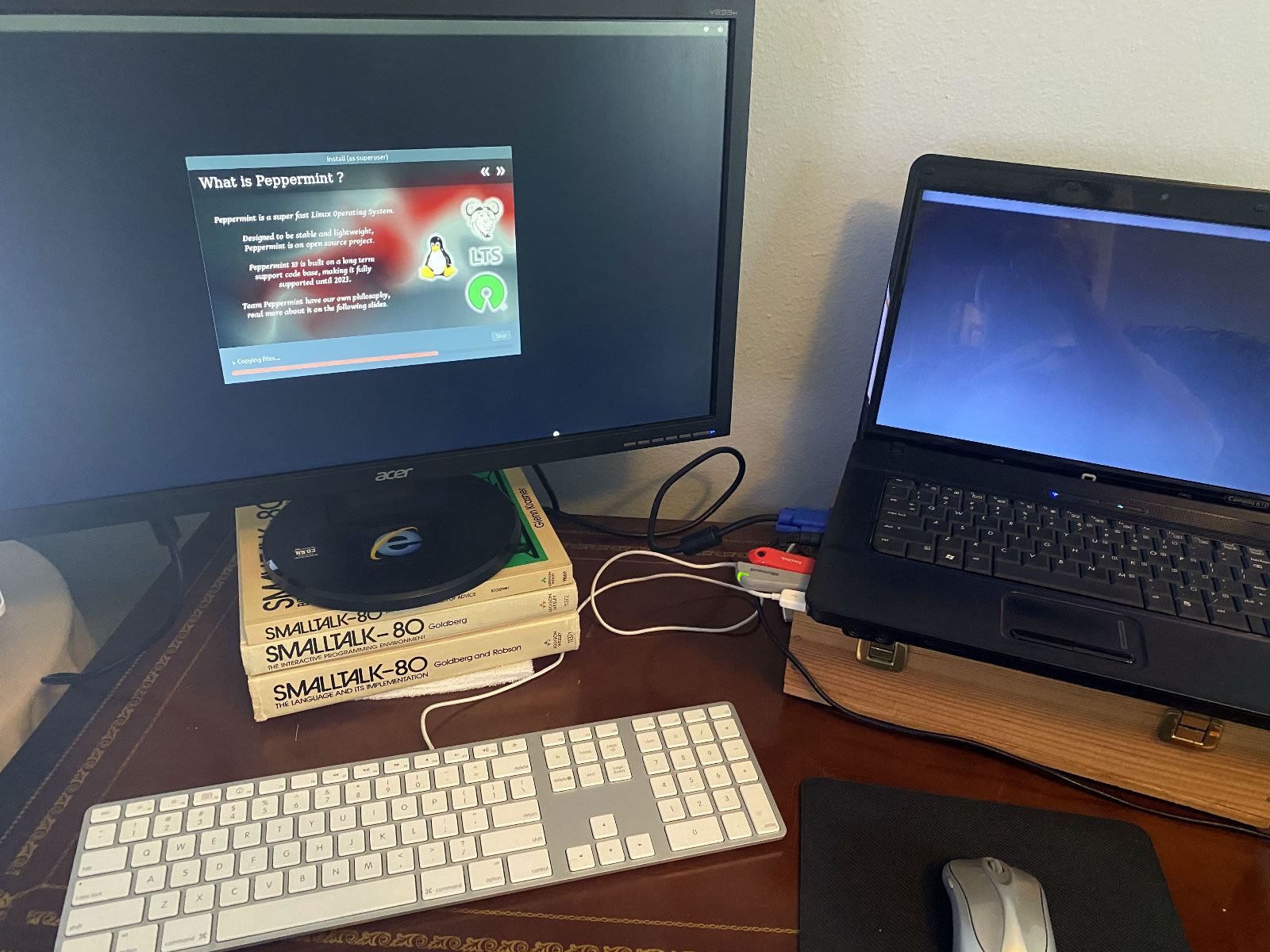
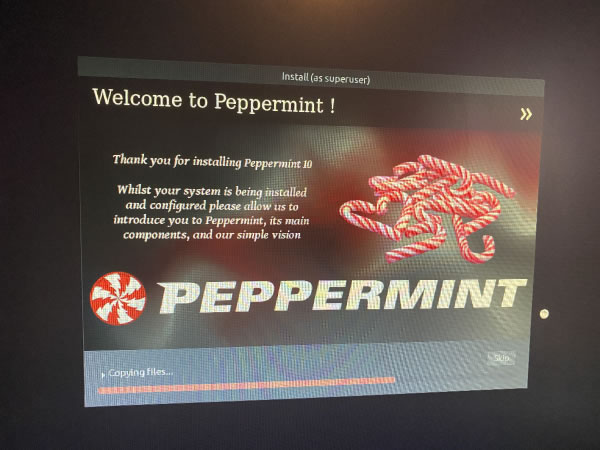
Installing Peppermint Linux on the Compaq 610.
I like to think of “tinymint” as a Raspberry Pi with a built-in monitor, keyboard, and battery (although I need to pick up a replacement battery; this one no longer holds any charge). This means that it’s still got some years left in it, where it could function as a server, a runner of automated tasks, or as a budget Python programming machine.
I’m scheduled to teach an “Intro to programming with Python” course in July, and I may actually use this as my demo machine, just to show what’s possible even on a limited budget.
In order to get the most out of this machine, I replaced the Windows with something considerably more lightweight: Peppermint.
Peppermint is a Linux distribution based on Ubuntu, and it’s designed to run on systems with limited resources. To this end, it uses a desktop environment that’s a mix of LXDE’s lxsession session manager and Xfce’s panel and applications menu. Simply put, it’s not going to look as slick as commercial OSs or even other Linux distros, but it’ll be reasonably good-looking and run quite well.
Since Peppermint is a Linux distro, it has all the command-line goodness that a developer needs. I wanted to make “tinymint” a lean mean Python machine, so immediately after Peppermint finished installing, I installed Anaconda Individual Edition and Visual Studio Code, both of which installed and run without any issues.
I’m going to make regular use of “tinymint” and post the occasional report about my experiences with it. If you’re a developer with an older computer and a limited budget, you should look into Peppermint — you might find that it’s exactly what you need.
The current version is “Peppermint 10 Respin,” which came out in December. It’s based on Ubuntu 18.04 LTS, and if you want to know more about this release, check out their announcement.
Want to know more? Here are a couple of recent video reviews of Peppermint:
 Peekabooty was a peer-to-peer proto-VPN (remember,