Here’s the video of a lightning talk at I gave at DevRelCon NYC on Thursday, July 24, 2026 at Industry City in Brooklyn:
The talk gets its material from my 12-month developer relations job search that took place in 2025. I kept a diary of my search, kept records of every resume and cover letter I sent, compiled email exchanges between me and prospective employers, and whenever possible, made recordings of conversations and interviews throughout the process.
If you’re looking for developer relations work today, you might find my observations and advice useful.

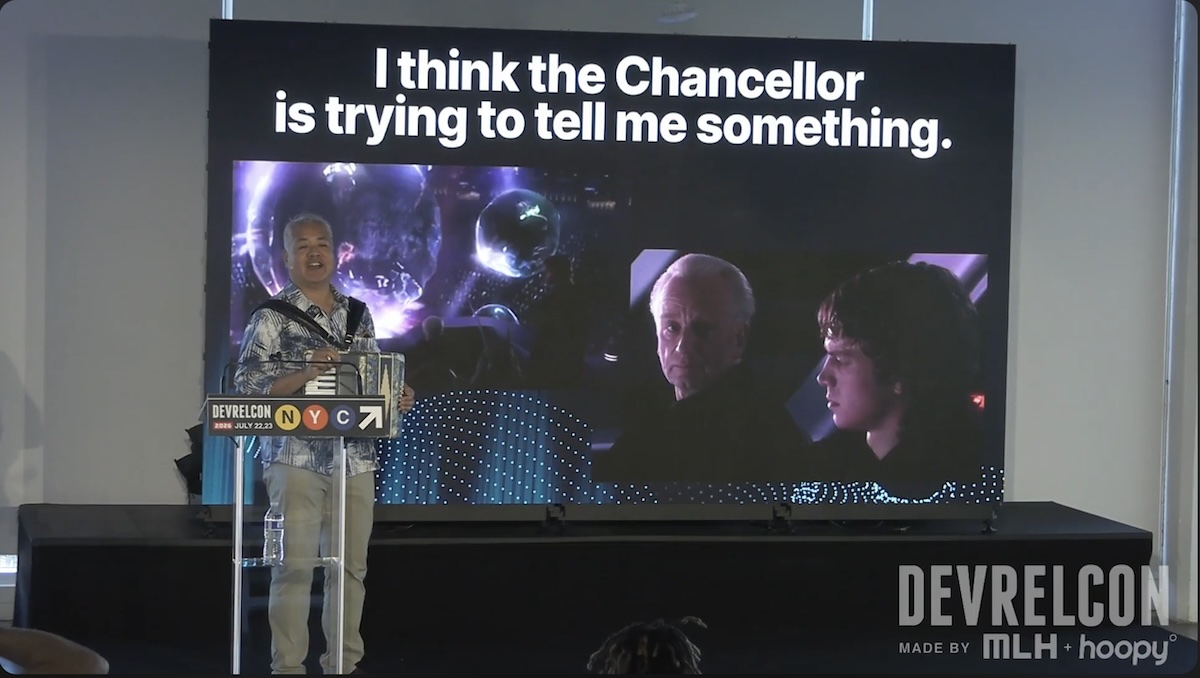
This talk’s title, The Market is Trying to Tell You Something, comes from an observation I made when watching a film that’s 21 years old now: Star Wars: Revenge of the Sith.
During the scene where a not-yet-corrupted Anakin Skywalker and a not-yet-revealed-Sith-Lord Chancellor Sheev Palpatine are watching an underwater opera (its name is Squid Lake, and it’s the creation of a species called Mon Calamari; look it up!). Palpatine keeps talking about the power of the Dark Side and the knowledge of the Sith, and Anakin doesn’t seem to be cluing in. I imagine him thinking “I think the Chancellor is trying to tell me something”.
My argument is that the job market has been trying to tell us something for the past couple of years, and much of the guidance we’re still getting misses the signs as much as Anakin did.
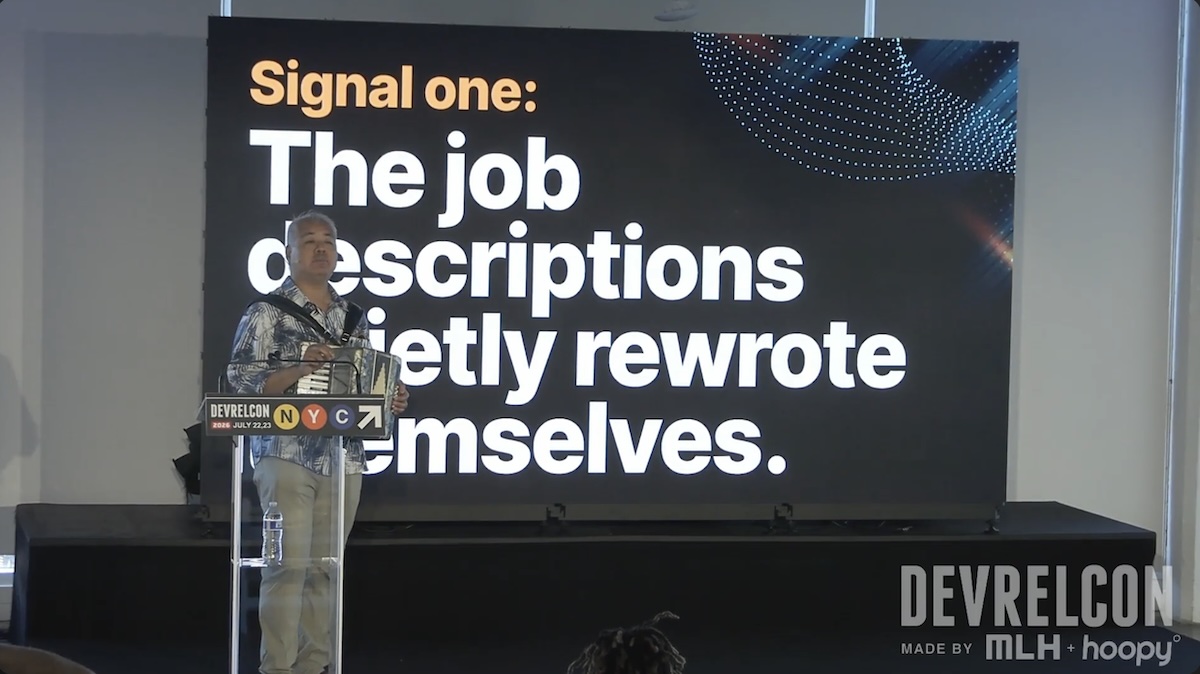
I noticed this first signal barely a week into that year-long job search. It became apparent to me that developer relations job descriptions quietly rewrote themselves.
By “quietly”, I mean that the job descriptions as written didn’t change, but actual job descriptions did. The age of AI is turning us more into generalists, and the (often theoretical) wall between developer relations and the related fields of marketing and sales is disappearing.
The developer relations job description you see is often a copy-paste from 2023 or earlier, and it’s not an accurate description of the job today.
 Screenshot
The quietly-rewritten job description reveals itself in the interview. I noticed this a couple of weeks into the process, after interviewing with a third prospective employer: The interviews were testing for things that weren’t in the job description.
One particular prospect made this painfully apparent to me. I was in the final interviews with this one company where they’d asked me to prepare a demo for developers. When the interview took place, they changed things up and said “Let’s do a mock sales call for Sony”, without my having any idea of what their particular development needs are (aside from the PlayStation, do they do anything technological that matters anymore?) or getting any prep time.
After that fiasco, I changed the balance of my questions in earlier interviews with companies to find out what figure out what was being left out of the written job description, the prospect’s idea of what “developer relations” meant (this was often very fuzzy), and identifying the person whom I’d really be reporting to, and what KPIs they were being measured on.
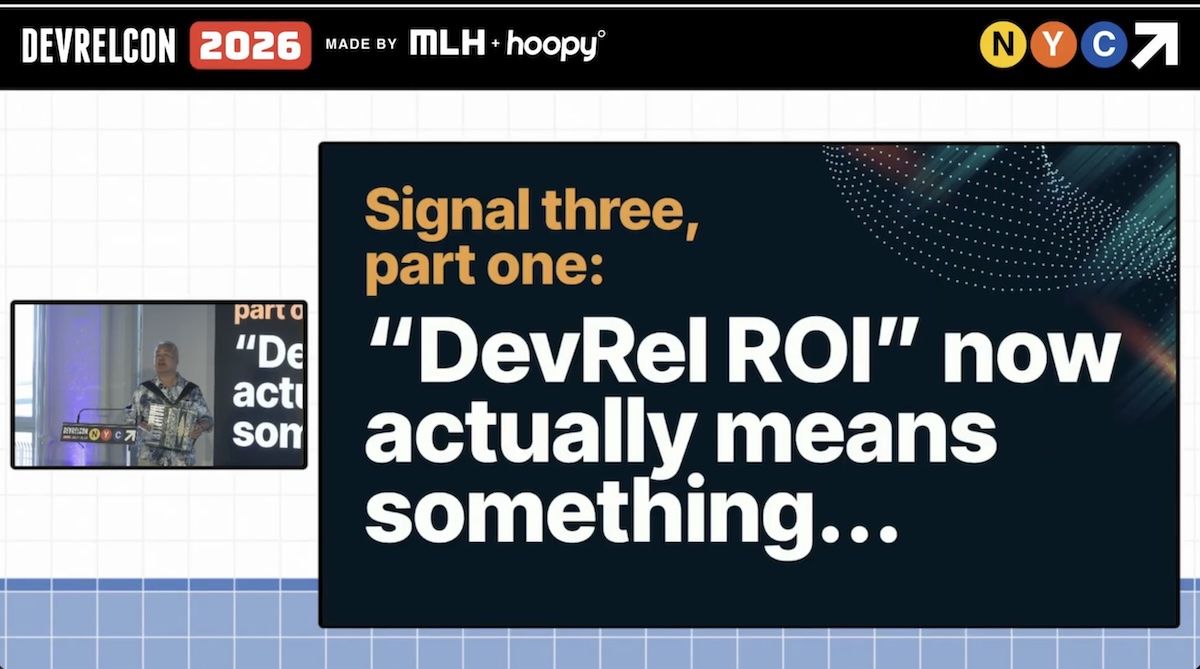
The final signal I saw took a couple of months’ worth of interviews to truly crystallize, because it’s the most subtle of the three. It’s that “DevRel ROI” now actually means something, and that “something” is what pays your salary.
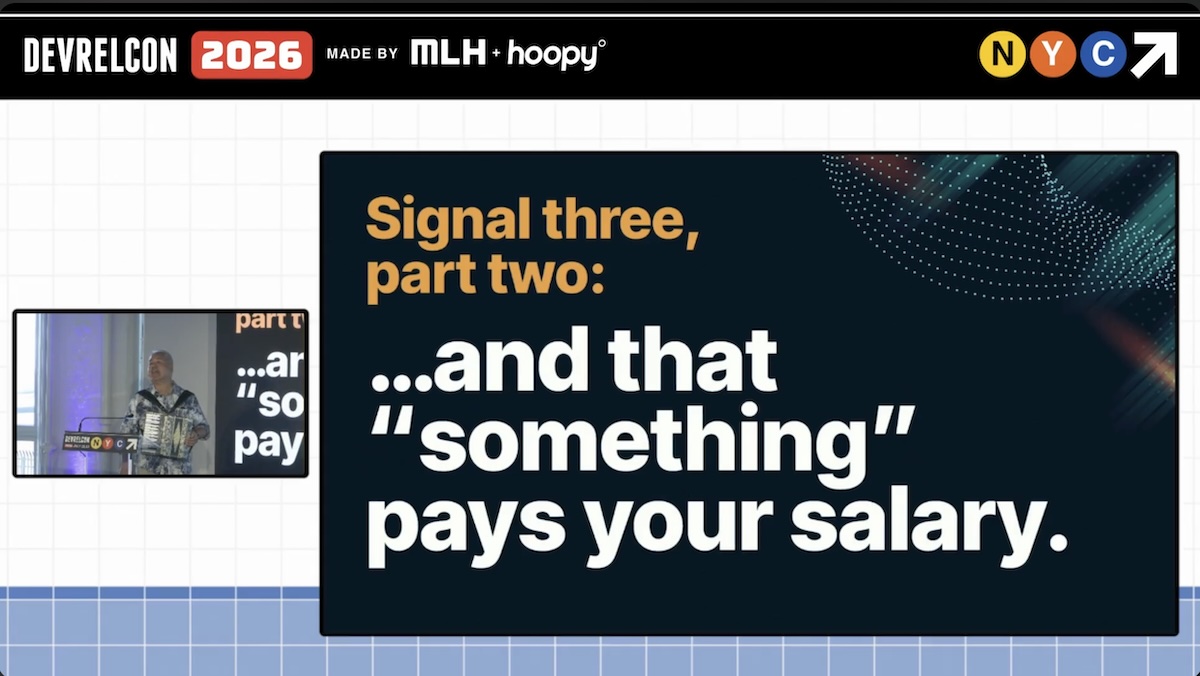
This basically means that organizations no longer view “Hey, people have heard of us!” or “People like us!” as the measure of developer relations success. This was fine for the pre-COVID, pre-AI, middle-of-ZIRP era of the 2010s, but table stakes now. There now has to be some kind of financial success metric that can be connected to you.
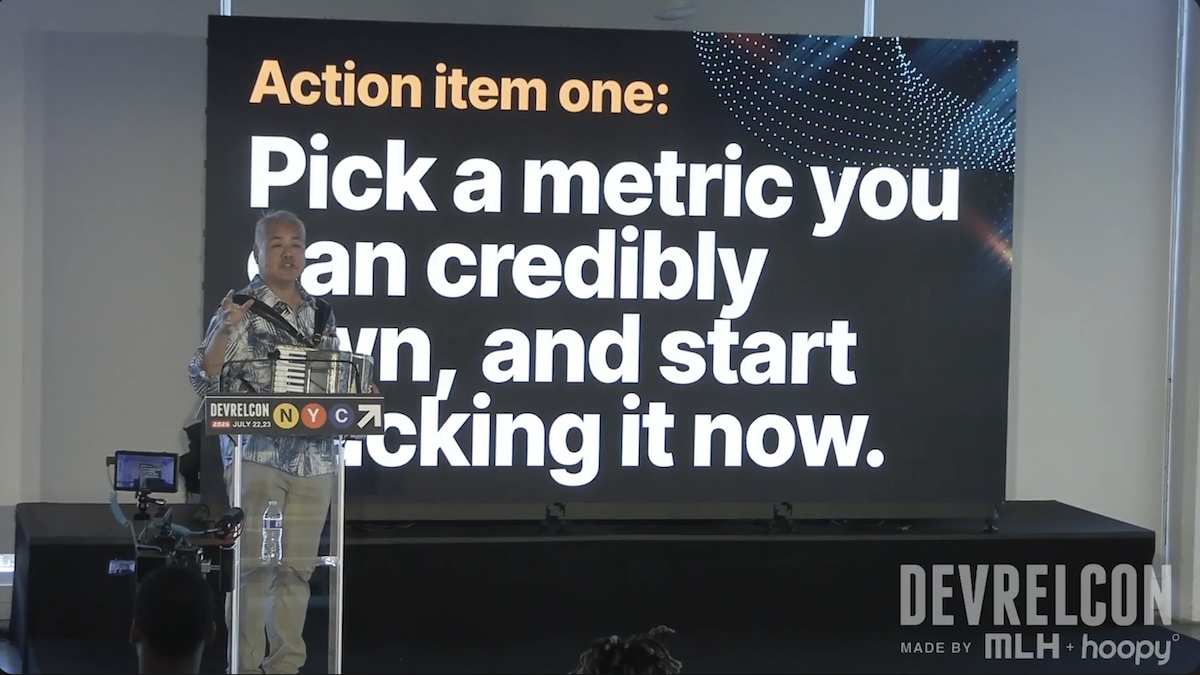
So with these three signals in mind, I now have three action items that you can act on right now.
First, pick a metric that you can credibly own, and start tracking it right now. It doesn’t have to be a present-day metric if you’re currently out of work; find some number that you improved in your last role.
Developer relations’ effects are more indirect than those of marketing and considerably more indirect than sales’, so it’s forgivable in the beginning if you pick a vanity metric. One of mine is from Auth0, where I grew mobile developer readership (fortunately, I kept track of these things for a time when I’d need them) from 0 to 20,000/month, simply because I was the only one consistently writing mobile developer articles.
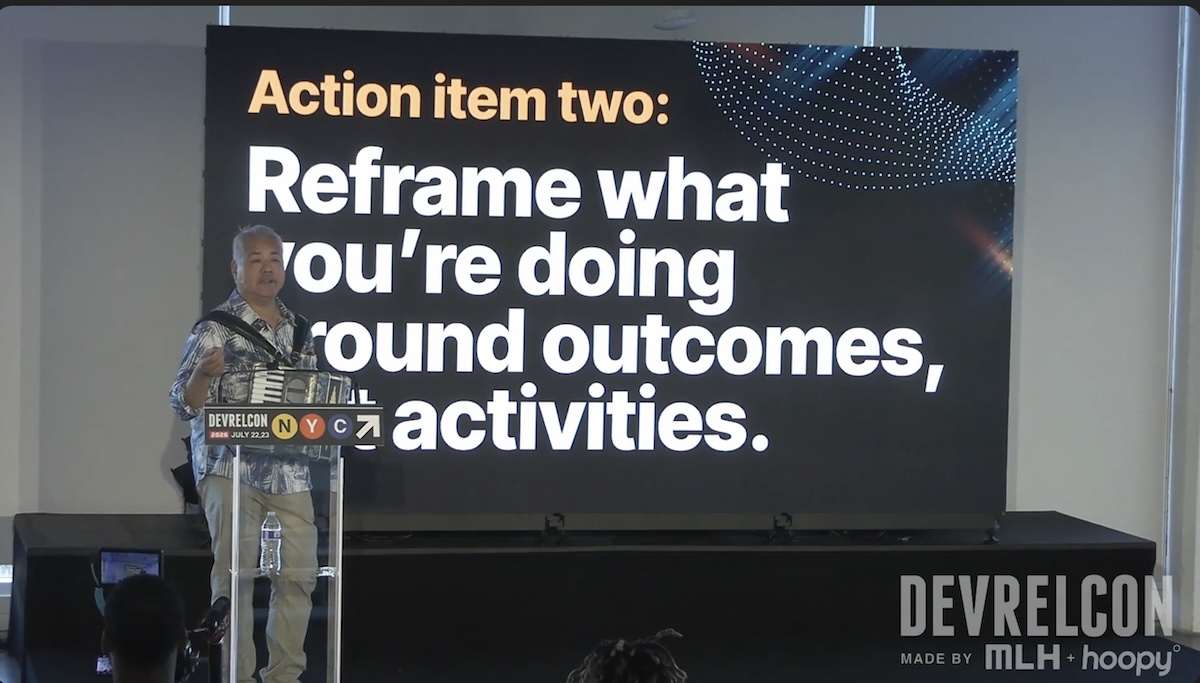
You probably already know this, but it’s worth repeating: Reframe what you’re doing around outcomes, not activities.
It may be obvious, but if you’re in any line of work that requires convincing people, know that there is great power in stating the obvious.
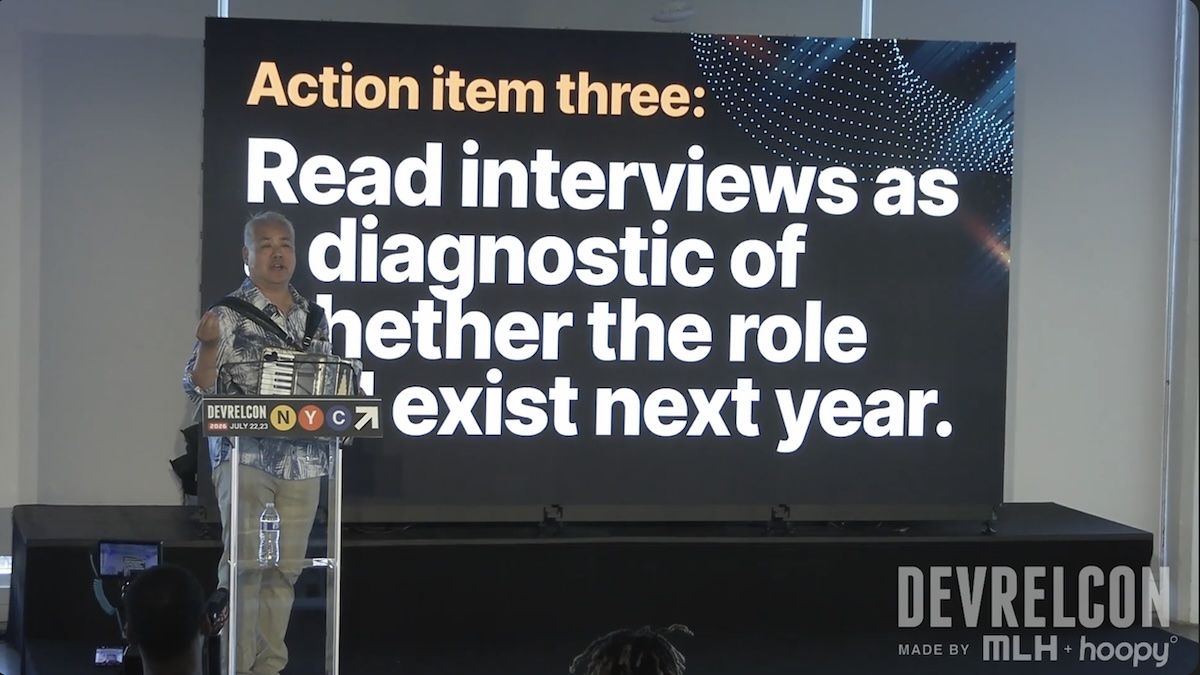
And finally: Read interviews as a diagnostic of whether the role will exist next year.
During an interview, if one of the interviewers says “Oh, by the way, we’re also bringing on we’re also bringing on a growth person and we may be reviewing how they interact with the developer relations team,” that’s a good sign that the developer relations team will get cut down or reshuffled. This has happened to me on three different occasions where the developer advocate role was cancelled sometime during the interview process.
One of the best things you can do, assuming you get permission to record (legalities about this will very on where you are), record everything. Then feed it to an LLM, and ask it to analyze what you and your interviewers say in the interview. Ask the LLM to be brutal. The evaluations it will give you will sometimes be unpleasantly revelatory, but LLMs are reasonable at picking up cues you might miss, usually because going through interviews is an emotionally distracting experience.
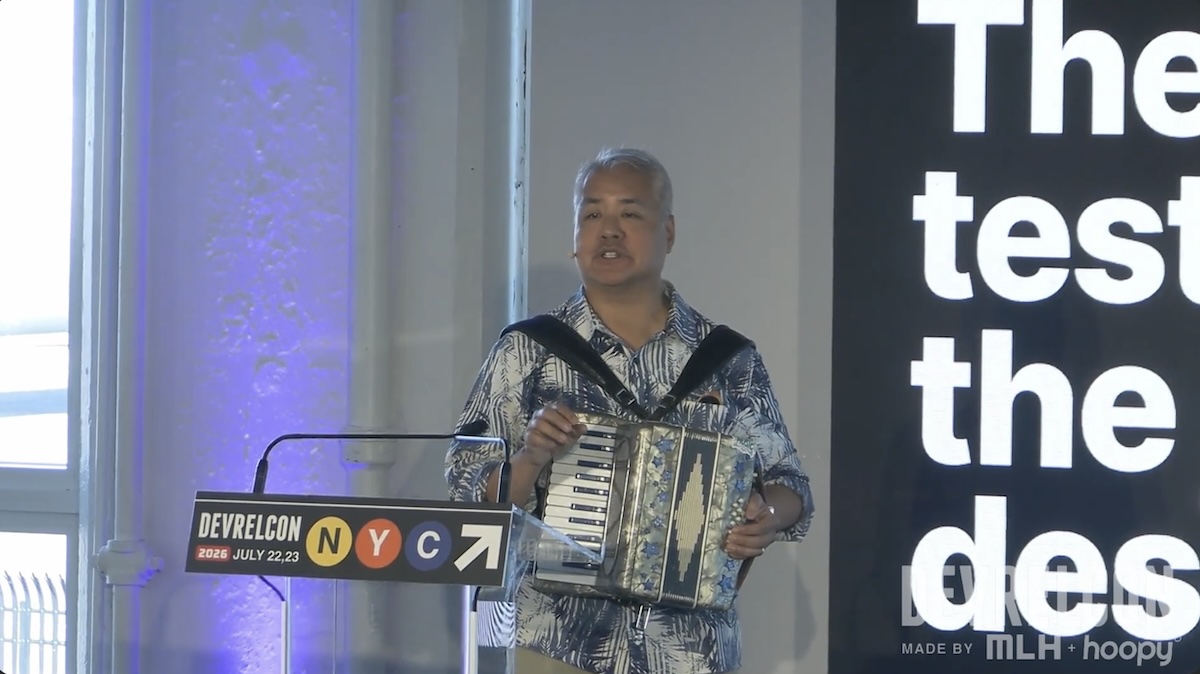
I closed by referring to Tim Falls’ talk at the start of the day, which he began with a heartbeat-like drumbeat on a hand drum as encouragement for the audience to listen with their hearts.
Then, after announcing that I would use music to help the audience overcome their fear of AI, I played Because of AI, my AI-flavored parody song based on Afroman’s Because I Got High.
My thanks to the DevRelCon organizers for a great conference and for considering my talk proposal worthy of putting onstage!