Posts tagged as:

open source

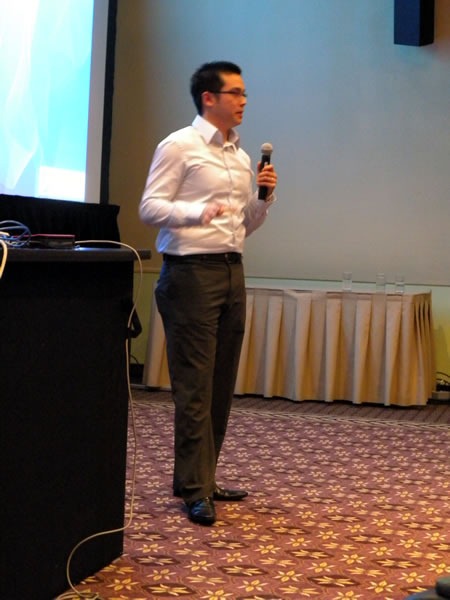
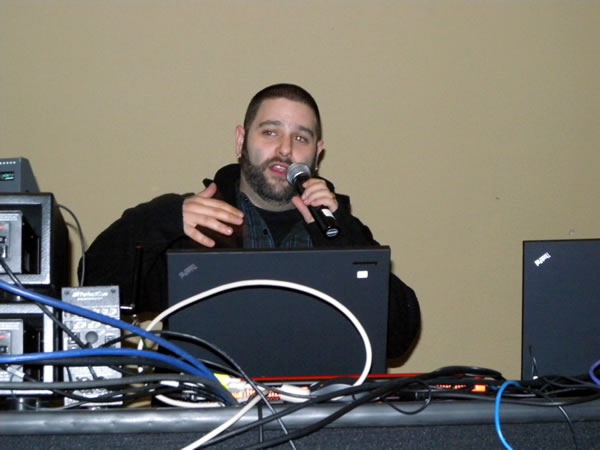
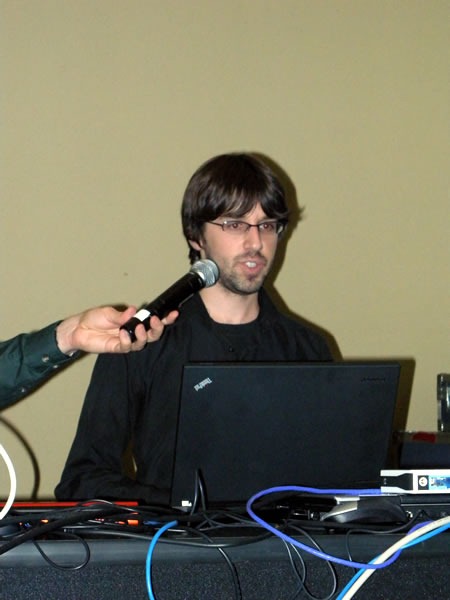
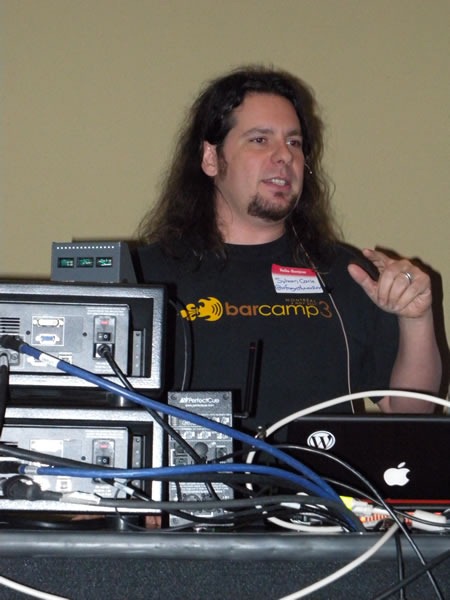
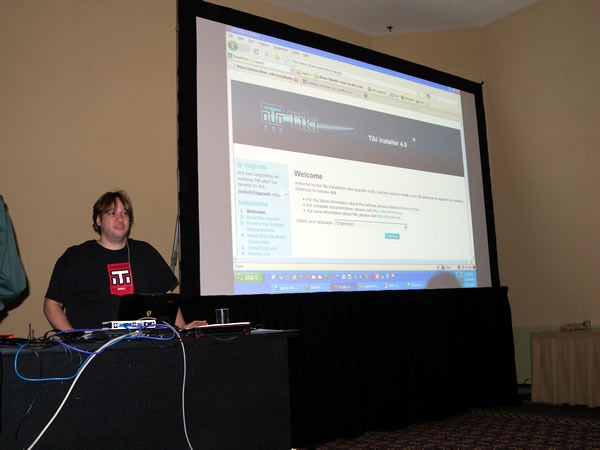
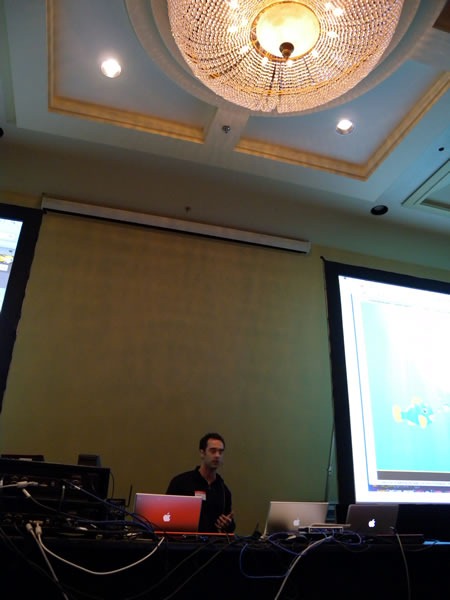
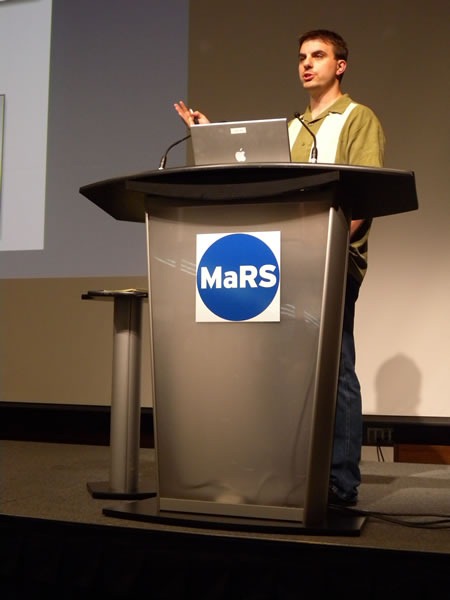
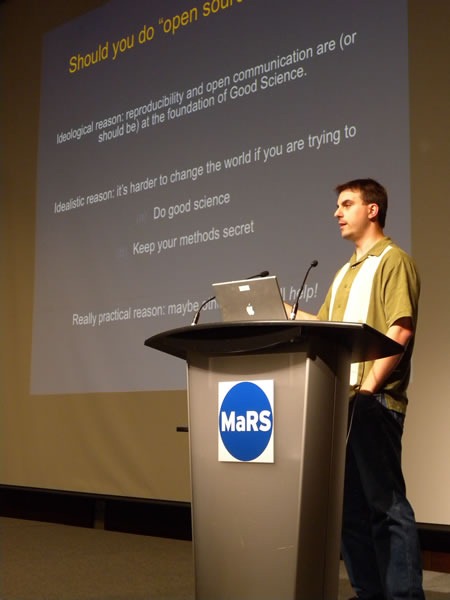
Titus Brown at the podium at MaRSC. Titus Brown delivering his presentation.

Here’s the first of my notes from the Science 2.0 conference, a conference for scientists who want to know how software and the web is changing the way they work. It was held on the afternoon of Wednesday, July 29th at the MaRS Centre in downtown Toronto and attended by 102 people. It was a little different from most of the conferences I attend, where the primary focus is on writing software for its own sake; this one was about writing or using software in the course of doing scientific work.

This entry contains my notes from C. Titus Brown’s presentation, Choosing Infrastructure and Testing Tools for Scientific Software Projects. Here’s the abstract:

The explosion of free and open source development and testing tools offers a wide choice of tools and approaches to scientific programmers.  The increasing diversity of free and fully hosted development sites (providing version control, wiki, issue tracking, etc.) means that most scientific projects no longer need to self-host. I will explore how three different projects (VTK/ITK; Avida; and pygr) have chosen hosting, development, and testing approaches, and discuss the tradeoffs of those choices.  I will particularly focus on issues of reliability and reusability juxtaposed with the mission of the software.

Here’s a quick bio for Titus:

C. Titus Brown studies development biology, bioinformatics and software engineering at Michigan State University, and he has worked in the fields of digital evolution and physical meteorology. A cross-cutting theme of much of his work has been software development for computational science, which has led him to software testing and agile software development practices. He is also a member of Python Software Foundation and the author of several widely-used Python testing toolkits.

  • Should you do open source science?
    • Ideological reason: Reproducibility and open communication are supposed to be at the heart of good science
    • Idealistic reason: It’s harder to change the world when you’re trying to do good science and keep your methods secret
    • Pragmatic reason: Maybe having more eyes on your project will help!
  • When releasing the code for your scientific project to the public, don’t worry about which open source licence to use – the important thing is to release it!
  • If you’re providing a contact address for your code, provide a mailing list address rather than your own
    • It makes it look less “Mickey Mouse” – you don’t seem like one person, but a group
    • It makes it easy to hand off the project
    • Mailing lists are indexed by search engines, making your project more findable
  • Take advantage of free open source project hosting


  • Distributed version control
    • “You all use version control, right?” (Lots of hands)
    • For me, distributed version control was awesome and life-changing
    • It decouples the developer from the master repository
    • It’s great when you’re working away from an internet connection, such as if you decide to do some coding on airplanes
    • The distributed nature is a mixed mixed blessing
      • One downside is "code bombs", which are effective forks of the project, created when people don’t check in changes often enough
      • Code bombs lead to complicated merges
      • Personal observation: the more junior the developer, the more they feel that their code isn’t “worthy” and they hoard changes until it’s just right. They end up checking in something that’s very hard to merge
    • Distributed version control frees you from permission decisions – you can simply say to people who check out your code "Do what you want. If I like it, I’ll merge it."


  • Open source vs. open development
    • Do you want to simply just release the source code, or do you want participation?
      • I think participation is the better of the two
    • Participation comes at a cost, in both support time and attitude
      • There’s always that feeling of loss of control when you make your code open to use and modification by other people
      • Some professors hate it when someone takes their code and does "something wrong" with it
      • You’ll have to answer “annoying questions” about your design decisions
      • Frank ("insulting") discussion of bugs
      • Dealing with code contributions is time-consuming – it takes  time to review them
    • Participation is one of the hallmarks of a good open source project

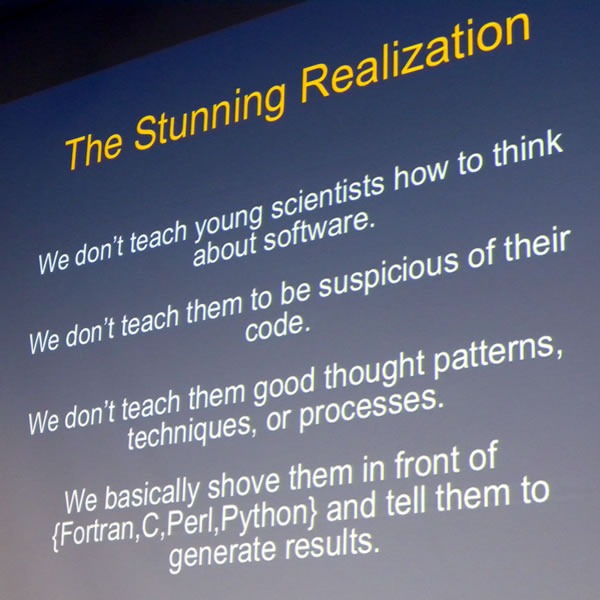
 Slide: "The Stunning Realization"

  • Anecdote
  • I used to work on the “Project Earthshine” climatology project
    • The idea behind the project was to determine how much of the sunlight hitting the Earth was being reflected away
    • You can measure this be observing the crescent moon: the bright part is lit directly by the sun; the dark part is also lit – by sunlight reflected from the Earth
    • You can measure the Greenhouse Effect this way
    • It’s cheaper than measuring sunlight reflected by the Earth directly via satellite
  • I did this work at Big Bear Lake in Califronia, where they hung telescopes to measure this effect at solar observatories
  • I went through the the source code of the application they were using, trying to figure out what grad student who worked on it before me did
  • It turned out that to get “smooth numbers” in the data, his code applied a correction several times
  • His attitude was that there’s no such thing as too many corrections
  • "He probably went on to do climate modelling, and we know how that’s going"
  • How do we know that our code works?
    • We generally have no idea that our code works, all we do is gain hints
    • And what does "works" mean anyway, in the context of research programming? Does it means that it gives results that your PI expects?
  • Two effects of that Project Earthshine experience:
  • Nowadays, if I see agreement between 2 sources of data, I think at least one of them must be wrong, if not both
  • I also came to a stunning realization that:
    • We don’t teach young scientists how to think about software
    • We don’t teach them to be suspicious of their code
    • We don’t teach them good thought patterns, techniques or processes
    • (Actually, CS folks don’t teach this to their students either)
  • Fear is not a sufficient motivator: there are many documented cases where things have gone wrong because of bad code, and they will continue to do so. Famous cases include:
  • If you’re throwing out experimental data because of ifs lack of agreement with your software model, that’s not a technical problem, that’s a social problem!


  • Automated testing
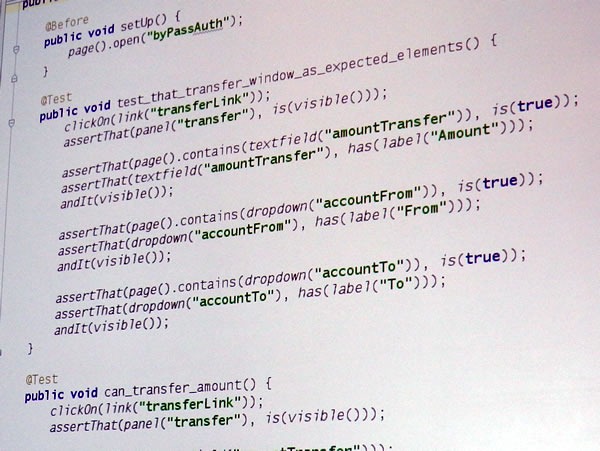
    • The basic idea behind automated testing is to write test code that runs your main code and verifies that the behaviour is expected
    • Example – regression test
      • Run program with a given set of parameters and record the output
      • At some later time, run the same program with the same parameters and record the output
      • Did the output change in the second run, and if so, do you know why?
      • This is different thing from "is my program correct"
      • If results change unintentionally, you should ask why
    • Example – functional test
      • Read in known data
      • Check that the known data matches your expectations
      • Does you data loading routine work?
      • It works best if you also test with "tricky" data
    • Example – assertions
      • Put "assert parameter >=0" in your code
      • Run it
      • Do I ever pass garbage into this function?
      • You’ll be surprised that things that "should never happen", do happen
      • Follow the classic Cold War motto: “Trust, but verify”
    • Other kinds of automated testing (acceptance testing, GUI testing), but they don’t usually apply to scientists
    • In most cases, you don’t need to use specialized testing tools
    • One exception is a code coverage tool
      • Answers the question “What lines of code are executed?”
      • Helps you discover dead code branches
      • Guide test writing to untested portions of code
    • Continuous integration
      • Have several "build clients" building your software, running tests and reporting back
      • Does my code build and run on Windows?
      • Does my code run under Python 2.4? Debian 3.0? MySQL 4?
      • Answers the question: “Is there a chance in hell that anyone else can use my code?”
    • Automated testing locks down "boring" code (that is, code you understand)
      • Lets you focus on "interesting" code – tricky code or code you don’t understand
      • Freedom to refactor, tinker, modify, for you and others

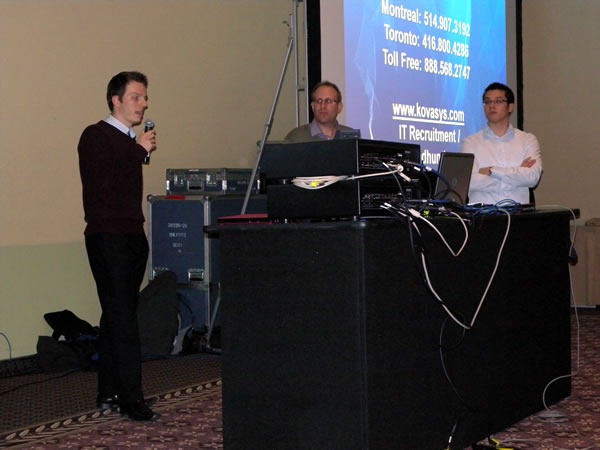
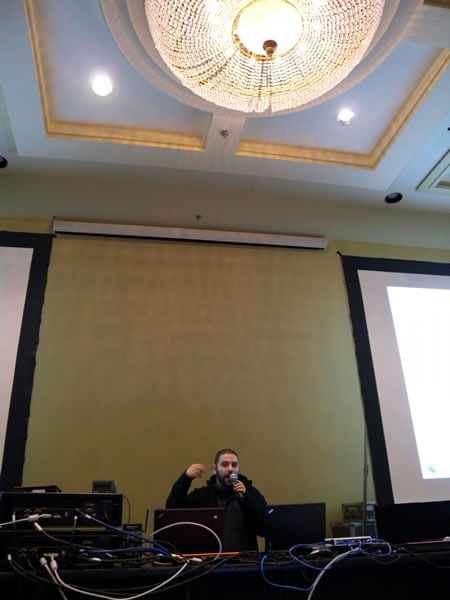
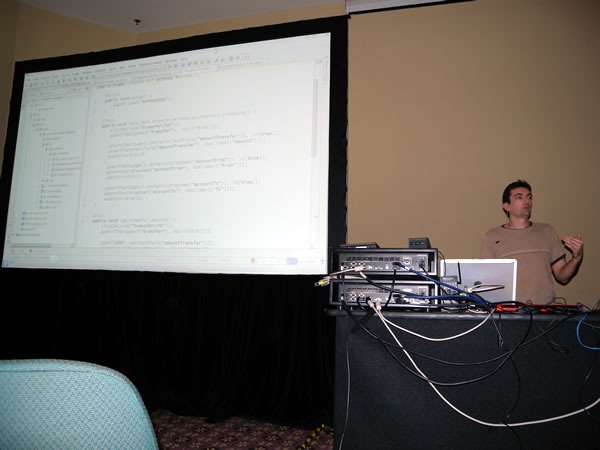
C. Titus Brown delivering his presentation at MaRS 

  • If you want to suck people into your open source project:
    • Choose your technology appropriately
    • Write correct software
    • Automated testing can help
  • Closed source science is not science
    • If you can’t see the code, it’s not falsifiable, and if it’s not falsifiable, it’s not science!

{ 3 comments }

oscon_language_roundtable

O’Reilly’s conference on Open Source, OSCON, takes place this week in San Jose, California. One of the events taking place at OSCON is the Open Source Language Roundtable, the abstract for which appears below:

We all have our favorite languages in our tool-belt, but is there a ‘best’ overall language? If anyone can hash that out, it will be the members of this roundtable discussion, some of the stars of the open source language space. This wide-ranging session, hosted and moderated by the O’Reilly Media editorial staff, and broadcast live on the web, will try to identify the best and worst features of each language, and which are best for various types of application development.

The roundtable will me moderated by O’Reilly Media’s James Turner and will cover the following languages, listed below with the corresponding panelist:

  • Java: Rod Johnson (SpringSource)
  • Perl: Jim Brandt (Perl Foundation)
  • PHP: Laura Thomason (Mozilla)
  • Python: Alex Martelli (Google)
  • Ruby: Brian Ford (Engine Yard)

You can catch this roundtable even if you’re not going to be at OSCON because O’Reilly is webcasting the event. It takes place this Wednesday, July 22nd at 10pm EDT (7 pm Pacific) and is expected to run 90 minutes. It costs nothing to catch the webcast and you’ll even be able to ask the panelists questions via chat, but you’ll need to register.

{ 0 comments }

“Make Web Not War” in Toronto This Wednesday!

by Joey deVilla on June 8, 2009

Make Web Not War: Toronto - Wednesday, June 10th

About Make Web Not War

If you’re interested in web design and development, you should attend Wednesday’s Make Web Not War conference. It’s being presented by Microsoft Canada and is about the how open source tools like PHP and Microsoft technologies like IIS and SQL Server 2008 can be used together to make great web sites and applications. No matter how much (or how little) Microsoft technology you use in your web development, there’s a lot to see at Make Web Not War!

Who’s Speaking?

We’ve got a number of speakers, each talking about some different aspect of the interoperability between Microsoft and open source technologies, as well as their experiences and lessons learned working in the web industry:

David Crow

David Crow, Microsoft

David Crow is an emerging technology and start-up advocate. At Microsoft Canada, he is responsible for helping Canadian start-ups through programs like BizSpark (details at microsoft.com/bizspark). David helps companies understand emerging technology and design practices for creating compelling digital experiences. David focuses on helping companies to extend their customers’ reach with next generation technology for the desktop, digital devices, standards based applications for the Web, and rich media applications. He has been named Toronto’s Best Web and Tech Evangelist for his efforts in DemoCamp, BarCampToronto, Founders & Funders and StartupEmpire.

Mano Kulasingam

Mano Kulasingam, Digiflare

Mano Kulasingam is a founding partner and principal interactive designer /developer with Digiflare, focusing on presentation layer technologies like Microsoft Silverlight, Windows Presentation Foundation and SharePoint 2007. He also has several years of experience developing B2B and B2C eCommerce and Content Management Web applications using ASP.NET (2.0 and 3.5) and Visual C#. His design skills include working with the latest professional design tools including Microsoft Expression Studio 2, which has earned him a Microsoft Expression MVP nod. He is a co-founder and host of the Toronto Silverlight User Group.

Brendan Sera-Shriar

Brendan Sera-Shriar, PHUG.ca

Brendan is a prominent member of FlashinTO, PHUG – Open Source Culture, has taught web design at Long Island University Brooklyn campus, and has been a professor at Seneca College in the School of Communication Arts for over 7 years. Brendan currently owns and operates BackSpaceStudios, a web company specializing in WordPress development, social media applications. He is also the founder of PHUG, an open source community for designers and developers with currently over 4000 members, faculty at Seneca College, and organizer for WordCamp Toronto 2009. Brendan has contributed to many open source projects including papervision3D, red5, Firefox, WordPress, and Drupal, just to name a few.

Stephen Nichols

Stephen Nichols, Softcom

Under the brand myhosting.com we offer Shared and Virtual Web Hosting as well as Exchange 2007 and WSS hosting to customers around the world.

Stephen is Vice President of Sales at Softcom, a Gold certified Microsoft Partner based in Toronto and specializing in transactional hosting with a focus on the SMB market. His key role is to oversee the customer life cycle experience and drive new sales opportunities through the direct, affiliate and partner channels.

Yann Larivee

Yann Larivee, PHP Quebec

Yann Larrivée has been developing web applications for over 7 years and is currently offering PHP consulting services. In the past he has worked in many position from, project manager for a Linux consulting company to web architect for a well know company in the gaming industry. He also founded the PHP Quebec community in 2003 and organizes an international PHP conferences and an IT JobFair.

Get Windows Server 2008 R2 for Free!

Windows Server 2008 R2 logo

Windows Server 2008 R2 is a great server operating system, and this is your chance to take it out for a spin! Bring a machine to the Make Web Not War Installfest – it could be a server, desktop or even a laptop – and we’ll walk you through the process of installing your own free copy (which is good for a year). Space is limited – we’ve only got room for 100 people, so sign up soon!

See the Utltimate FTW! Throwdown

The Ultimate FTW! Throwdown was a challenge pitting student developers against professionals to develop a new PHP-on-Windows app or port an existing PHP-on-LAMP app to run on Windows Server with IIS. There were even bonus points for apps that made use of SQL Server as their database!

We took in a bunch of submissions, and the judges have narrowed it down to two finalists, one student, one professional:

Dac Chartrand In the professional corner is Dac Chartrand, whose submission is Sux0r, a content-management system incorporating blogging, RSS aggregation, bookmark repository and photo publishing, all with a focus on naive Bayesian categorization and probabilistic content. The extra Bayesian/probabilistic goodies allow Sux0r to auto-categorize its content and users to train it to categorize better.

Casron Lam His student opponent, Carson Lam, submitted Transit DB, which aims to transform the way commuters interact with public transit information system. The application is Carson’s answer to the question “How can we provide a modern, clean and user-friendly interface for transit data in cities?” The current version covers public transit for the Metro Vancouver region.

Dac and Carson will be competing for bragging rights and cold hard cash – may the best project win!

(For more details about the Ultimate FTW! Throwdown, see its page on PHPonWindows.ca.)

Interact

Telav audience device

We don’t want to do all the talking at Make Web Not War, we also want to hear from you!

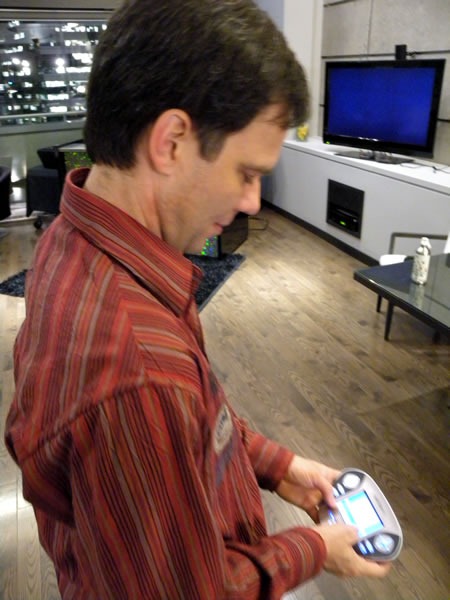
That’s why, when you arrive at the event, one of the first things we’ll do is hand you an AVW-TELAV audience response doohickey. It’s a microphone for the Q&A sessions at the end of each presentation, but it’s also an instant audience polling device for quick surveys that we’ll have throughout the day.

Chill Out

All work and no play makes you a dull and burned-out web designer or developer, which is why we’ve also got a lounge where you can just hang out, meet the speakers, ask me questions about Microsoft’s web tools and tech and play XBox games.

Win prizes

We’ve got all sorts of prizes that you can win throughout the day, from software to books to trainign courses to Zune media players to XBox games to a brand new laptop.

Get Fed

Yup, we’re providing breakfast and lunch. You can’t conference on an empty stomach!

Okay, How Much to Attend?

Around this much:

Canadian $10 bill

Instead of charging a standard admission, we’re charging a “Donate what you can” rate, with all proceeds going to PREVNet.ca, an anti-bullying group. The suggested donation is a mere $10.

When and Where?

Once again, Make Web Not War takes place this Wednesday, June 10th and runs from 8:30 a.m. to 5:00 p.m..  It’s happening in Toronto at Ryerson University’s Ted Rogers School of Management (55 Dundas Street West – that’s Dundas between Bay and Yonge, right by the Best Buy and Canadian Tire). There’s parking aplenty in the area, and it’s right by Dundas Station on the Yonge/University/Spadina subway line.

Map picture


How Do I Register?

Visit the Make Web Not War registration page and fill out your details, and we’ll see you there on Wednesday!

{ 3 comments }

The “Make Web Not War” Accordion Video

by Joey deVilla on June 3, 2009

This article also appears in Canadian Developer Connection.

The Make Web Not War event in Toronto takes place in exactly one week! We’ve been spreading the word about the event and I thought I’d do my part by helping out with a video, accordion-style:


MAKE WEB NOT WAR – VIDEO FOUR – TORONTO from The Biz Media on Vimeo.

There’s only one mistake in the video – “accordion” is misspelled. If you’d like the follow me on Twitter, the correct ID is AccordionGuy, not AccordianGuy.

For more details about Make Web Not War, see:

{ 1 comment }

“Make Web Not War” in Vancouver and Toronto

by Joey deVilla on June 2, 2009

"Make Web Not War" - Vancouver, June 2nd / Toronto, June 10th - Microsoft and open source technology, together on the web

The “sea change” that’s been going on at Microsoft for the past little while is one of the things that convinced me to join the company and one of the factors in their even asking me to come in for a job interview. One of the most telling signs of this sea change is in Microsoft’s new approach to open source and web, with initiatives like the Open Source Lab, improved standards support in IE8, PHP on Windows, the Web Platform Installer and Open Source Initiative-approved MS-PL license, to name a few.

We know that the web is a big salad bar of various technologies put together by different vendors and organizations, and at long last, it seems that we’re cool with that. We’ve been reaching out to web developers of all stripes, from Microsoft “true believers” to people who don’t typically build their stuff with or on our stuff.

Make Web Not War is an event being held in Vancouver on June 2nd and Toronto on June 10th where we invite people building solutions on the web – whether you build on Microsoft tech or not – to get together and:

  • Hear from people who build on open source and Microsoft technologies
  • Network with other web developers living and working in your area
  • Learn about the latest Microsoft technologies and how they work with open source
  • Get technical training to build your web development portfolio
  • Win prizes and get your Web Warrior DVD featuring all the latest Microsoft Web Resources

The Vancouver event takes place today, June 2nd at Microsoft’s Vancouver office (1111 W. Georgia, 11th floor). It’s a half-day event featuring a presentation by Morten Rand-Hendriksen from Pink and Yellow Media as well as breakfast, a web partner community showcase and a lunch social.

The Toronto event takes place on Wednesday, June 10th at the Ted Rogers School of Management (use the entrance at 55 Dundas Street W.) and runs from 8:30 a.m. to 5:00 p.m.. It’s a full-day event with presentations by:

The Toronto event will feature breakfast, keynote, web partner community showcase, another keynote, lunch, breakout sessions, a Windows Server 2008 InstallFest, a web developer technical session and the FTW! competition final showdown. It’s be a very full day.

The registration fee for both the Vancouver and Toronto events is “donate what you want”, with a suggested donation of CAD$10. The money will go to a good cause: PREVnet.ca, the anti-bullying network.

Whether you’re a died-in-the-wool ASP.NET type, think in PHP or create new web applications by typing in rails mynewapp at the command prompt, Make Web Not War has something for you. For more details about Make Web Not War, check out the official site.

{ 2 comments }

PHP on Windows: The Undiscovered Country

May 12, 2009

This article also appears in Canadian Developer Connection.

I’m doing a lot of running around today. First, I’m off to the University of Waterloo to talk to students about PHP on Windows and the PHP FTW! contest. Then, it’s back to Toronto, where I’m headed downtown to catch up with Garrett Serack from Microsoft’s Open Source [...]

Read the full article →

Got Time Tuesday After Work?

May 11, 2009

If…

you’re a PHP developer or curious about what Microsoft is doing in the world of open source
you’re in the downtown Toronto area tomorrow (Tuesday, May 12th) after work
you like free food and drink

…then drop me a line. I’m helping out at an event that you might be interested in.

Read the full article →

My Afternoon at MeshU

April 11, 2009

This article also appears in Canadian Developer Connection.
I caught the afternoon sessions of MeshU, the day of workshops that precedes the Mesh Conference. MeshU had three tracks – Design, Development and Management – and I chose to attend the sessions in the Development track.

Leigh Honeywell on Writing Secure Software
First up was HackLabTO cofounder Leigh Honeywell, [...]

Read the full article →

Microsoft’s Open Source License (MS-PL): Short, Sweet and Simple

April 3, 2009

Microsoft’s new web development framework, ASP.NET MVC, which developers working with Rails, Django and other MVC web frameworks will find familiar, was recently released as an open source project under the Microsoft Public License (MS-PL). As you might expect, the mere mention of Microsoft doing something open source has gotten some tongues a-wagging, especially in [...]

Read the full article →

Richard M. Stallman: Copyright vs. Community in the Age of Computer Networks

July 6, 2007

I attended last night’s presentation at the Mississauga Campus of the University of Toronto featuring Mr. Free Software himself, Richard M. Stallman. The presentation was titled Copyright vs. Community in the Age of Computer Networks.
Here’s a brief abstract of the presentation, courtesy of Greg Wilson’s blog:

Copyright developed in the age of the printing press, and [...]

Read the full article →