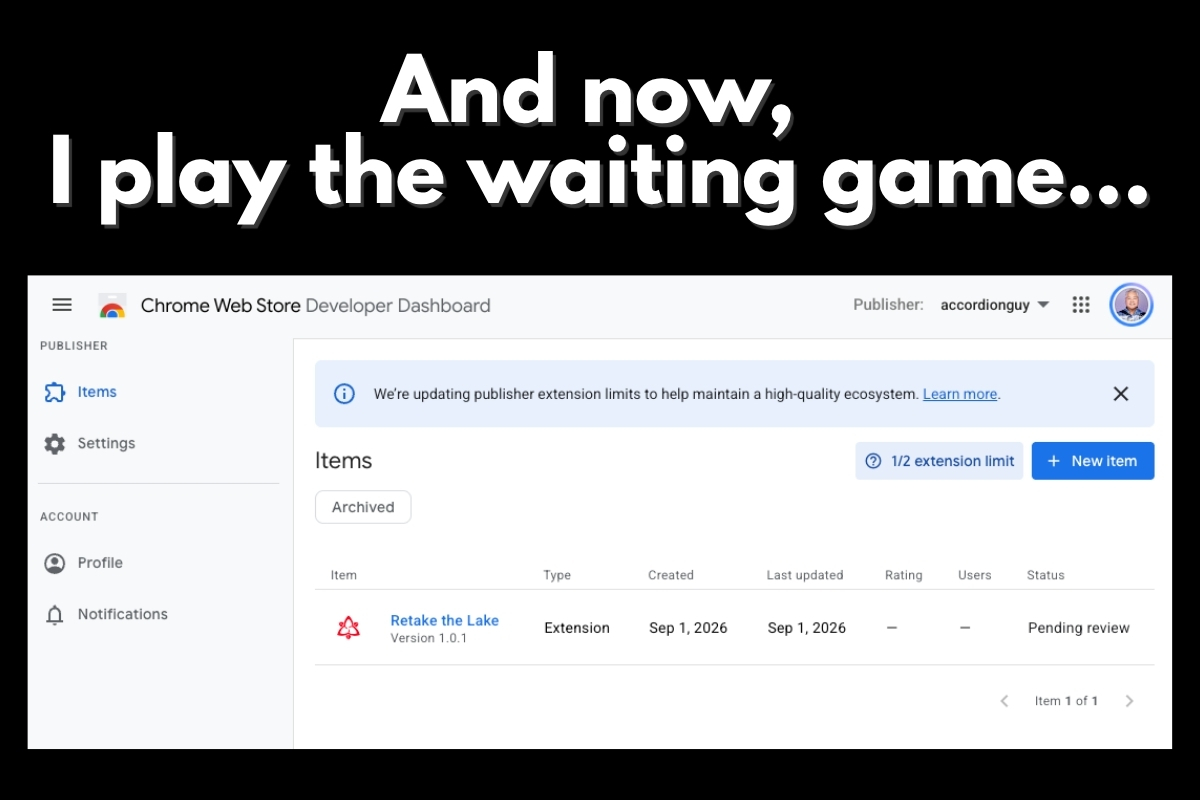
I’ve just submitted my Chrome extension, Retake the Lake, to the Chrome Web Store for approval. If approved, it will become really easy to add it to Chrome on your desktop.
In yesterday’s post on Retake the Lake, I described the extension, which does these two important things:
- On regular web pages, it rewrites “Lake America” back to the proper, correct, and non-idiotic “Lake Ontario.”
- On Google Maps, it floats a clickable badge over the lake with a short explanation of where the real name comes from.
You can install Retake the Lake right now, but the process is a little more involved. If approved for the Chrome Web Store, installing it will take a click or two at most.
Why might Retake the Lake not get approved?
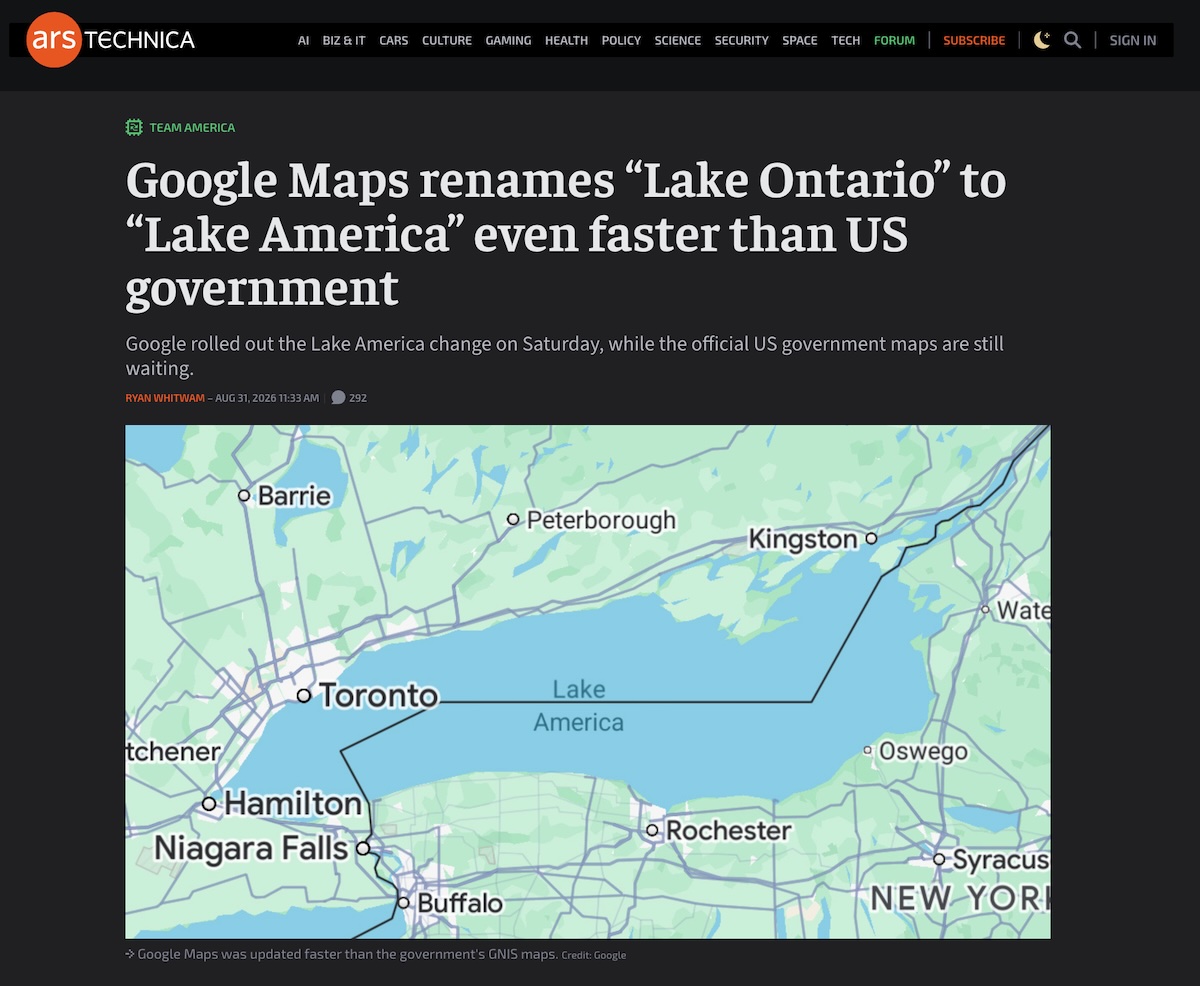
Google, who make Chrome, also make Google Maps, which is currently taking criticism for displaying Lake Ontario by the incorrect name. They make take a dim view of an extension that exists to correct their mistake.
Also, there’s this:

Get Retake the Lake!

Do you want to try out Retake the Lake? Follow these steps:
- Download this .zip file, retake-the-lake-v1.0.1.zip, into a folder that you’re not going to delete (such as your Documents folder).
- Unzip the file to reveal the retake-the-lake folder.
- Open a new tab in Chrome and go to chrome://extensions.
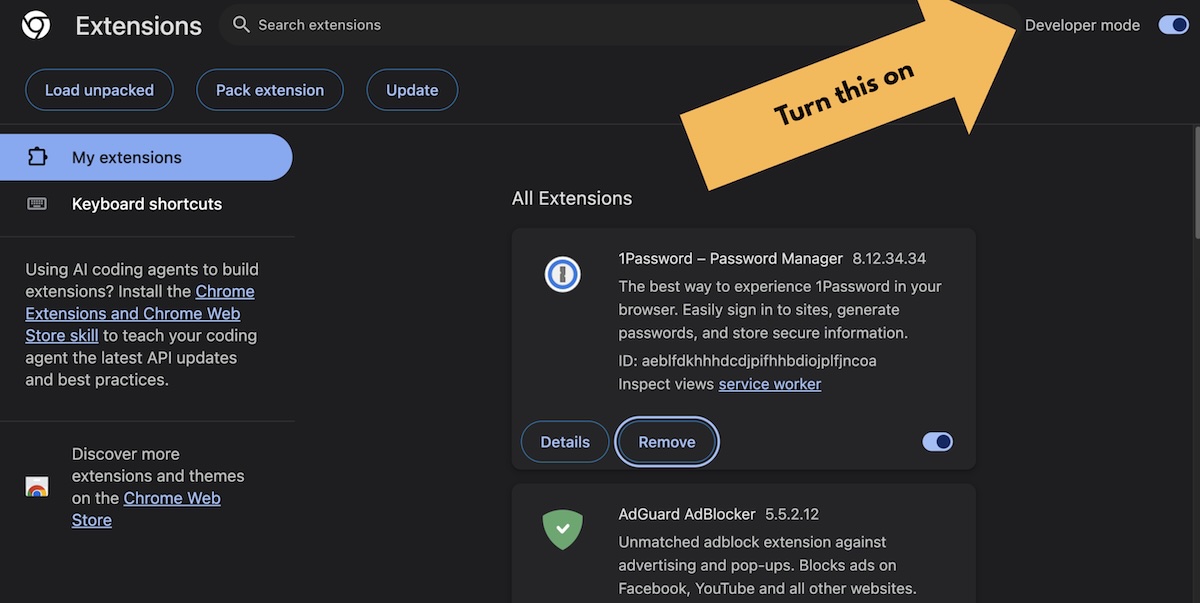
- Turn on Developer mode by setting the Developer mode switch near the upper right corner of the screen to the “on” position.
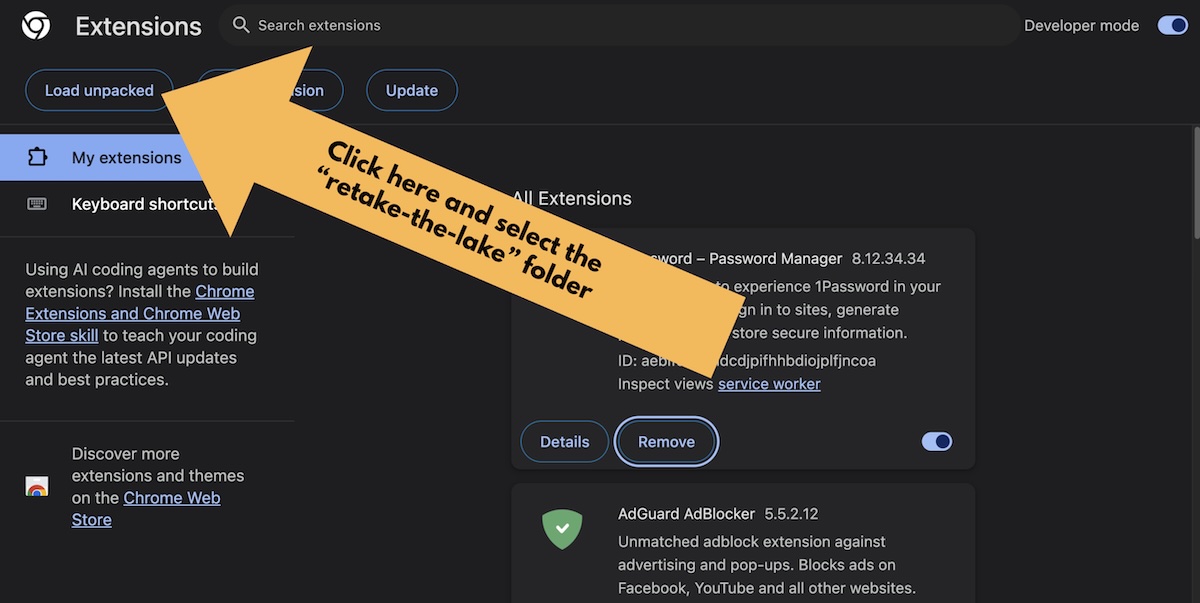
- Click the Load unpacked button near the upper left corner of the screen and select the retake-the-lake folder.
- Use it!