Categories
Security

The best way to secure a public API might be to make it unreachable
It’s a completely counterintuitive concept, but that’s the thesis of API Gateway Security: A Zero Trust Approach, an article we just refreshed on the NetFoundry blog.

Read the article here: https://netfoundry.io/devops/api-gateway-security/

It’s written by Tod Burtchell, Associate Director Service Planning & Development in Management & Operations Platform (long title, dude!), whom I had the pleasure of meeting at a planning meeting last week.

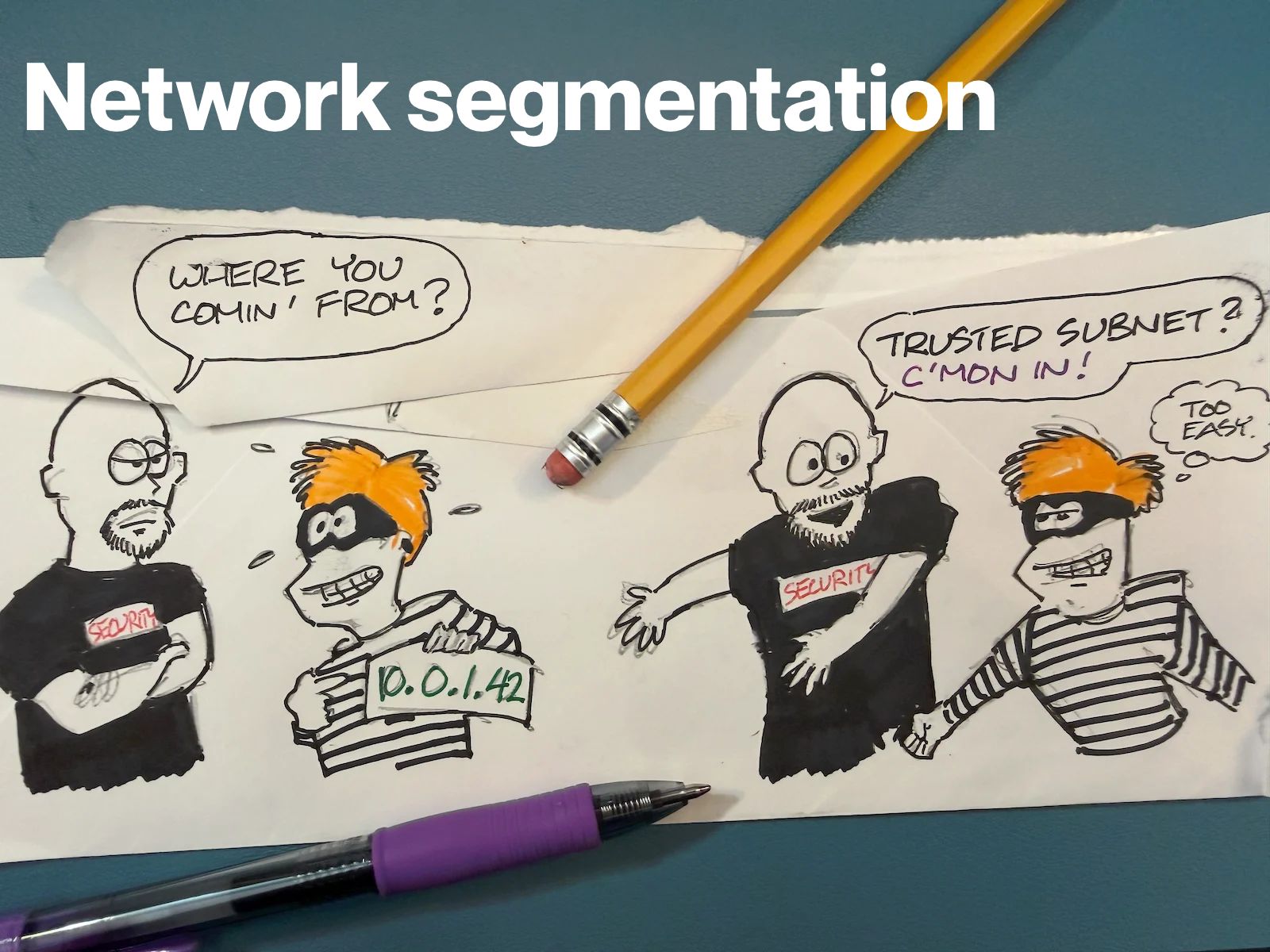
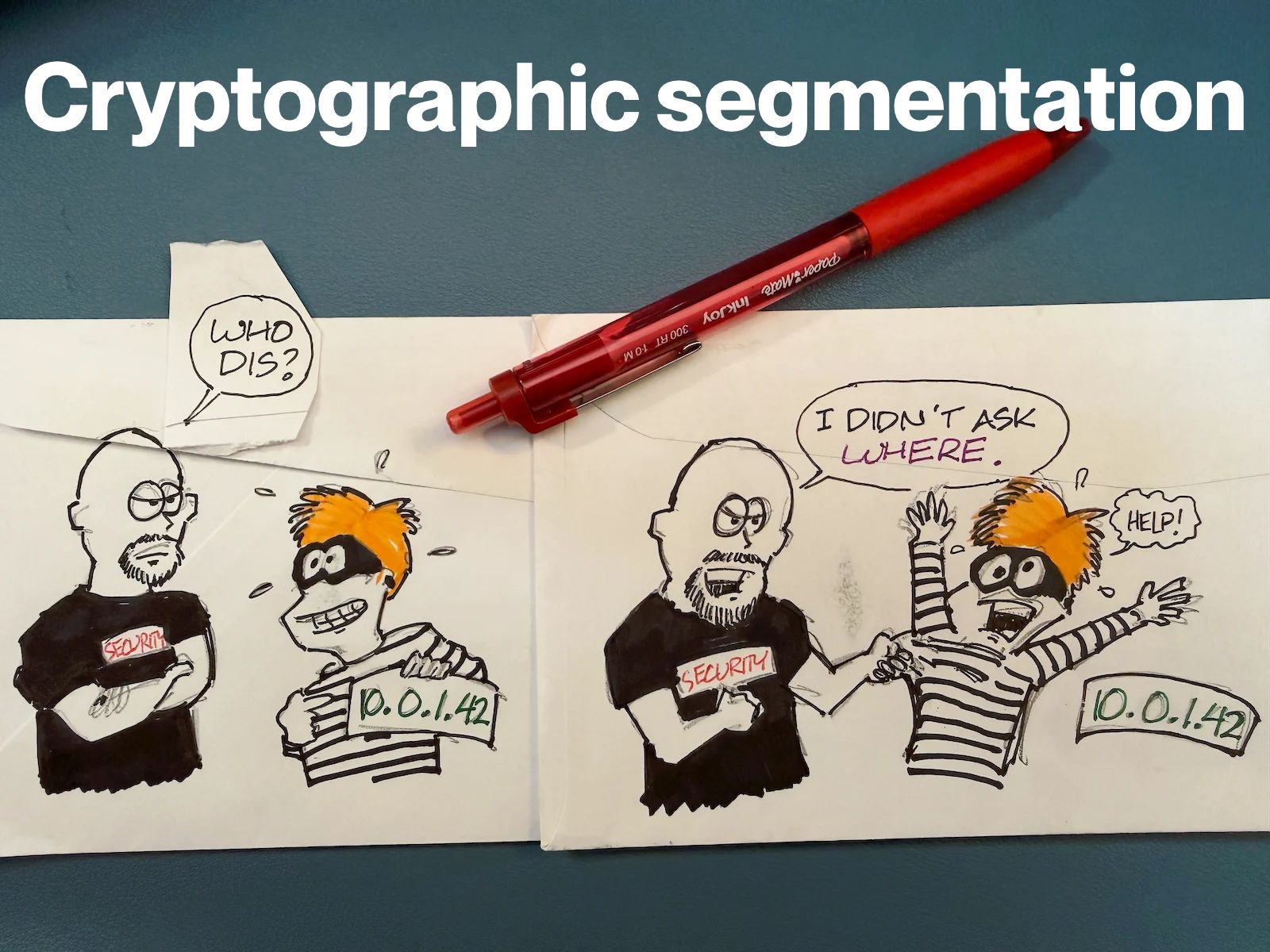
Most API security spend goes into inspecting inbound traffic (WAFs, rate limiting, an API gateway parked out front), and all of it inspects traffic that has already arrived at your infrastructure. The exploit is already inside the door even before the door can do anything.

The general gist of the article leans on NetFoundry CEO Galeal Zino’s earlier article, Squaring the Circle: How to Make Public APIs Private, where he describes APIs as “snowflakes”. They’re snowflakes in the sense that they’re always changing, and each change quietly opens a new attack vector that signature-based defenses haven’t seen yet.

The tl;dr: Hardening the front door is one thing, but why not remove it instead? Picture and API with outbound-only connections, no listening ports, and identity-and-auth before anything connects. As a result, the API stays usable for the people who should reach it and is simply invisible to everyone else. OpenZiti is the open-source plumbing underneath if you want to see how it actually works.

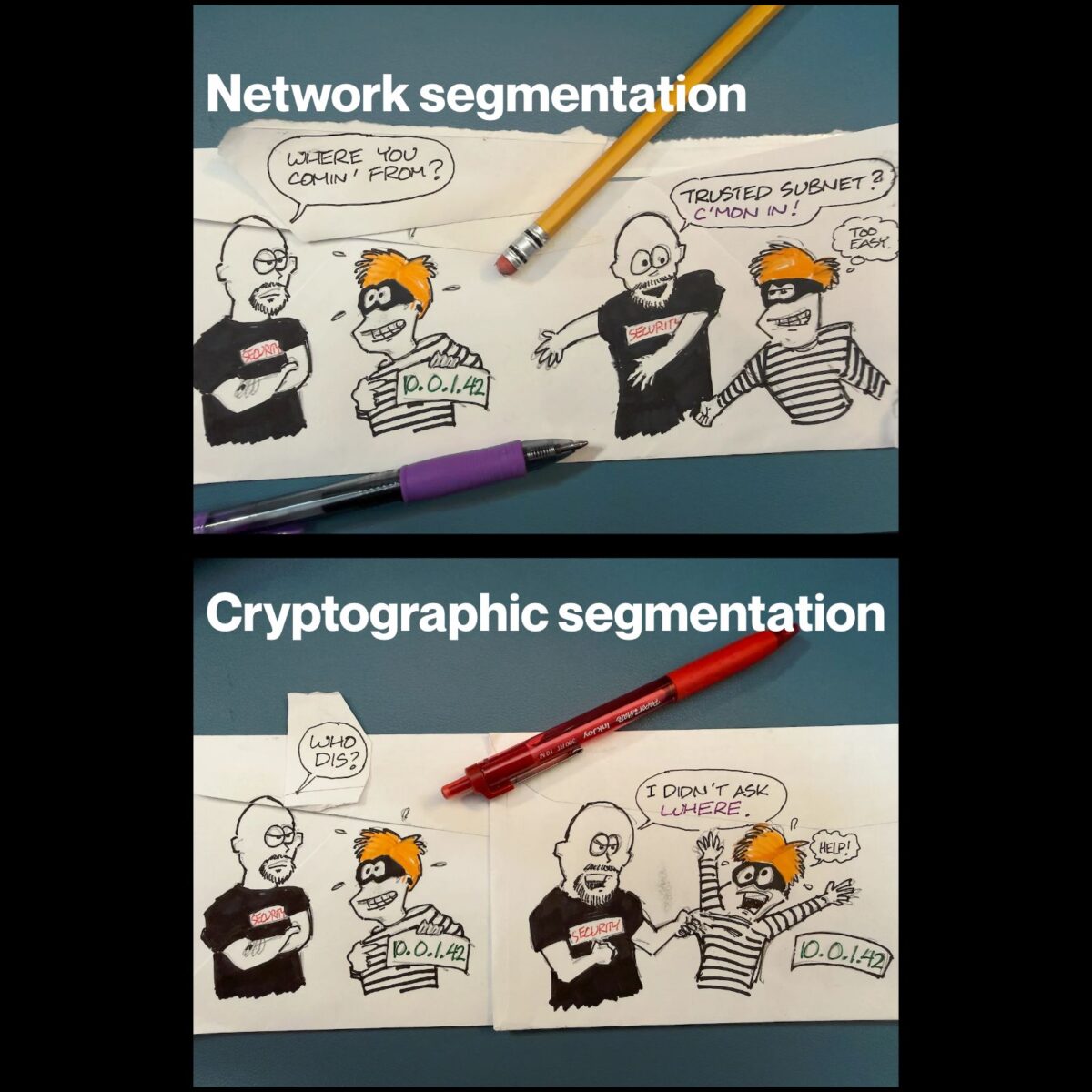
I thought I’d make another “back of the envelope” diagram showing the difference between the usual way of building APIs, and the OpenZiti-powered outbound-only approach.

Once again, here’s the article: https://netfoundry.io/devops/api-gateway-security/

[ This article also appears in r/NetFoundry. ]

Categories
Humor Tools

You “Odyssey” this modern version of The Odyssey!

This made-for-the-modern office version of The Odyssey will make you both and laugh and weep, especially if you’ve suffered through a long Zoom/Teams call today.

Categories
Artificial Intelligence Security

Two doors an attacker loves, and one they can’t find

I drew the illustration above on the back of an actual envelope (one of my new “things” these days). It’s either the most or the least appropriate medium for a diagram about attack surface. Your call.

It’s here because my colleague Mark JaffeNetFoundry’s Chief Strategy and Marketing Officer — just published an article called MCP Is Spreading Through Your Enterprise at Developer Speed. Your Security Architecture Isn’t, and it makes a point that I think is worth more than a link-and-a-shrug. So I illustrated one of its key ideas the old-school engineer way, because you’ve probably seen enough AI-generated images and need to look at something a little more human.

Read the article: https://netfoundry.io/ai/mcp-is-spreading-through-your-enterprise-at-developer-speed-your-security-architecture-isnt/

You’re probably seeing this happening around you: teams are wiring AI agents up to their CRMs, databases, and internal APIs through Model Context Protocol servers, because MCP makes it easy. What almost nobody is asking, and what security teams usually can’t even see, is whether the way they’re connecting those servers is quietly creating a new attack vector. In most of the deployments NetFoundry runs into, it does.

The cartoon is Mark’s “before and after,” in three panels. The first two are how nearly everyone connects an MCP server today. The third is what he argues you should be doing instead.

1: Public MCP (a.k.a. “door open to anyone”)

You publish the MCP server on a public hostname, stick a load balancer in front of it, and rely on an API key or an OAuth token to authenticate the agent.

If that gives you déjà vu, it should. This is the exact pattern we all used for REST APIs back around 2012, and it carries the exact same flaw. The server is reachable by anyone on the internet who can enumerate the endpoint or get their hands on a credential. It has to be reachable, because the agent needs to find it. Which means so does everybody else.

That’s the evil bot in the corner going “poke poke.” He doesn’t need to be clever. He just needs the door to exist.

2: Jump host inside (a.k.a. “one session pivots to all”)

“Fine,” you say. “We’ll keep everything internal. Run the agent on a jump host or a dedicated VM inside the network, nothing exposed to the public internet, problem solved.”

Except now you’ve traded one problem for a subtler one. That agent is the thing that’s calling an external LLM, ingesting user-supplied prompts, and taking actions across a dozen connected tools. It’s also now sitting on a trusted internal segment with network-level reach to systems far beyond what it actually needs. Compromise a single agent session and you’ve got a pivot point. One hop to the CRM, one hop to the database, one hop to the internal APIs.

That’s the middle panel: the agent with arrows fanning out to everything. One session pivots to all of them.

3: Outbound only (a.k.a. “don’t call me, I’ll call you”)

Here’s the fix, and the almost annoying thing about it is that it isn’t new. It’s the same outbound-only, identity-bound, least-privilege model that zero trust has been asking for all along. What’s new is applying it to the one connection (agent to MCP server) where none of your existing controls (firewalls, WAFs, network segmentation) actually operate.

The MCP server lives on a private subnet with no inbound connectivity. Instead of the agent reaching in to find the server, the server dials out to meet the agent through an authenticated, encrypted tunnel. There’s no public address to enumerate, no port to probe, nothing sitting there waiting to be found.

Or, as my little pencil agent puts it: don’t call me, I’ll call you.

That line did more work in one speech bubble than a paragraph of my prose could, which is a humbling thing to learn from a robot you drew yourself.

The part that isn’t about doors at all

The panels are the fun part, but the argument I’d actually push you to sit with is why this isn’t just an API-gateway problem wearing a new hat. Mark lays out three things MCP changes that break the old assumptions:

The client is autonomous. An AI agent doesn’t just call an endpoint. It decides which endpoints to call, in what order, with what parameters, based on reasoning you can’t fully predict or constrain up front. So your attack surface isn’t “the MCP server.” It’s the full action space of every tool that agent can touch, across every session it runs.

The session context carries risk. MCP servers receive the agent’s reasoning context right alongside its tool requests. If an attacker can inject content into that context (prompt injection in a document the agent reads, a poisoned result from an earlier tool call, a malicious server the agent got pointed at) they can influence the next tool call in the same session. The MCP connection is the channel that influence travels down.

The inventory is invisible. Most organizations have no systematic way to know which MCP servers their teams have already stood up, which agents are connected to them, or what those servers can reach. If “shadow API” gave you a twitch a decade ago, meet shadow MCP. It’s the same problem, but building up considerably faster.

That speed is the whole thesis, really. The API security industry got the better part of ten years to retrofit controls around a pattern it shipped before it fully understood. MCP is running the same curve compressed into months. Nobody’s getting ten years this time.

So what do you do with this?

If AI-agent security is landing on your desk right now, the uncomfortable truth in Mark’s piece is that the architecture decisions your developers are making this quarter are the ones that’ll be expensive to unwind later. A dev who wires an MCP server to your production CRM through a public hostname isn’t making a temporary choice. They’re setting the pattern every future agent deployment quietly copies.

The good news is that the fix is boring and well-understood. Outbound-only. Identity bound to the connection. Every session governed and observable. Panel 3, basically.

Go read the whole thing! It’s about an eight-minute read and it’s sharper than my envelope.

Categories
Tools

ZrokGui: Windows GUI zrok front end built with WPF

Someone in the wild built a Windows GUI for zrok, and it’s worth a look!

ZrokGui, by GitHub user muratgul, is a WPF / Material Design 3 desktop app that puts a friendly front-end on the zrok CLI. If you know someone who needs to use zrok and doesn’t feel comfortable with the command line (often the case with people who just want to share files or run an internal web site), this could come in handy.

What’s zrok?

One of the most useful tools produced by NetFoundry (where I work as their developer advocate) is zrok. If you’ve ever used ngrok to punch a temporary public URL through to something running on localhost (such as demo, a webhook receiver, a work-in-progress site, or even just a directory of files you want to make available) then you already know what zrok does.

zrok is an open-source sharing platform, and it’s quite clear that ngrok insipred it. It had the exact same “one command and your local thing is reachable from the outside world” ergonomics that made ngrok a developer staple.

Where zrok goes further is what’s underneath. It’s built on OpenZiti, an open-source zero-trust networking project that forms the basis of all of NetFoundry’s offerings.

Having an OpenZiti foundation gives zrok two things  that ngrok doesn’t give you out of the box:

  • Private sharing: instead of only exposing something to the whole internet, you can share it with specific people over a secure, zero-trust connection. The URL is private, not public.
  • You can run it yourself because it’s open source. You can run your own zrok instance on your own infrastructure, rather than being tied to someone else’s hosted service. (There’s also a free hosted zrok if you just want to get going without standing anything up. That’s what I use.)

zrok gives you ngrok’s convenience, plus private-by-default sharing and the option to own the whole stack.

I did a recent livestream on the OpenZiti YouTube channel on zrok with my co-host Clint and zrok developer Michael Quigley:

ZrokGui

Just for kicks, I cloned the source code and compiled it myself. It was no biggie; with the .NET 10 SDK already installed on my system, it was a matter of opening PowerShell, navigating to the directory containing ZrokGui.slnx and running the command dotnet build.

If you’re of the “I don’t want to compile anything; I just want a working application” school, go to ZrokGui’s Releases page, and download and unzip the .zip file for the latest release. The application is ZrokGuiWpf.exe.

ZrokGui is just a graphical interface for zrok, so you’ll need to have that on your system as well. As long as either zrok.exe or zrok2.exe are in the same directory as the ZrokGui application file (ZrokGuiWpf.exe), ZrokGui app finds zrok automatically, and then drives it for the user in the background. The GUI makes it simple to spin up public, private, file, and reserved shares, pick a backend mode (proxy, web, caddy, drive, tcpTunnel, udpTunnel, socks), and set basic auth or access grants. It presents live log output, pastes the share URL land into the clipboard the moment it’s live.

This is an early-stage project, but a real one. It’s past v1.0 with a downloadable release (v1.1.5 dropped a couple of days ago) and an active commit rhythm. I consider it beyond a weekend experiment at this point, and a nice piece of work. It’s the kind of thing that’s fun to see grow up around zrok.

Where to get ZrokGui

Once again:

Categories
Tools

Happy 20th birthday, Pandoc!

One of the bragging points of digital information is that it’s supposed to be possible to convert it from one format to another. Actually doing the conversion is often where theory runs headlong into practice and gets a concussion. Thankfully, when I need to convert text documents from one format into another, whether for myself or as part of an application, I’ve been able to hand the job to Pandoc.

When people ask me “What is Pandoc?”, I reply with a Star Trek-y summary: “It’s the Universal Translator for text document formats.” Need to take a LaTeX file and turn it into a PDF or Epub ebook? No prob. Got documents on a topic from different sources in different formats and need them all converted to HTML? Easy-peasy. Are you writing an application that takes documents in multiple formats as input and needs to extract the information from them? Have your application call Pandoc to convert those docs into a format it can read.

Want a sense of the formats that Pandoc can translate from and to? Check out the graph below, which shows but a fraction of its translation repertoire, and click on it to see the whole thing:

Like many of the best tools in my “belt,” Pandoc is open source, and it’s also been around for a while. In fact, today (August 3, 2026) is its 20th anniversary!

Developer John MacFarlane wrote it in Haskell (in fact, it’s the most popular program written in Haskell) and first published it on his website under the GPL 20 years ago. I’ve used it regularly for all kinds of projects, including an integration into documentation management system that’s still in use at a very pricey cruise ship company.

To celebrate this milestone anniversary, MacFarlane wrote up an article, Twenty Years of Pandoc, which is worth checking out. However, the best way to really celebrate this anniversary is to take Pandoc for a spin if you’ve never use it before.

Happy 20th, Pandoc, and thanks for all the help!


Categories
Programming

What’s new in the new Go?

The folks at the observability platform Victoria Metrics have put together a Go 1.27 interactive tour that shows what’s in the new version of the Go programming language!

This is of interest to me, because it’s OpenZiti’s implementation language (and OpenZiti is made by NetFoundry, where I work). Eventually, OpenZiti will be implemented in Go 1.27, and since the “Open” in OpenZiti is short for open source, you might also want to know what’s new in 1.27, the headliner being generic methods.

For each new feature/change, the tour provides handy links marked:

  • D for each new feature’s documentation,
  • P for the proposals related to the feature,
  • CL for the most relevant commits related to the feature, and
  • A for the authors of the feature.

(I must admit that including these links is an interesting and useful twist on release notes. I may have to borrow this approach.)

Once again, the Go 1.27 interactive tour is here: https://victoriametrics.com/blog/go-1-27/index.html

Categories
Picdump

Saturday picdump for Saturday, August 1

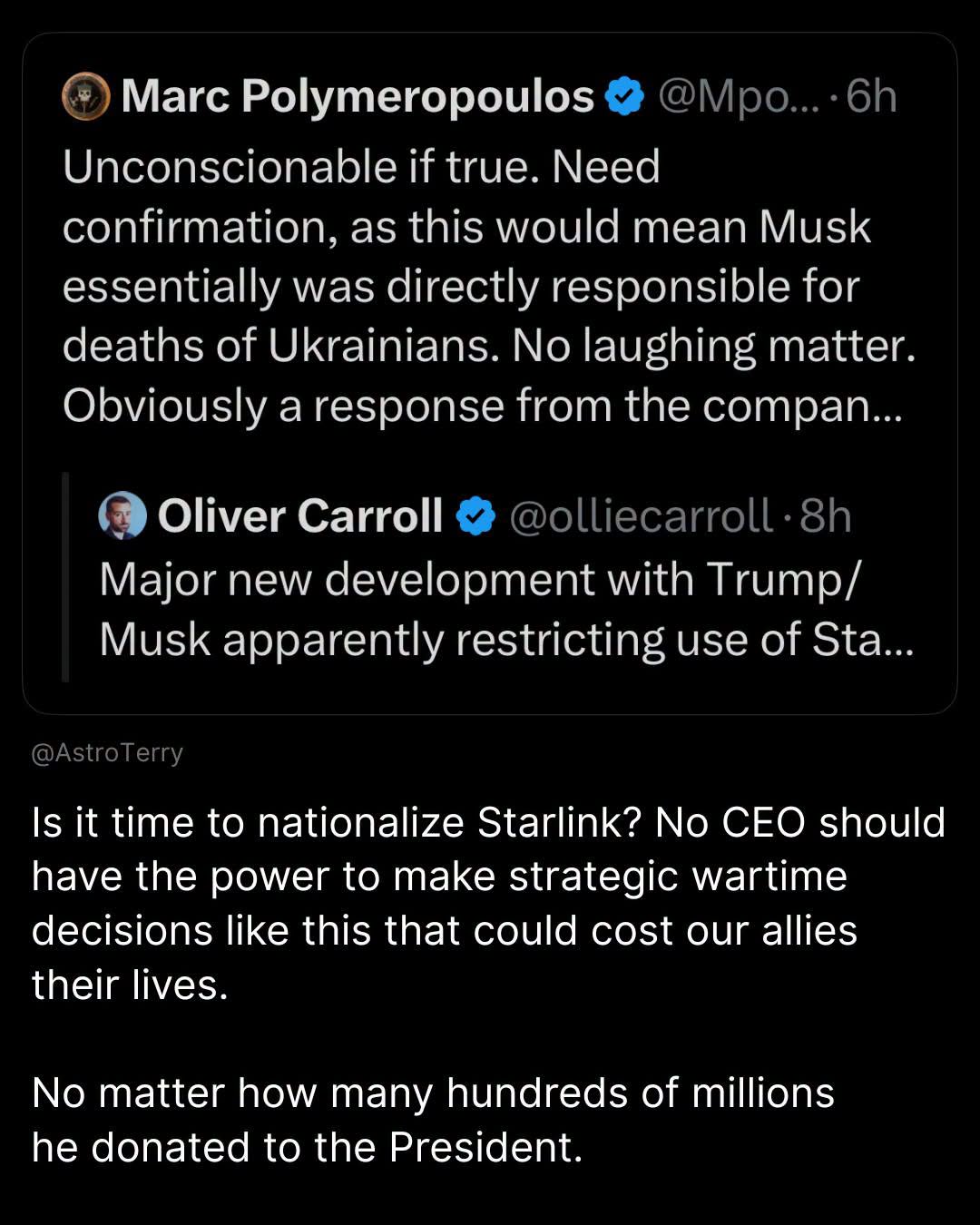
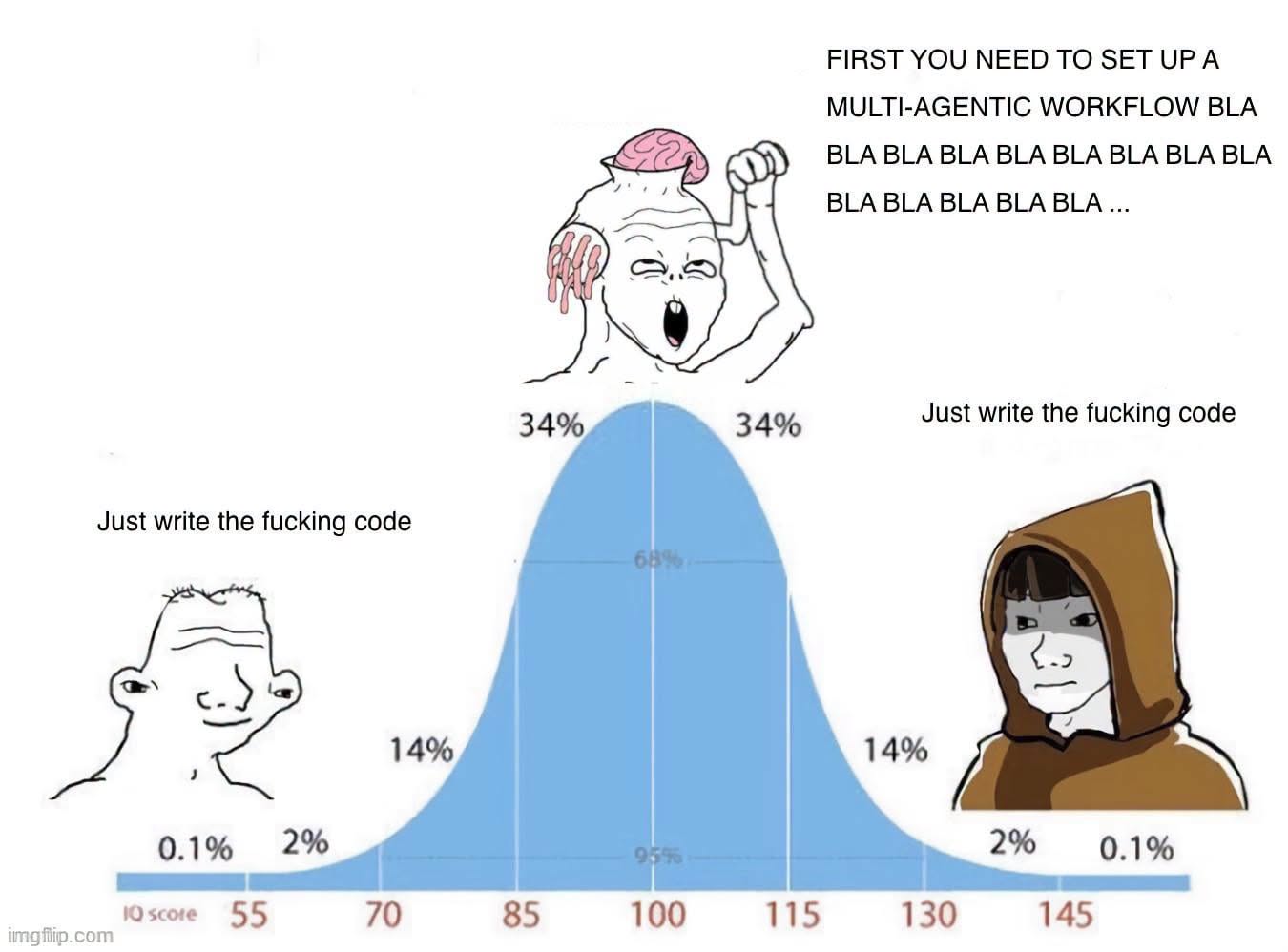
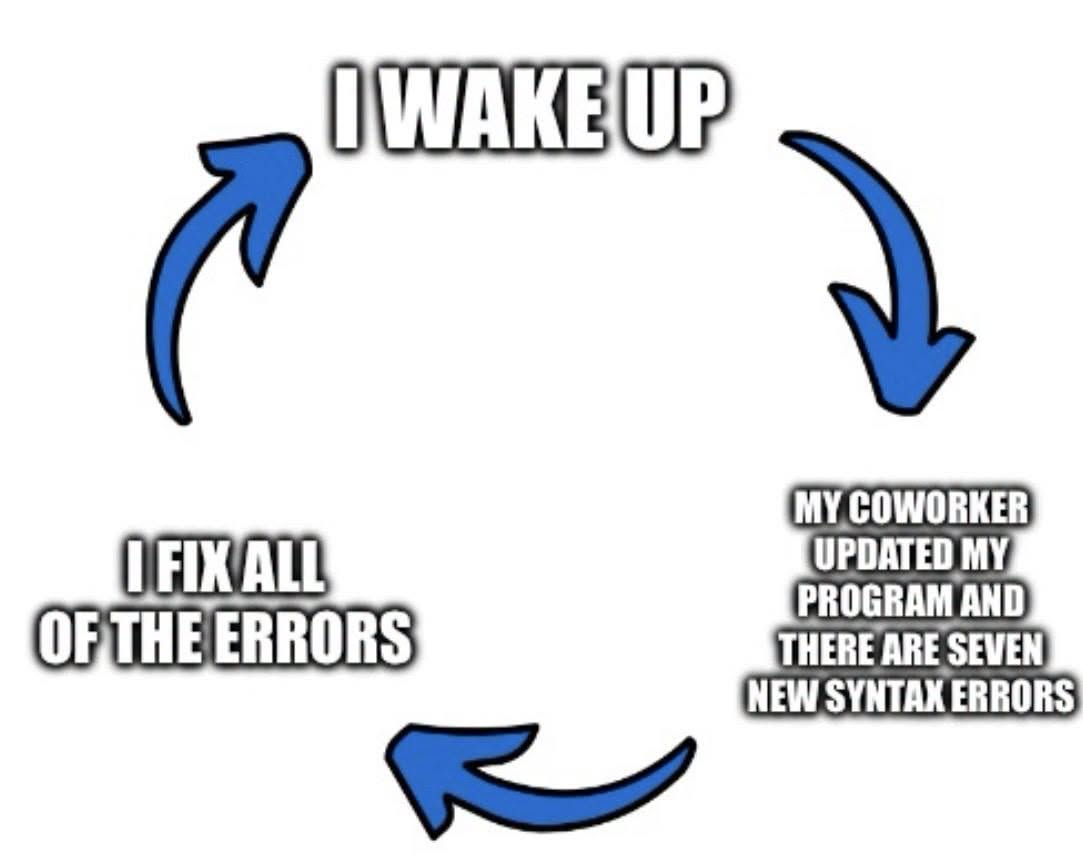
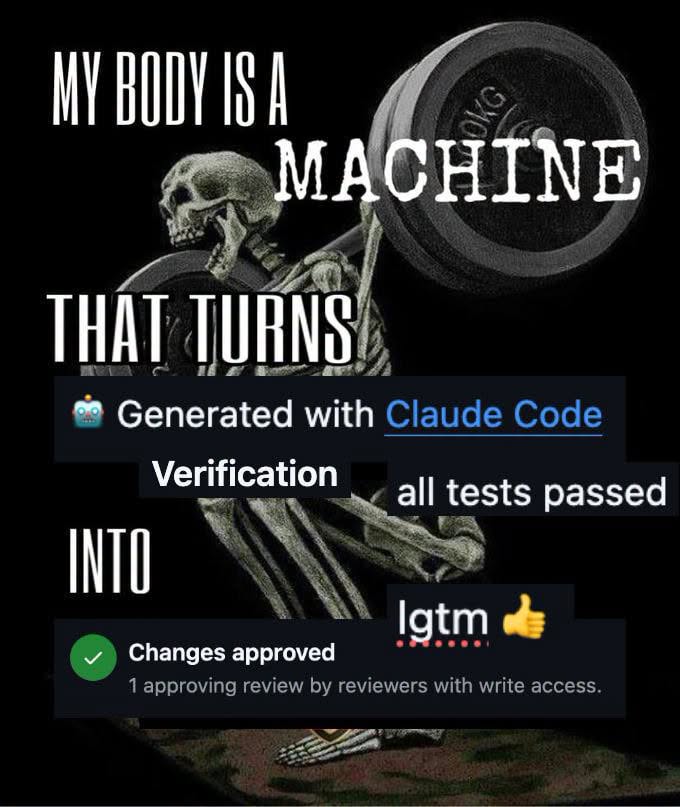
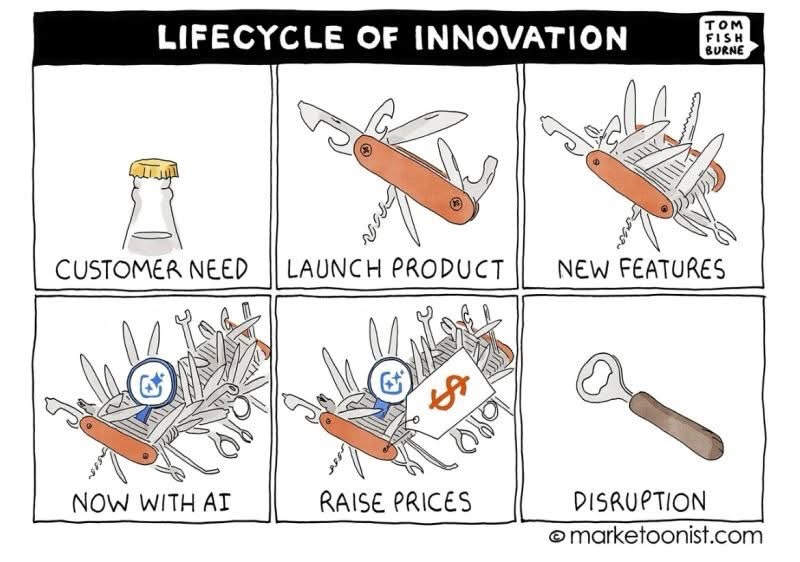
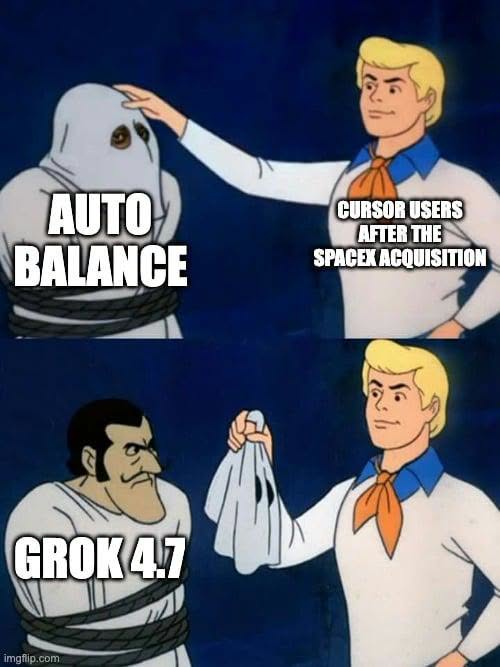
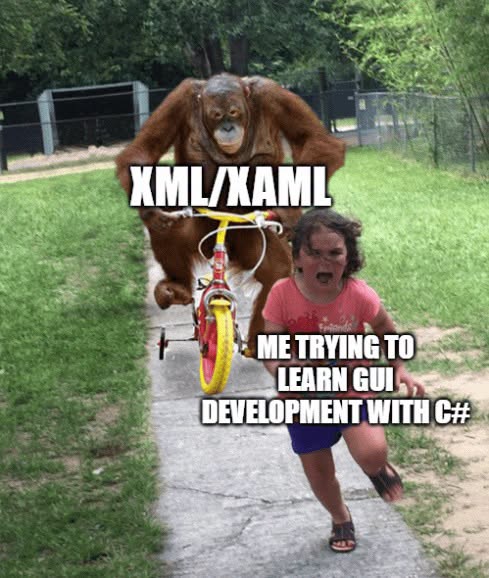
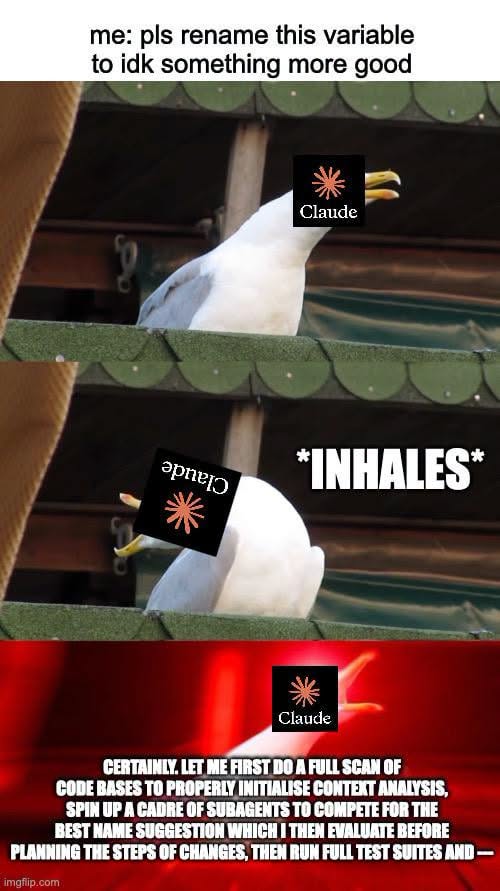
Happy Saturday, everyone! Here on Global Nerdy, Saturday means that it’s time for another “picdump” — the weekly assortment of amusing or interesting pictures, comics, and memes I found over the past week. Share and enjoy!


756953507_1062938879419842_1904825456521274677_n

753848841_2052567758802042_803562774699041281_n

elon-3

760689871_4319892915007965_3062101590215638287_n

1785186249201

758830830_923328780080999_1810687554970155016_n

754872510_1054272037537112_6935861058524466768_n

756227278_2320157365561111_6694921391234704735_n

1785438072257

757921831_1582754333528539_2722982711053784057_n

760671530_1544998693673505_1375289437023030056_n

752741009_1504978870943354_3027989652659103715_n

762831363_1517143993030609_6742198092756155552_n

758518271_2598629813888500_9174438680973630155_n

elon

1785273574939

758499806_1915853242396445_5634559106976873933_n

IMG_1482
Demonstrators gather for a protest outside SpaceX and Starlink facilities in Redmond, Washington, U.S., February 26, 2025. REUTERS/David Ryder

757236669_1916448489023283_4935150287824627946_n

758133917_1611396627282432_1831565333952868776_n

758554250_1891834415534773_4379241962255827272_n

758264608_889091240940677_7915550980904038871_n

758854759_1746439936551999_5867782531041481525_n

755949251_1993121781627137_6091159972126460516_n

759330329_28219902654280856_936773575134637592_n

Screenshot
Screenshot

755871150_1316215520502296_1933278455661606964_n

757331430_1701505951069547_6828923676622335608_n

758216979_2134551874160822_1380528521894013508_n

760055565_1541657527452517_3674876083476687456_n

758075147_1585987506275356_491347624913455960_n

1785168833090

759676795_1808758506952247_8178840102592082960_n

758706921_1381592067242325_6758162106108459706_n

759871723_1068061875635287_7849532270628255929_n

1785066434699

1785262831451

Screenshot
Screenshot

IMG_1175

759611301_1060189010024092_5416626627404073512_n

IMG_1092

IMG_1188-1

752658733_4252790644853537_5597721813235962261_n

760033746_1711491249897901_5997435995540397918_n

758854640_1584761789810404_5919124352980661041_n

759224676_1029233876657171_3110053106370900145_n

64gb

bafkreigqxytgxehgf2ggj2q6qxybl7zyd3lc7skze6vdtrq6zwcsdnaxvi

Screenshot
Screenshot

753192904_1801322294581459_5785918232300262296_n

760671572_1081634984544357_1979324923088795432_n

IMG_1119

759746158_2076014986623577_7323889989343139524_n

1785067483947

1785241265483

758863693_3770696669734748_3939305165189988184_n

758252957_1470179331797074_6566869959920961640_n

757666015_1776627386863141_5351745081980443639_n

757054993_1910103176623951_5827100233411790492_n

758117864_4488590691461945_4219792890176939141_n

758964586_4257223694589630_5275815330788986187_n

dhh

758590083_2598240270607118_2664832291287510570_n

757880824_3322302544639215_6959600037648987848_n

756341972_27673823098940530_7120073130939625948_n

757955035_1392989132687086_3722662716603894385_n

761499147_1295606915777854_6340102478939972977_n

753288103_2144867076443460_920924634264968479_n

756342555_1030084859774964_1202392080281839346_n

759330346_1079910358026581_7832056290514906989_n

IMG_1190

758180537_941643772281654_5573529987243442349_n

759446294_1350928509915318_4435057124774584068_n

0b5d5787f97e8235

techie-petaahhhhh-explain-it-peter-v0-8ag5rw218igh1

759224653_1416945740277540_6393696491554728049_n

752107055_1449068497091854_5977038074983416707_n-1

754462860_1376183184449910_7942455413399309833_n

756343895_1616783403380370_4598299234904118092_n

753702680_3259561180897631_5372898258077554503_n

Screenshot
Screenshot

754700027_1388368613235278_9110707655194477062_n

754960921_2024437168439713_2774752412824189590_n

757656839_1592114392536867_8083732345094897189_n

760424100_1349348980647082_1037994562445995035_n

758289009_1040542335342391_3214554571369345184_n

758564069_1400748755234049_2631887837174905772_n

759208661_1328599005722184_1761375169557631395_n

759521838_1807555897280962_8825278739835399452_n

760271034_1057757560327331_6884456661536189085_n

Screenshot
Screenshot

1785148531389

elon-2

IMG_1109

756989616_2131934237761008_4736668015800896666_n

1785496730380

Screenshot
Screenshot

752807552_1753747575774890_912896083208386528_n

759078846_1661869308212080_4942343887429411501_n

760503398_971481595942496_2348167964955229820_n

IMG_1202

755381123_1099060353158193_9114274955638336460_n

1785083587865

758765330_27975916432040135_3260135311978864158_n

759078212_1041449838471731_1332720353305836159_n

756953506_2249323305867968_1671340705540252703_n

IMG_1179

759240191_2872016326488258_1200842220888640029_n

759179819_1776261003384997_4022197454537977341_n

1785152323409


Screenshot